
One platform, as many modules as you need
Modular business software for staff, operations, invoicing and proof of service. One login, shared records, licensed per module or as a bundle – and further down, the open calculation of what the switch saves you each month.
Start with one module, add the rest later
Securo Hub brings every function together under one interface. Start with a single module — like HR or shift planning — and switch on more whenever you're ready. Each module works on its own, yet shares the same data seamlessly. Securo Hub replaces our earlier standalone apps with one modern, unified platform.
Securo Hub
One login, shared master data
Six views from a working day
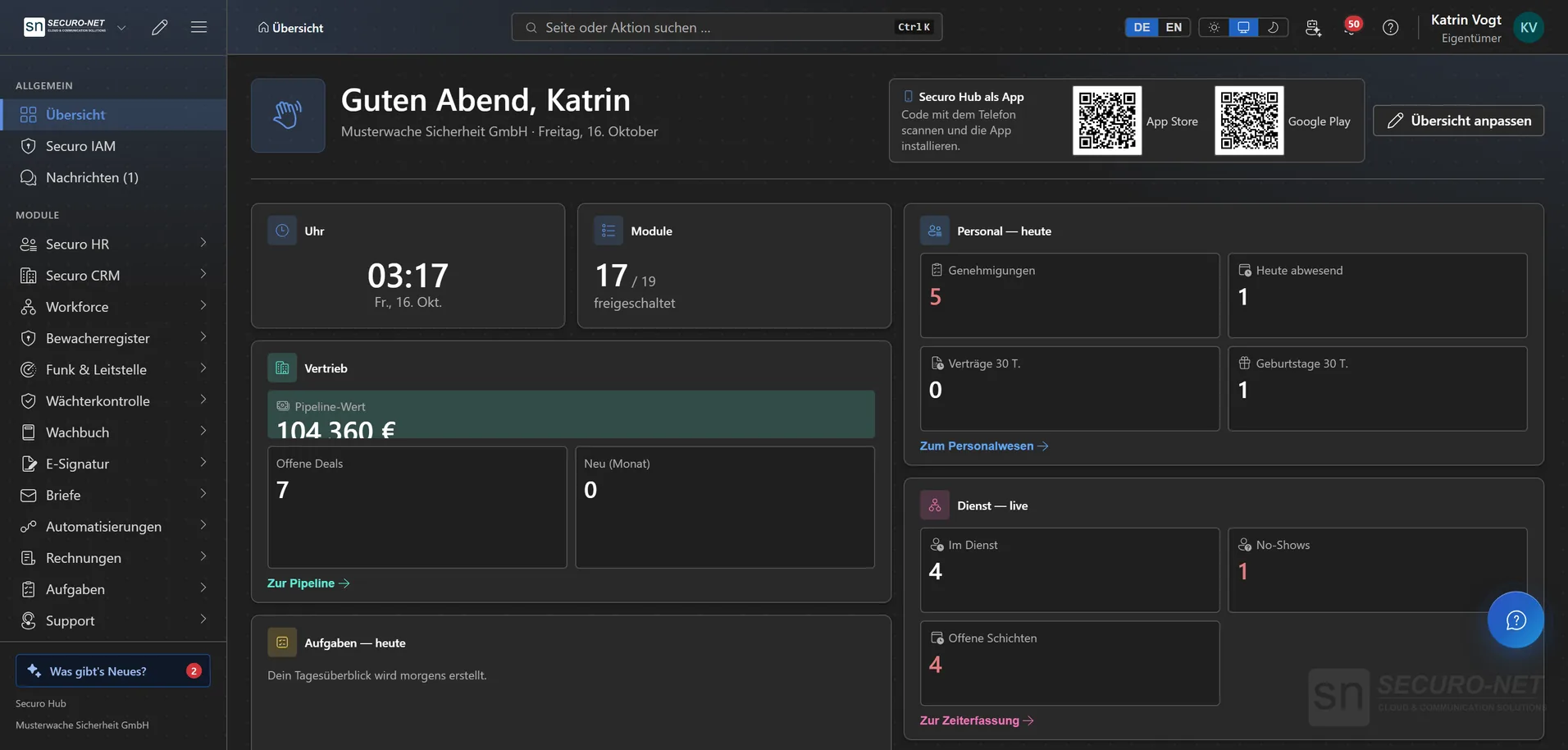
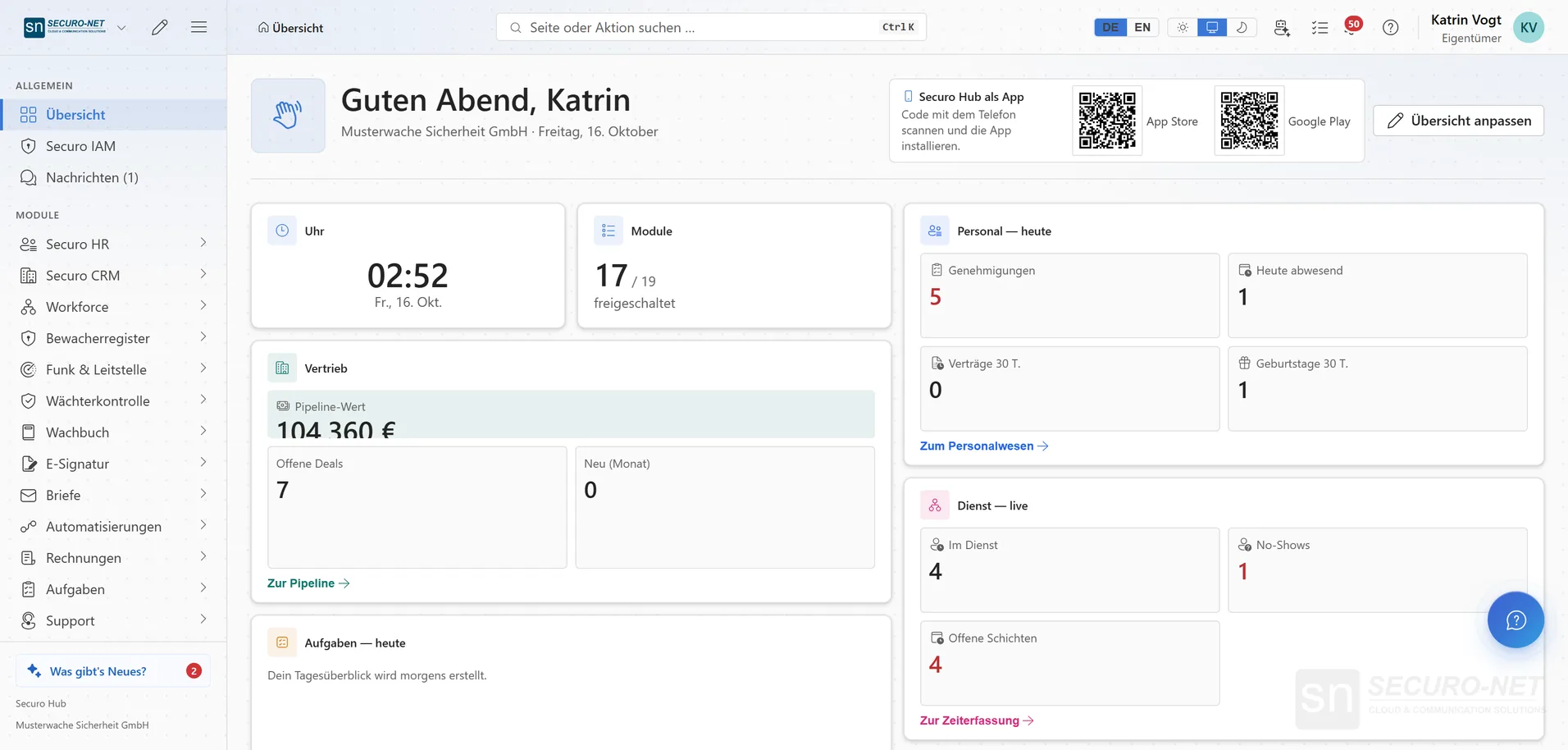
No illustrations, no staged mockups — these are screens from Securo Hub. The tour advances on its own; use the list to jump straight to a stop.
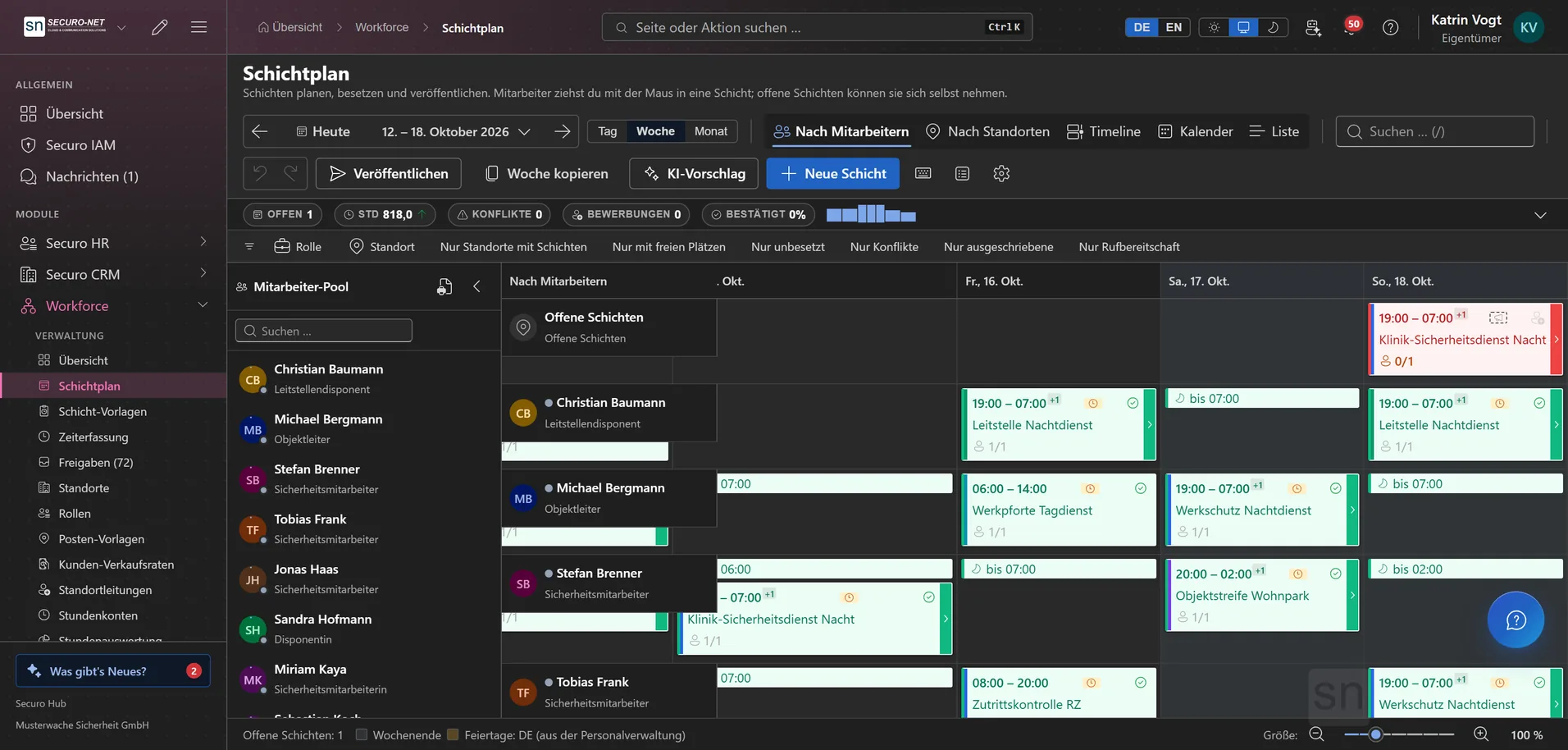
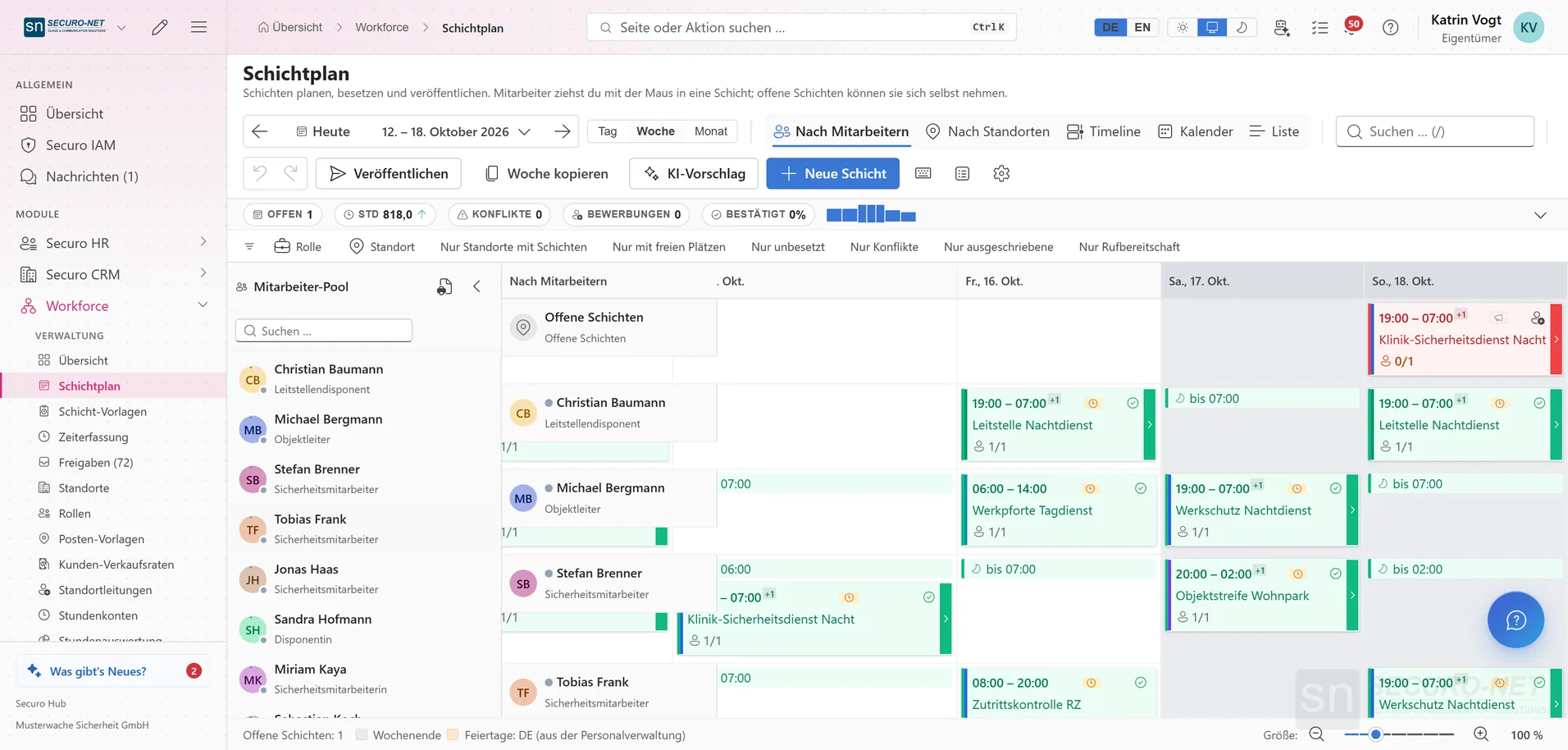
The week per employee with shifts, role colours and confirmations. Assign shifts by dragging or from the suggestion list and publish the plan once it is ready.
Workforce moduleWhat the switch saves you every month
Not a promise — a calculation you can check. On the left, what an admin task costs with spreadsheets, paper slips and three separate tools. On the right, how long the same task takes in the Hub. Every assumption is listed underneath.
Guarding, patrol and control room – the operation the Hub was originally built for.
Building and changing the schedule
−8 hCopy last month's spreadsheet, collect availability over WhatsApp, keep qualifications in your head. Every drop-out is re-entered in three places.
Generate the plan from a template. Rest periods and mandatory qualifications are checked as you assign, and expiring certificates stand out in advance; swaps and availability run through the employee app.
Collecting and retyping timesheets
−5.5 hGather paper slips from every site, decipher them, retype them into a spreadsheet, chase the missing ones by phone.
Hours are captured on the phone at clock-in and clock-out. Only exceptions reach the approval inbox – the rest is already booked.
Paper duty log: order, deliver, collect, archive
−4 hReorder books, drive them to the sites, bring full ones back, store them for ten years. When a client asks about an incident, someone finds the page, copies it and emails it.
The entry is created on the phone during the shift – with timestamp, photo and location, logged tamper-evident. The client sees the entries for their site in the customer portal.
Calculating premiums and handing over payroll data
−5 hPull night, Sunday and holiday hours out of the time sheet, apply premiums by hand, send the list to the tax adviser.
Premium rules are configured once and apply to every recorded hour. At month end the DATEV export is ready – to review, not to calculate.
Client invoicing per site
−4 hPull hours per site out of several spreadsheets, reconcile them against the contract, type the invoice in a word processor.
Every hour already belongs to a site and a client. The month becomes the invoice – as an e-invoice for public sector clients too.
Keeping the guard register and § 34a deadlines current
−2 hExpiry dates in a spreadsheet, reminders in a calendar. Before an inspection, certificates are dug out of folders.
Guard ID, certification and expiry date sit on the personnel record, and the register status can be looked up in the Hub. Expiring certificates stand out before they lapse.
On top of that comes everything no hour count shows: reordering duty log books, copies, postage and ten years of shelf space. Across eight sites that is several hundred euros of hard cost a year – and a box nobody wants to search through when a client asks about an incident.
Where the numbers come from
- The basis is experience from rollout projects – the tasks customers named as their biggest time sinks when switching. It is a worked example, not a measurement taken in your company.
- Only admin work is counted: planning, recording, invoicing, proving. The work on site, in the warehouse or on the road is not part of this calculation.
- The euro figure uses 40 € per admin hour – employer cost including overhead. If your rate is lower, divide accordingly.
- The calculation scales linearly with headcount. Beyond roughly 150 employees routine sets in and reduces the effort per head – at that size the estimate is more likely too high than too low.
- The right-hand column assumes the modules are set up and your premium rules are configured. That happens once during onboarding, not every month.
- What the Hub costs depends on modules and users. In a first call we put both side by side – with your numbers, not these.
Every module at a glance
Every module is ready to use. Those marked “Beta” are being extended especially actively right now – your feedback goes straight in.
People & operations
From the personnel file through the schedule to gross pay — with no media break.
HR
Personnel files, absences, qualifications, recruiting, payroll documents and social-insurance filings.
Workforce
Shift planning, shift marketplace, time tracking and time accounts through to the hours statement for your client — with built-in checks under German working-time law.
Payroll
Gross wage calculation with tariffs, premiums and site rates — through to handover to your payroll office.
Security & evidence
For security providers: fully documented, tamper-evident records, aligned with German rules.
Guard control
GPS and NFC patrols, lone-worker protection and unbroken proof of service.
Guard logbook
A digital duty log: record occurrences in a tamper-evident log, still verifiable years later.
Radio & dispatch
Push-to-talk over cellular, dispatch in the browser, a situation map, recorded radio traffic with AI transcripts, and SOS.
Guard register
View security staff and company data straight from the German guard register — and check third-party guard IDs.
Sales & billing
From first contact through the quote to the paid invoice.
CRM
Customers, contacts, contracts, deals and pipeline — with e-mail from your Microsoft 365 mailbox and group structures.
Invoicing
Quotes, invoices, dunning, e-invoicing and automated billing straight from the schedule.
Appointments
Add-on to the CRM: public appointment booking with Outlook sync and website forms — consultations, site visits, callbacks. In the Hub under “Appointments” in the CRM menu.
Documents & correspondence
Signing and writing — at the right signature level and in your own identity.
Steering & quality
What holds the operation together: the standard, the fleet, tasks, customer requests.
Quality
ISO 9001 from gap analysis through audits to the certificate — including DIN 77200.
Fleet
Vehicles, trip log, taxable benefit, dispatch, costs and deadlines.
Tasks
From a fast notepad to projects with board, sprints and timeline — with a calendar and Outlook sync.
Support
A helpdesk for email, widget, live chat and callbacks — with macros, deadlines in business hours, a knowledge base and reporting.
Platform & automation
Functions that sit above every module and tie them together.
Automations
Recurring processes as workflows — triggered by module events, a schedule, a button or from outside.
AI assistant
Answers questions about the hub — and with Securo AI proposes shifts, master data, quotes and invoices that you confirm with one click.
Integrations
Connect external services — Stripe, Microsoft 365 and data migration from the planner.
Telephony
Microsoft Teams inside the hub: recognise callers, keep a call list — and with Securo Telefonie · Pro, take calls right in the browser.
Messages
Internal direct messages and groups with file attachments — no separate licence needed.
Notifications
Shift reminders, approvals and alarms — via push, in-app and email, configurable per notification.
Forum
Industry-wide exchange between companies — with a marketplace for staff, jobs, subcontractors and equipment.
Securo Hub × Microsoft
Securo Hub works with Microsoft 365: your IT sets up the connection once, your organisation decides what it may be used for – and then each person connects their own account.
Sign in with Microsoft
Each person can link their Microsoft account for signing in to Securo. This is a separate step, independent of the Microsoft 365 connection – password and second sign-in step stay in place.
Microsoft 365 & Outlook
Consent once at Microsoft; the Hub detects the tenant itself. After that, your own shifts, absences (without the reason) and tasks land in your own Outlook calendar – moving a task there changes its due date in the Hub. Outlook events show in the task calendar, and online booking does not offer busy times.
Email in the CRM & Teams telephony
Write emails to customers right in the CRM – from your own or a shared mailbox, with replies showing up on the customer. Teams telephony is enabled at Microsoft with one click.
Microsoft Entra ID
Sign in with Microsoft
Outlook & Exchange
Calendars and email in the CRM
Microsoft Teams
Telephony in the Hub
Securo Hub
Calendars, email and telephony without a second set of records
What every module comes with
One login (SSO)
Signed in via Securo ID — one access point for every module.
Individually or as a bundle
Single modules per organisation or as a seat per user – or as a bundle priced per employee.
Light & dark mode
Follows the system setting, easy on the eyes in any light.
In the browser and as an app
In the browser at your desk, on the move in the Securo Hub app for iPhone, iPad and Android.
Command palette
Everything reachable by keyboard (Ctrl/Cmd + K).
GDPR-native & EU hosting
Privacy by design, the Hub's data is hosted in the EU. AI features and voice transmission for radio run through external providers.
German rules built in
Working-time checks in the schedule, guard register, e-invoicing and DATEV hand-over — designed into the product.
The app for the team in the field
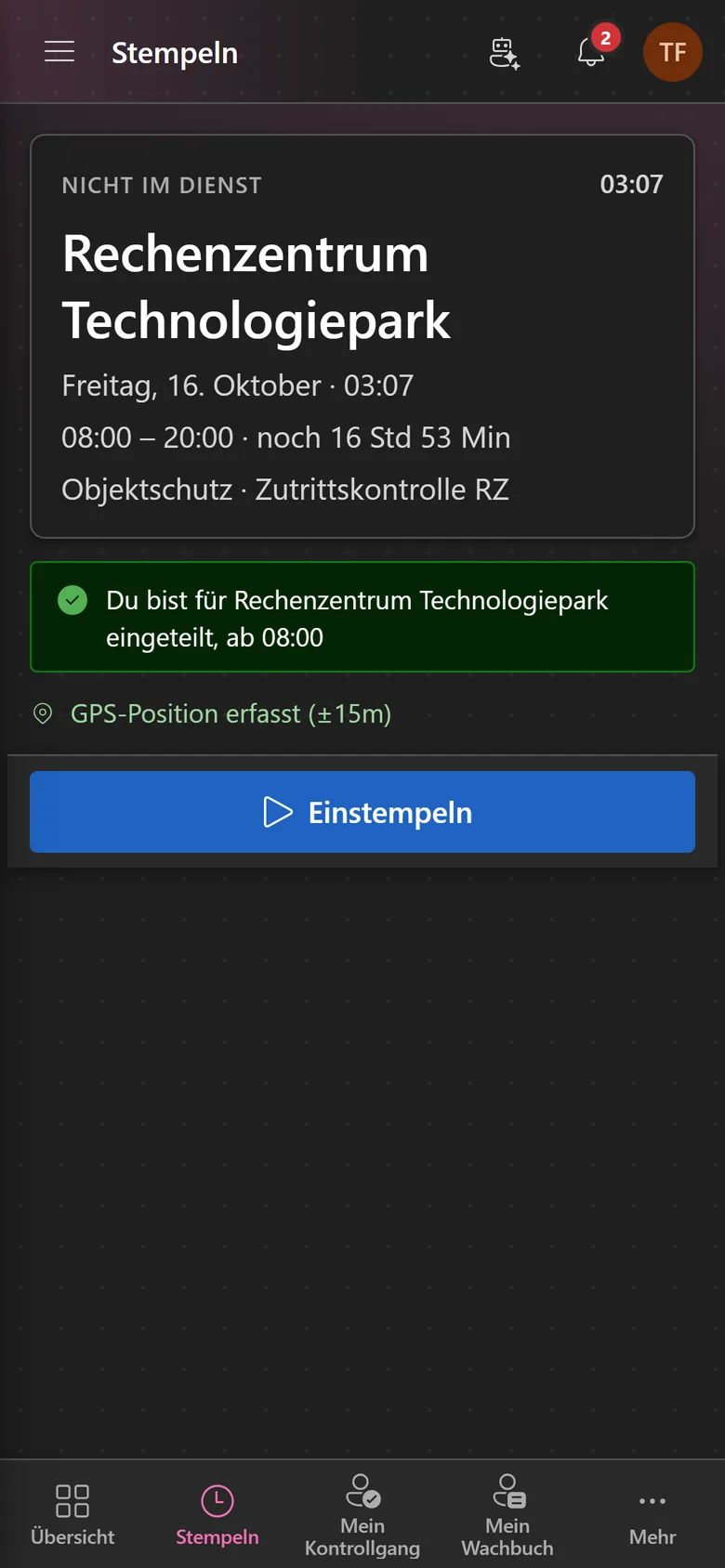
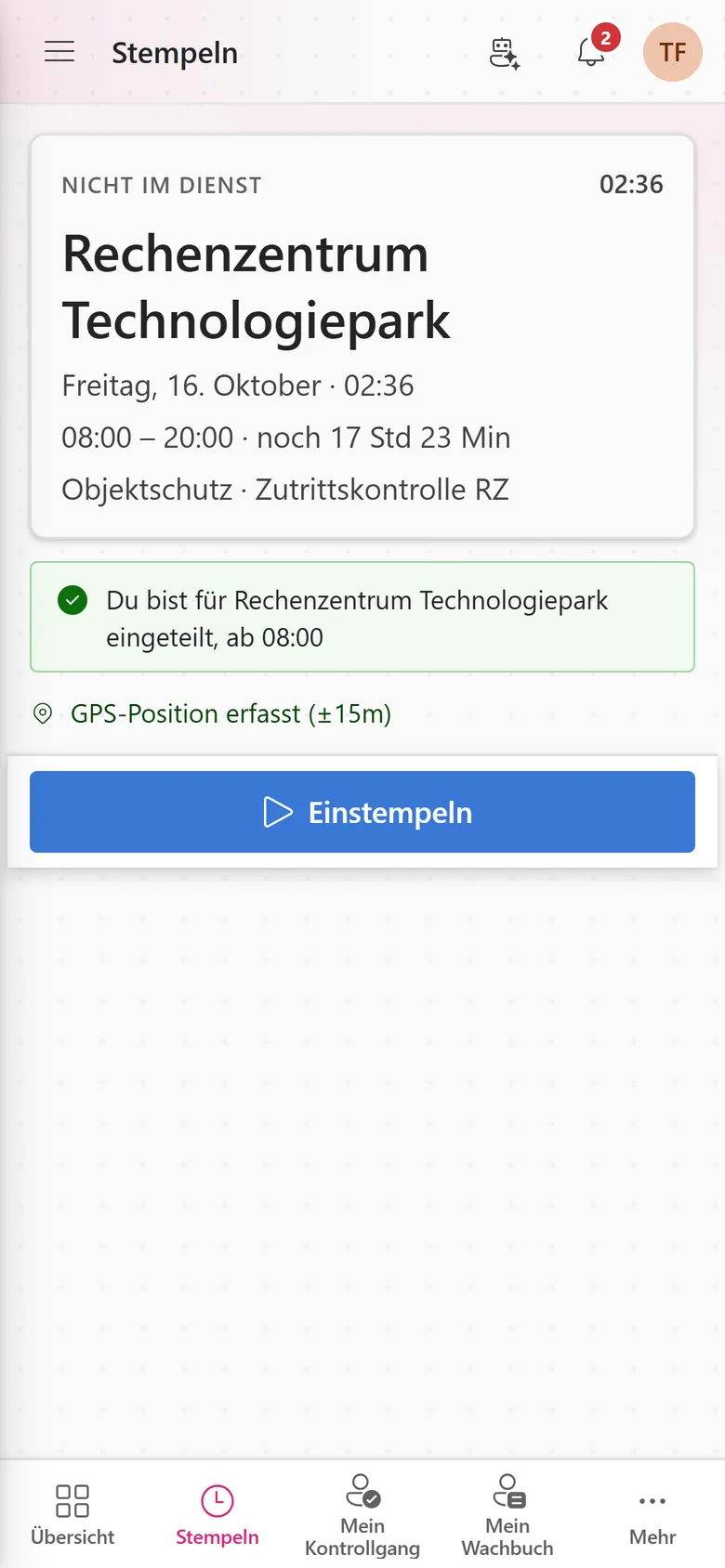
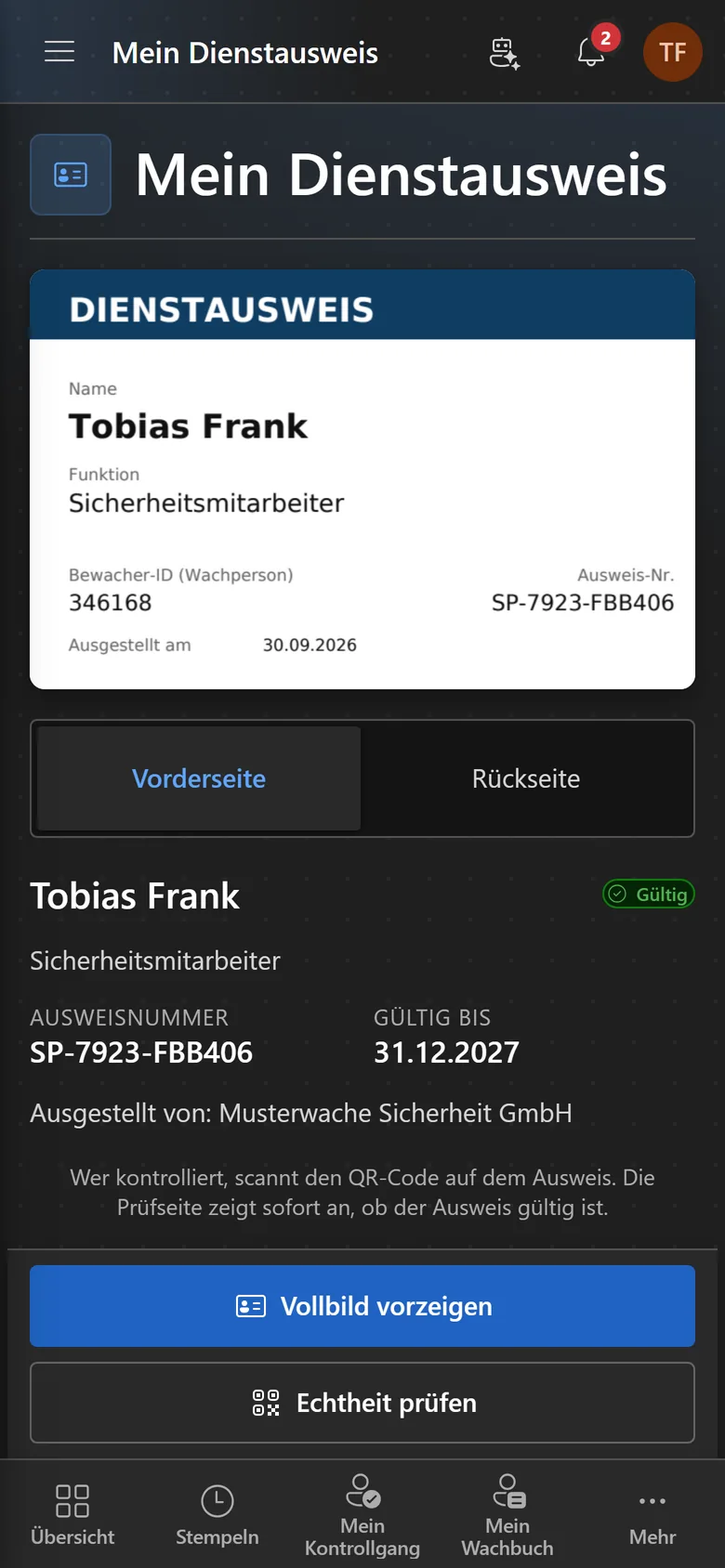
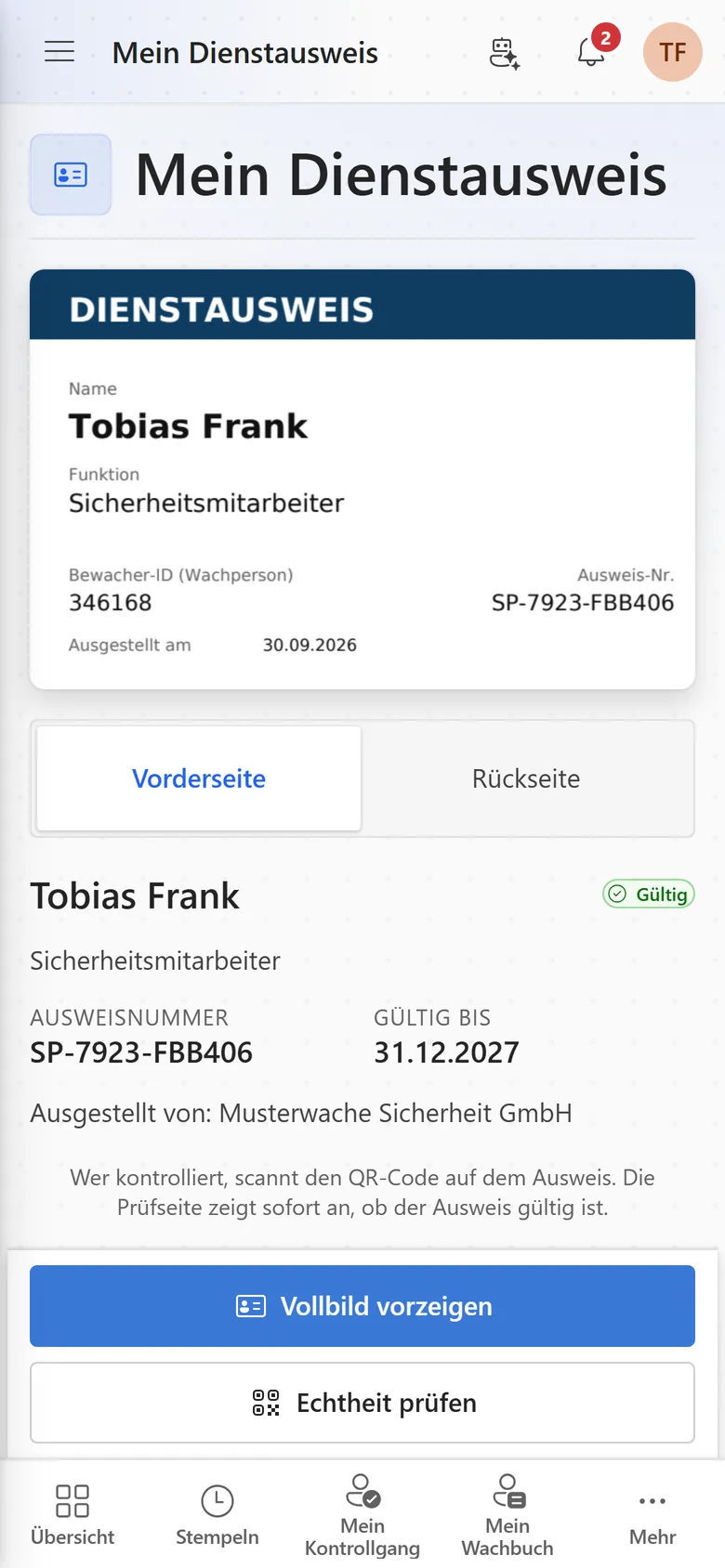
Whoever is on site doesn't need a desk: shifts, clocking in, guard tours, the logbook and the ID card live in the Securo Hub app – with the same login as in the browser.
- Clock in with your location at the site – even without signal
- Guard tour with NFC, dead-man and panic button
- Digital ID card, verifiable via QR code
- Assignment requests and notifications via push
Pay for what you use
Modules can be booked individually – some once per organisation, others as a seat per user. If you need several modules, take a bundle priced per employee. We work out which route pays off in a call, using your numbers.
Start with one module
Scheduling first, invoicing later – or the other way round. Every module works on its own and still uses the same records.
Individually or as a bundle
Single modules are billed per organisation or as a seat per user. In a bundle, the active employees in HR count, not the accounts – and a quota for external workers from subcontractors is included.
Term stated up front
Modules can be added at any time. Whether a minimum term applies is shown in the summary before you order – we would rather keep you through the product than through the contract.
What it replaces
Every line here is a separate contract, a separate login or a stack of paper today.
- The schedule in a spreadsheet – plus the copy that is always out of date somewhere
- A separate time-tracking tool with no link to the plan
- The paper duty log, the copier and ten years of archive folders
- An extra subscription for electronic signatures
- A standalone tool for invoices and e-invoicing
- Deadline lists for the fleet, qualifications and the guard register
- The WhatsApp group that has to stand in for a schedule