
Payroll
Calculating premiums, site rates and on-call by hand costs days every month and invites disputes. Here the gross figure comes out of hours that were already approved — with a visible calculation trail.
Every feature
19 features, grouped by area of work. Every one of them exists in the product.
Pay model
Salary or hourly pay
Set per employee how they are paid. That single fact is the basis of every calculation that follows.
Pay grades
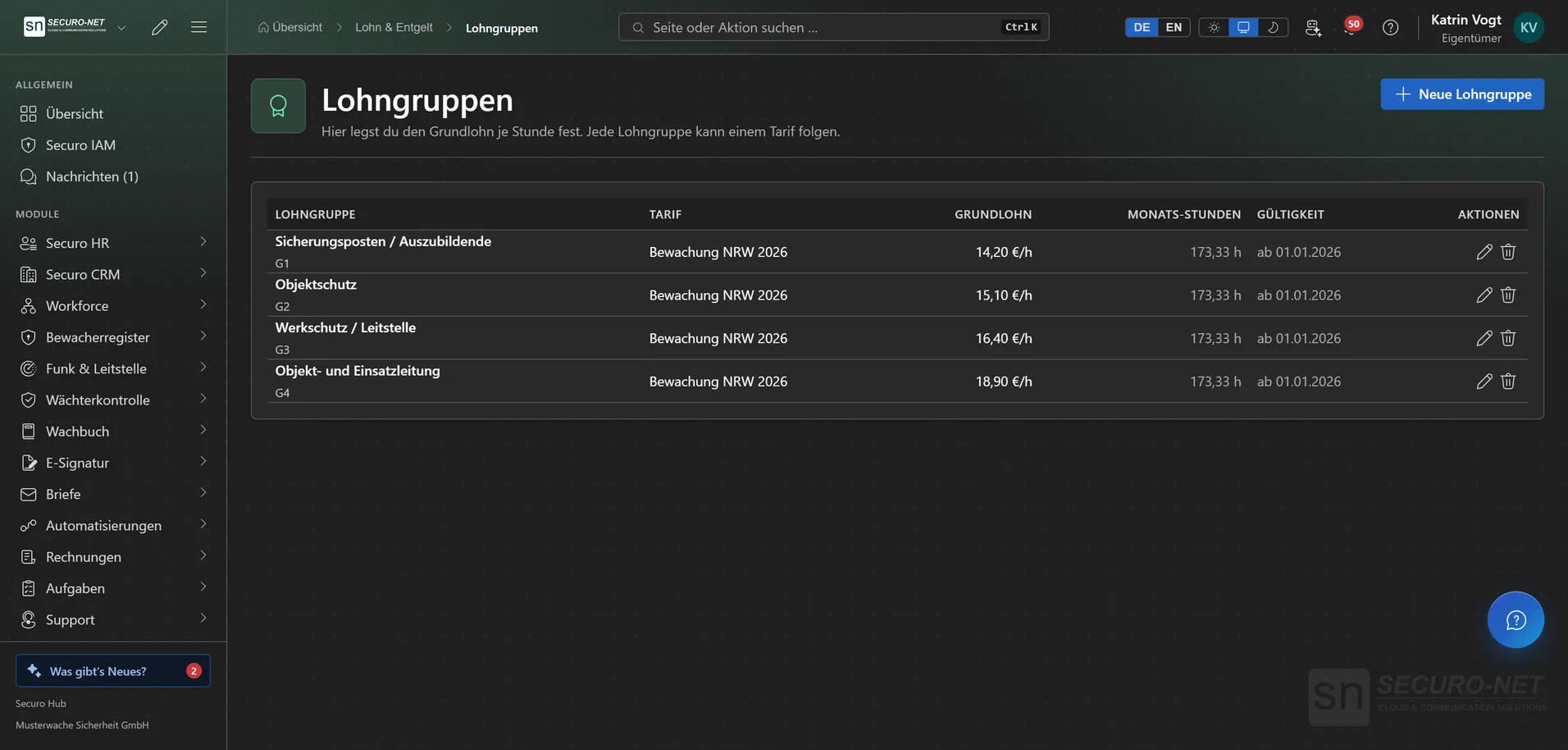
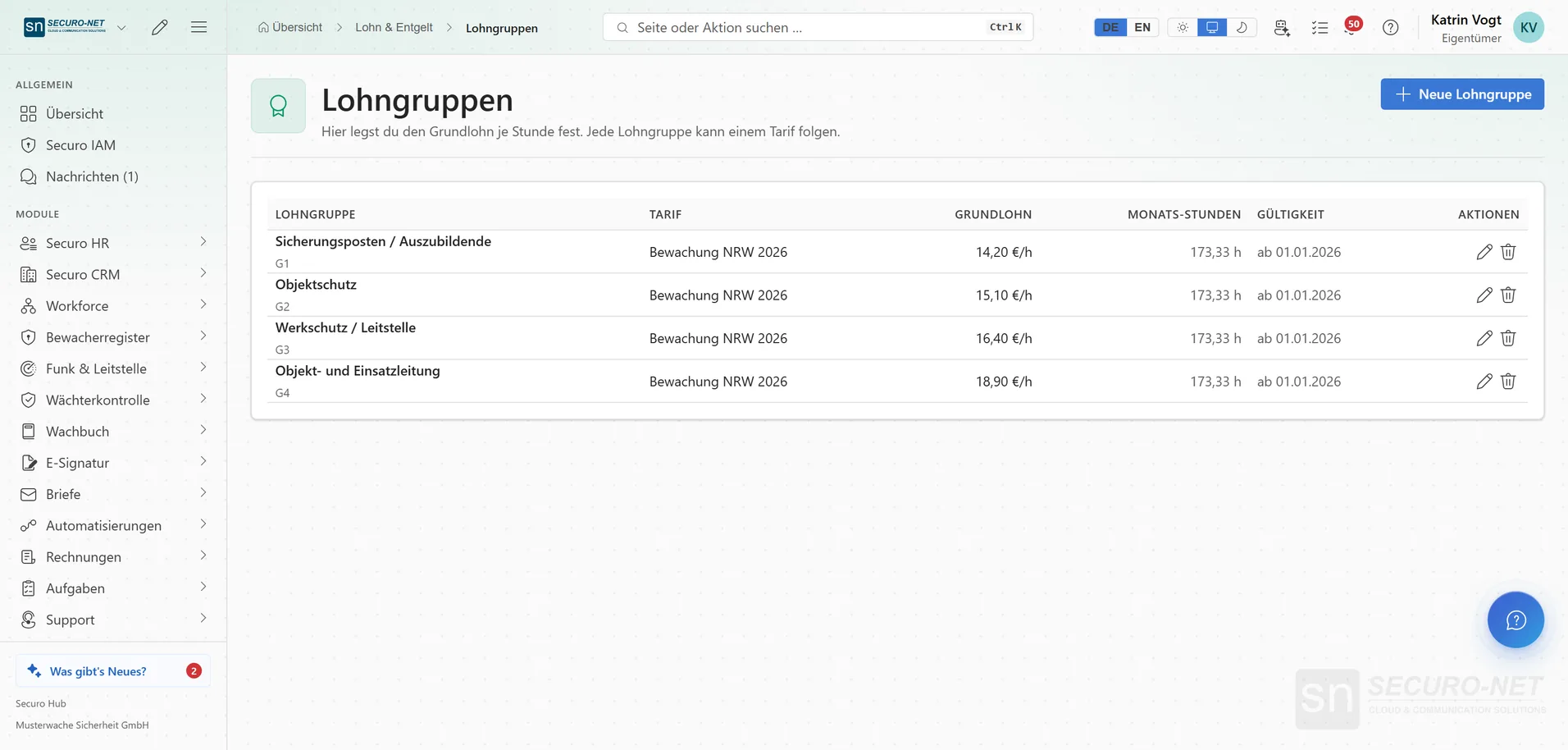
The base hourly rate per grade — property security, cash transport, aviation. Kept separate from the premium scheme.
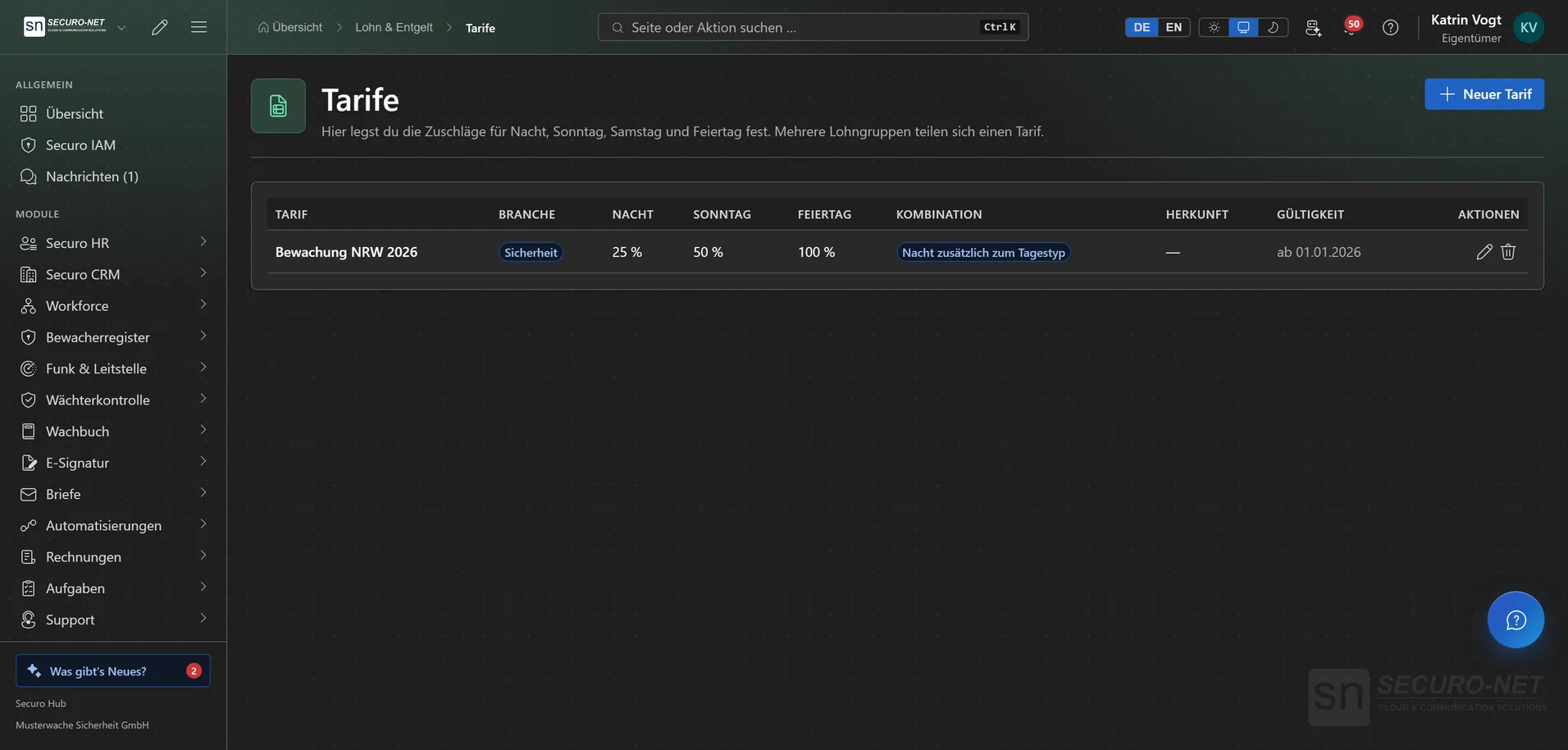
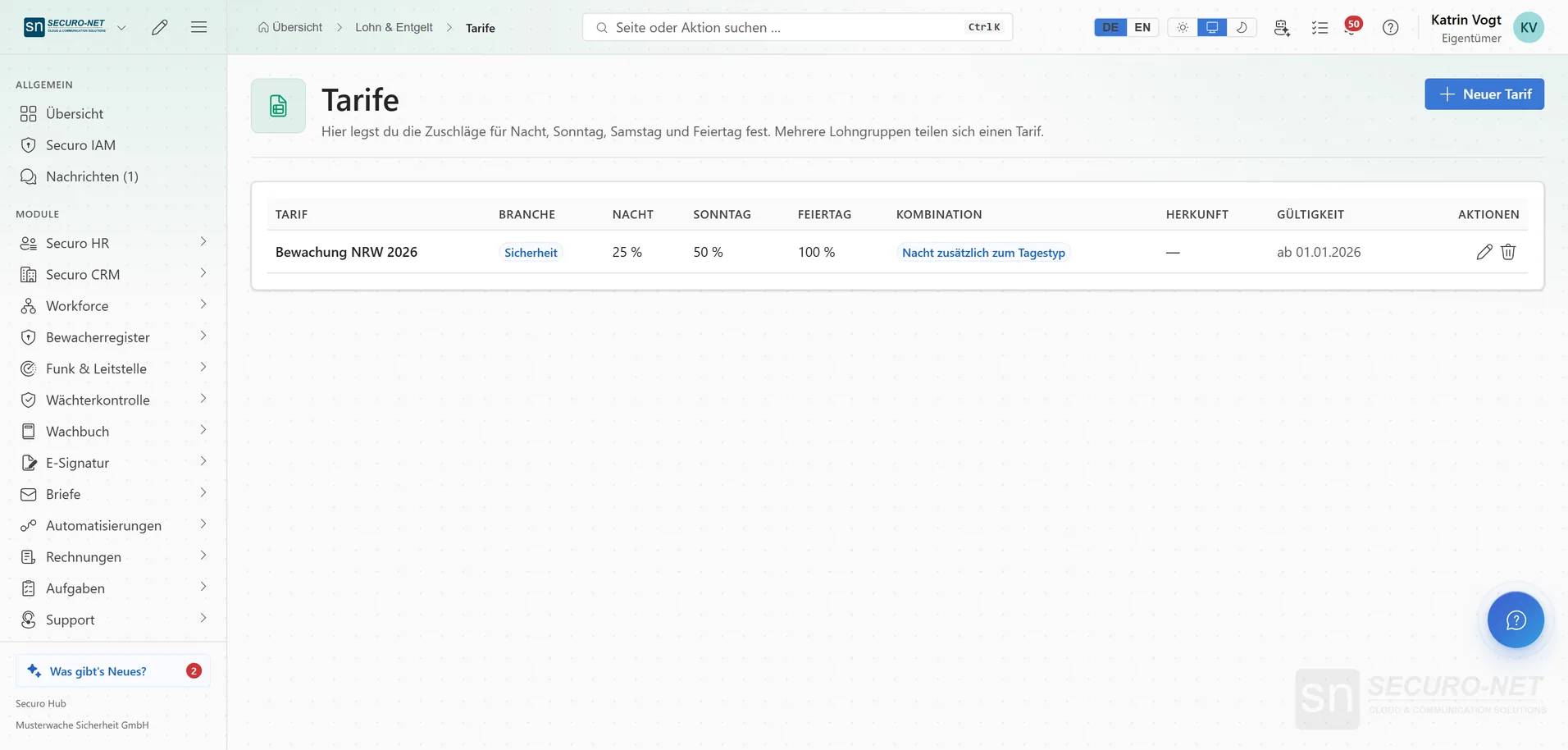
Tariffs for premiums
Night with its own night window, Sunday, Saturday and public holiday in one scheme. Several pay grades share a tariff — a pay round is changed in exactly one place.
Premium combination
What applies when night meets Sunday or a holiday — only the day type, the higher one or both — and whether the holiday takes precedence over Sunday. Plus a Saturday window and a fallback holiday region, Austria and Switzerland included.
Site rates
The hourly rate depends on the site and/or the position, not on the person — the usual model in contract security. Per rate you choose “Wages for your own employees” or “Cost rate for subcontractors and external workers”.
Premium rules without code
A team-lead allowance only at events, a higher night premium at one specific property — assembled through a guided form.
On-call rates
On-call is not working time and is not clocked; it is paid at its own rate — as a flat amount or per hour, with separate amounts for Saturday, Sunday and public holidays.
Minimum-wage warning threshold
You set the hourly rate below which the payroll run shows a warning. It warns, it does not block — and the figure is yours, not a statutory value we maintain.
Payroll run
Payroll runs per period
Open a period, calculate gross per employee, review, correct and hand over to your payroll office. A run is never locked: “Open”, “Calculated” or “Exported” — recalculating works at any time, after an export with a confirmation.
Visible calculation trail
Every shift with date, location, break, hours and premiums; expanded, the split by time of day and the source of every figure. If a location pays the break, it counts in the hours — premiums included.
Gross pay statement as PDF
One statement per employee at the level “Compact”, “Per shift” or “Per time segment”. “All pay statements” runs in the background and ends with a combined PDF ready to print.
Pay out overtime
Pay out hours and minutes, or the whole overtime balance with “All” — the amount appears in gross pay, on the pay statement and in the export, and a reversal returns the hours. With Securo Payroll Pro.
Company car & mileage
Fleet calculates the company car benefit and the mileage reimbursement; the payroll run carries both into gross pay. If the month has not been calculated yet, the run tells you.
Handover to the payroll office
Wage types
The numbered categories your payroll office uses — base pay, night, Sunday. The export maps every amount to the right one.
Handover to DATEV Lohn & Gehalt
With adviser and client numbers on file, your payroll office sets up the format in DATEV once and then reads every file directly. Hour-based wage types go across as hours, premiums and fixed pay as amounts.
Hours statement (CSV)
One row per employee and wage type with personnel number, name, hours, amount and cost centre — independent of any software, for any payroll office to import or type in.
Your own export templates
For payroll offices without DATEV: build Excel or CSV lists yourself, such as “Hours per rate” for typing in, with your own column headings. The total row equals the run’s gross exactly.
Export archive with change notice
Every generated export stays available as a copy. If the current figures differ from the last export, a notice shows the difference — so you know whether to export again.
Subcontractor costs
Cost rates per site or position for external staff, and a cost report built from them — purchase costs, not wages, and not part of the DATEV export. The report is part of Securo Payroll Pro.
More views from Payroll
Screens from day-to-day operation — demo data, but no retouching afterwards.
Pay grades
The base hourly rate per grade — from guard post to operations lead, each with tariff and validity.
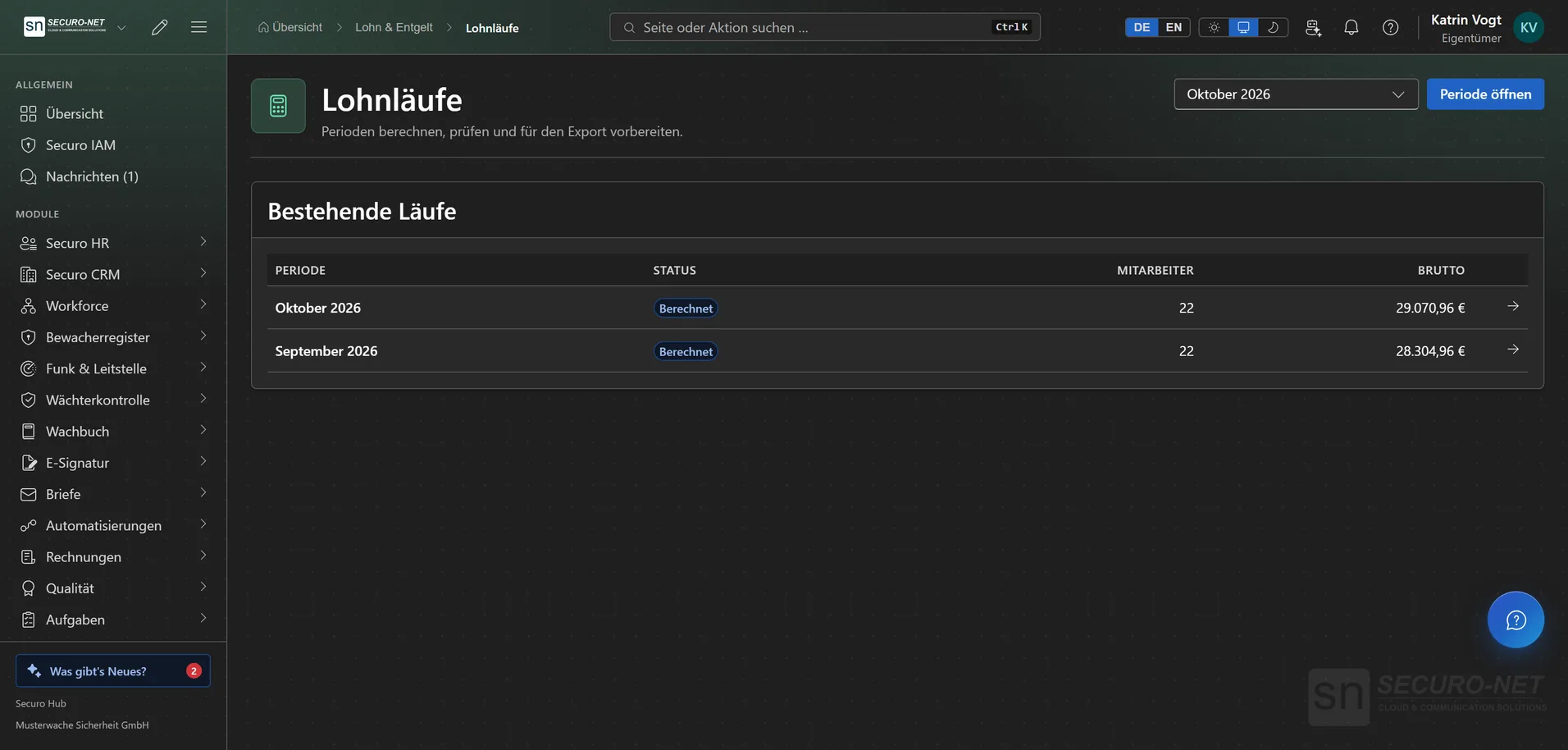
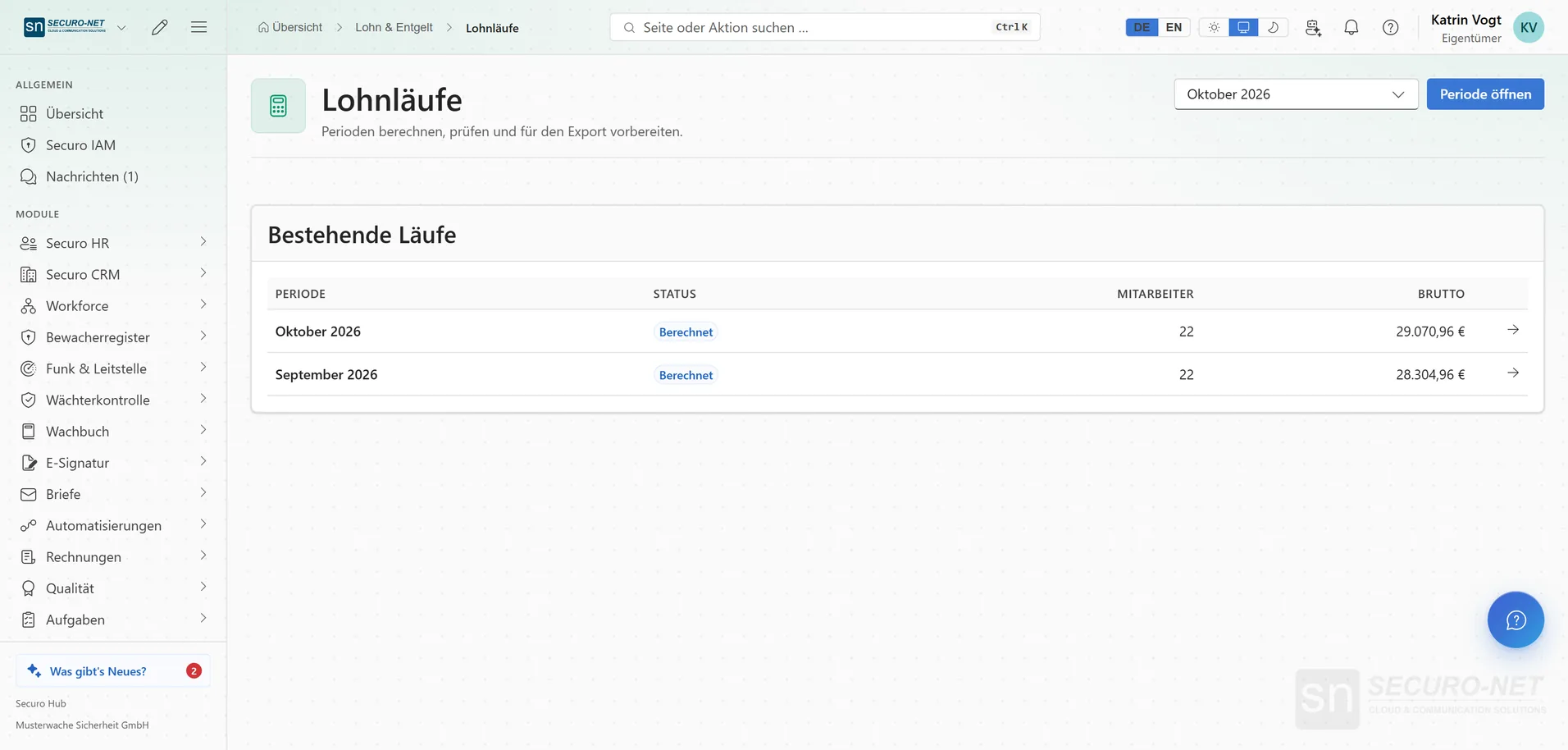
Payroll runs at a glance
Every period with status, number of employees and gross total. A new period opens with one click.
Works well with
These modules share the same data — together they remove the double data entry.
HR
Personnel files, absences, qualifications, recruiting, payroll documents and social-insurance filings.
Workforce
Shift planning, shift marketplace, time tracking and time accounts through to the hours statement for your client — with built-in checks under German working-time law.
Guard control
GPS and NFC patrols, lone-worker protection and unbroken proof of service.
Part of Securo Hub
This module is part of the Securo Hub platform — one login, shared data, one design. Use it standalone or together with others.