
Automations
The same handful of steps after every new hire, every incident, every new customer. Here they run by themselves, triggered by what happens in the hub anyway.
Every feature
18 features, grouped by area of work. Every one of them exists in the product.
Building flows
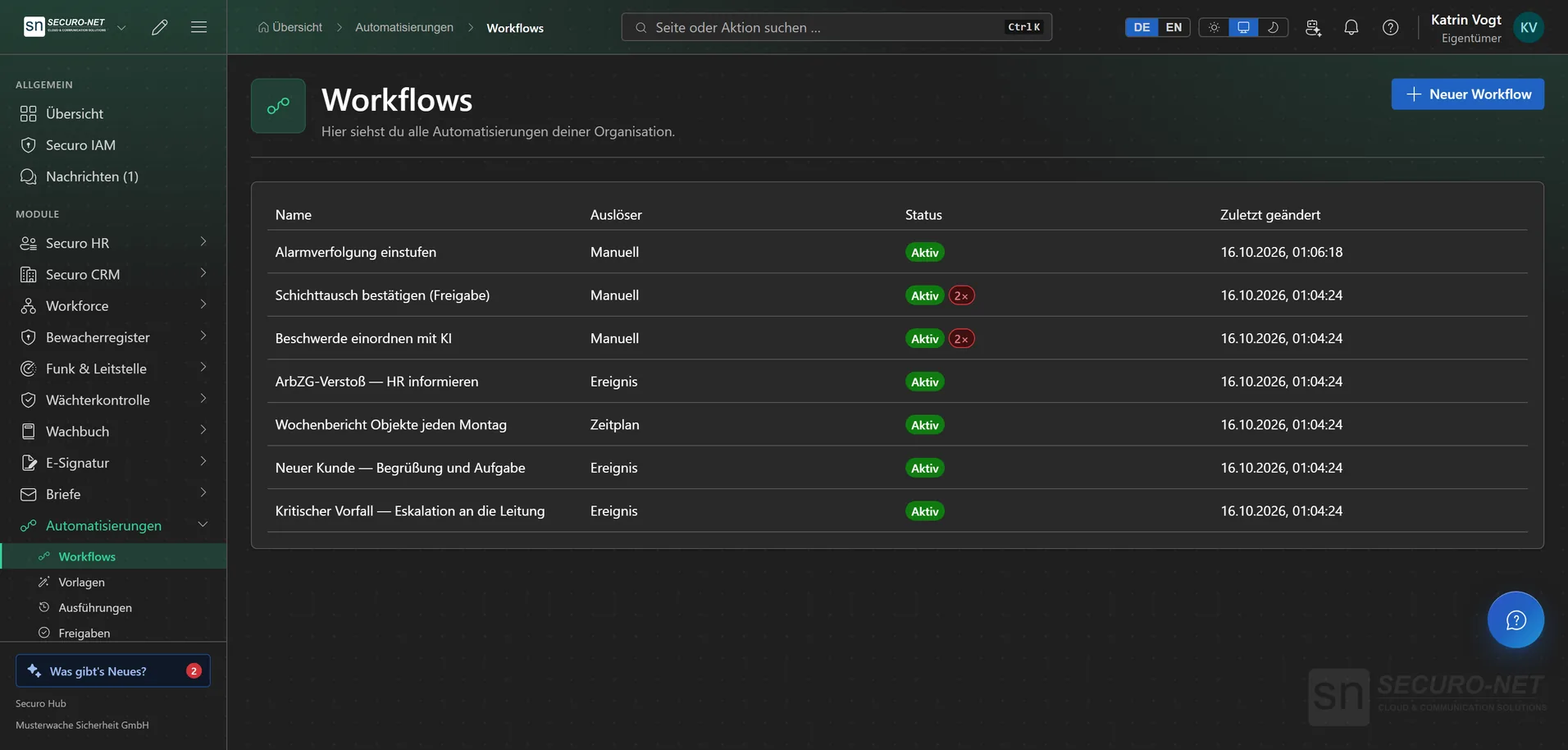
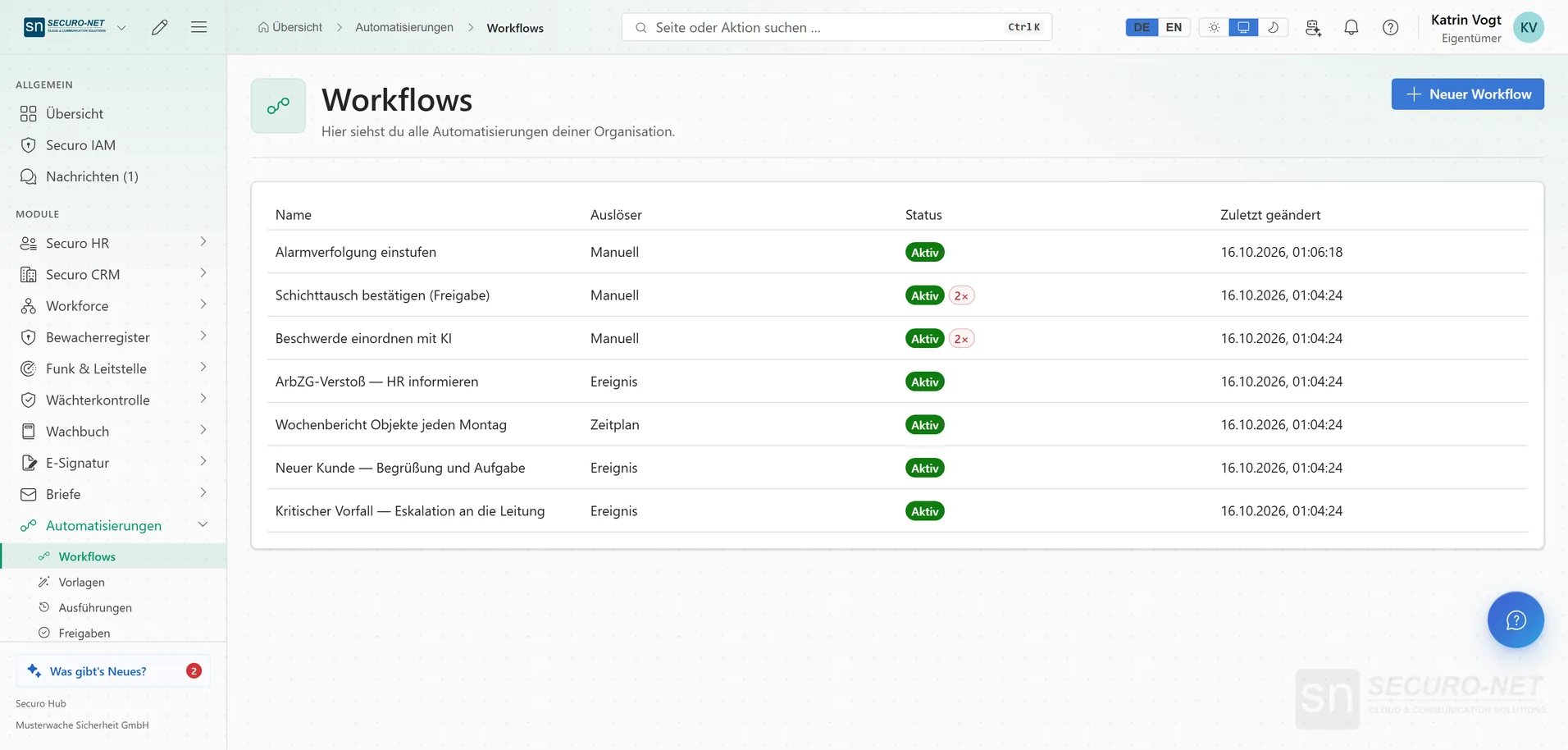
Workflow list
Every automation in your organisation, with a clear view of which are active and which recently failed. Up to five active workflows with the Starter licence, as many as you like with Securo Automation Pro.
Workflow editor
One trigger and one action per workflow: pick, fill in, test, activate. Recipients are found by name, module actions are filled in as a form — assembled by clicking rather than programming.
Module events as triggers
A new employee, a deal won, a contract created, a working-time breach — the hub itself gives the starting signal. Workflows can also be started at the push of a button.
Schedule
Every few minutes, hourly, daily, weekly or monthly — at the chosen time in your time zone, across daylight saving changes too. “Next runs” shows in advance when it will run.
Actions across modules
Notify one person, several people or the whole organisation, run a module action such as “Create customer” or “Create letter from template”, wait up to seven days or start another workflow.
Loop for each element
Run an action for every element of a list from the event — up to 1,000 runs, up to ten at the same time. With “Continue on errors” the loop finishes despite individual failures.
AI request as a step
An instruction to a model your organisation has approved — optionally with the answer as structured data; if it cannot be read, the step fails visibly. With Securo AI.
Values from the trigger
With “Insert variable” you take values from the event — such as a new employee's first name — into title, text or details. During the run the real value appears there.
Ready-made templates
HR onboarding, new CRM customer, critical incident, working-time breach — adopt, adjust in the editor, activate.
Connecting
Start from outside
Trigger workflows from a third-party system — secured by signature or token, with a secret you can renew at any time, and pausable when needed. With Securo Automation Pro.
Request to another system
Inside a loop, a workflow calls an external system — with address, credentials, additional headers, values sent and a time limit. Secrets are masked in the run.
Encrypted credentials
Tokens for external systems are stored encrypted; the plain text is never shown again. Renewing swaps only the secret, and workflows keep running unchanged. With Securo Automation Pro.
Operating
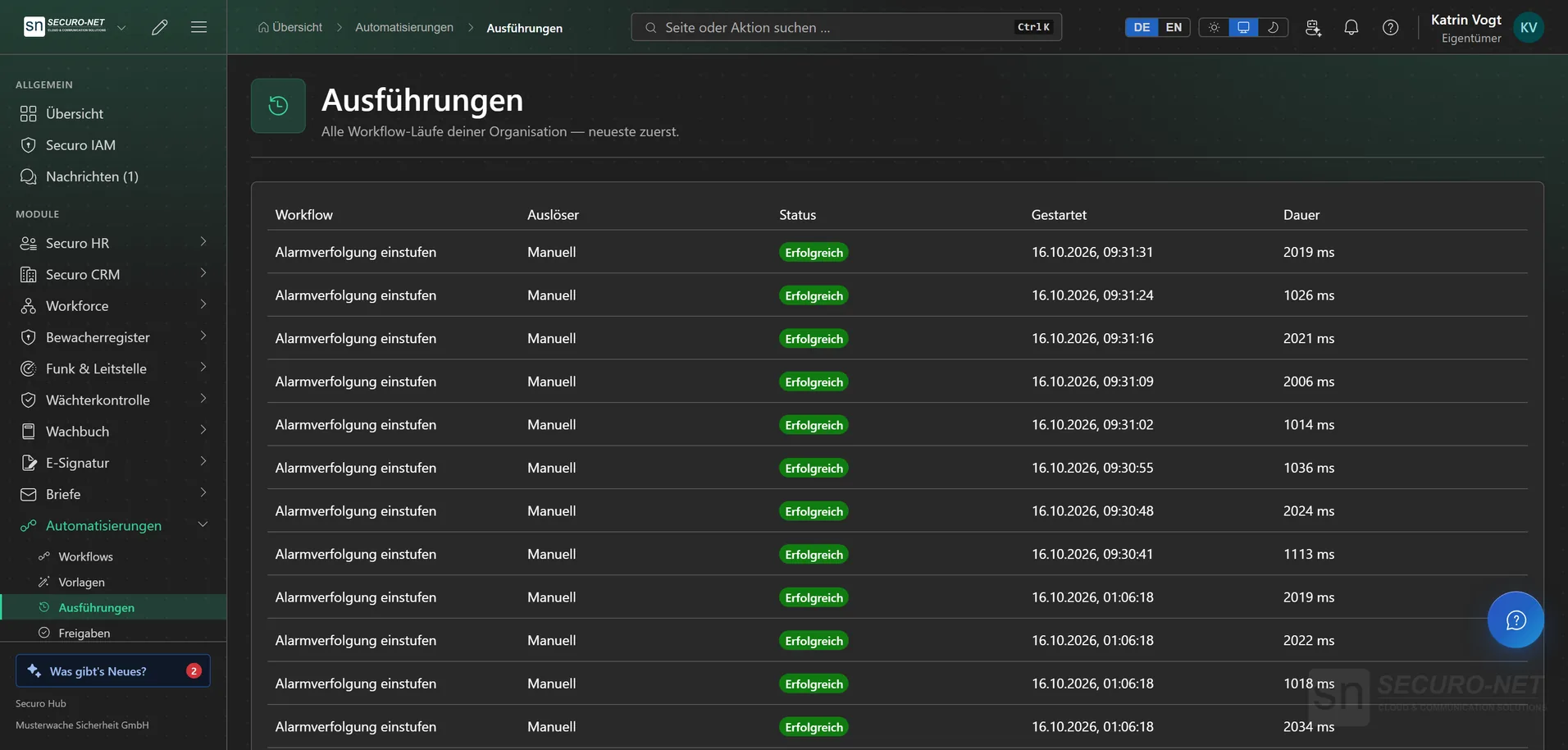
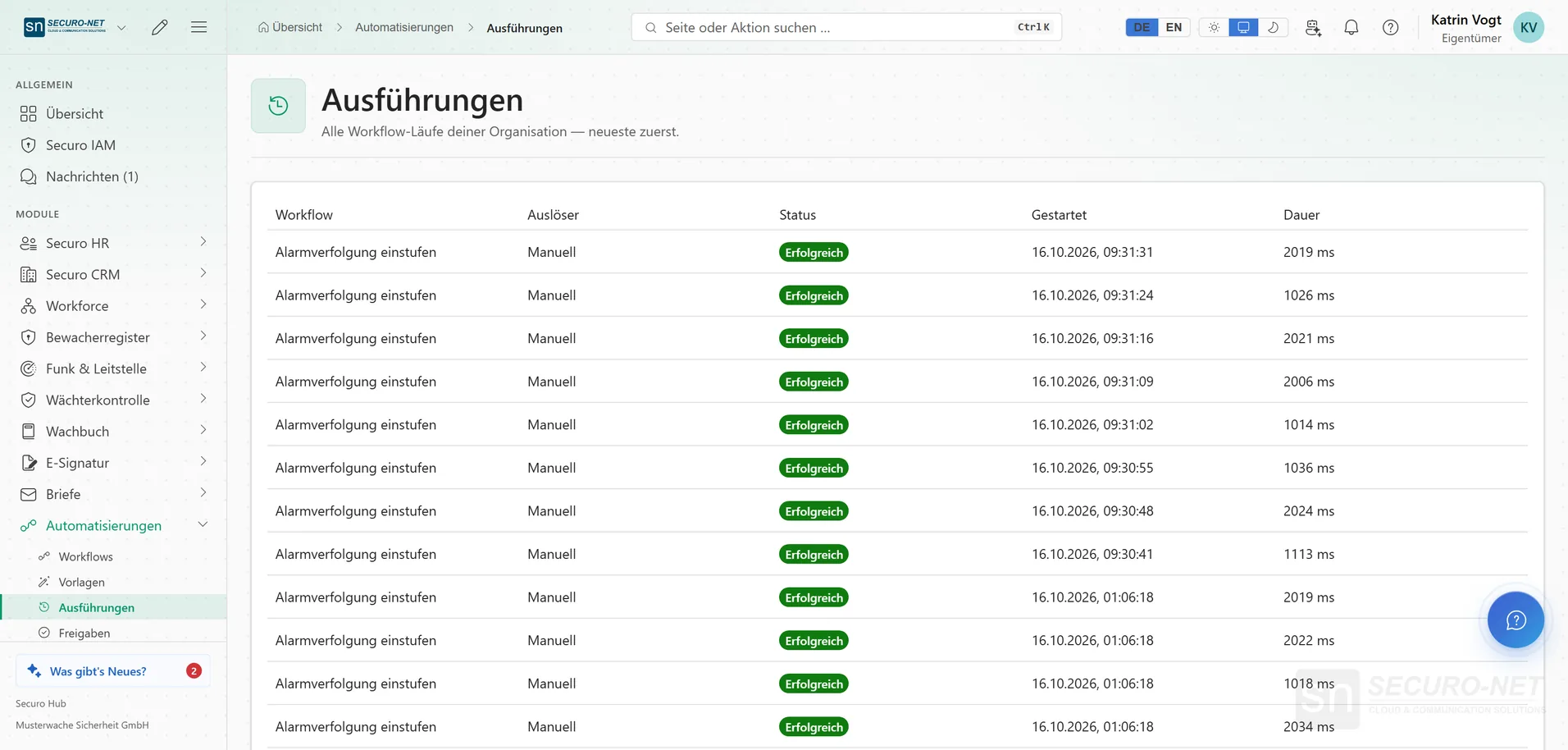
Runs
Every execution, newest first — you see immediately what worked and what did not.
Step-by-step inspector
Each step with status, duration, input and result. A run can be repeated with the same workflow version; if that could, say, send a message twice, the hub asks first.
Compare runs
Two runs side by side — ideal for checking a repeat run against the original.
Fixed versions
Every save stores a new, unchangeable version of the workflow. Running executions keep their version — steps never change in the middle of a run.
Control
Governance
When run details are pseudonymised, whether the evidence chain is intact and which anomalies were flagged.
Set the limits
Which module actions are allowed, how many runs per hour are permitted and how long history is kept.
More views from Automations
Screens from day-to-day operation — demo data, but no retouching afterwards.
Runs
Every run, newest first — you see immediately what worked and what did not.
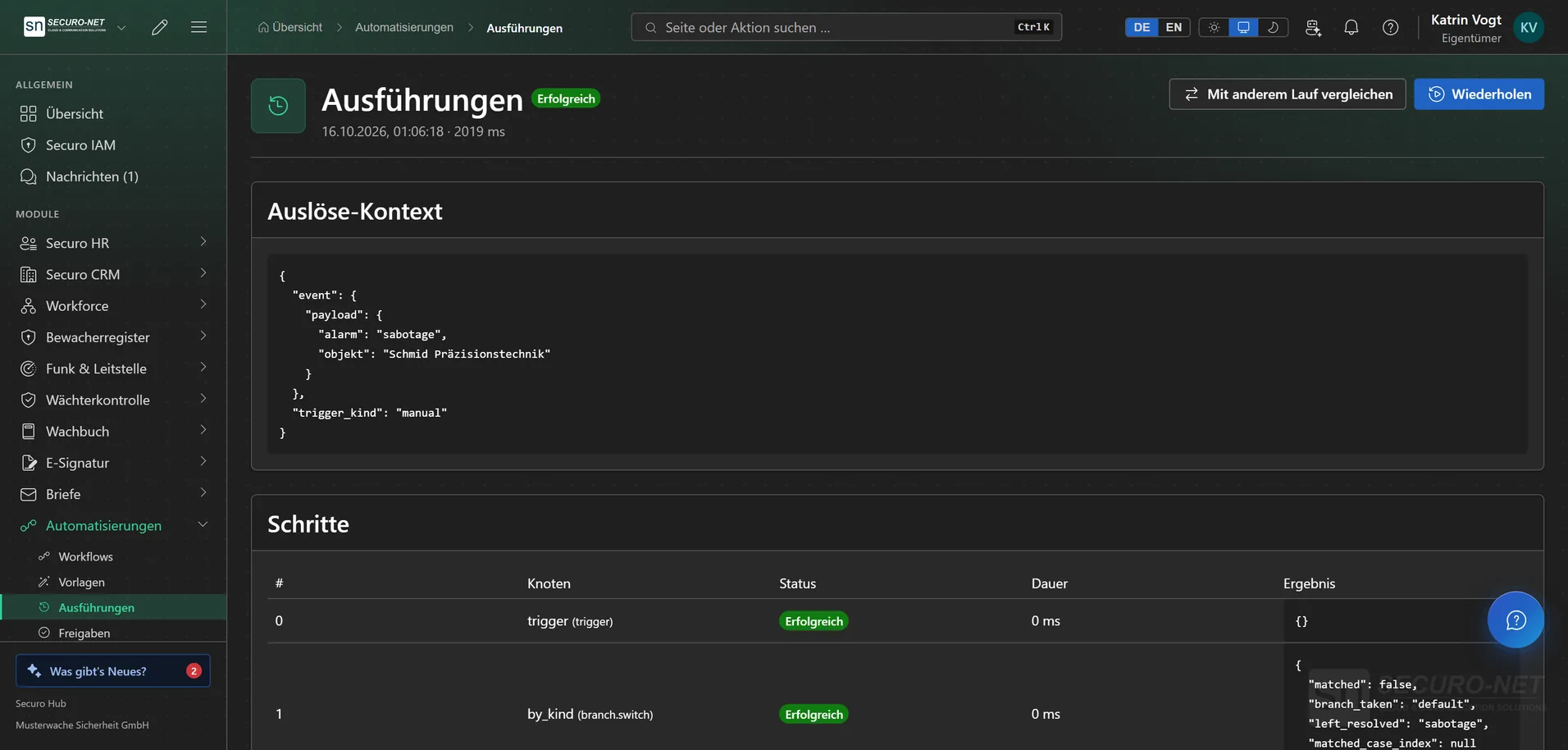
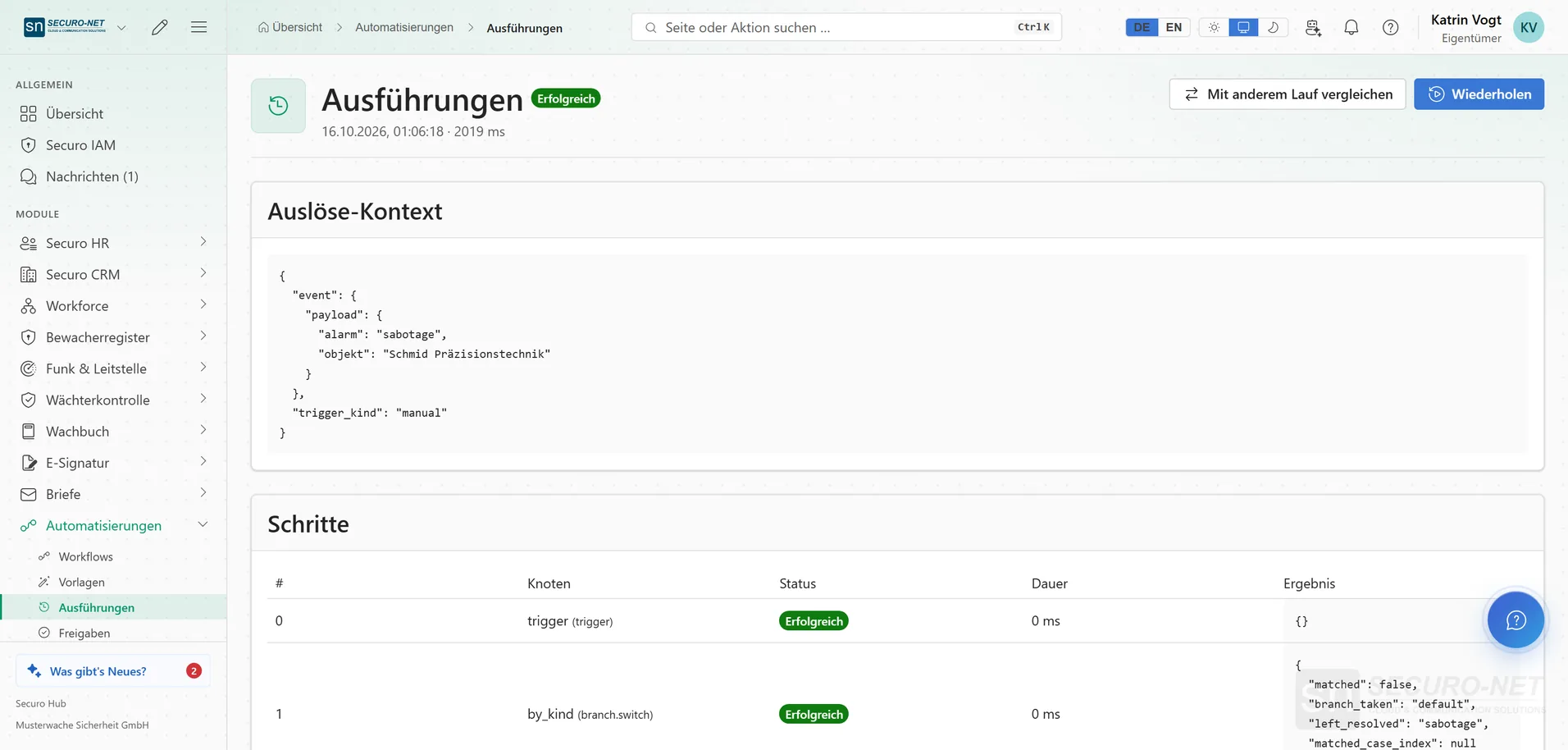
Step-by-step inspector
Each step with status, duration, input and result.
Works well with
These modules share the same data — together they remove the double data entry.
AI assistant
Answers questions about the hub — and with Securo AI proposes shifts, master data, quotes and invoices that you confirm with one click.
Integrations
Connect external services — Stripe, Microsoft 365 and data migration from the planner.
Telephony
Microsoft Teams inside the hub: recognise callers, keep a call list — and with Securo Telefonie · Pro, take calls right in the browser.
Part of Securo Hub
This module is part of the Securo Hub platform — one login, shared data, one design. Use it standalone or together with others.