
Fleet
The taxable benefit gets estimated, the trip log reconstructed afterwards, the inspection forgotten. Here both are created as you go — with a trail an inspector can follow.
Every feature
24 features, grouped by area of work. Every one of them exists in the product.
Vehicles
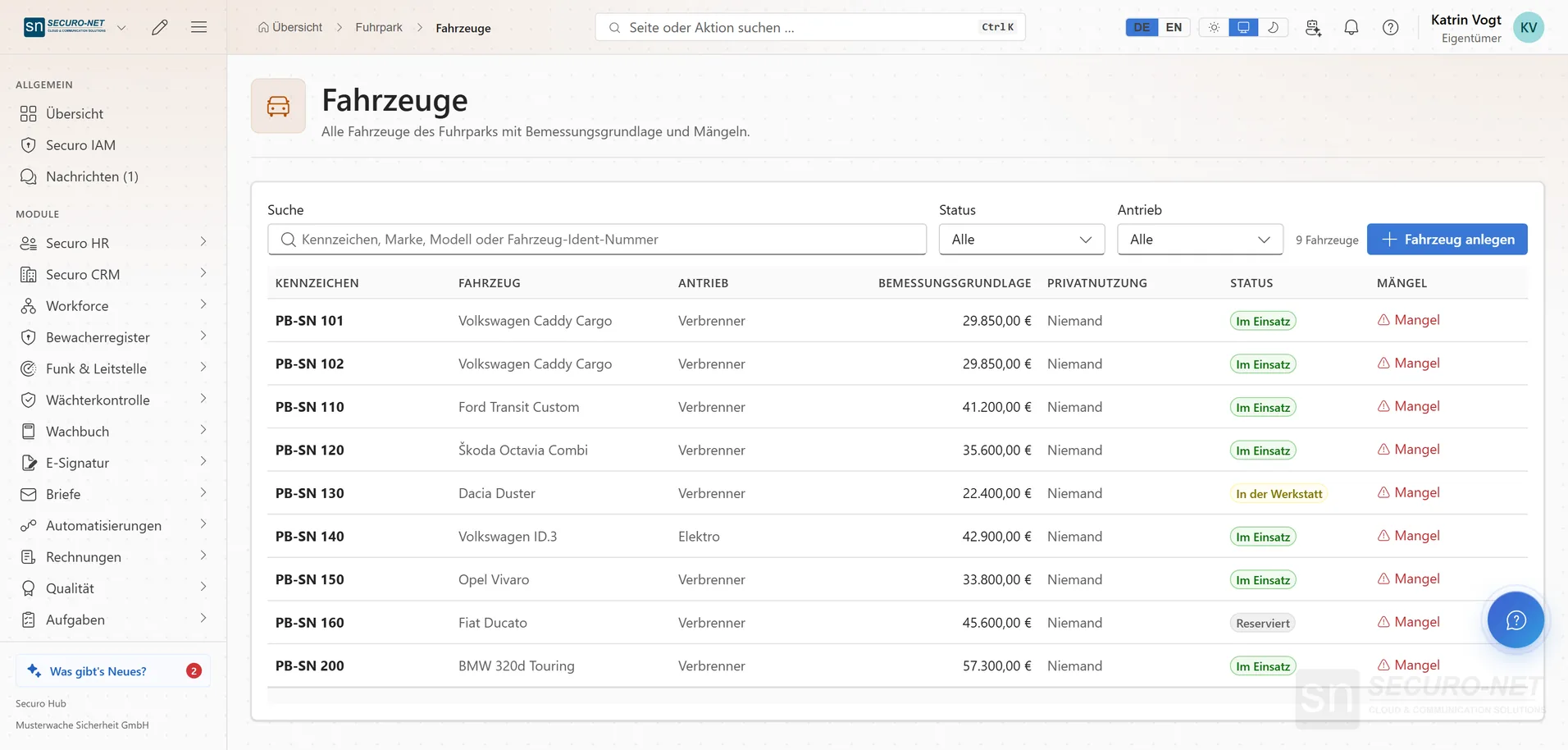
Vehicle list
Every vehicle with the figure used to calculate the taxable benefit — and a column showing where a record is missing.
Vehicle record
Master data, who may drive and who may use it privately, plus the documents — in one place instead of three folders.
Vehicle pools
Group vehicles together with the people allowed to drive them — “Response vehicles North”, for example.
Deadlines in view
Roadworthiness test, safety inspection, service, tyre change, end of lease, insurance — always the next due date. A deadline that takes the vehicle off the road blocks it in the utilisation plan.
Damage & insurance
What happened, where the vehicle currently is and how far the insurer has got — an ongoing case rather than a one-off entry.
Handover records
Hand-out and take-back with odometer reading, fuel level, condition and photos — both sides confirm separately, after which the record can no longer be changed.
On the road
Start and end a trip
Big buttons instead of a form: captured on the move with one tap, the “Return trip” with another. Destinations are suggested from nearby places or your most frequent ones.
Works without a signal
Trips started in a dead zone keep running on the device and go out from “Not sent yet” as soon as there is a signal again — a trip that already arrived is never created twice.
Refuelling with a receipt photo
“Record refuelling” opens the phone camera straight away for the receipt; add amount, litres and odometer reading — prefilled with the last known value.
Report damage on the road
Pick the type from tiles, describe what happened, take the place from your current position and add up to four photos — the report is attached to the vehicle of the current or last trip.
Trip log
Trip log
The week's trips — captured on the move or added at the desk. Both routes produce the same entry.
Seven-day deadline with countdown
A trip without a trip type shows its remaining time, with a reminder on the phone beforehand. After seven calendar days it counts as private — the rule for a trip log kept up to date.
Shared destinations
Set up head office, workshop or the usual filling station once, optionally with a position on the map — they are suggested to every driver when ending a trip.
Month-end close
What is still open, where kilometres are missing and how much time is left. After that the month is write-protected; a close can be undone with a reason, and corrections stay visibly counted.
Tax & cost
Taxable benefit with calculation trail
What providing a vehicle is worth per employee and month — fully recalculated, so the figure holds up in payroll.
Confirm commute days
0.002% per actual trip instead of the 0.03% flat rate: drivers confirm their commute days once a month, and the annual counter runs up to the limit of 180 trips.
Private-use ban & valuation method
Record a private-use ban with supporting document for operational vehicles — and set and lock per calendar year whether the 1% rule or the trip log applies.
Reimbursement for private vehicles
Business trips in an employee's own car are reimbursed rather than taxed — cleanly separated from the company-car benefit.
Costs & fuel cards
Fuel receipts, charging, lease instalments, insurance and garage bills — with fuel cards, so every receipt lands on the right vehicle.
Dispatch & analysis
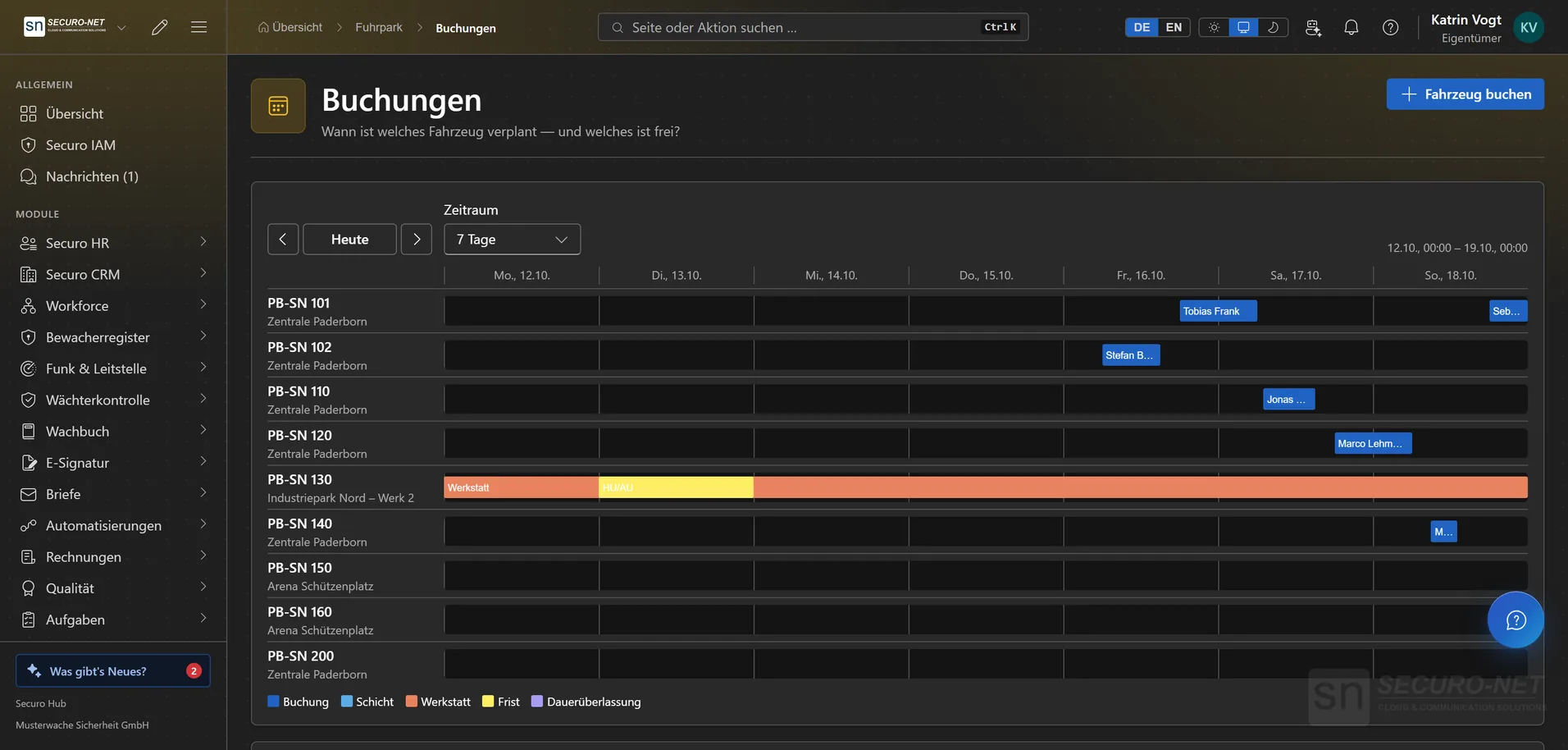
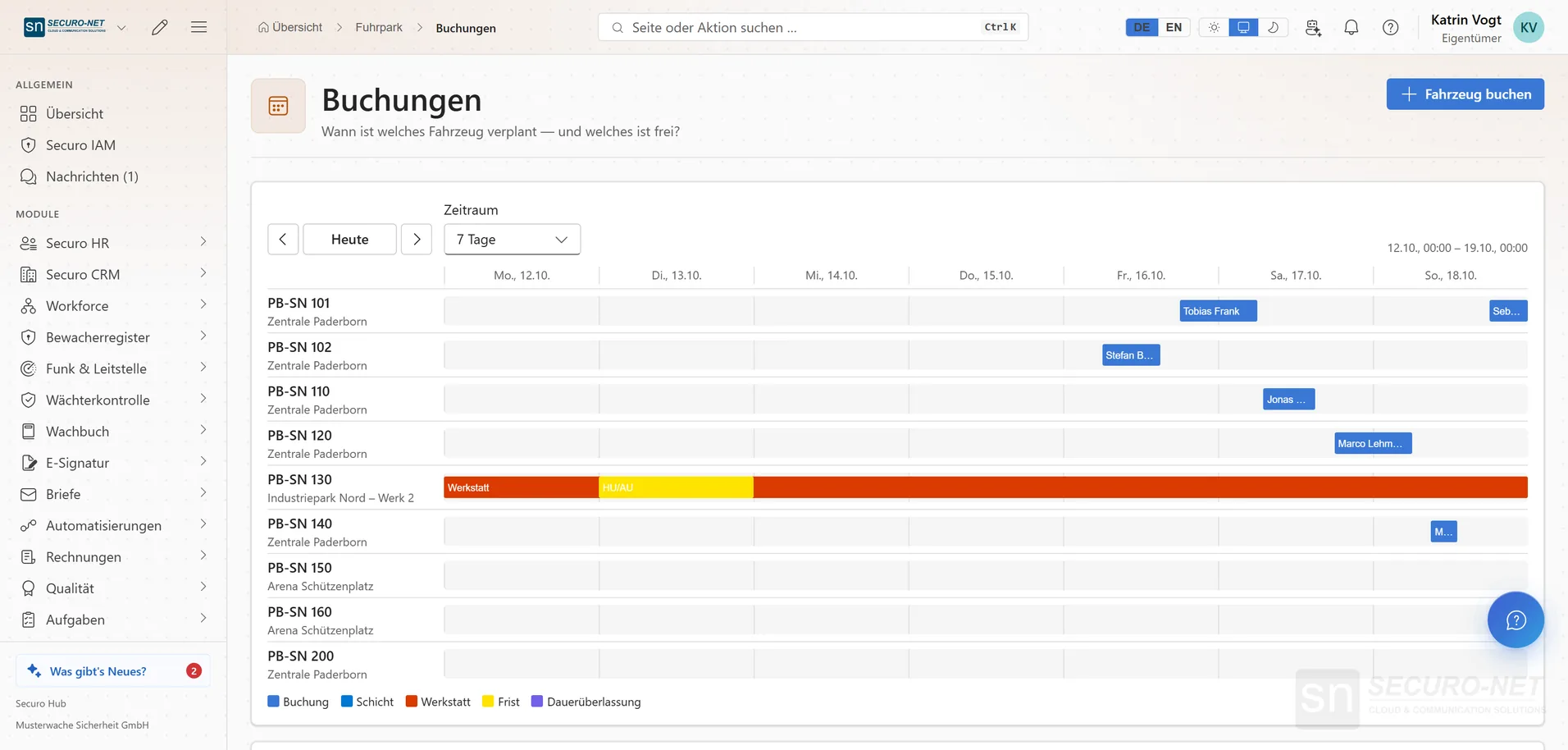
Utilisation plan
Bookings, shifts, workshop time and permanent assignments as a timeline with one lane per vehicle. Two overlapping bookings simply cannot be saved.
Request & confirm
Drivers request a vehicle for themselves — the request already holds the period, dispatch confirms it. A blocked driving licence stops the booking.
A vehicle for the shift
A booking is tied to the shift from workforce planning; “Record trip” prefills destination, purpose and times from the booking — only the odometer readings are left to confirm.
Do we still need this vehicle?
Two analyses: vehicles permanently below your usage threshold — and days on which everything was booked out.
Figures & export
Kilometres per destination location, home location and cost centre, cost per kilometre and consumption — trips and costs as CSV that Excel opens correctly.
More views from Fleet
Screens from day-to-day operation — demo data, but no retouching afterwards.
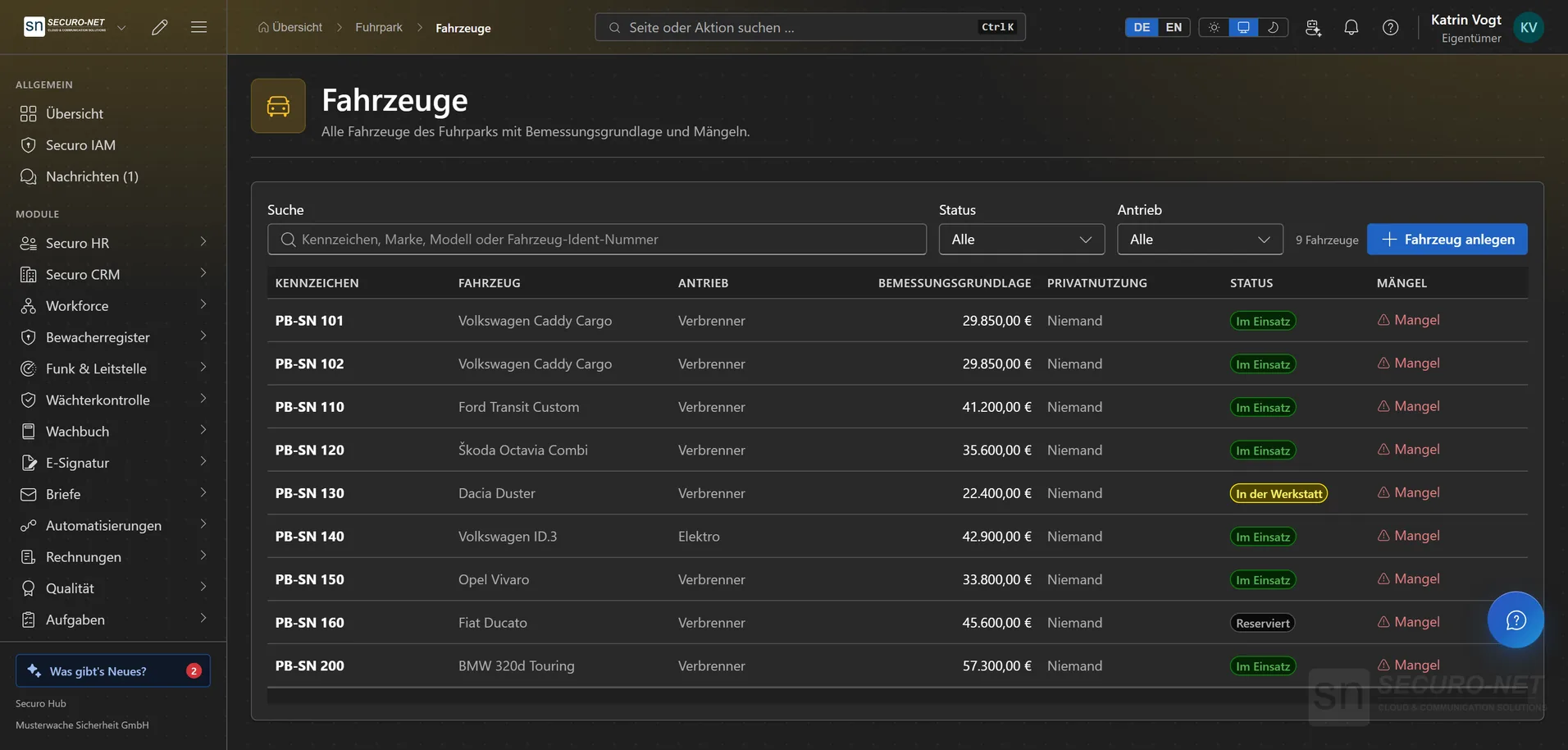
Vehicle list
Every vehicle with status, list price and where a record is missing.
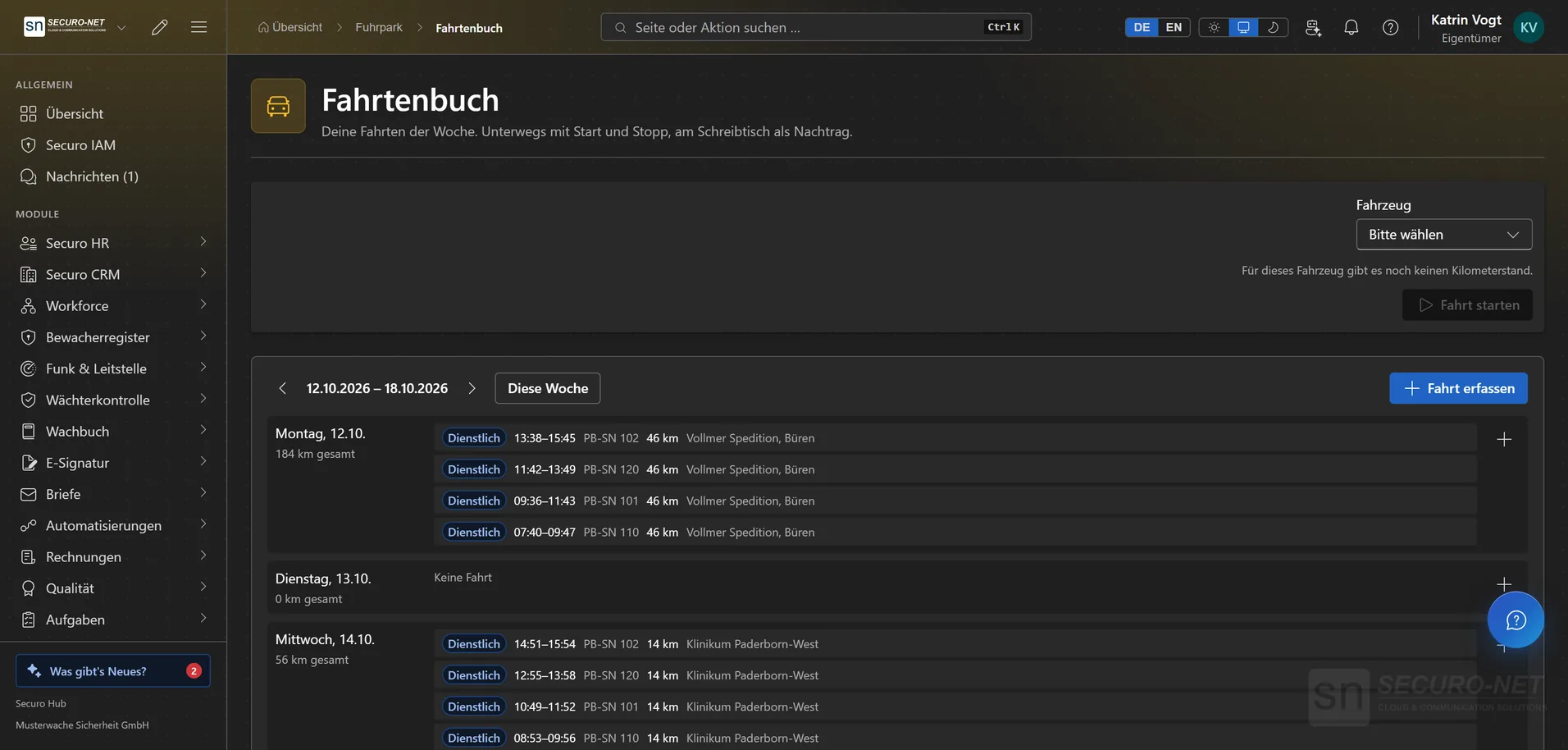
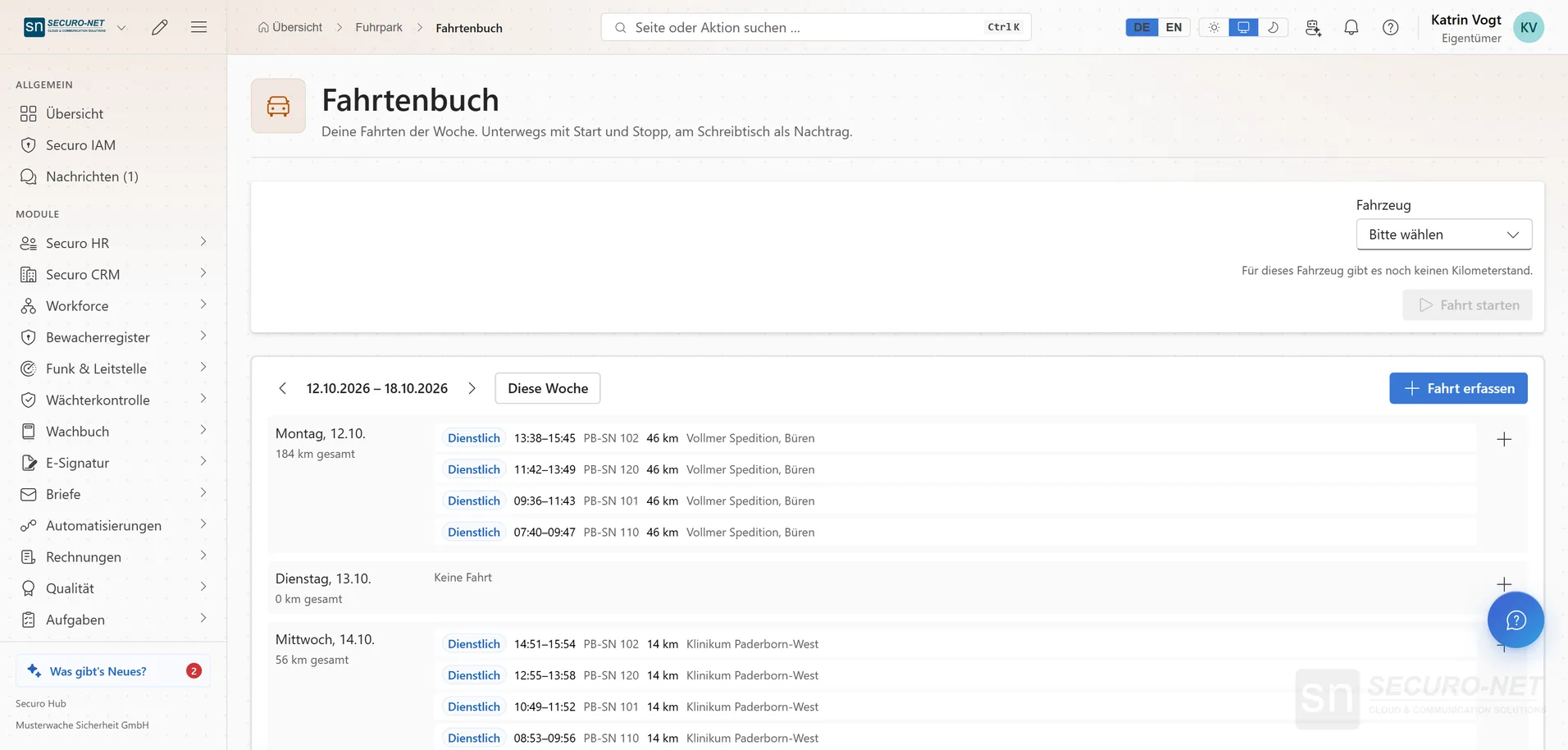
Trip log
The week's trips — captured on the move or added at the desk.
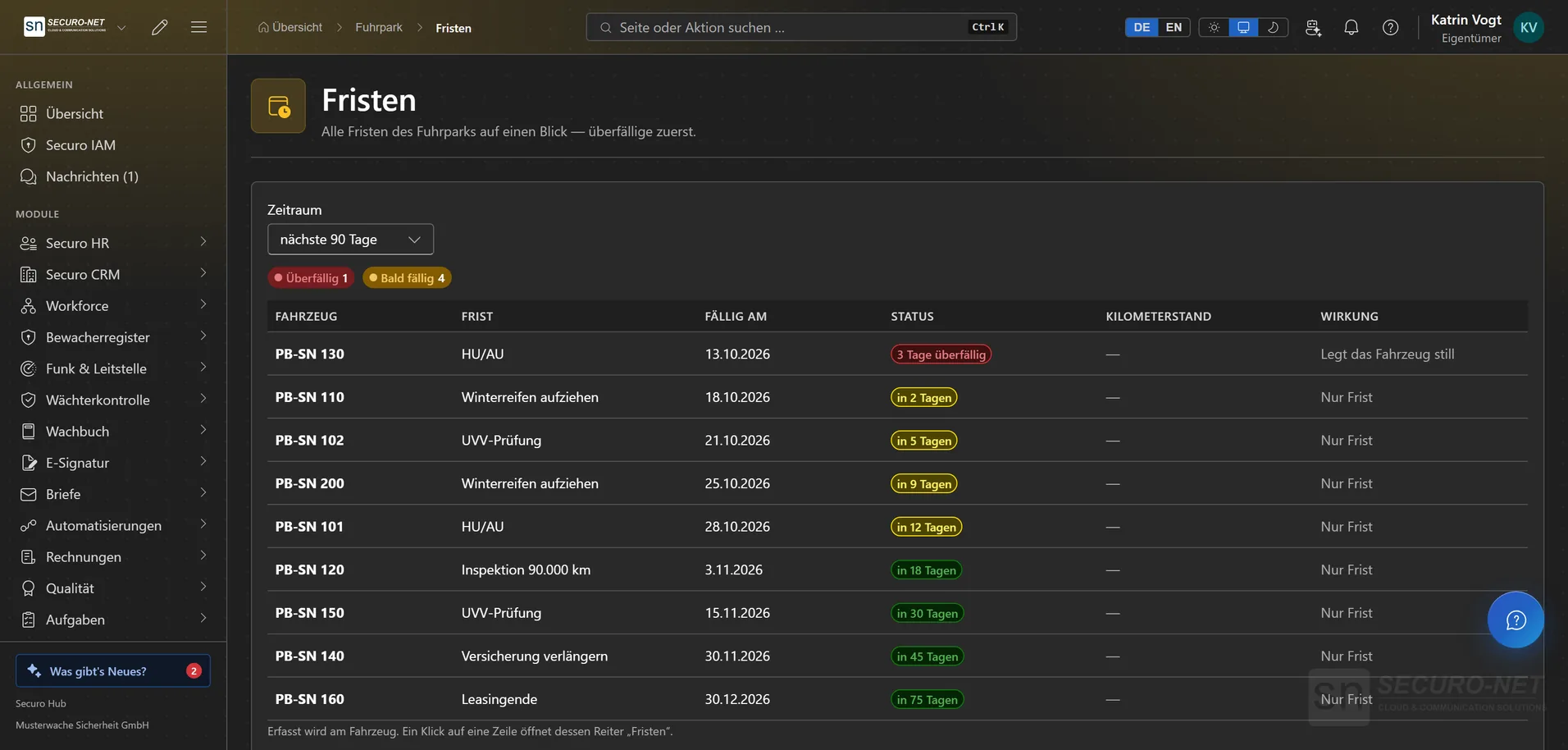
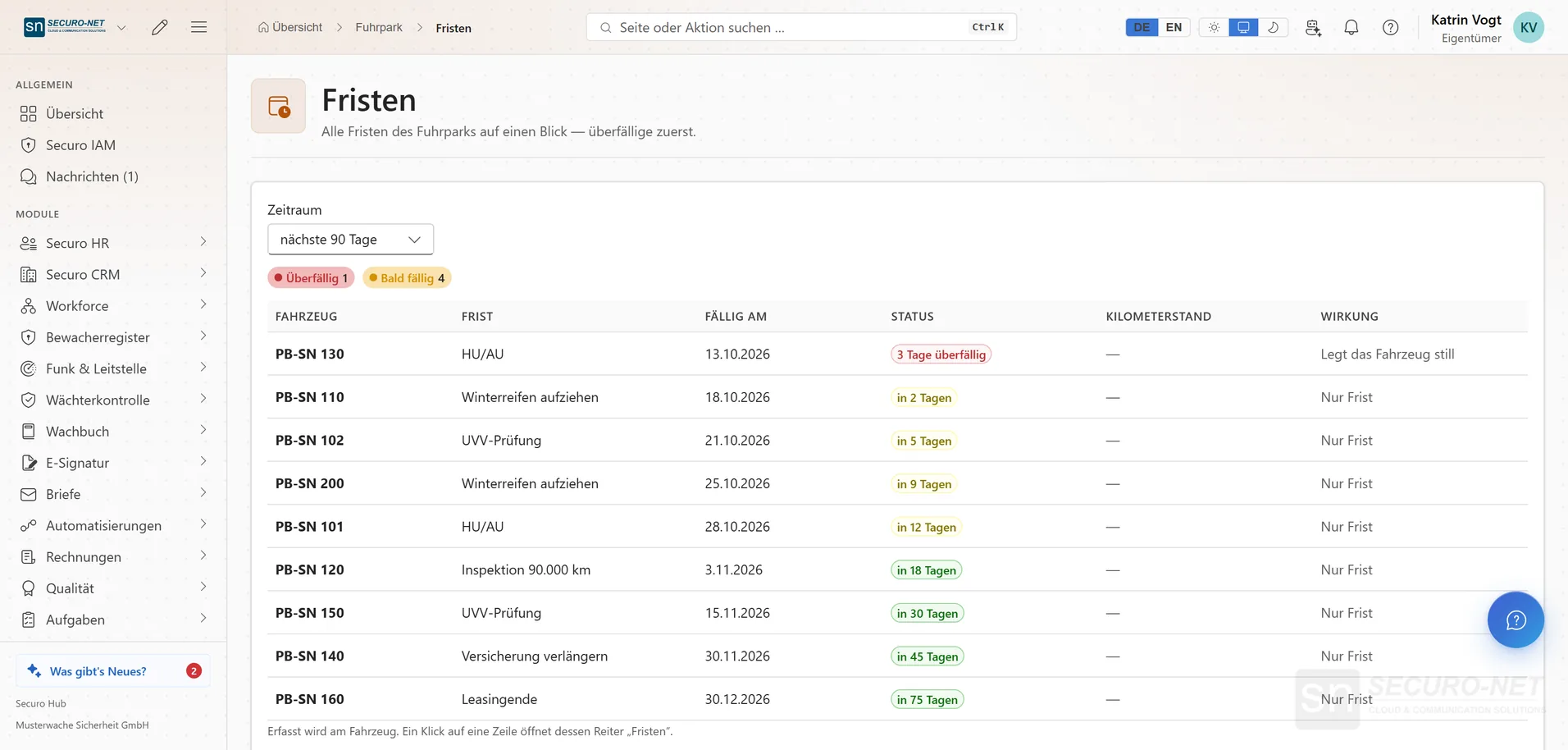
Deadlines in view
Roadworthiness test, safety inspection, service, tyres, end of lease — always the next due date.
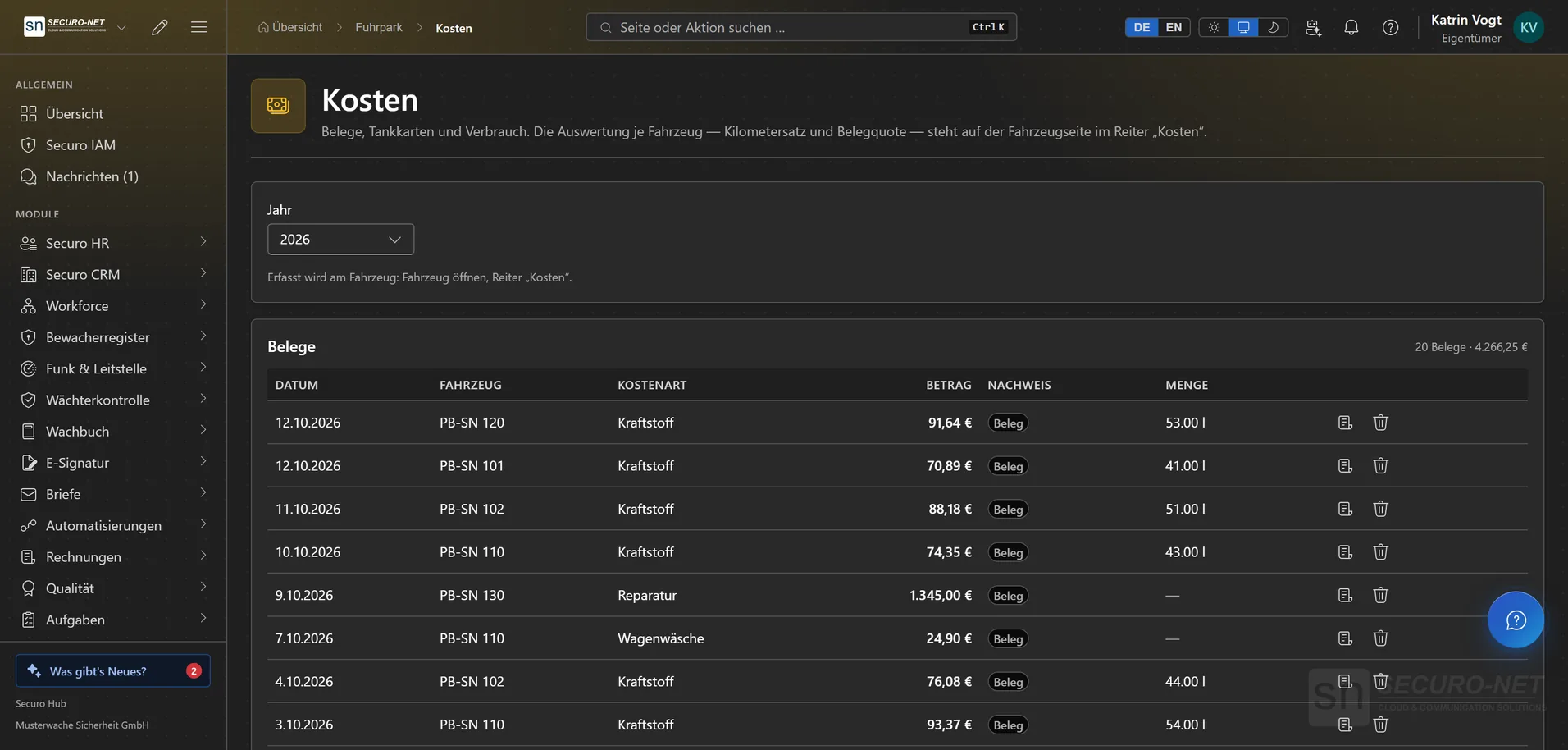
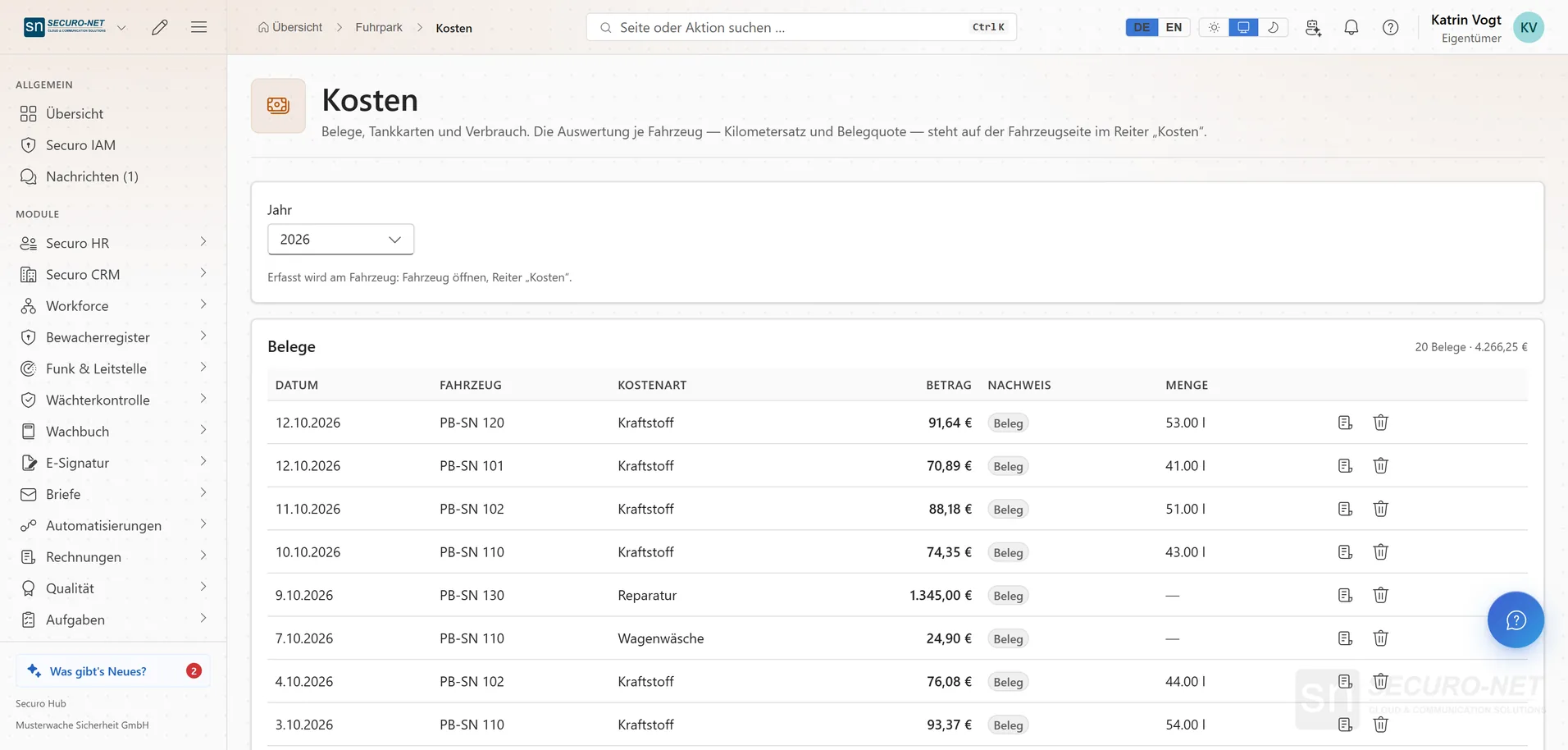
Costs & fuel cards
Fuel receipts, insurance and garage bills — every receipt on the right vehicle.
Works well with
These modules share the same data — together they remove the double data entry.
Quality
ISO 9001 from gap analysis through audits to the certificate — including DIN 77200.
Tasks
From a fast notepad to projects with board, sprints and timeline — with a calendar and Outlook sync.
Support
A helpdesk for email, widget, live chat and callbacks — with macros, deadlines in business hours, a knowledge base and reporting.
Part of Securo Hub
This module is part of the Securo Hub platform — one login, shared data, one design. Use it standalone or together with others.