
Appointments
Finding a time by email takes three messages and still ends in a clash. Prospects pick from your free slots themselves — and then land straight in the CRM.
Every feature
13 features, grouped by area of work. Every one of them exists in the product.
Bookable offering
Appointment types
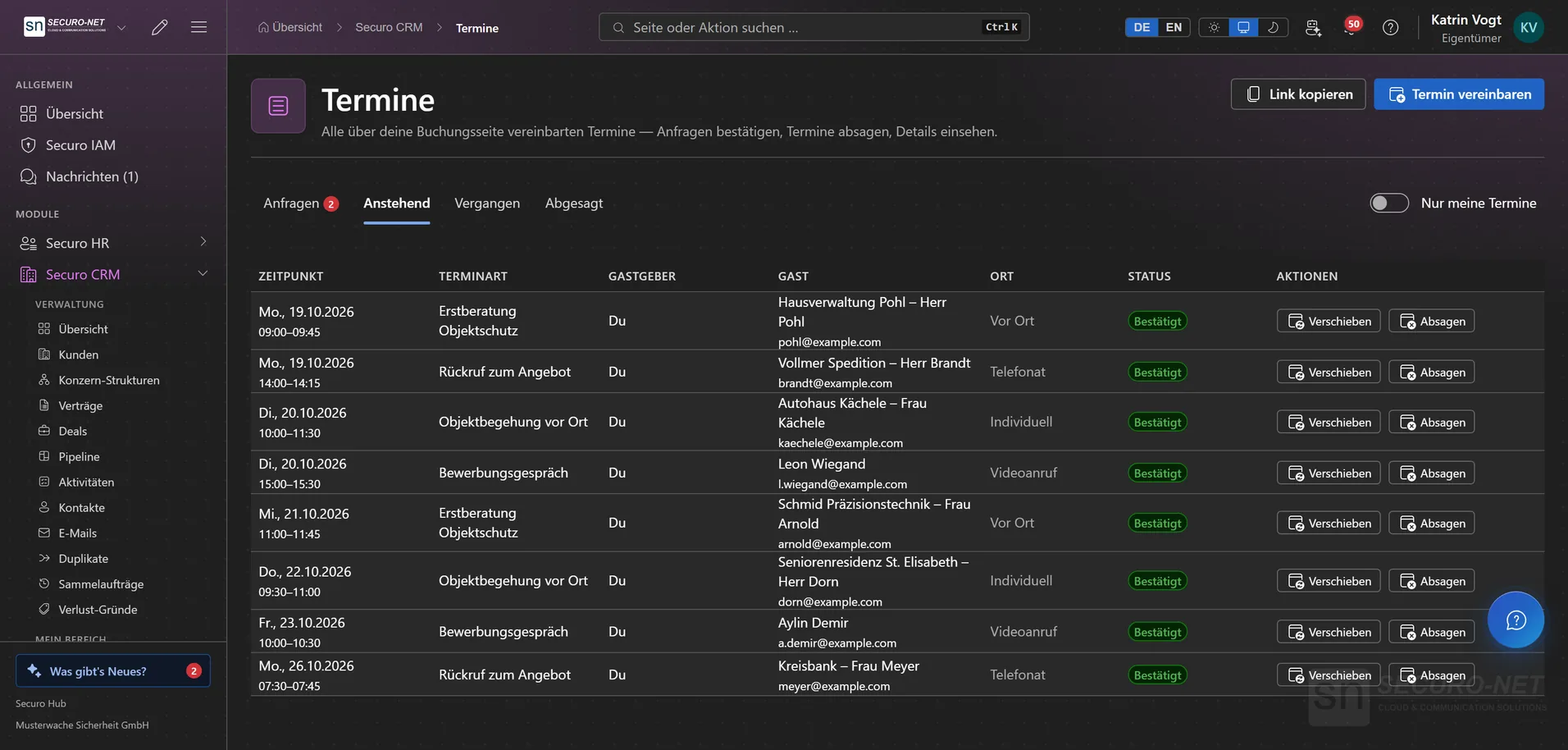
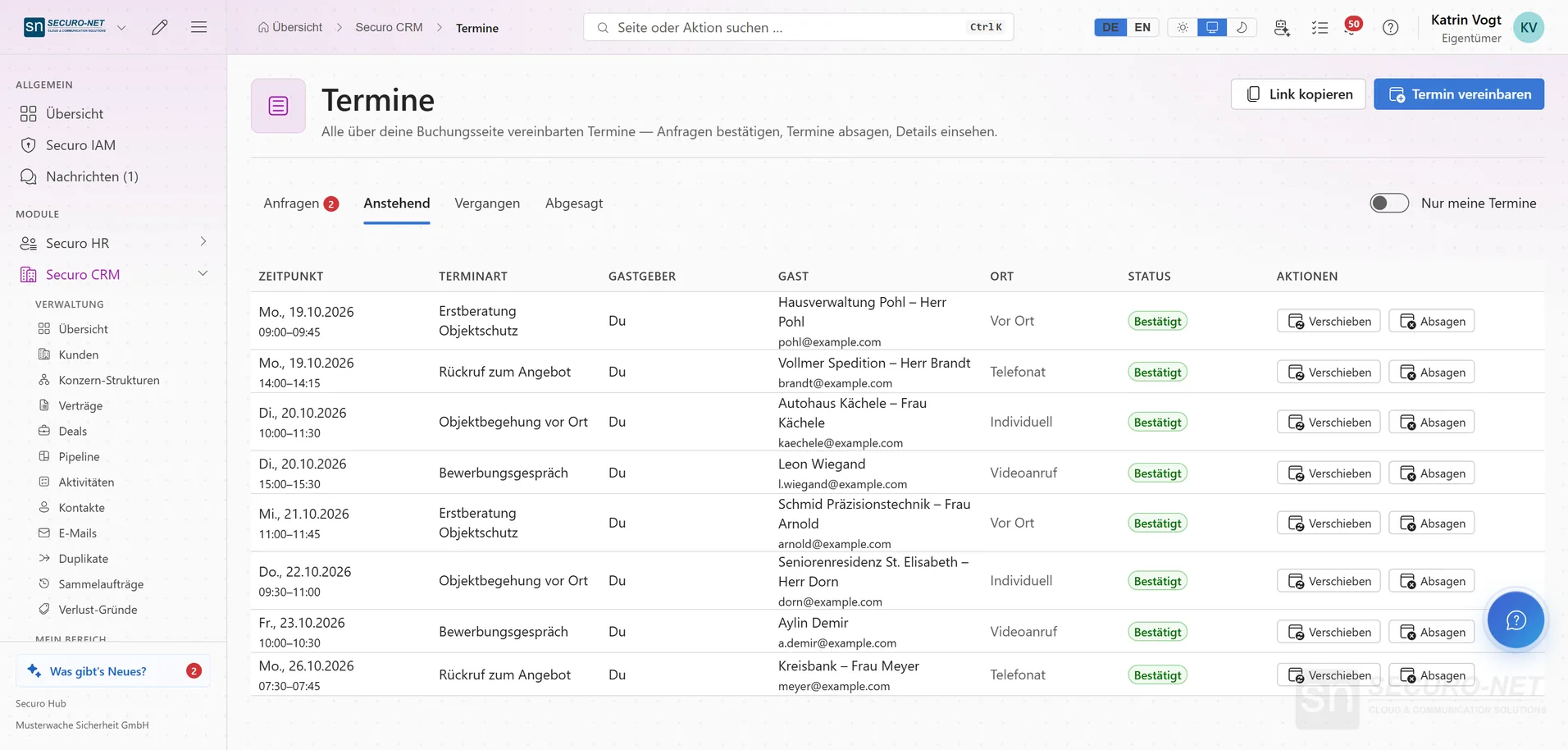
Your bookable offerings — “30-minute consultation”, a site walk-through, a callback. Each type sets duration, location and conditions.
Rules per type
Duration, buffers and lead time, the questions on the booking form and the team behind it — set across four tabs.
Team appointments
Several people offer the same type: “Round robin” gives the appointment to exactly one free member, “Together” only offers times when every member is free and then blocks every calendar.
Public booking page
Prospects pick a free slot themselves. No email ping-pong, no double bookings — and with the link in their confirmation, guests cancel or reschedule on their own.
Availability
Weekly plan & exceptions
Time windows per weekday, date exceptions for holidays and the governing time zone — the slots follow from that.
Outlook sync
Through your personal Microsoft 365 connection, times blocked in Outlook are not offered and confirmed appointments block the time there. Move or delete the entry in Outlook and the appointment follows.
Managing appointments
Manage appointments
Confirm or decline requests, reschedule or cancel confirmed appointments and record when someone did not show up.
Enter an appointment yourself
Agreed on the phone? Enter it directly — from the customer record, too. The guest gets the invitation with a calendar file and the slot is confirmed at once.
Automatic reminders
The guest gets an email 24 hours and one hour before the appointment, you get a notification. If the appointment is rescheduled, the reminders move with it.
Every appointment in the CRM
A confirmed appointment lands in the CRM by itself: new guests become a customer with a contact and a deal, known ones get the appointment and their form answers in their history — without a second record.
Forms & enquiries
Forms for your website
“Request a quote”, “Book a callback”, a contact form — built in the hub, embedded on your site. What a visitor submits becomes a deal in the CRM.
Decide fields and appearance yourself
Add fields and map their meaning to the matching CRM field, then align colours, font, field style and spacing with your website — with a live preview. The privacy-policy link and the list of allowed websites live here too.
Inbox with CRM handover
Every enquiry sits in the inbox in full, along with a note on whether it reached the CRM. Anything that got stuck you push through with one click; spam you sort out and can release again.
More views from Appointments
Screens from day-to-day operation — demo data, but no retouching afterwards.
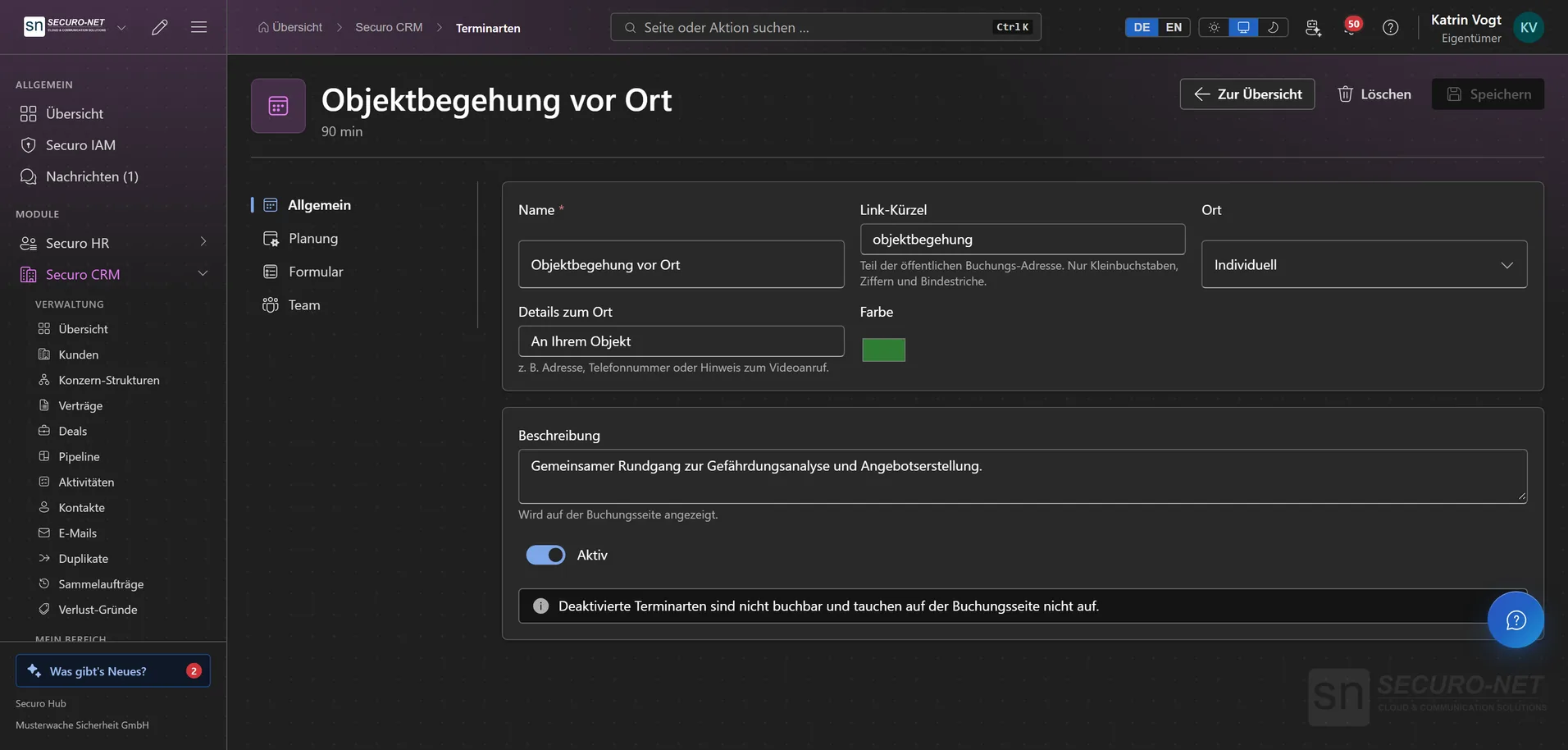
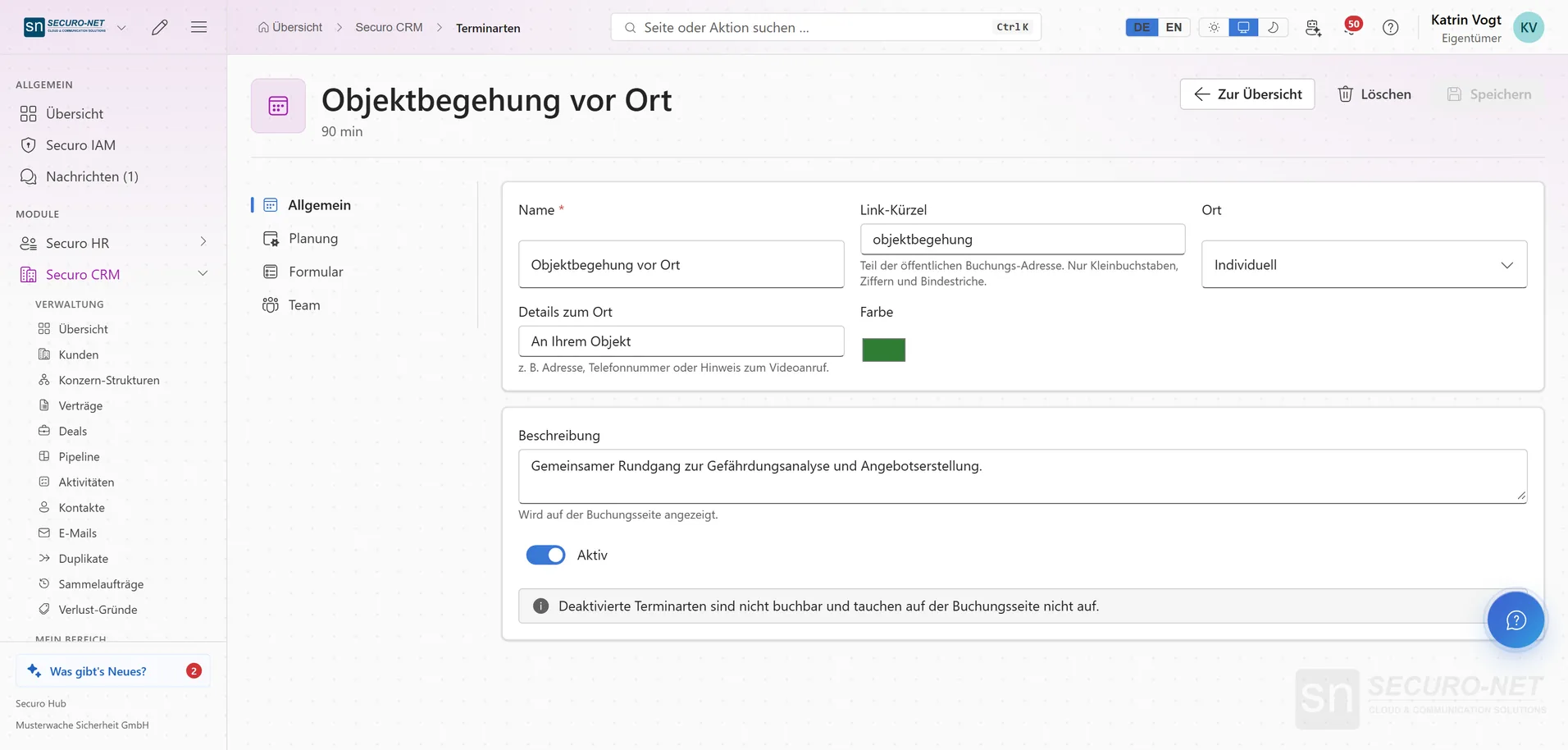
Set up an appointment type
Each appointment type sets duration, location and conditions — a 90-minute on-site walk-through, for example.
Works well with
These modules share the same data — together they remove the double data entry.
CRM
Customers, contacts, contracts, deals and pipeline — with e-mail from your Microsoft 365 mailbox and group structures.
Invoicing
Quotes, invoices, dunning, e-invoicing and automated billing straight from the schedule.
HR
Personnel files, absences, qualifications, recruiting, payroll documents and social-insurance filings.
Part of Securo Hub
This module is part of the Securo Hub platform — one login, shared data, one design. Use it standalone or together with others.