
Forum
Questions about certifications or pay agreements otherwise end up in private groups, and staff or subcontractors are found by phoning around. Here companies talk to each other right in the hub — without their company name if they prefer.
Every feature
12 features, grouped by area of work. Every one of them exists in the product.
Exchange between companies
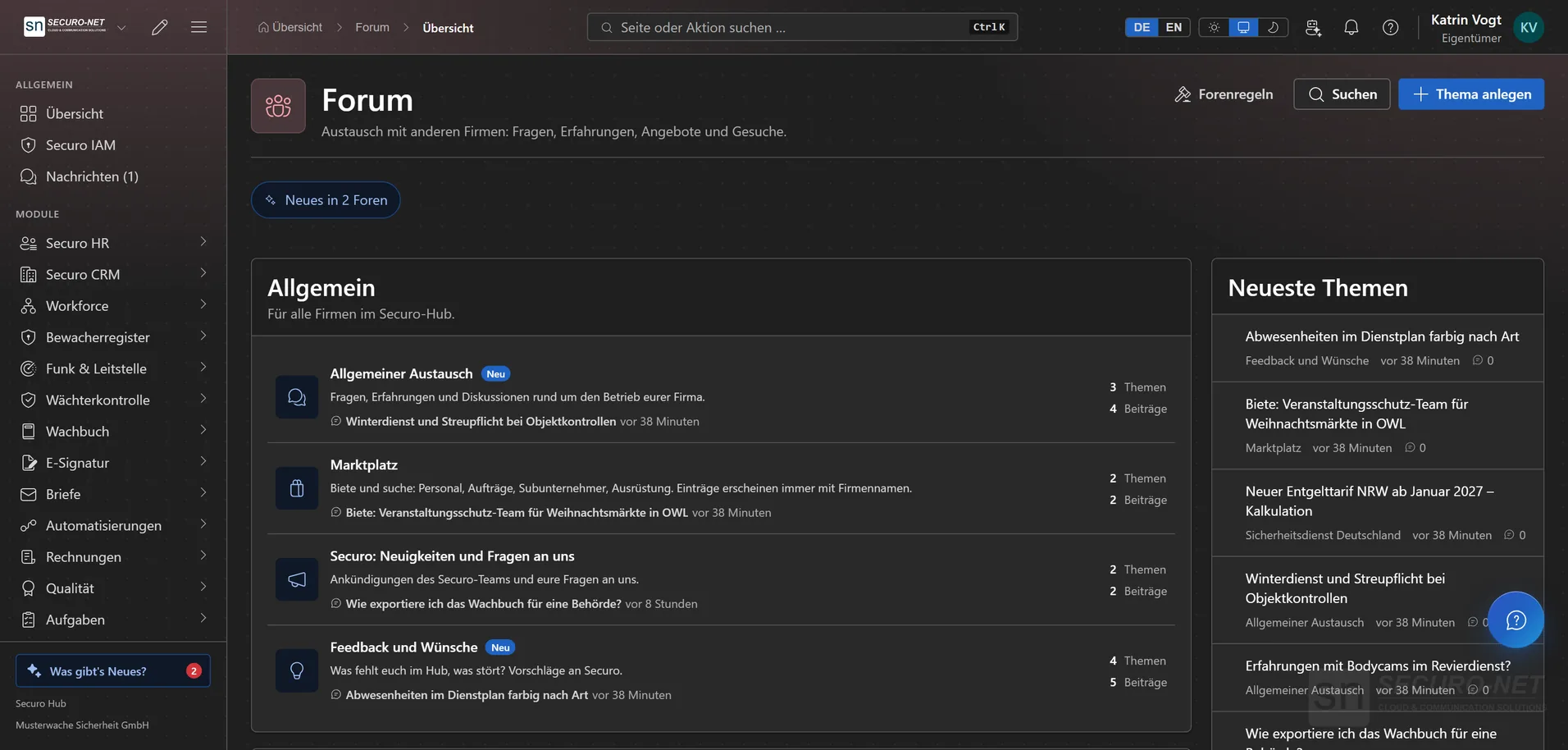
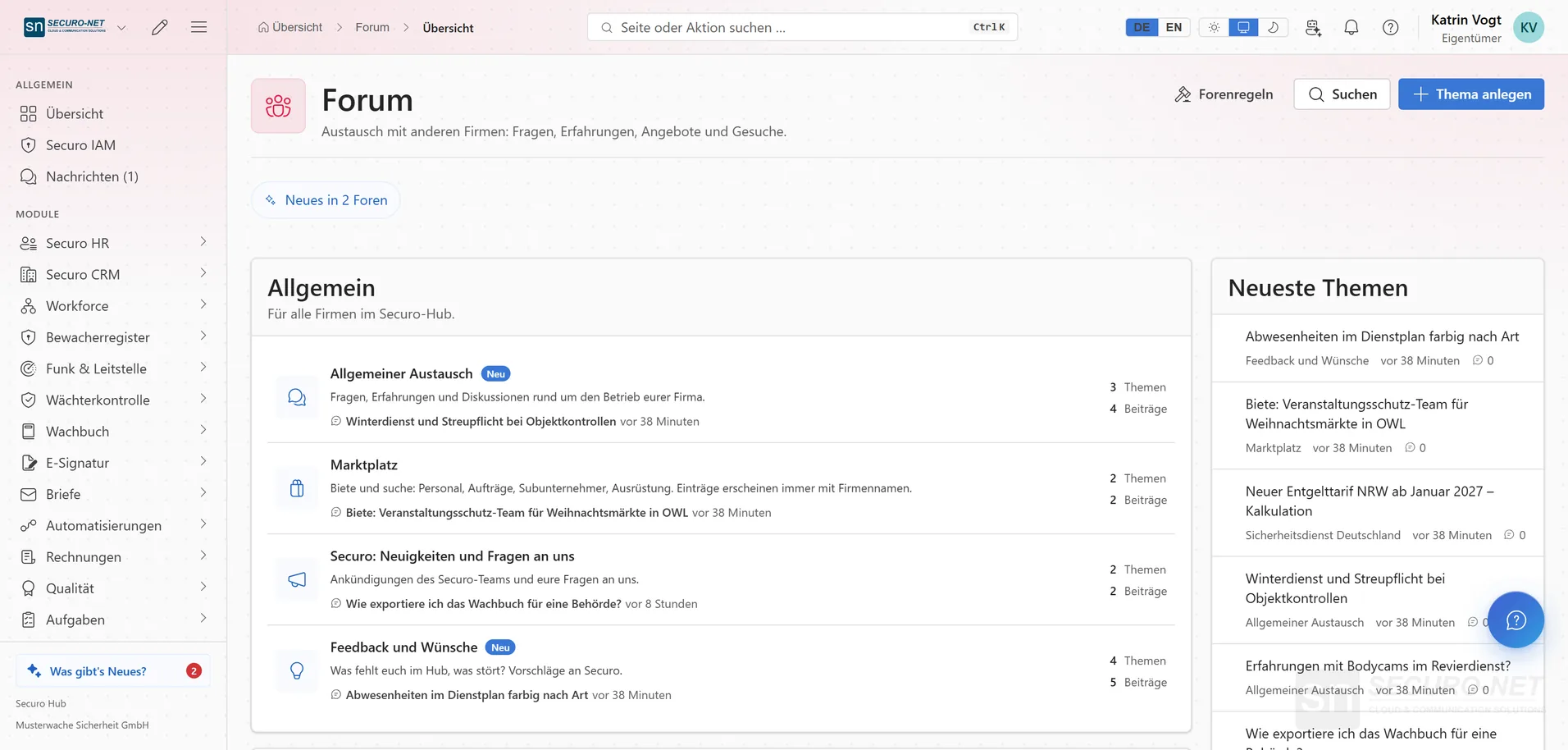
Forums by section
The “Overview” lists the sections with their forums and, on the right, the “Latest topics”. A “New” label on a forum and topics in bold show what you have not read yet — also available as the “Forum — what's new” tile on your start page.
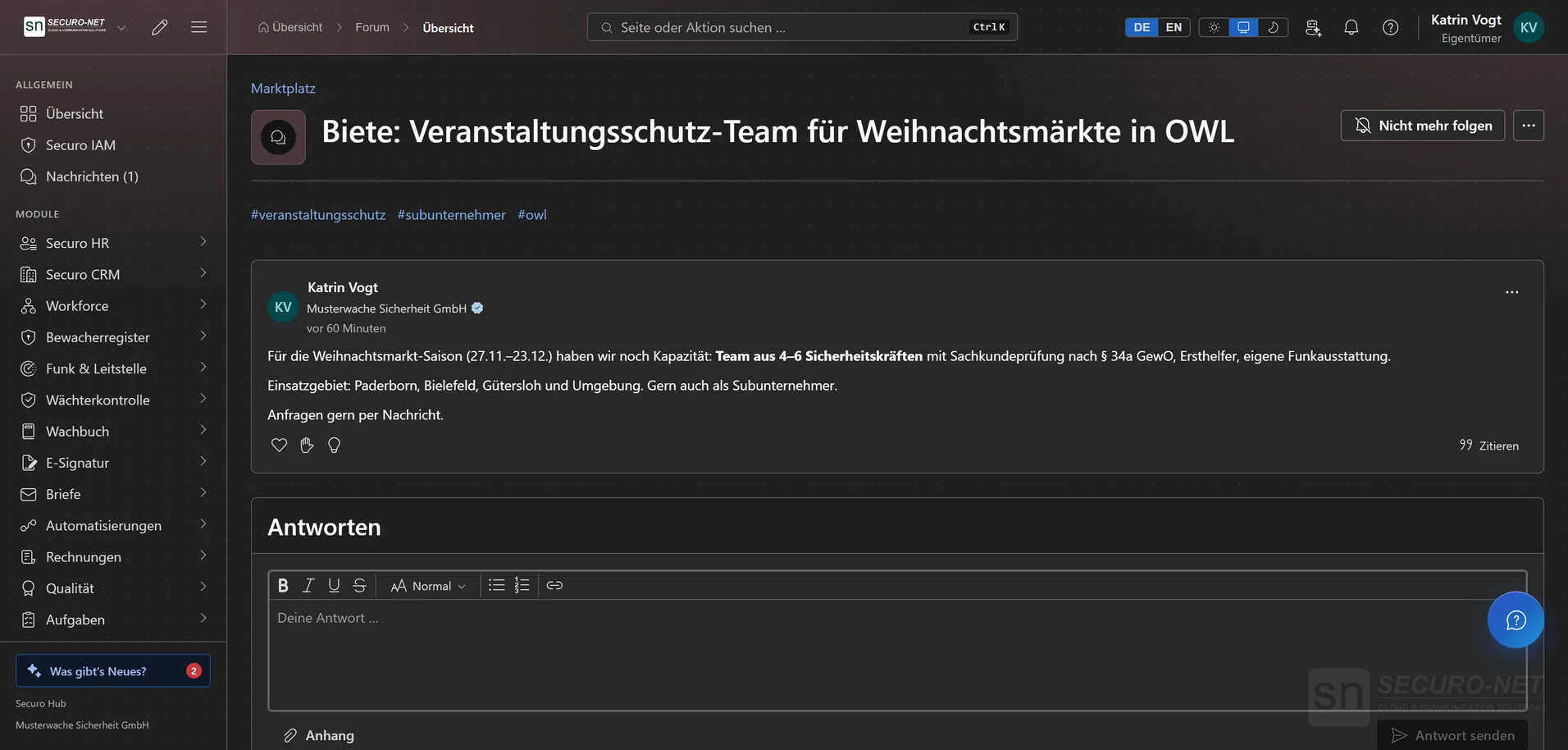
Start a discussion or question
A topic gets a title, formatted text, up to eight tags and up to ten attachments — images and PDF. When uploading, the forum strips image data such as the location where a photo was taken.
Reply, react, mark solved
Reply, quote and react with “Like”, “Thanks” or “Helpful”. On a question, the person who asked marks the best reply with “Mark as solution” — the topic then shows “Solved”.
Search across all forums
Search covers titles and posts in every forum your company may read, with results as you type — narrowed by forum and type. Clicking a tag such as “#objektschutz” lists every topic carrying it.
Follow & weekly summary
Follow single topics or whole forums and hear about new replies and topics by push, in-app or email. You follow your own topics automatically; on Mondays an optional weekly summary lists what is new.
Marketplace & contacts
Marketplace for staff & jobs
In the “Marktplatz” forum, companies offer and look for staff, jobs, subcontractors and equipment. Topics and replies there always show the company name — so you know who you are dealing with.
Messages to other companies
“Send message” on a post starts a private conversation with the person behind it, with subject and topic reference filled in. Whoever is contacted can always reply — attachments included.
Company directory
Find companies by name, service and federal state, verified ones only if you like. Only companies that listed themselves appear — the switch “Show in the company directory” starts out off.
Your company profile
You maintain description, website, contact, regions and services yourself; name and logo come from your organisation's master data. The profile also lists the topics your company wrote under its name.
Visibility & rules
With or without company name
Your company decides whether posts show its name: “Always show”, “Decide per post” or “Never show”. Without it, posts read “Member of a verified company” — and such posts never appear on the company profile.
Access per forum
Which forums your company may read and where it may write is set per forum — for instance all companies or verified ones only. Where your company may only read, a lock shows “Read only” and the reason appears when you open it.
Forum rules & moderation
Before first use, each person accepts the forum rules. Posts, messages and company profiles can be reported; the Securo team reviews them, decides with a stated reason, and the person reported never learns by whom.
More views from Forum
Screens from day-to-day operation — demo data, but no retouching afterwards.
Marketplace for staff & contracts
Offer and search: staff, contracts, subcontractors — entries always show the company name.
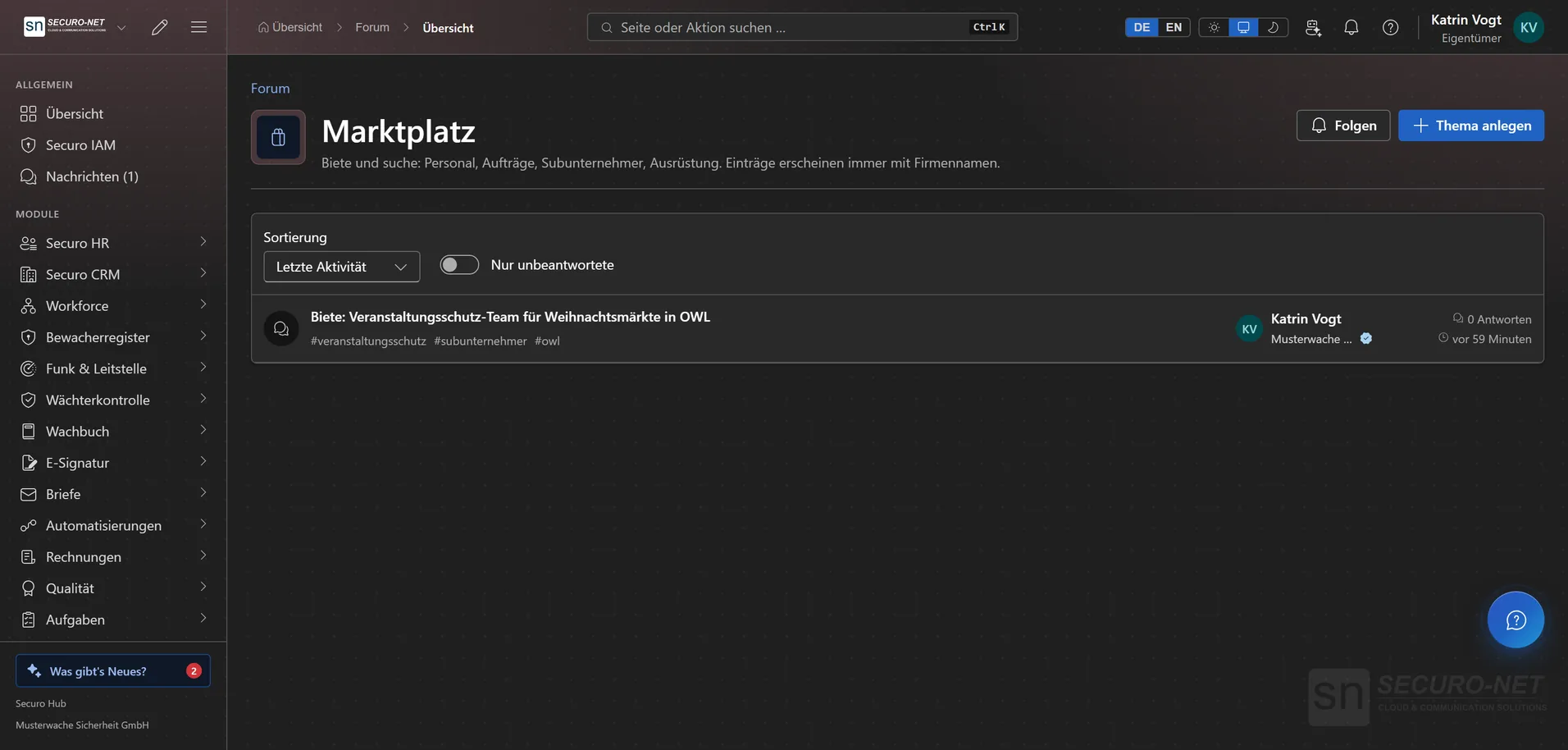
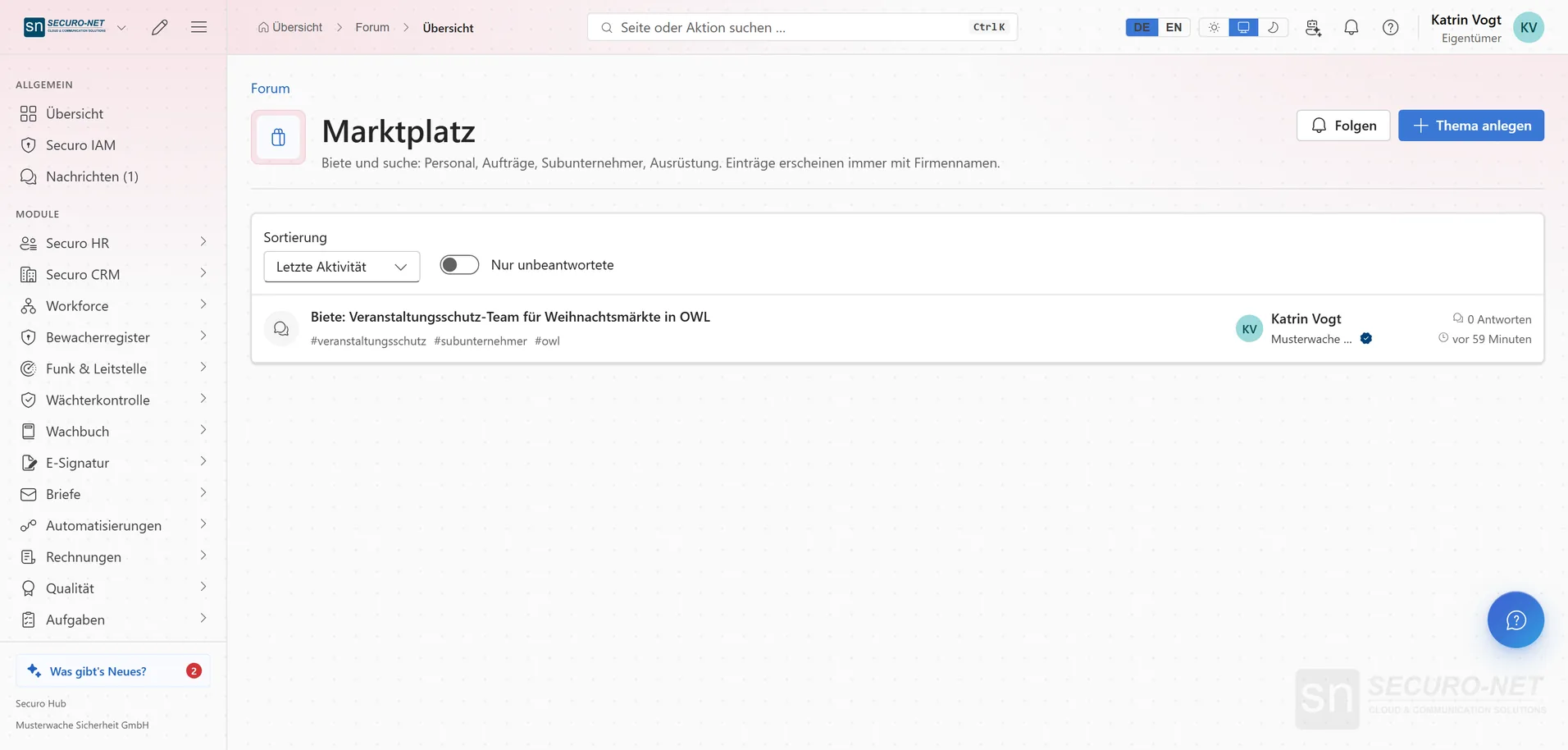
Marketplace
Offers and requests from other companies at a glance — with company name and tags.
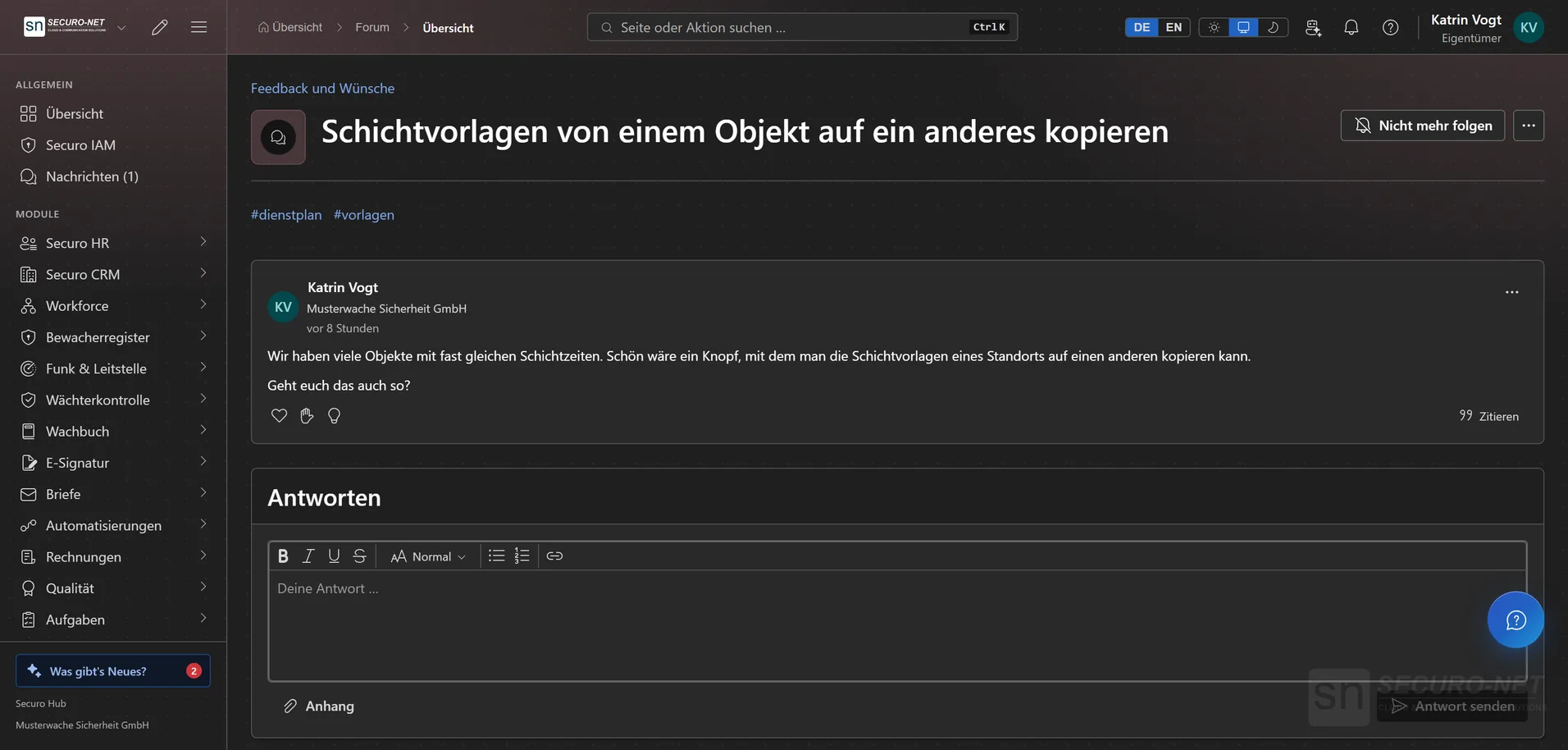
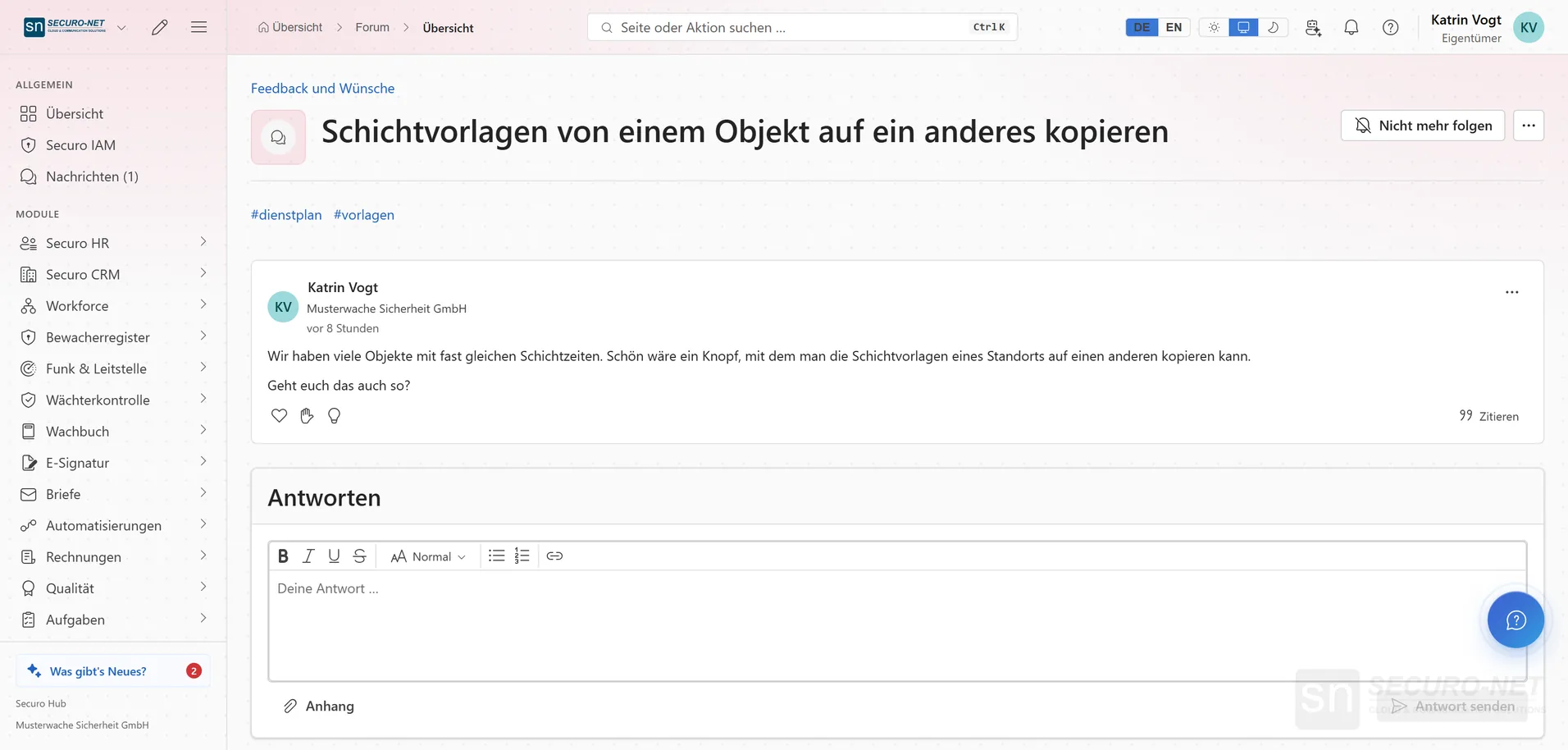
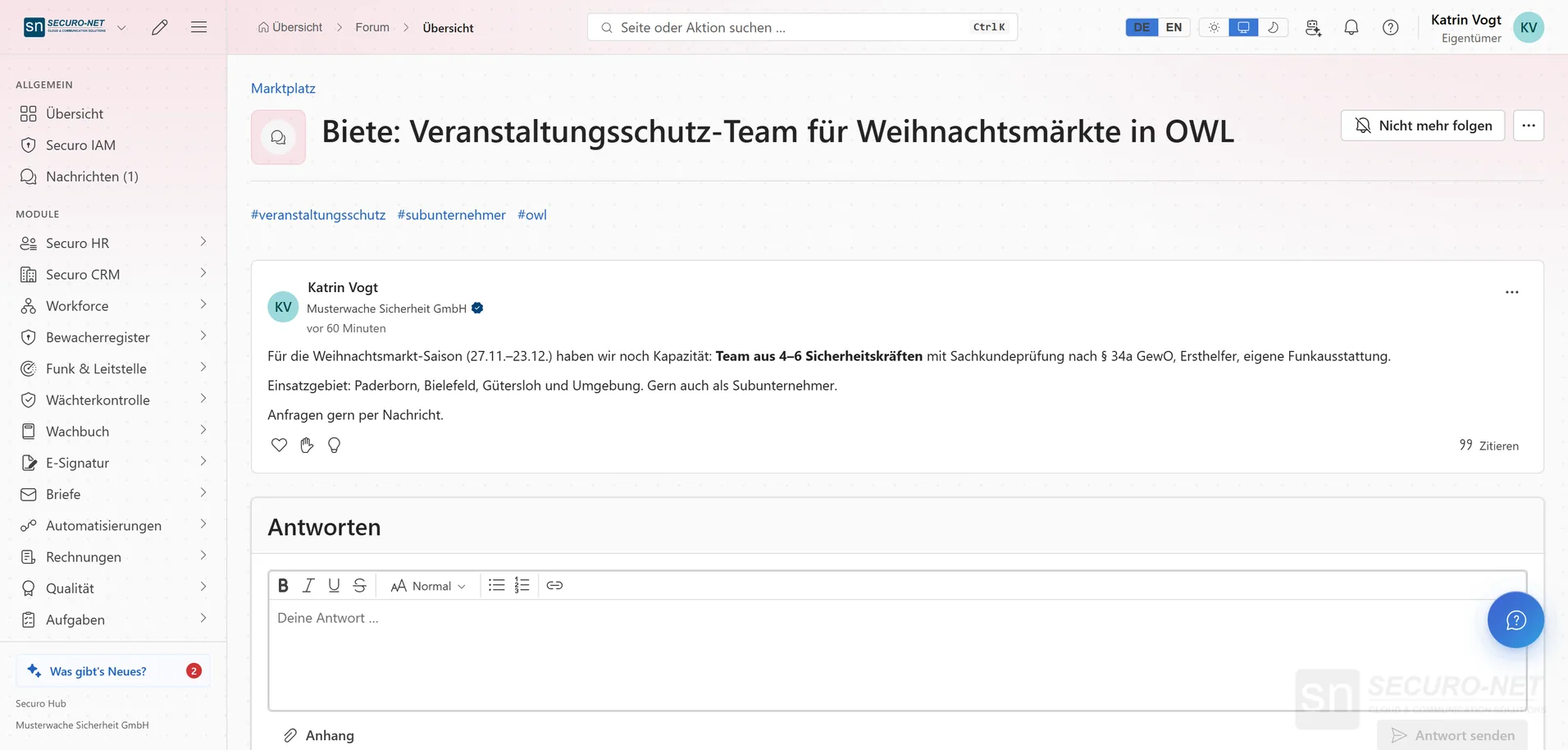
Start a discussion
A topic with formatted text and tags — with your company name if you like.
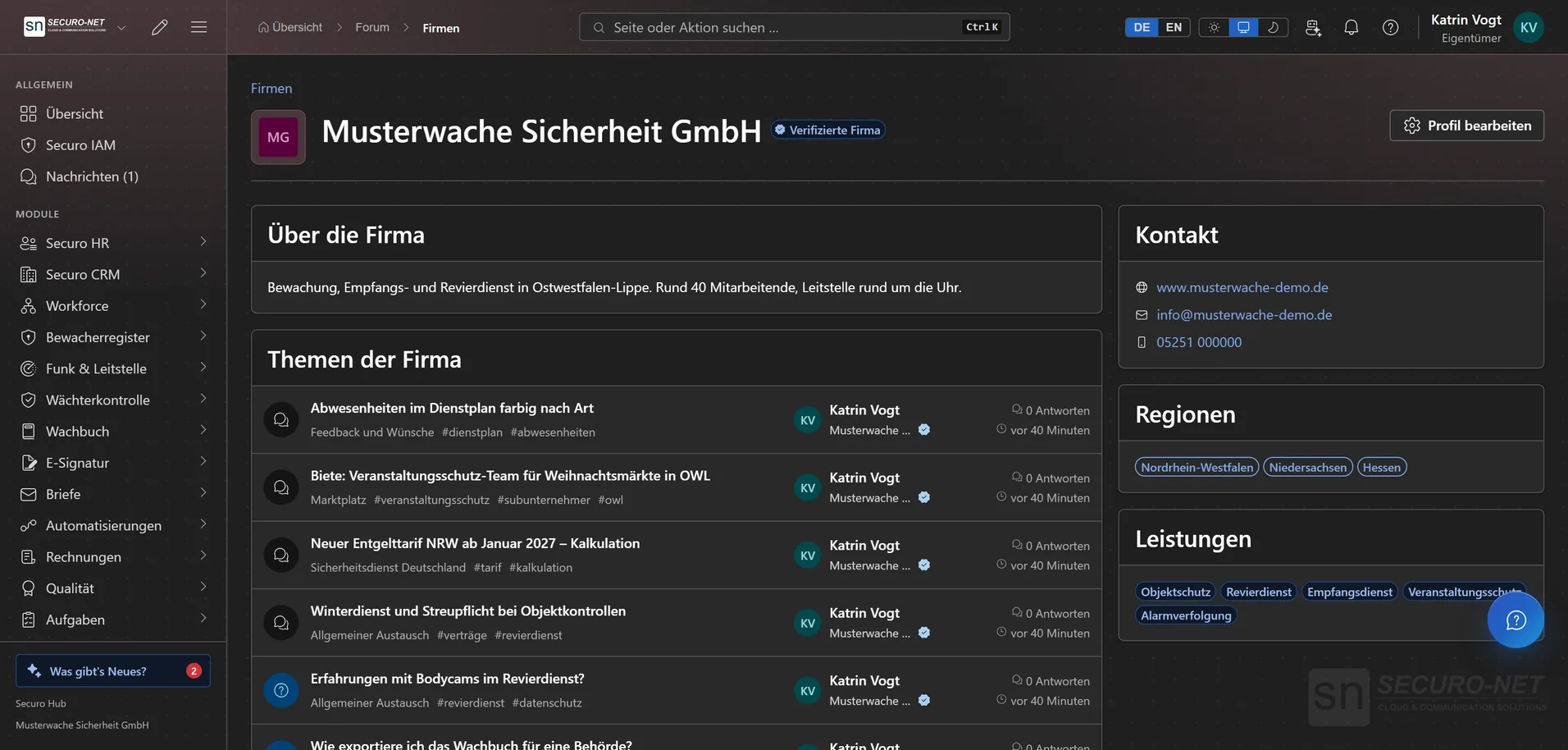
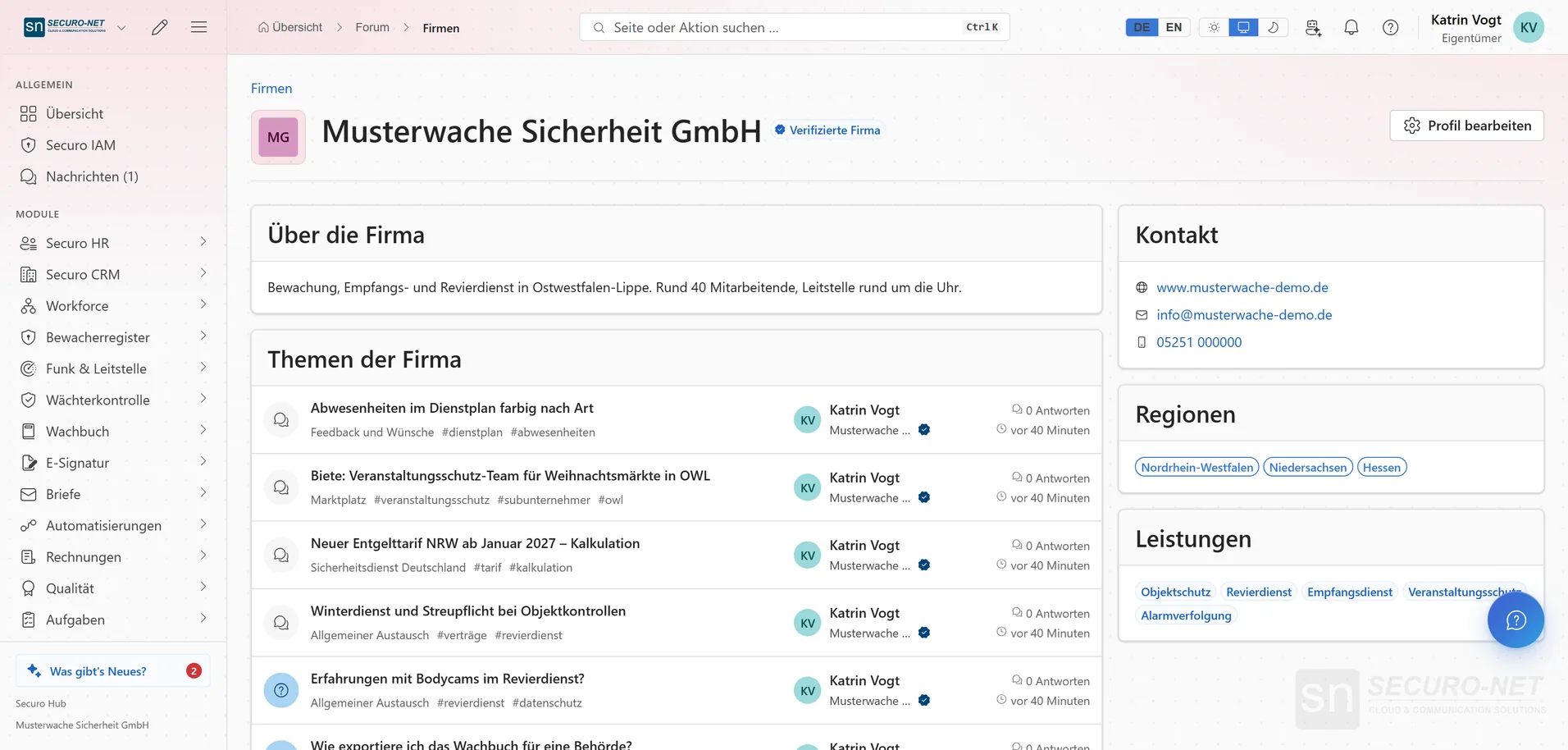
Your company profile
You maintain description, contact, regions and services — plus your topics in the forum.
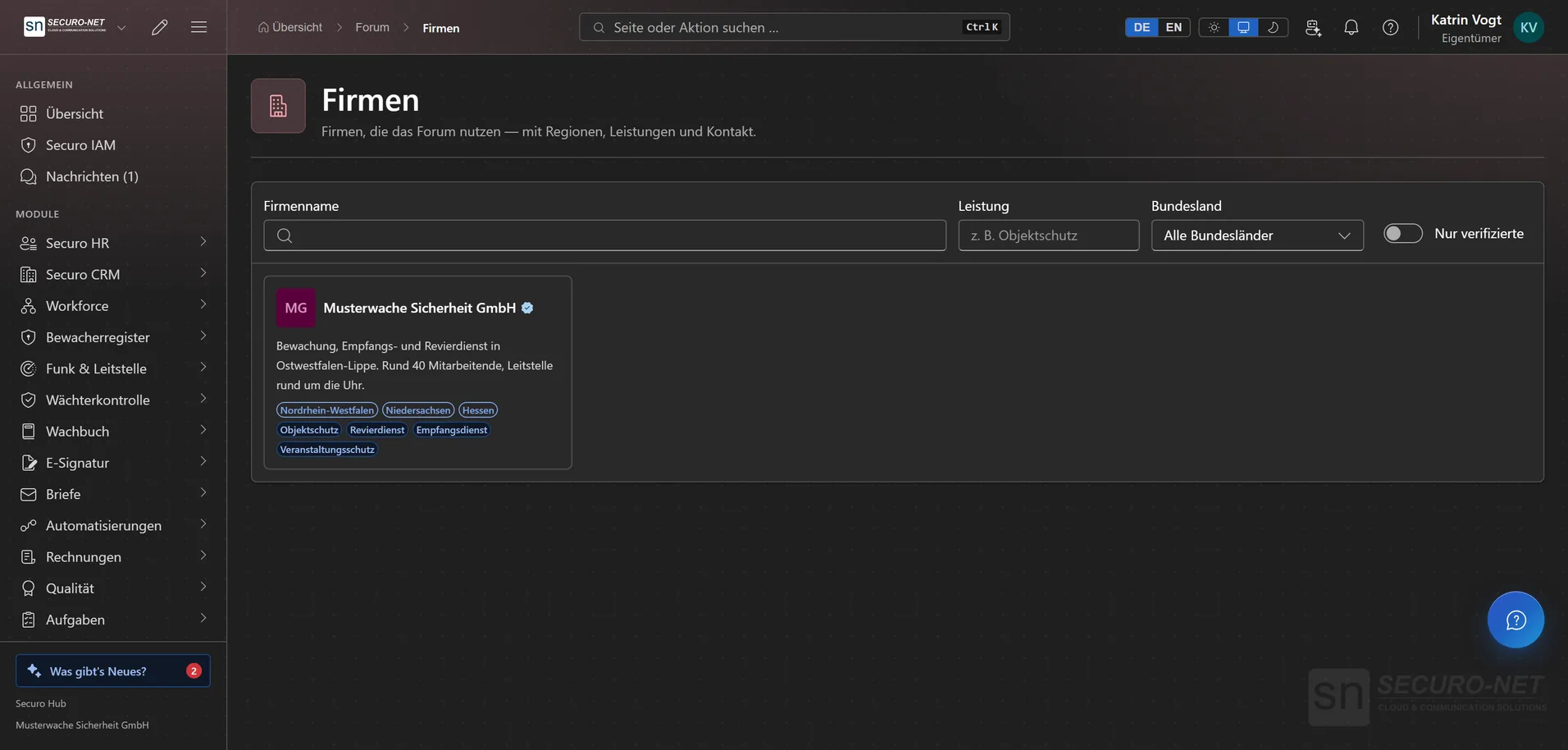
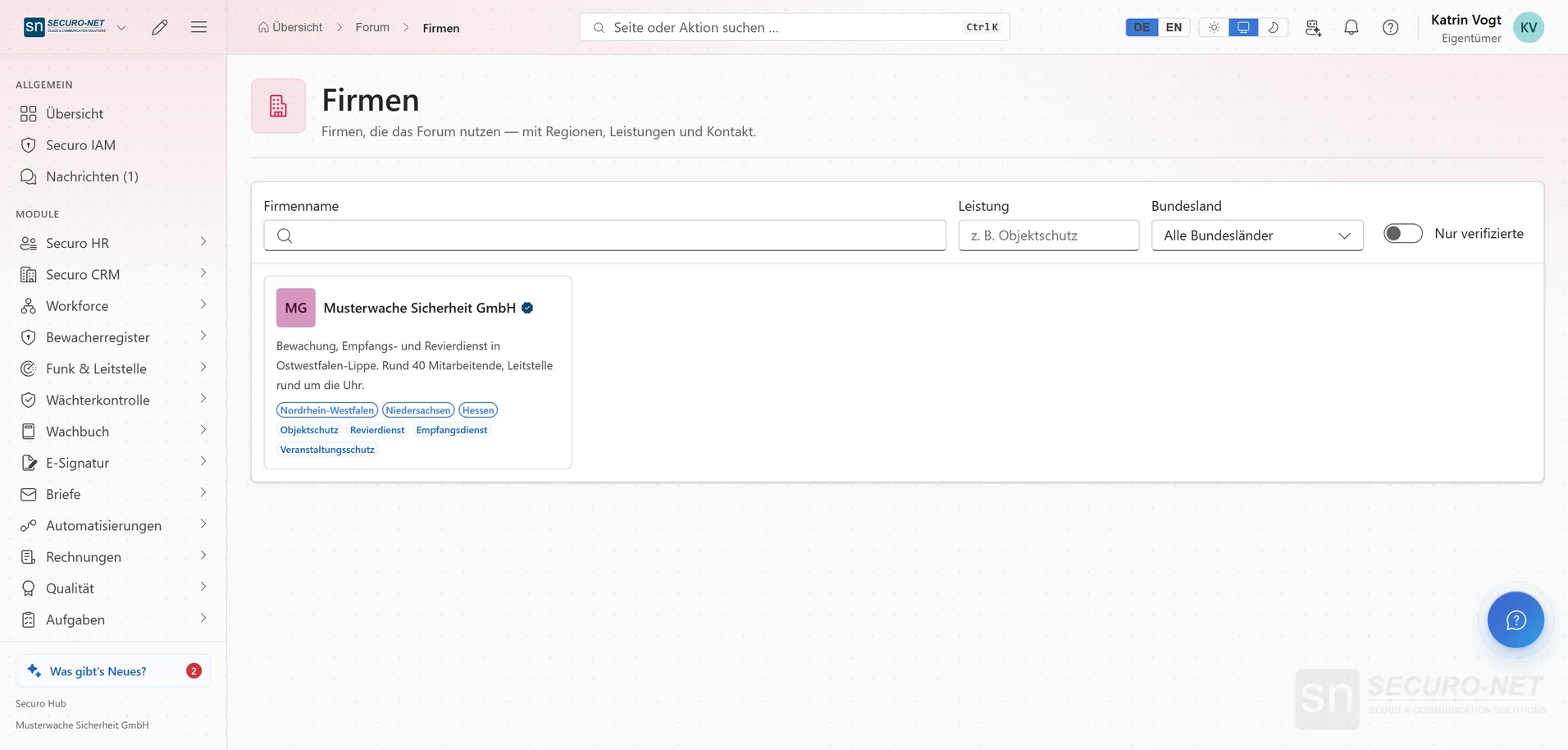
Company directory
Find companies by name, service and federal state — only those who listed themselves appear.
Works well with
These modules share the same data — together they remove the double data entry.
Automations
Recurring processes as workflows — triggered by module events, a schedule, a button or from outside.
AI assistant
Answers questions about the hub — and with Securo AI proposes shifts, master data, quotes and invoices that you confirm with one click.
Integrations
Connect external services — Stripe, Microsoft 365 and data migration from the planner.
Part of Securo Hub
This module is part of the Securo Hub platform — one login, shared data, one design. Use it standalone or together with others.