
Guard control
The client wants to know the rounds actually happened — and the lone worker wants to know someone notices if something goes wrong. This module delivers both, verifiably rather than by assertion.
Every feature
18 features, grouped by area of work. Every one of them exists in the product.
Patrols
Patrol on the phone
Start assigned and open patrols, scan points by tag, and in an emergency hold the panic button for two seconds. Without a signal, scans are stored and go out by themselves — because basements have no signal.
Checkpoints via NFC & GPS
Create stations as NFC tags or GPS points per property — set the position by address search or a tap on the map, no coordinates needed. The evidence is created where the officer actually stands.
Assign tags on site
The page lists exactly those checkpoints still missing a tag and walks you through assigning them in one pass. Where the phone provides it, the chip's serial number is stored too — a copied tag stands out.
Tasks at the checkpoint
A checklist per point — confirm, yes/no, reading, photo or free text — worked through while scanning. Mandatory tasks cannot be skipped, so the round becomes verifiable rather than vague.
Patrol route templates
A set of checkpoints as a reusable patrol, in fixed or any order. Pick points one by one, or use “Add all” to take every point of a site at once.
Unpredictable routes
The order is drawn anew at every start, and optionally only some of the points are asked for — mandatory points are always included. Nobody can predict the round. The subset is part of Guard Control Pro.
Tours at a glance
Planned, running and past patrols in one place — including ad-hoc tours when something comes up.
Recurrence schedules
“Every week Mon, Wed, Fri between 10 pm and 4 am” — even several times per window: hourly from 6 pm to 6 am, or twelve patrols a day at any time. Assigned to a fixed person, an open pool or whoever is on shift at the site.
Lone-worker protection
Dead-man & panic alarm
If no sign of life comes, the officer first gets a pre-alarm with “I'm OK”, then the main alarm goes out. If a panic alert does not get through, the app keeps trying and offers the emergency call.
Location even in the pocket
In the Securo Hub app, location is recorded during a patrol even with the screen off — only then, never before or after. Optionally, patrols require background location to start.
Alarms with escalation
Tour missed, dead-man, panic, suspected faked patrol — with acknowledgement and an escalation chain. If a stage reaches nobody, the alarm goes to Owner and Administrator, and the officer sees whether it arrived.
Your own alarm rules
Set thresholds, channels and escalation stages per alarm type yourself — recipients as fixed people, site management or a role. Alerts are part of Guard Control Pro.
Dispatch & incidents
Live dispatch view
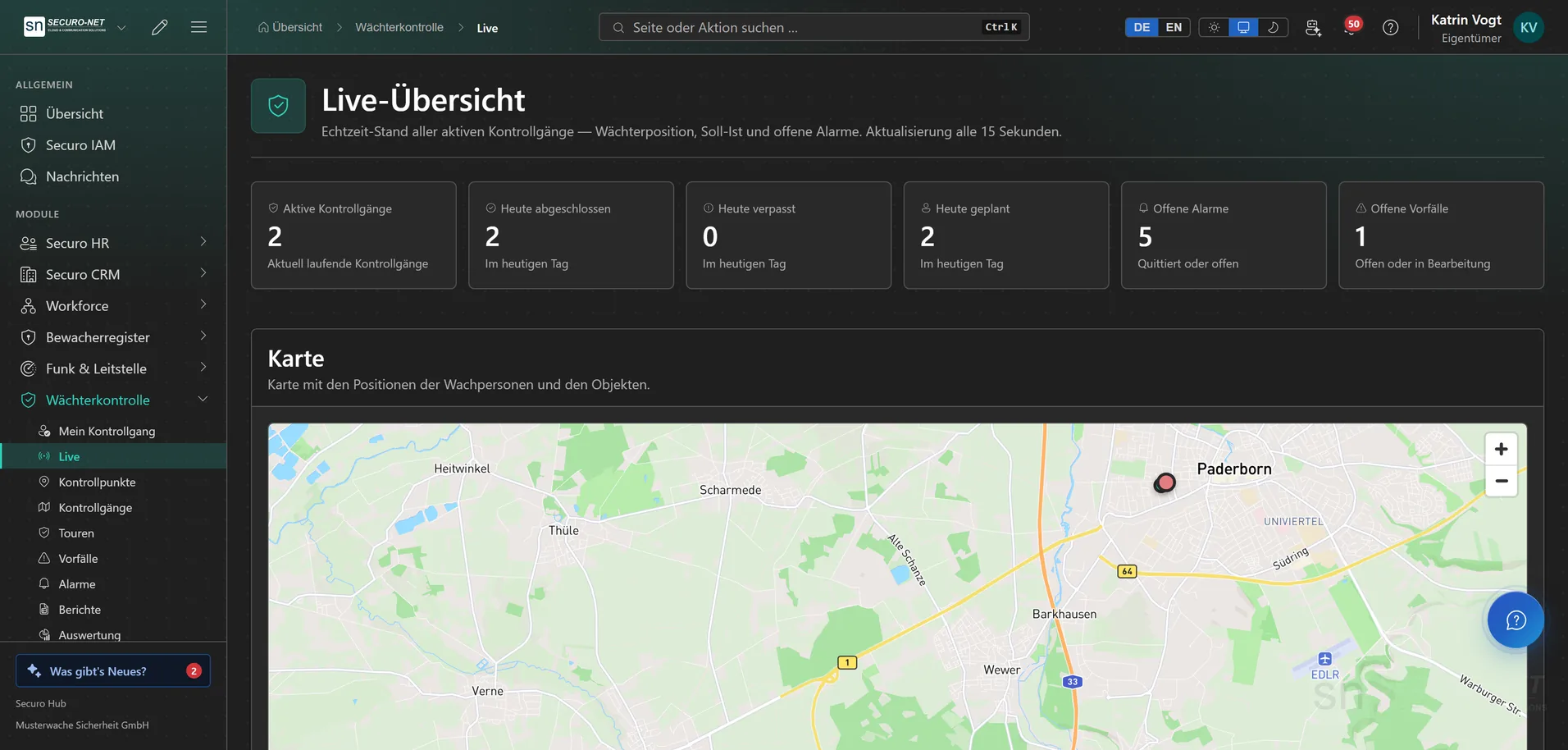
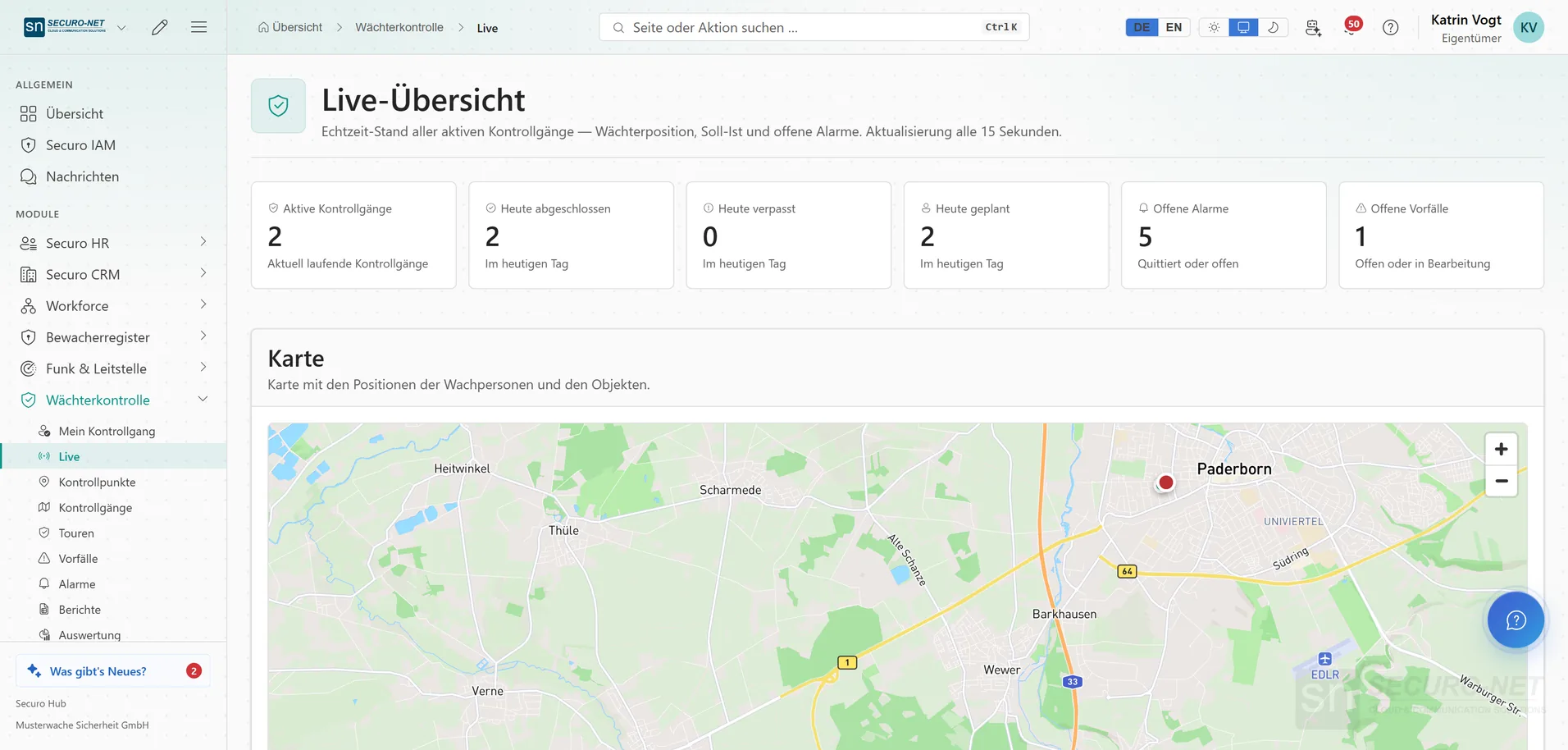
Every active tour on a map, with officer position, target versus actual and open alarms — refreshed every 15 seconds.
Document incidents
Category, severity, description, position, photos and signature — attached to a tour or standing alone.
Check integrity
Every scan and status change is linked to the one before; “Check now” recalculates everything. Suspected faked patrols — impossible speed, a copied tag, a probably faked location — are flagged. Guard Control Pro.
Evidence & analytics
Audit-proof reports
Target versus actual, deviations, incidents and the activity report as PDF, Excel or CSV — with a name of your choice in the report header. Each point shows whether it was captured by tag, by GPS or without a tag.
Analytics
Completed, missed, checkpoints fulfilled, incidents and coverage per site, plus staffing and hints such as “Often missed” or “Site without an active patrol”. Part of Guard Control Pro.
Organisation-wide settings
When the pre-alarm and main alarm trigger, whether patrols need background location, whether NFC tags get write-protected, and how long the GPS trail and photos are kept. Tours, scans and incidents are never deleted automatically.
More views from Guard control
Screens from day-to-day operation — demo data, but no retouching afterwards.
Follow a patrol live
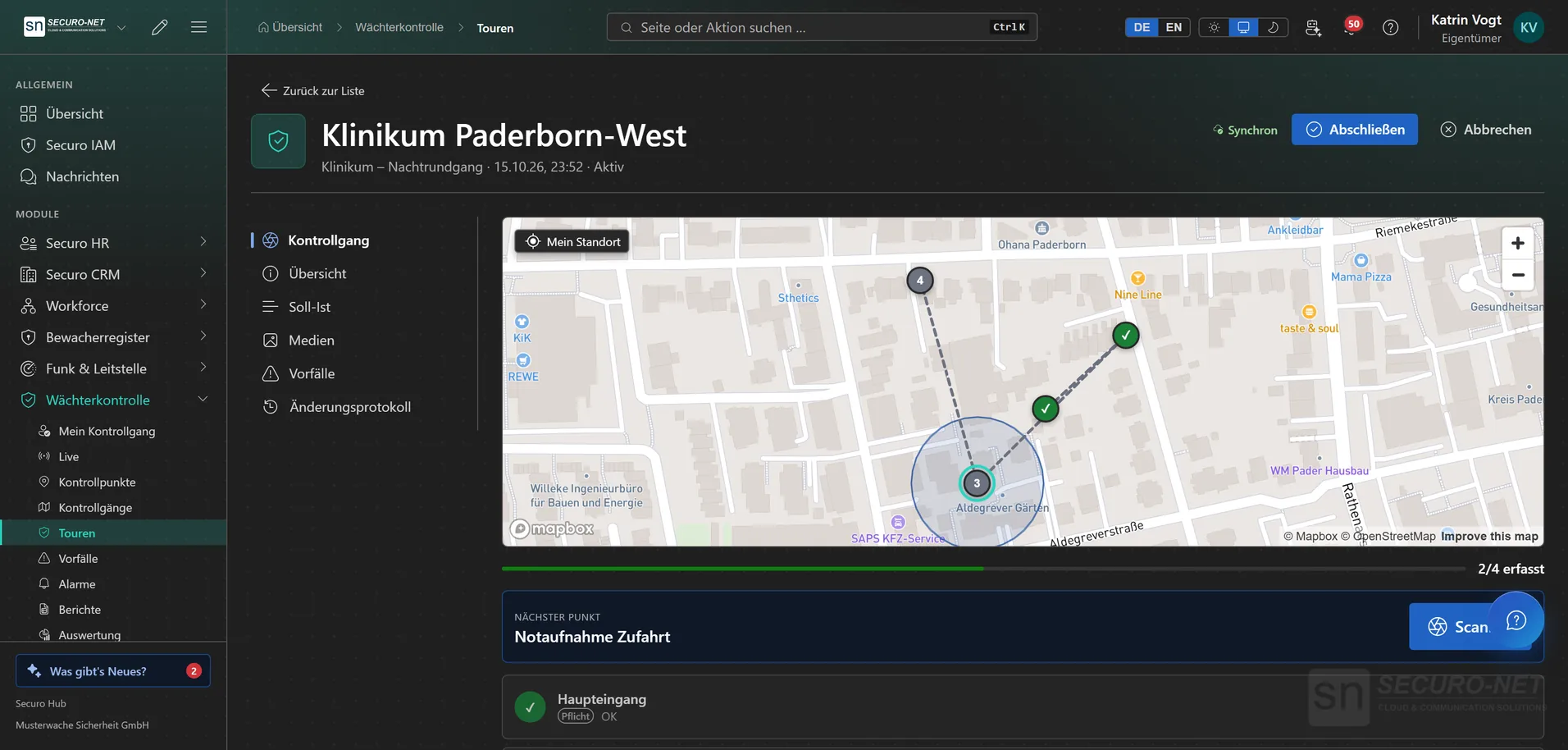
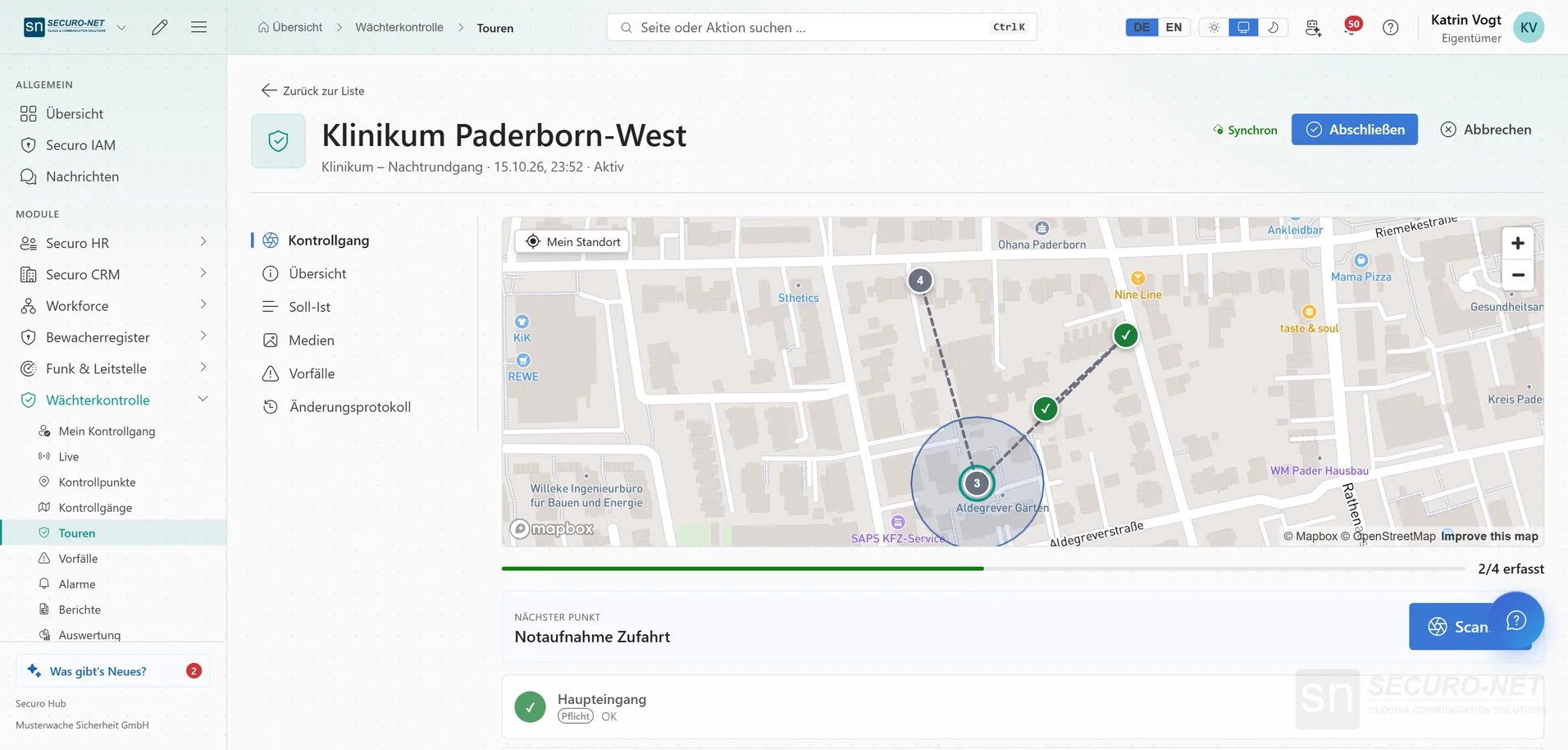
A night patrol in progress on the map: scanned points in green, the next point highlighted, progress “2/4 recorded”.
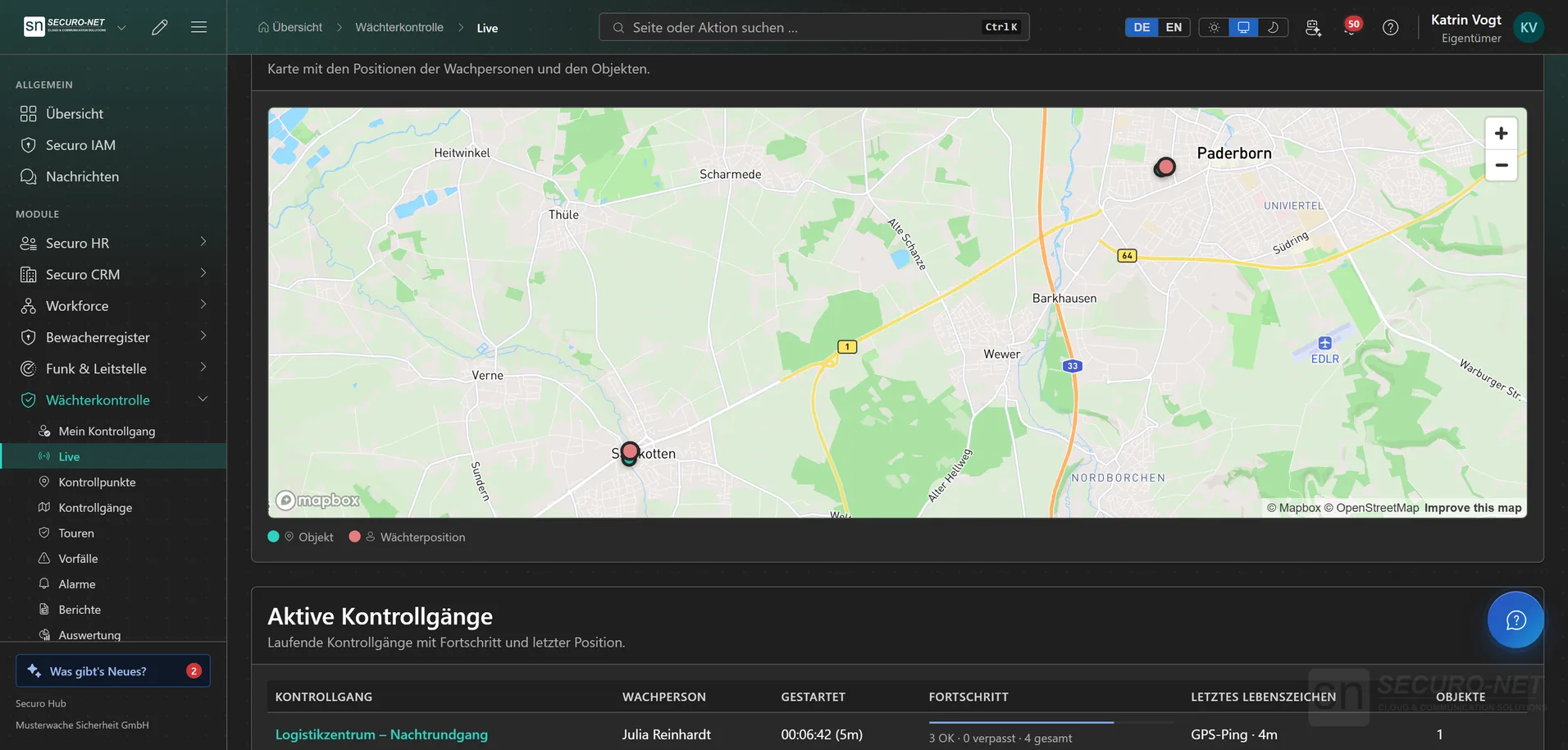
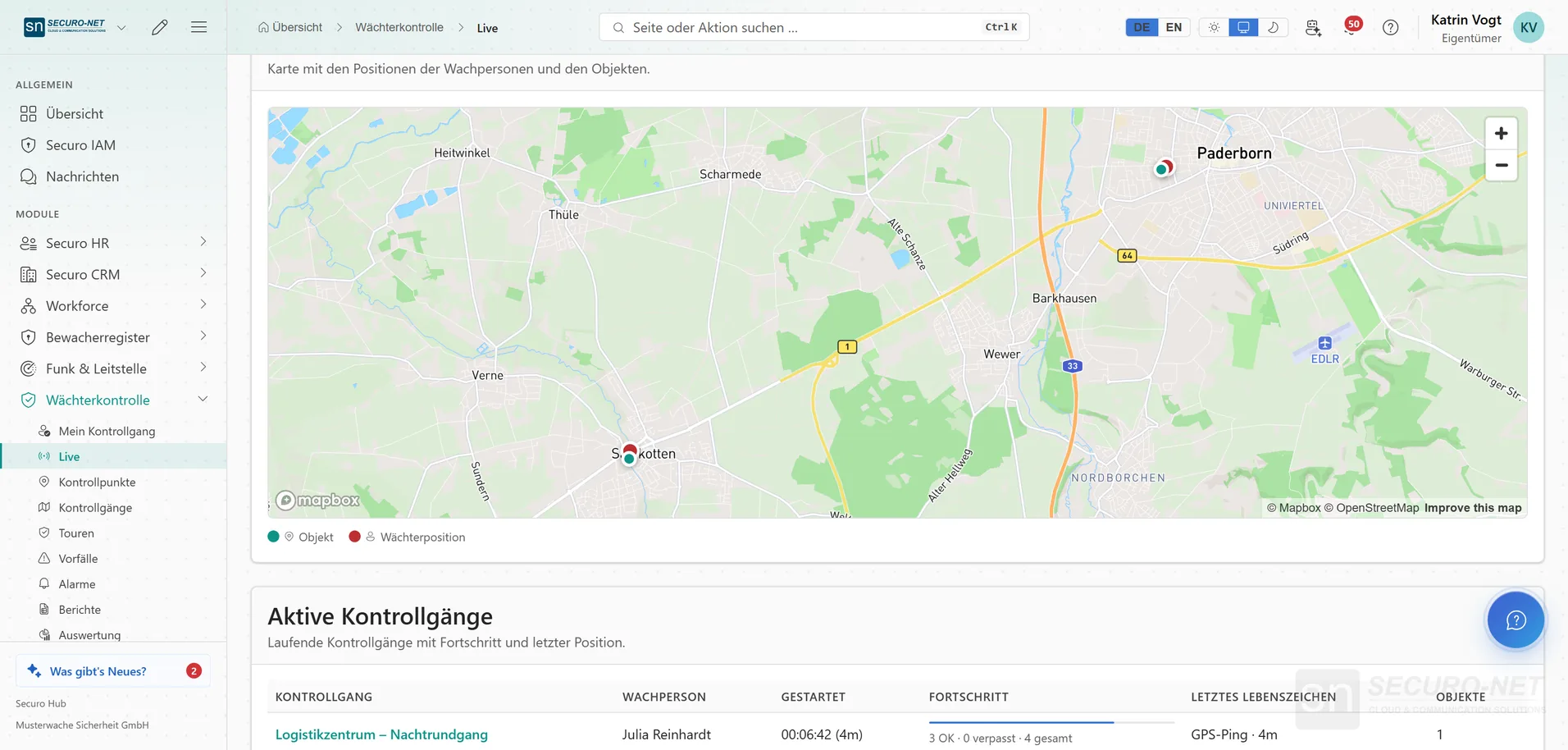
Officers on the map
The map shows sites and each officer's last position on patrol, with the active patrols, progress and last sign of life below.
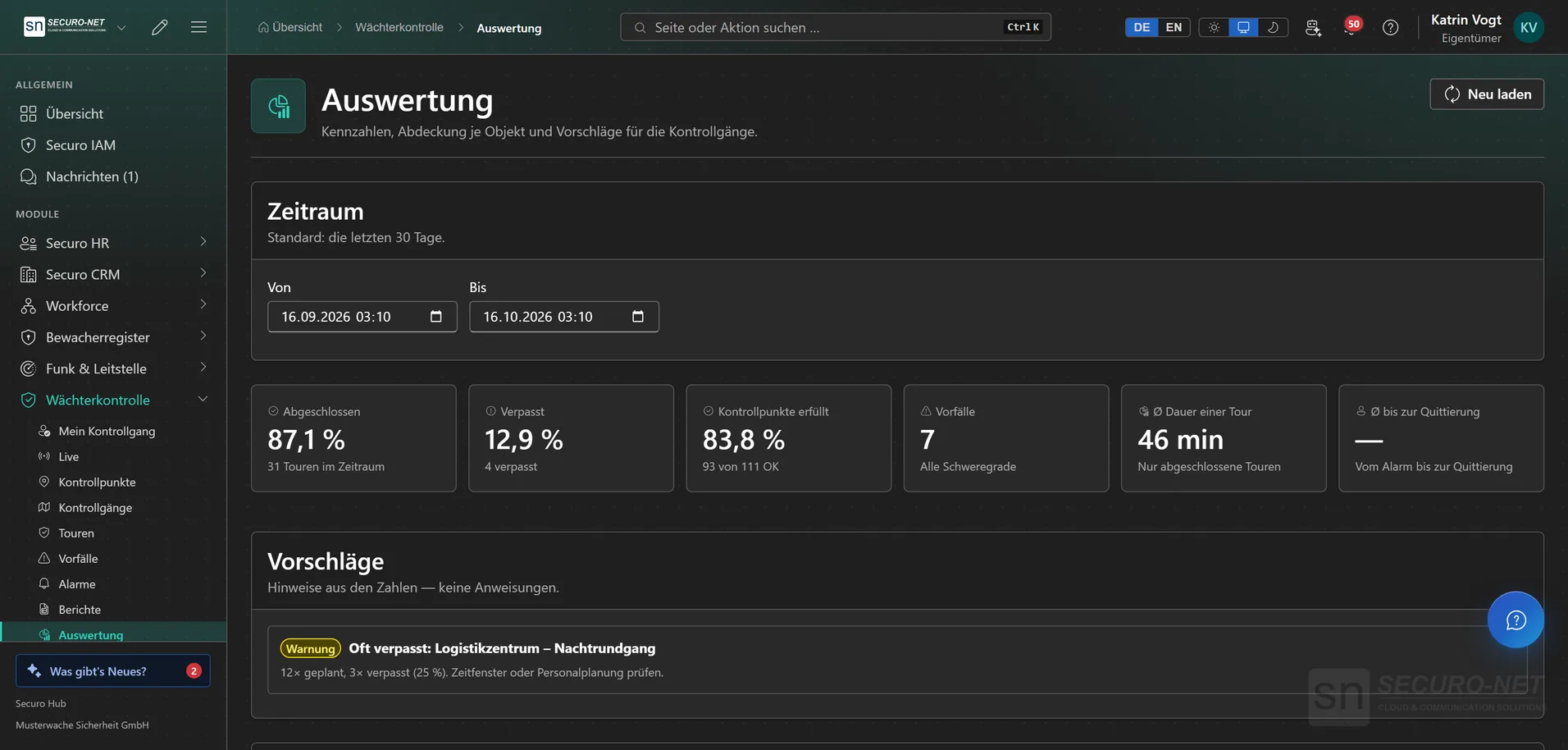
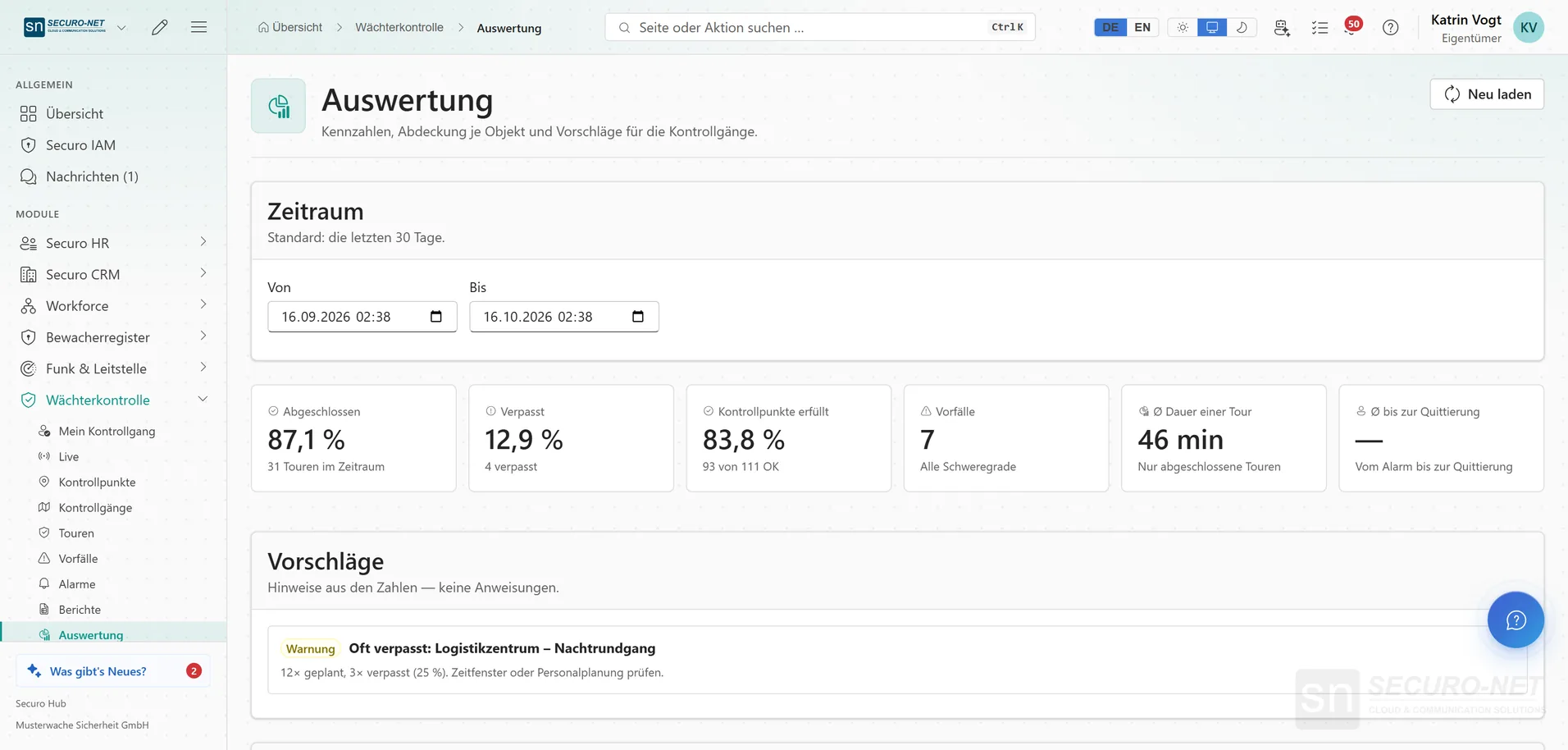
Patrol analytics
Completed, missed, checkpoints fulfilled, incidents and duration per tour — with hints such as “Often missed” for individual patrols.
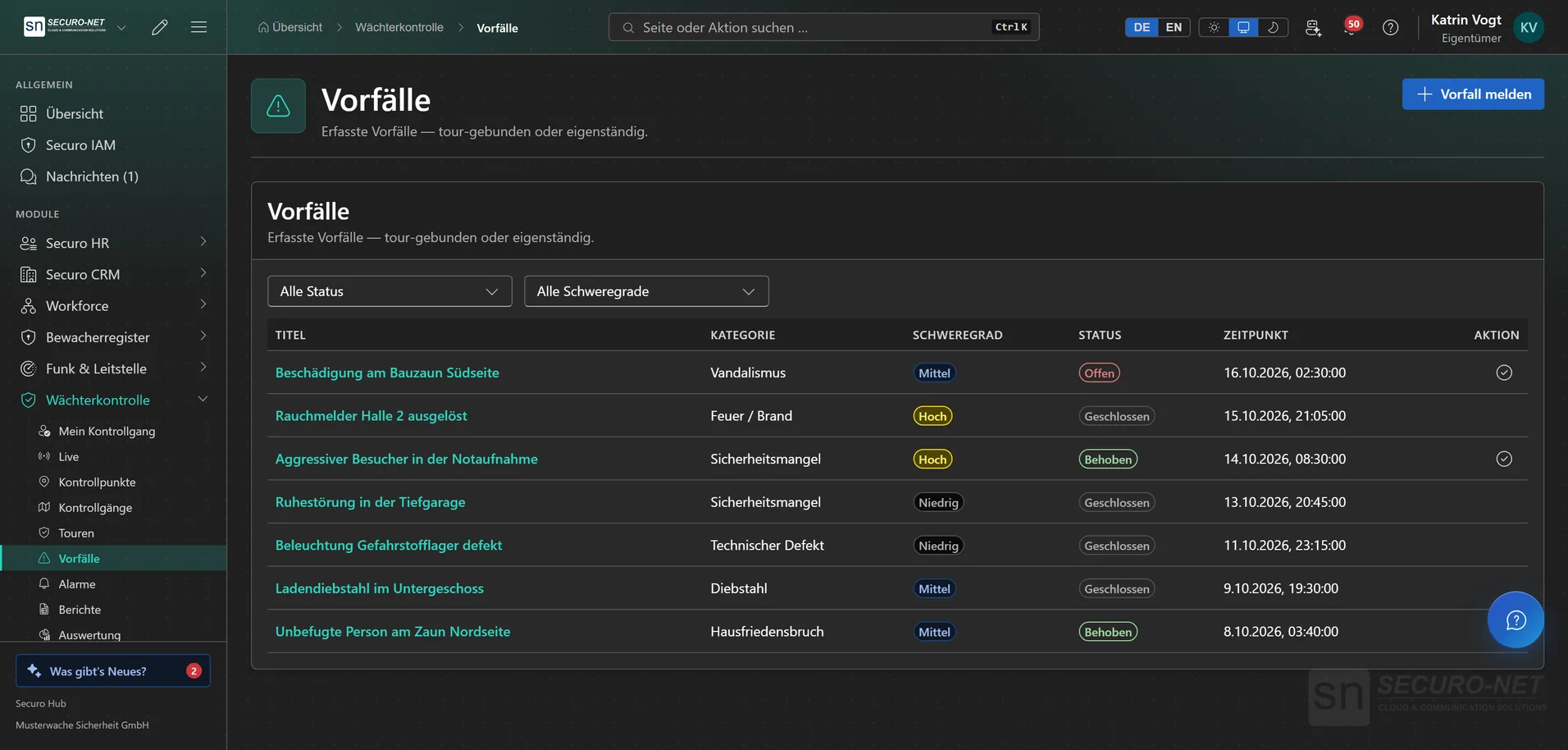
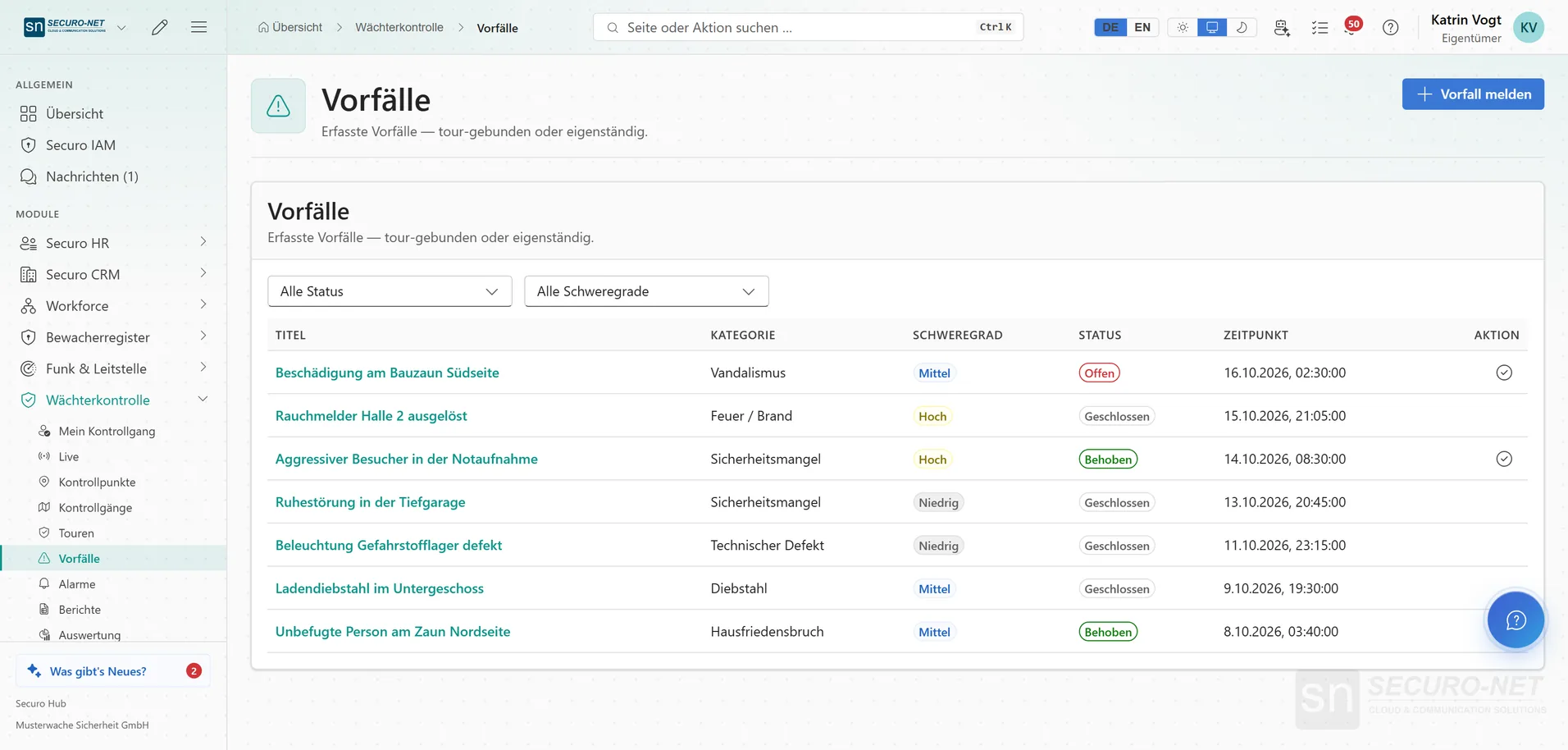
Document incidents
Every incident with category, severity, status and time — from a smoke detector to damage on a site fence.
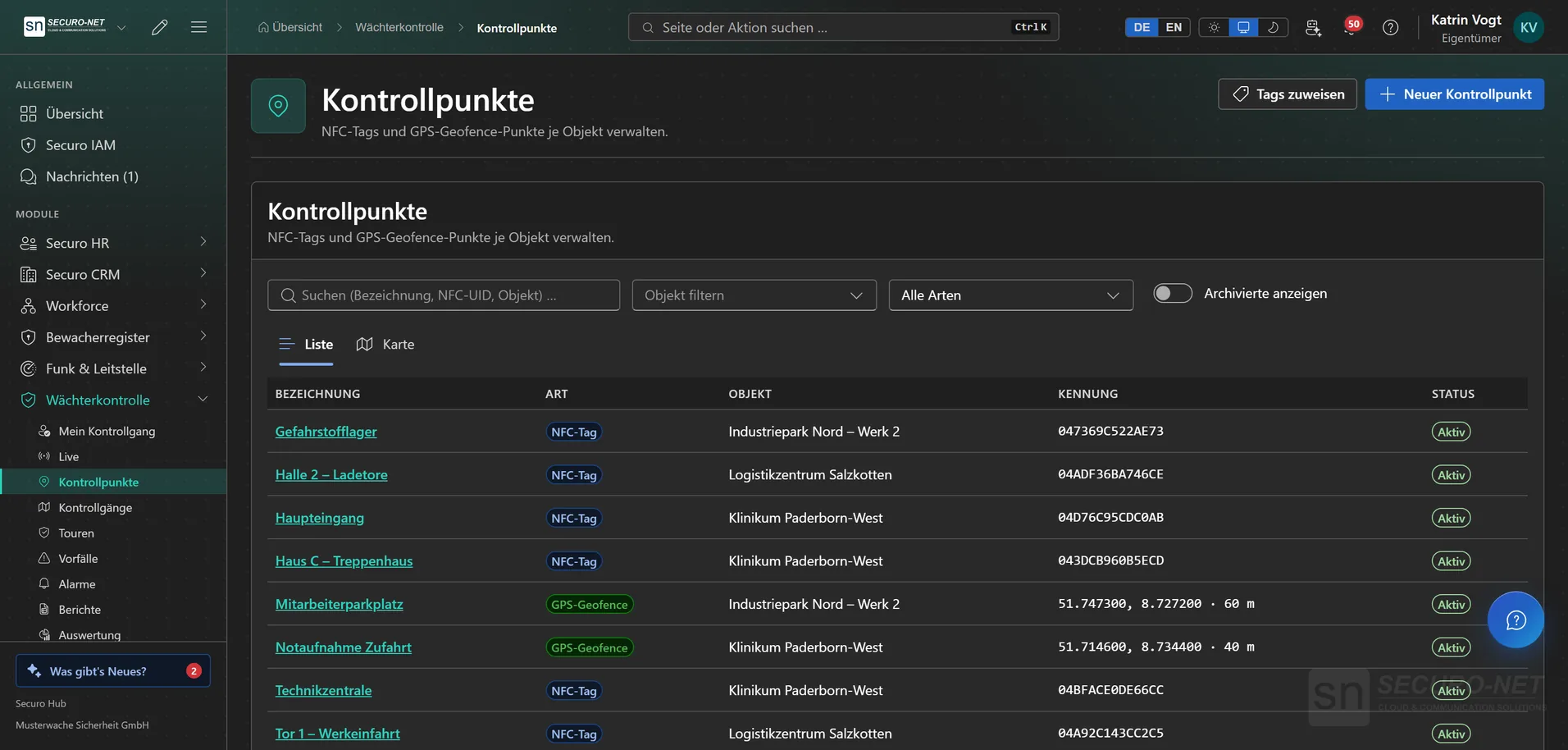
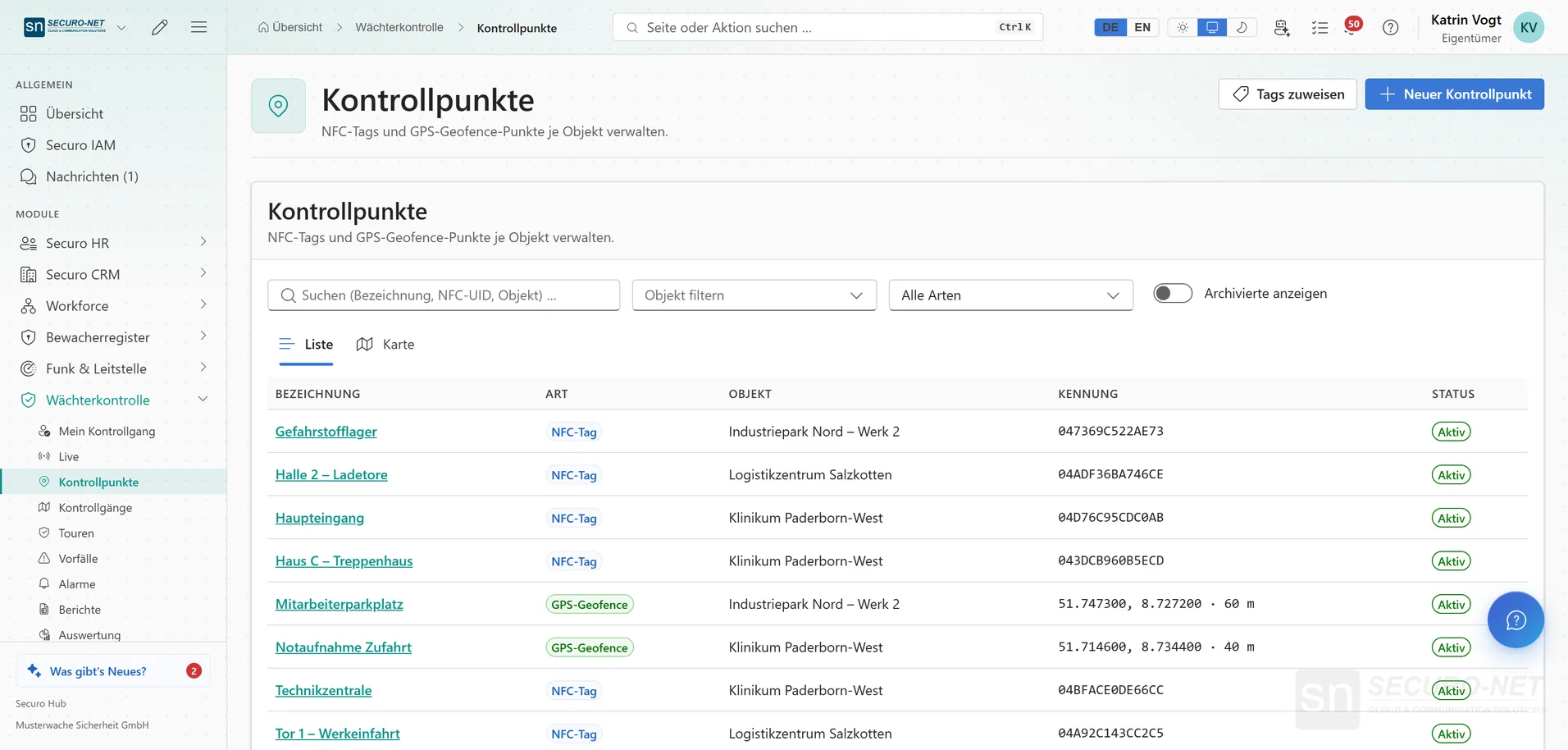
Checkpoints via NFC & GPS
Stations as NFC tags or GPS points per site — with tag ID or position and radius, as a list or on the map.
Works well with
These modules share the same data — together they remove the double data entry.
Guard logbook
A digital duty log: record occurrences in a tamper-evident log, still verifiable years later.
Radio & dispatch
Push-to-talk over cellular, dispatch in the browser, a situation map, recorded radio traffic with AI transcripts, and SOS.
Guard register
View security staff and company data straight from the German guard register — and check third-party guard IDs.
Part of Securo Hub
This module is part of the Securo Hub platform — one login, shared data, one design. Use it standalone or together with others.