
Messages
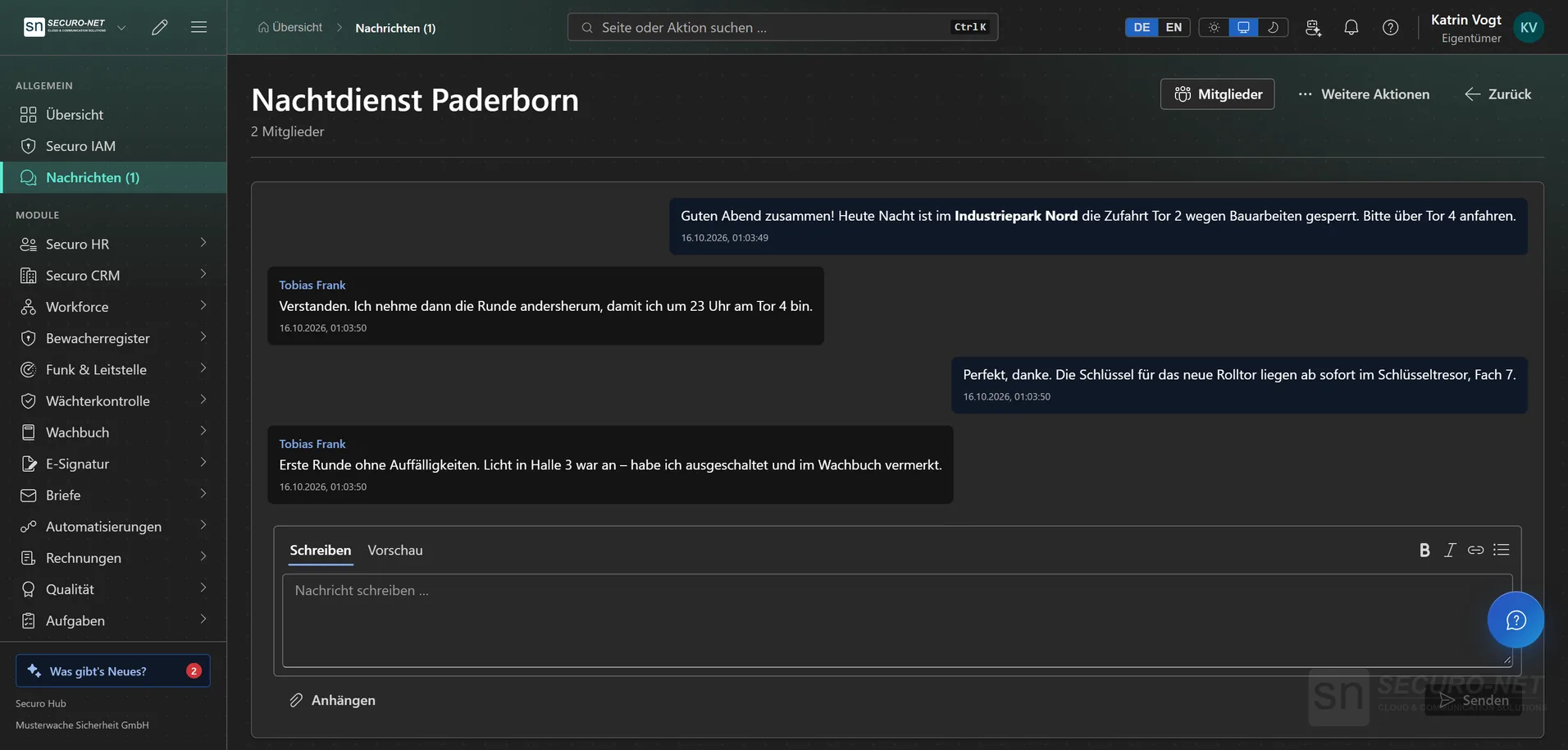
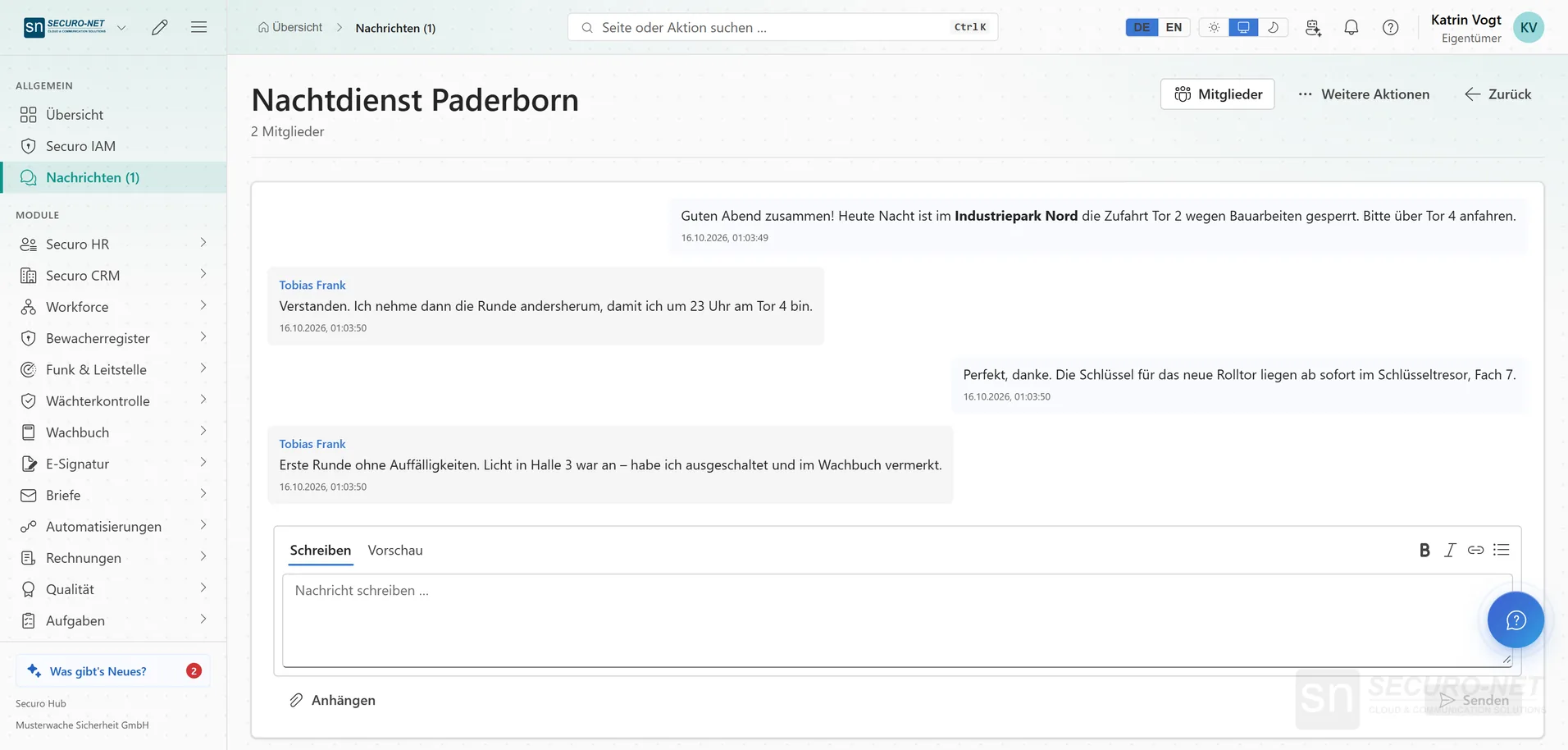
Work conversations otherwise run through private messengers. Here they stay inside the organisation, separate from email and from notifications.
Every feature
10 features, grouped by area of work. Every one of them exists in the product.
Internal communication
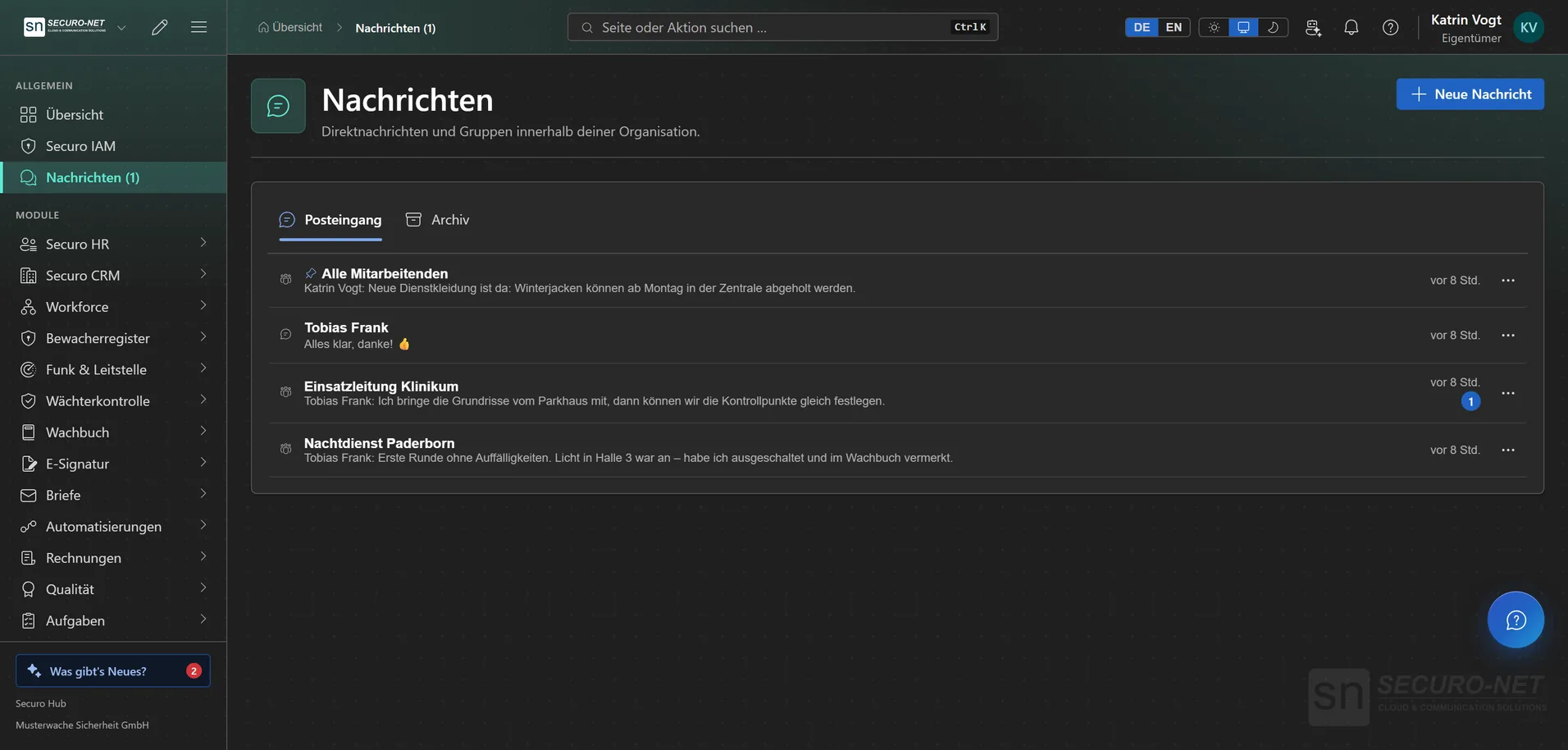
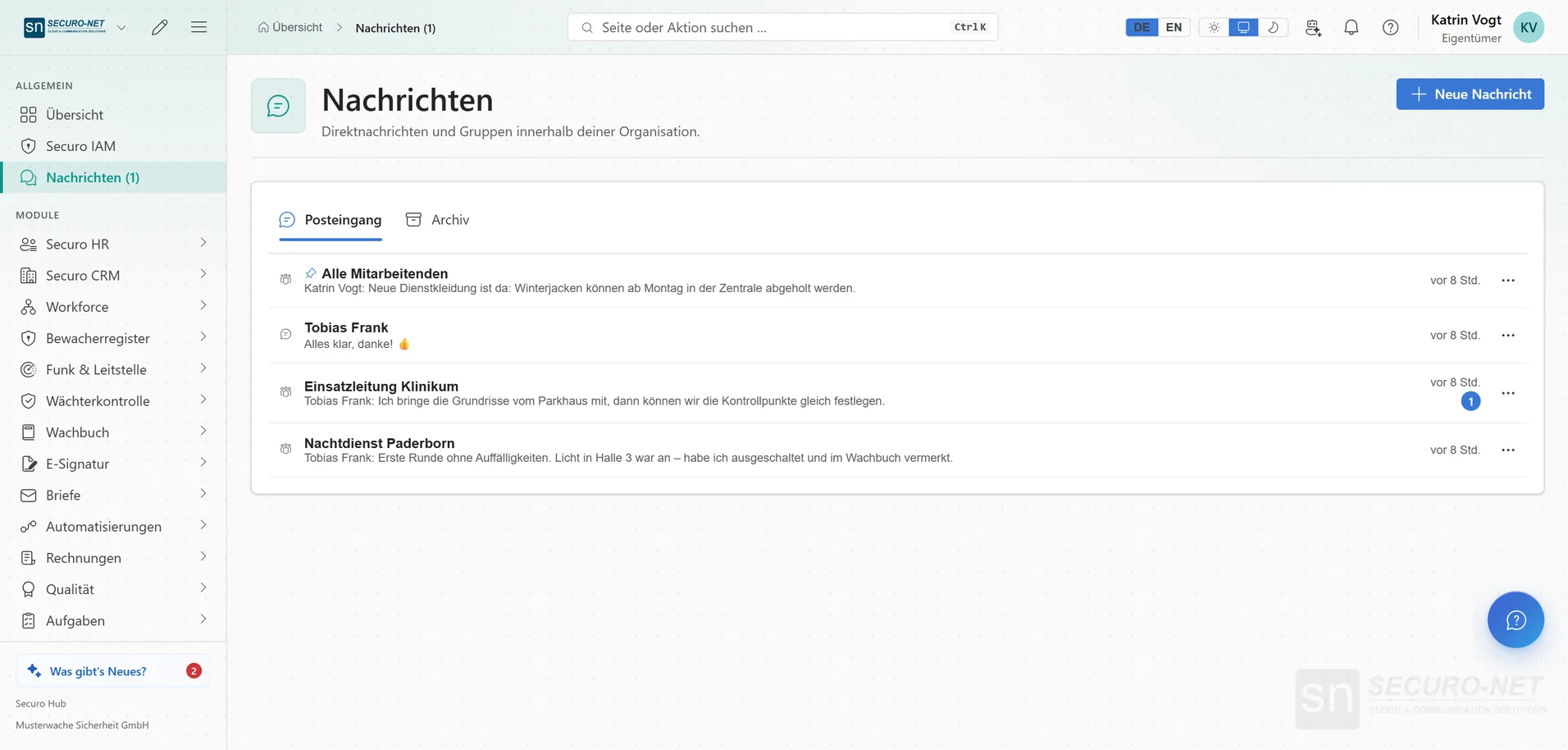
Internal inbox
Direct messages to individuals in your organisation — separate from email and from notifications. A new message also shows up as a push and in the bell.
Replying always works
Whoever is written to can always reply in the direct conversation — even without a permission to write of their own. Only those your organisation allows can start a new conversation.
Attach files
Send PDFs, photos, Office files or emails along: up to 10 files per message, up to 25 MB each. Images appear as a preview; on a phone, the share sheet opens for saving.
Formatted text
Messages support simple formatting — bold, italics, links and lists from a toolbar, without writing code. “Preview” shows the result before you send.
Archive and delete for me
“Archive” tidies up the inbox; if someone writes again, the conversation comes back on its own. “Delete for me” removes the history only for you — the others keep theirs.
Included at no extra cost
Messages need no separate licence and are available to every organisation.
Groups
Groups
Several members in one conversation — you create them yourself, for instance for a team, a shift or a location. Whoever creates the group becomes its owner.
Who can write?
Chosen per group: “All members can write” or “Only group admins can write” — for announcement groups where everyone reads along but not everyone replies.
Organisation-wide groups
A group with every member of the organisation — whoever joins later is in automatically and sees the history so far. Important conversations go to the top for everyone with “Pin for everyone”.
Roles within a group
Owner, admin, member: admins rename the group and add or remove members. Every member except the owner can leave a group again — organisation-wide groups excepted.
More views from Messages
Screens from day-to-day operation — demo data, but no retouching afterwards.
Internal inbox
Direct messages and groups in your organisation — separate from email and notifications.
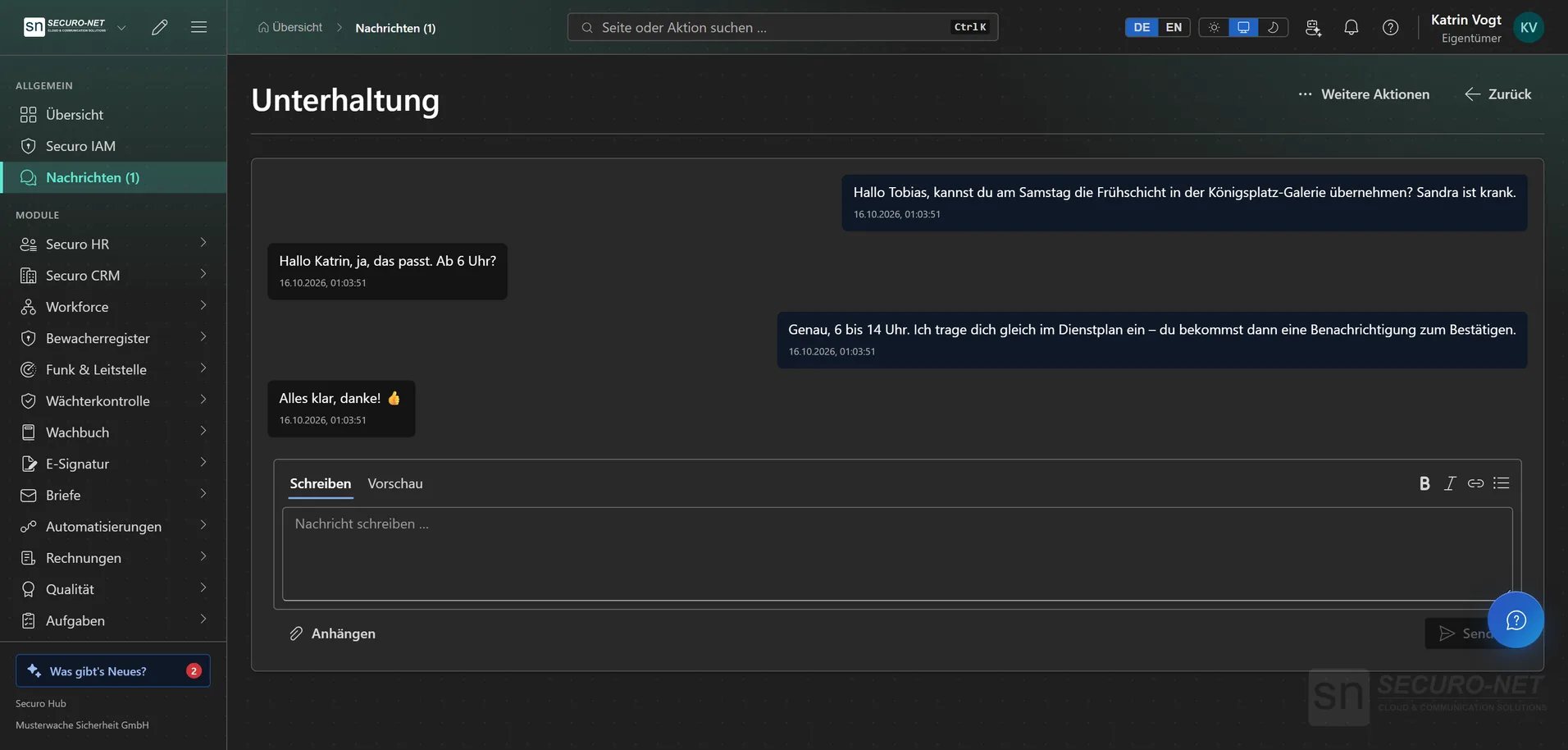
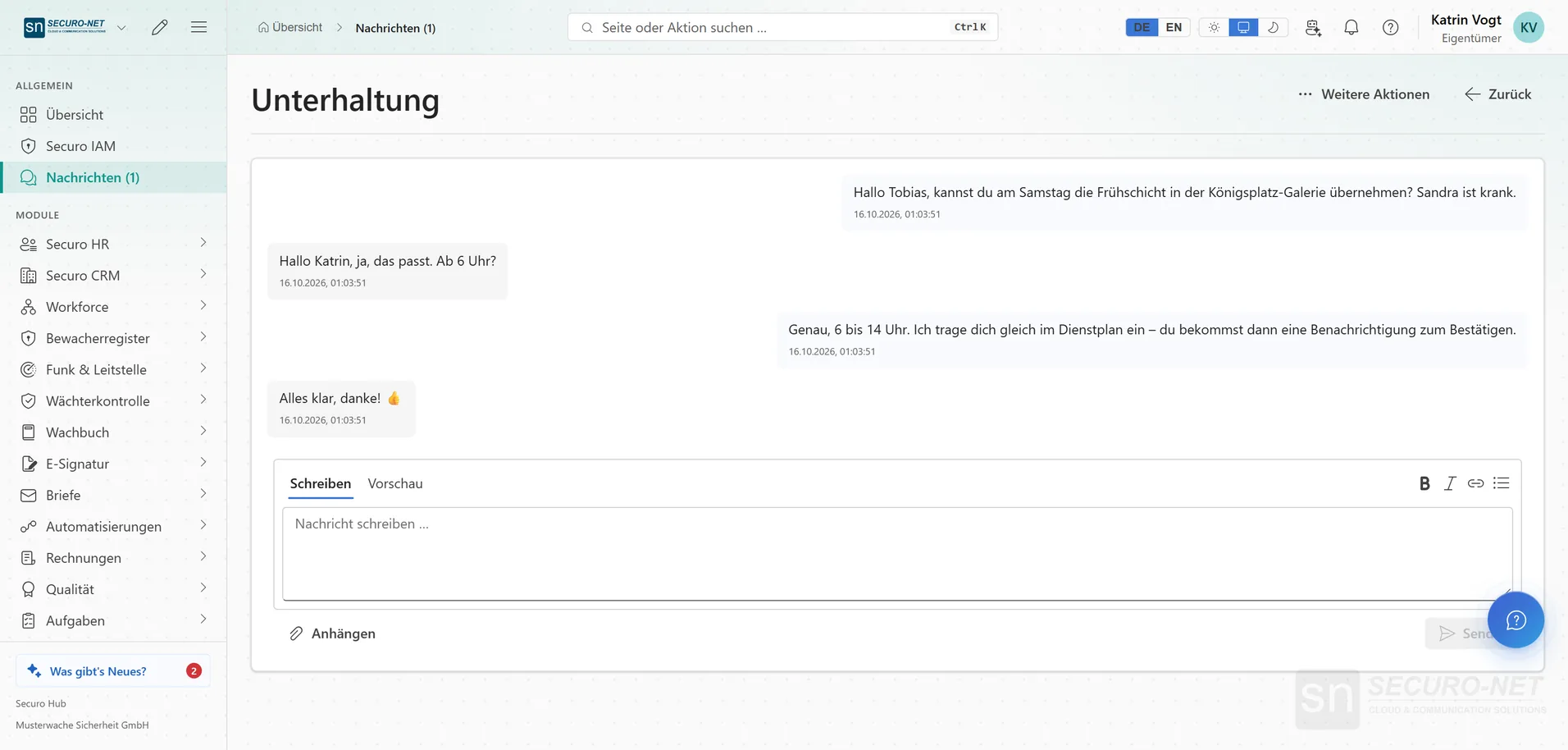
Direct message
Quickly agree who takes a shift — without private messengers.
Works well with
These modules share the same data — together they remove the double data entry.
Automations
Recurring processes as workflows — triggered by module events, a schedule, a button or from outside.
AI assistant
Answers questions about the hub — and with Securo AI proposes shifts, master data, quotes and invoices that you confirm with one click.
Integrations
Connect external services — Stripe, Microsoft 365 and data migration from the planner.
Part of Securo Hub
This module is part of the Securo Hub platform — one login, shared data, one design. Use it standalone or together with others.