
AI assistant
Software goes unused because nobody knows where things are — and orders from Excel get retyped by hand. The assistant answers the question where it arises and turns the spreadsheet into proposals you only need to check.
Every feature
17 features, grouped by area of work. Every one of them exists in the product.
Questions & guidance
Assistant in the header
Ask a question about the hub and get an answer — without leaving the page you are working on. The assistant knows which page is open and prefers the help that fits it.
Asking questions or Securo AI
“Asking questions” is included for everyone: the assistant explains how things work and sees none of your organisation’s data. With the Securo AI licence it works with your data — for example “Who is on night shift tomorrow?”.
Answers with a source
The assistant draws on the built-in help and links the relevant page rather than improvising. It only cites help pages that actually exist.
Takes you to the right place
Ask where something is and it gives you the menu path plus a button that takes you straight there. If you lack a permission, it tells you which one; for a bug or a wish it opens the way to Securo support.
A quota per person
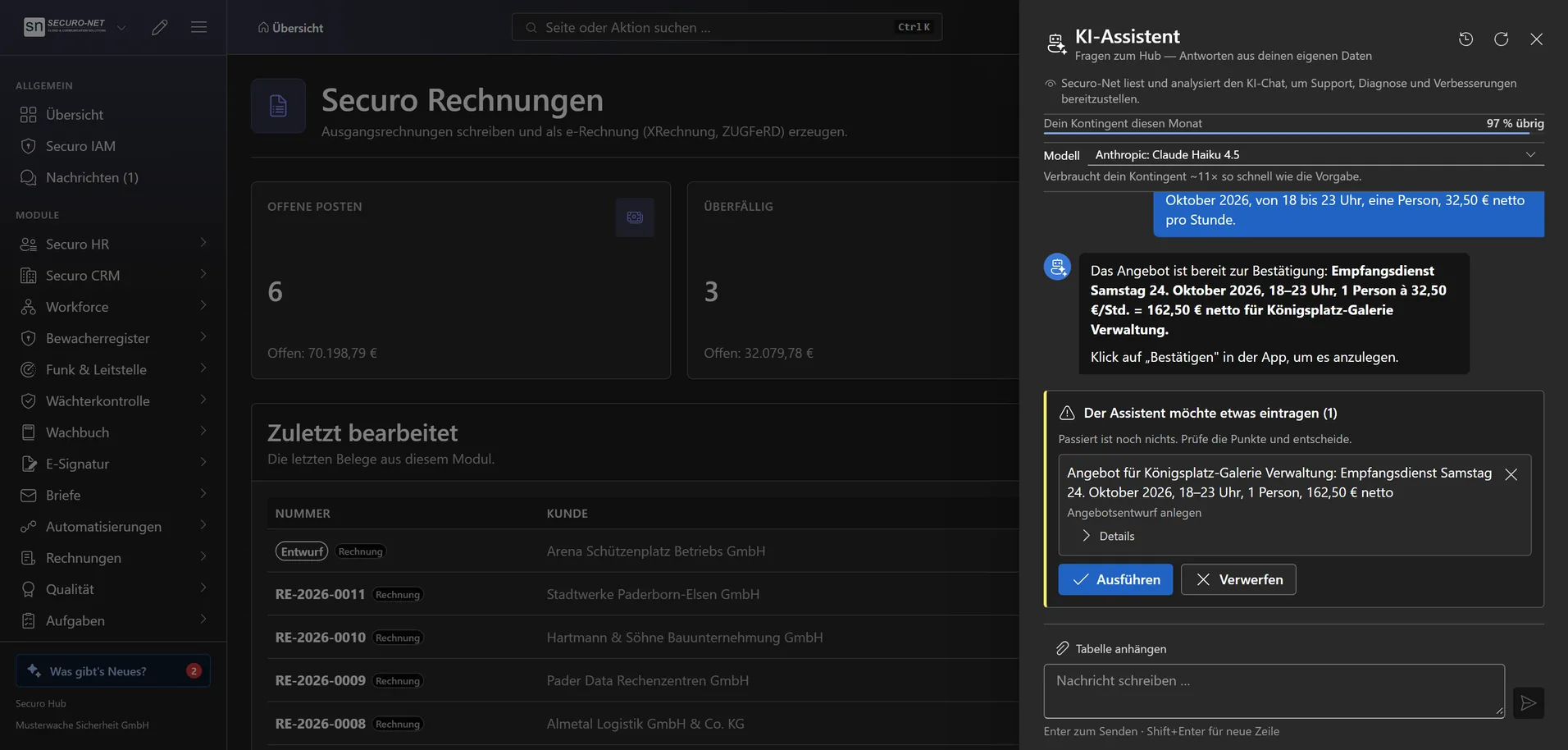
Every person has their own monthly quota — heavy users take nothing away from their colleagues. The chat shows the remaining share as a percentage; with Securo AI it is considerably larger.
Working with Securo AI
Nothing is written until you confirm
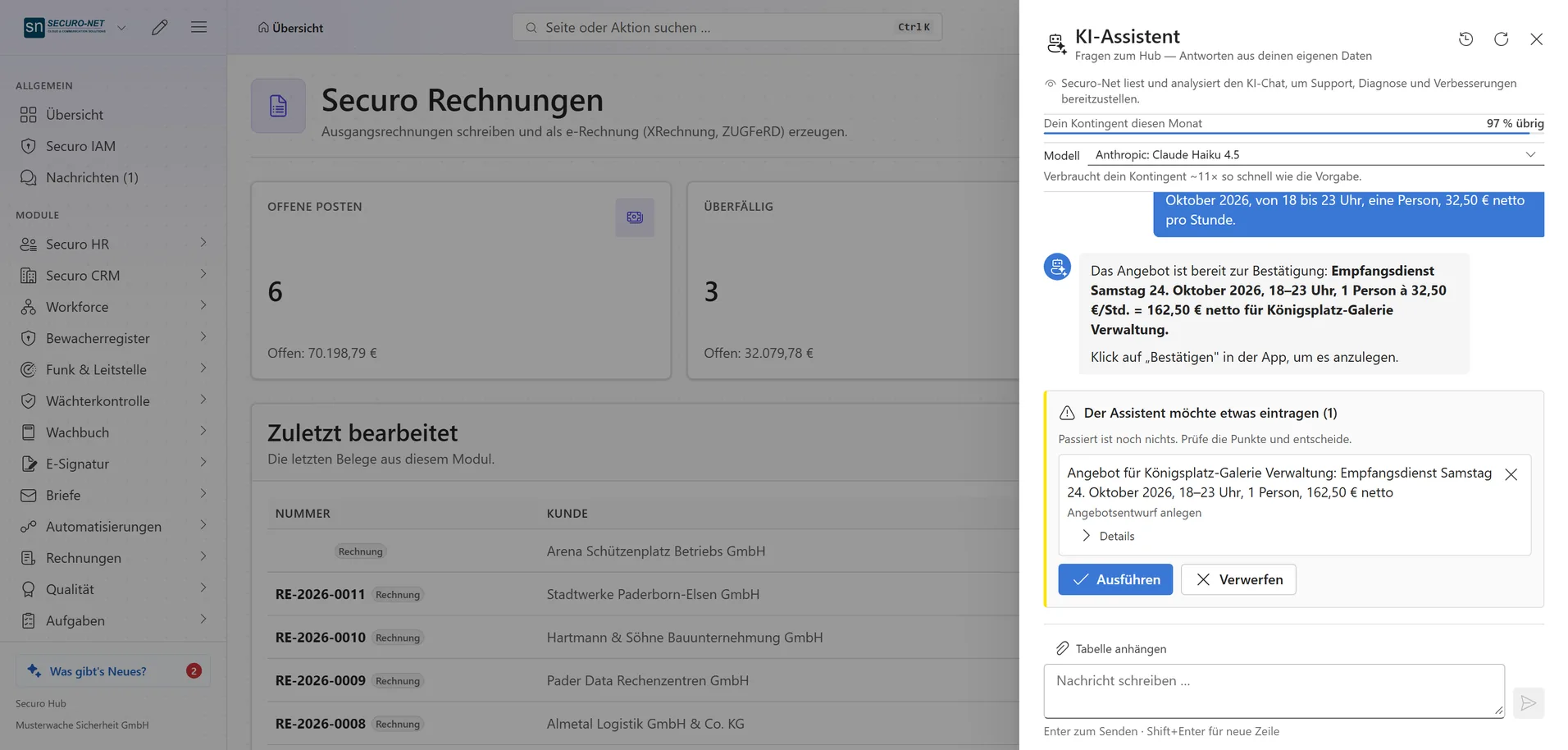
If the assistant wants to create or change something, it puts every item to you as a separate card — showing the values that will actually be stored. Until you press “Run it”, nothing has happened.
Asks instead of guessing
If a name matches two records or a date is missing, the assistant stops and asks — with suggested answers as buttons. Until you reply, it does not continue and enters nothing.
Proposes shifts, locations and customers
From an order it proposes shifts — as drafts that employees cannot see yet — plus missing locations, roles, customers and tasks, and it assigns employees. Every item waits for your click.
Personnel data from a spreadsheet
When you move over from another program, it takes employees, absences, qualifications and weekly hours from a spreadsheet — many people in one proposal. No Securo accounts or invitations are created.
Drafts quotes and invoices
Invoice, down-payment, pro forma and credit note drafts as well as quotes: create, change, clone, record acceptance, convert into an invoice. Prices come from the service catalogue; finalising and sending stay with you.
Tables & larger tasks
Attach a table instead of retyping
With Securo AI, hand over an order or duty list as a CSV or Excel file. If a workbook has several sheets, you tick which ones it may read; fill colours in a duty roster are read too.
Tables in the answer
When the assistant sums something up as a table, the chat shows the first rows. “Open table” brings all rows into a wide view that you can sort by clicking a column header.
Larger tasks in the background
Evaluating an Excel file with several sheets can take minutes. The chat shows what is happening (“Step 4 · 1:12”); you can close it — the answer is then waiting under “Recent conversations”.
Quota & control
Usage as a percentage
With the matching permission you see active users, average usage and exhausted quotas — as percentages rather than amounts, because Securo bears the cost of the AI.
Model choice per person
With Securo AI, every person picks their own model in the chat. Next to it they see how much faster it uses up the quota than the default — a factor such as “~3× usage”, not an amount.
Can do exactly what you can
Every access runs under your sign-in: if you lack a permission, so does the assistant, and it tells you which one. Modules without a licence do not appear in its answers at all.
Log & transparency
Every change it carries out is logged under your name, just like a manual entry; the AI log is deleted after 90 days. A notice in the chat states openly that Securo-Net analyses the chat for support and improvements.
More views from AI assistant
Screens from day-to-day operation — demo data, but no retouching afterwards.
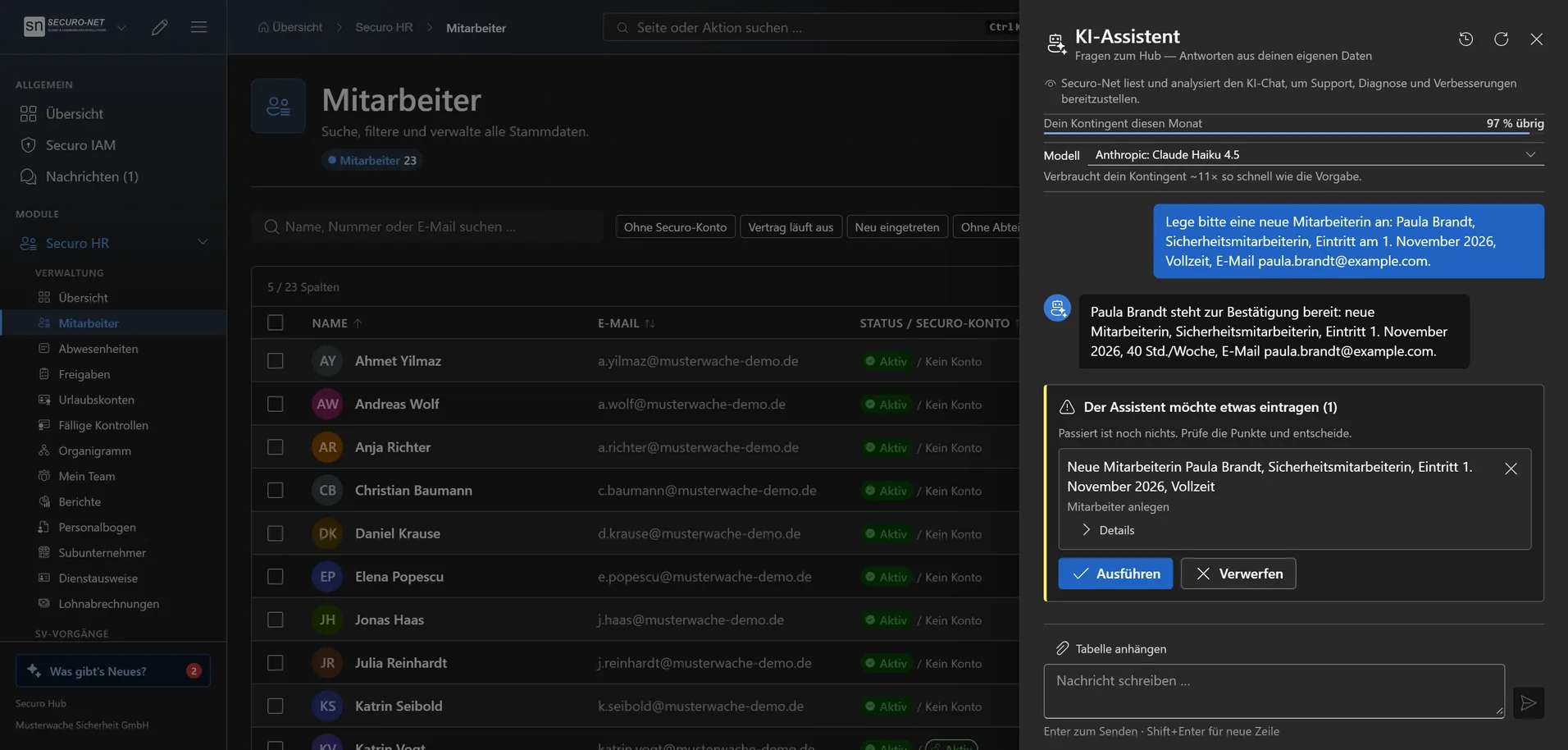
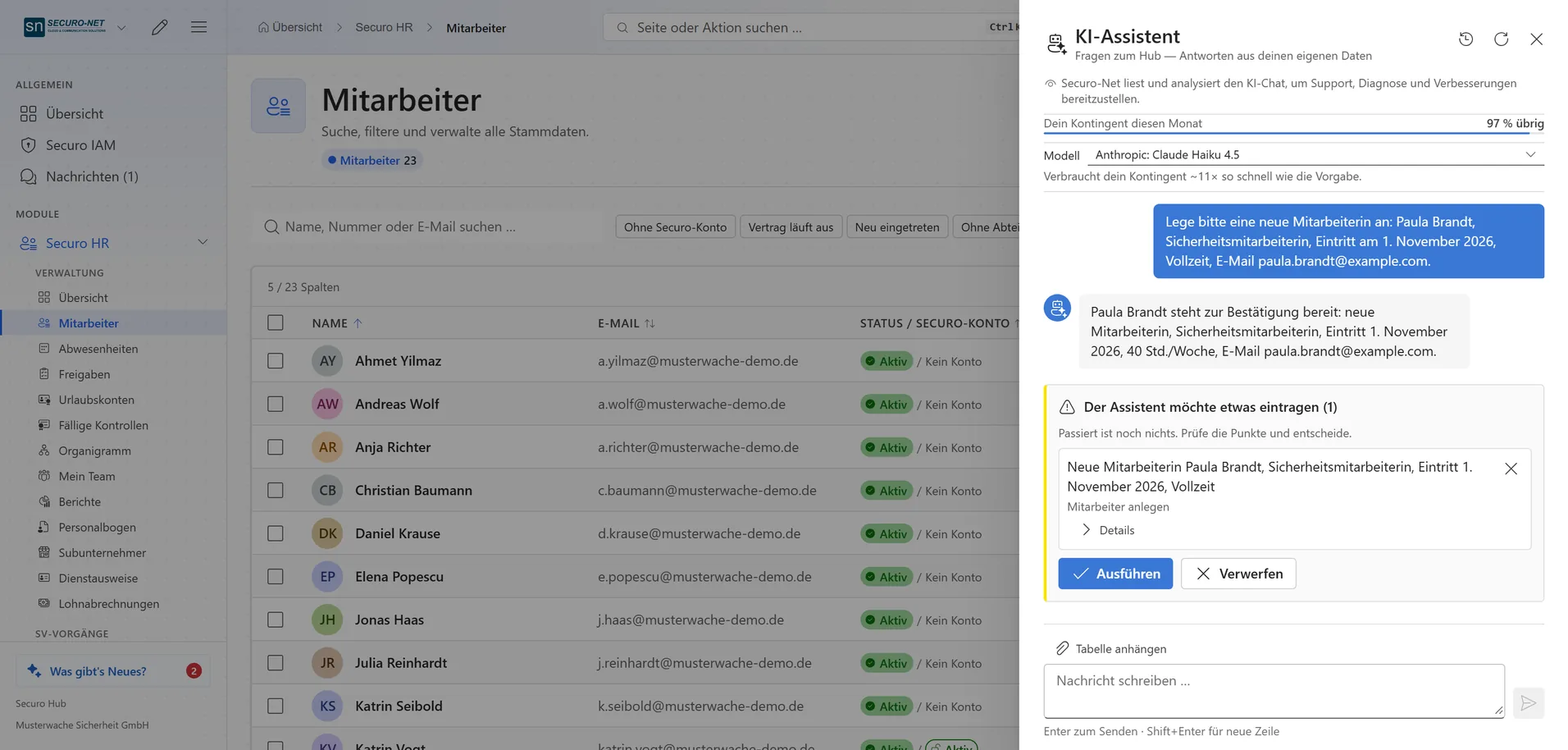
Create personnel records by chat
Describe a new employee in one sentence — the assistant prepares the record, you confirm it.
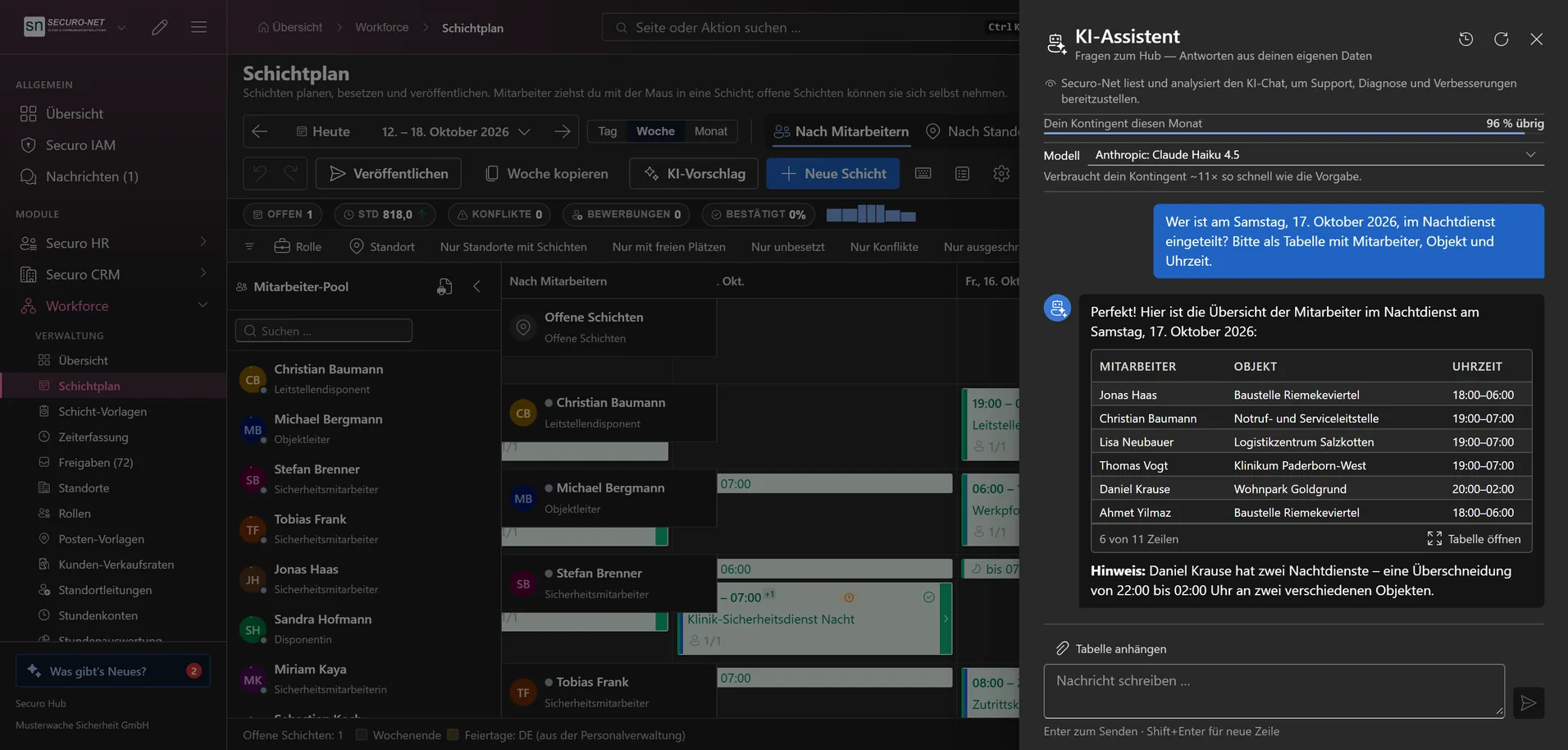
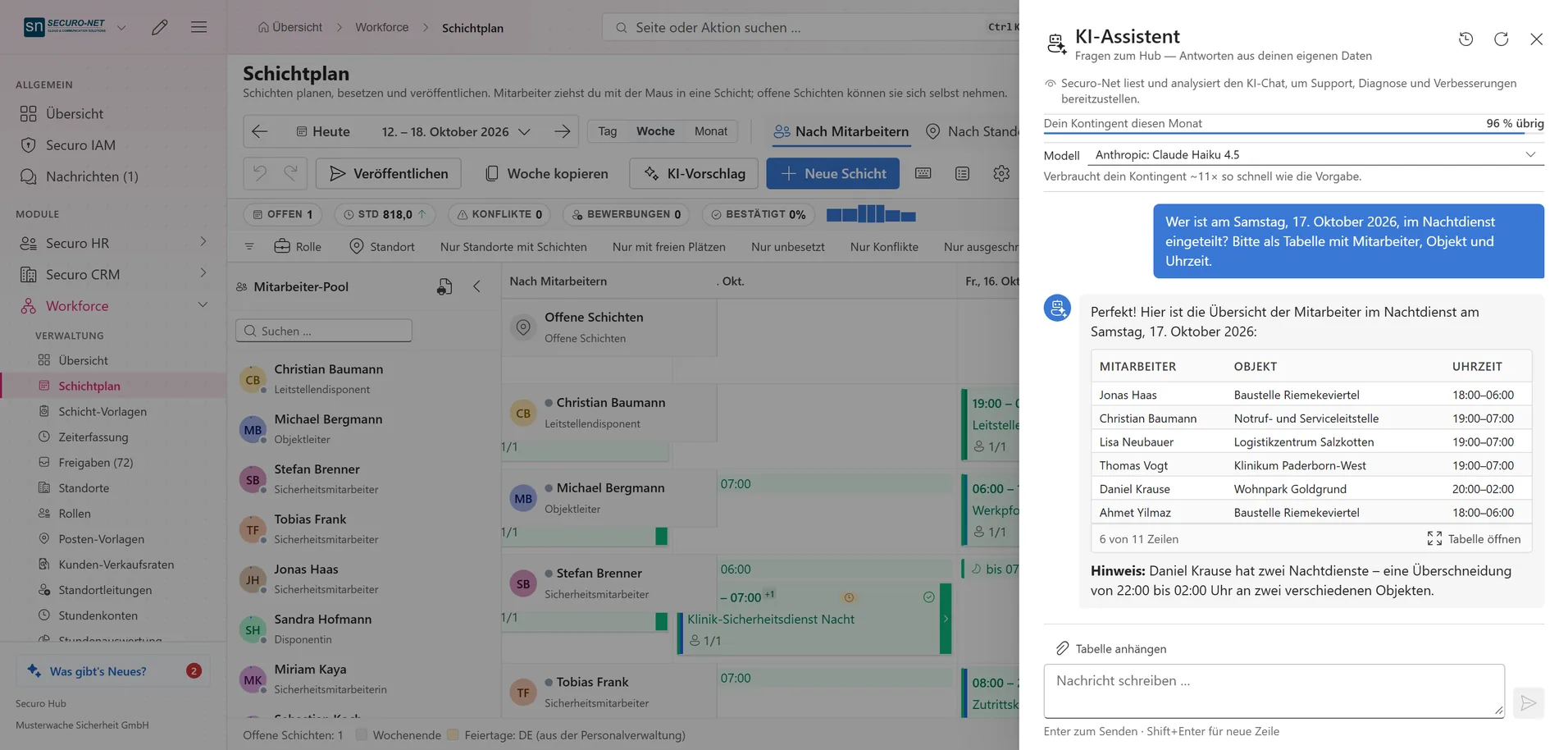
Answers from your own data
Who is on duty when? The assistant sums up the answer as a table — without leaving the page.
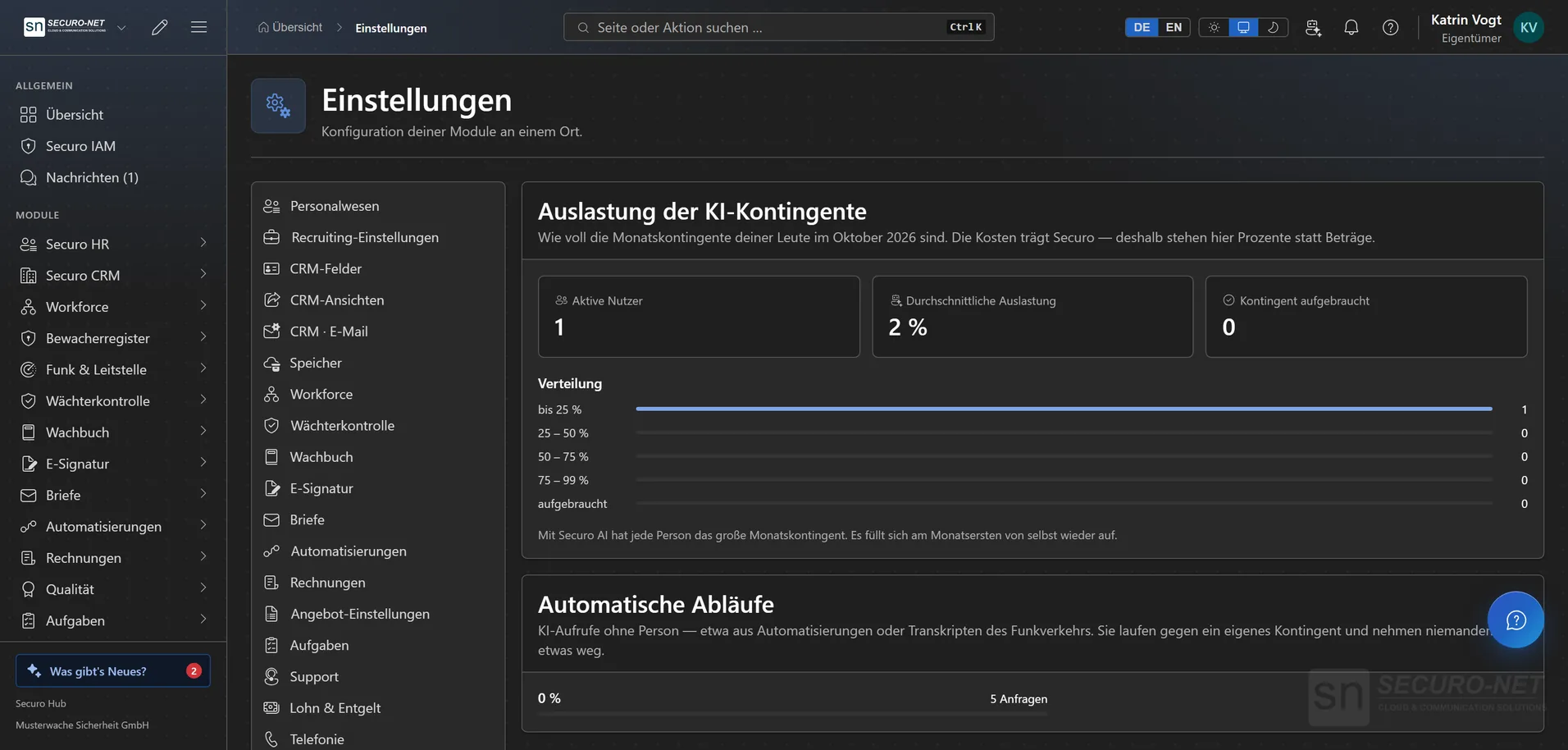
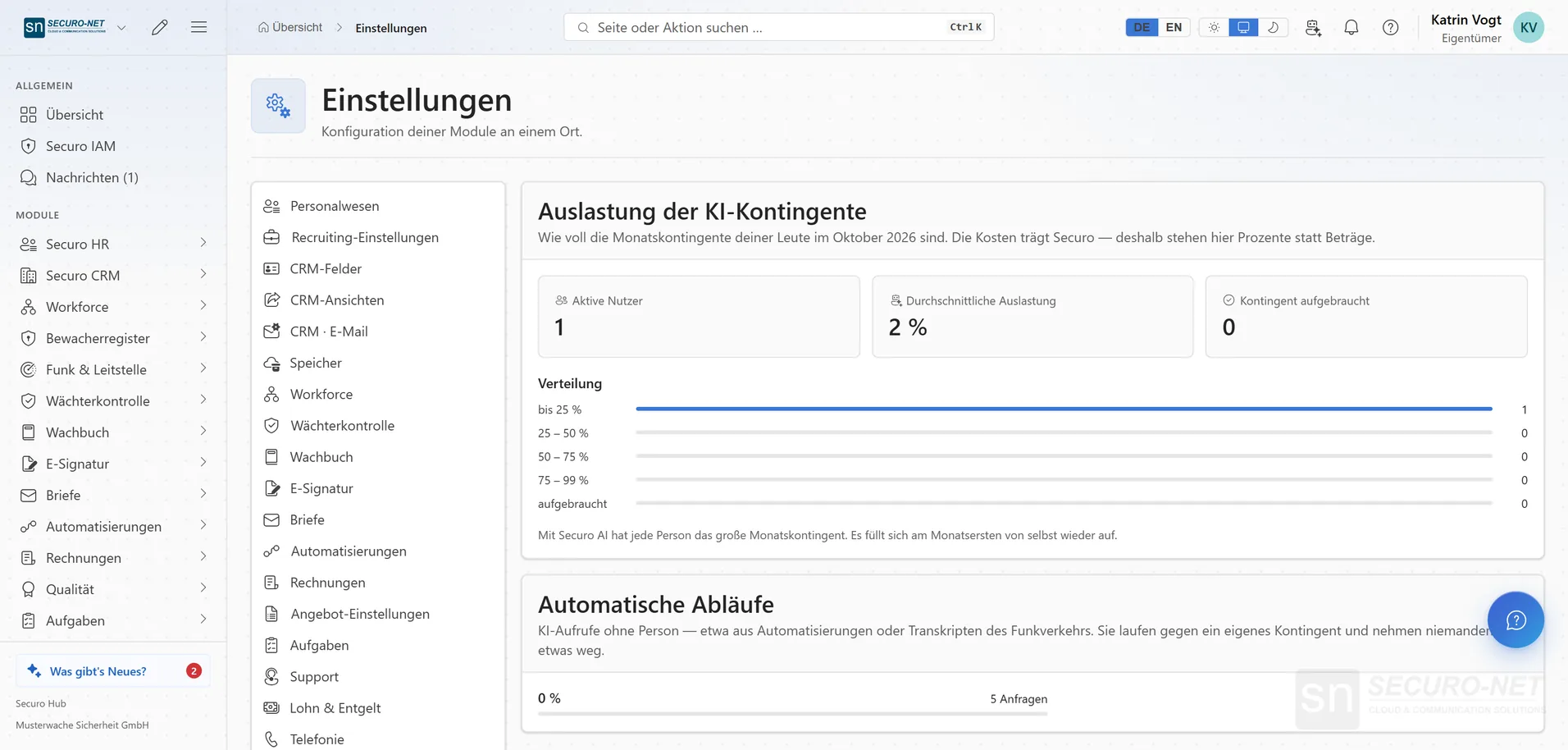
AI usage at a glance
Active users, average usage and exhausted quotas — as percentages rather than amounts.
Works well with
These modules share the same data — together they remove the double data entry.
Automations
Recurring processes as workflows — triggered by module events, a schedule, a button or from outside.
Integrations
Connect external services — Stripe, Microsoft 365 and data migration from the planner.
Telephony
Microsoft Teams inside the hub: recognise callers, keep a call list — and with Securo Telefonie · Pro, take calls right in the browser.
Part of Securo Hub
This module is part of the Securo Hub platform — one login, shared data, one design. Use it standalone or together with others.