
E-signature
A contract that travels by post to be signed costs days. Here the recipient signs in the browser — at the level the document legally requires.
Every feature
16 features, grouped by area of work. Every one of them exists in the product.
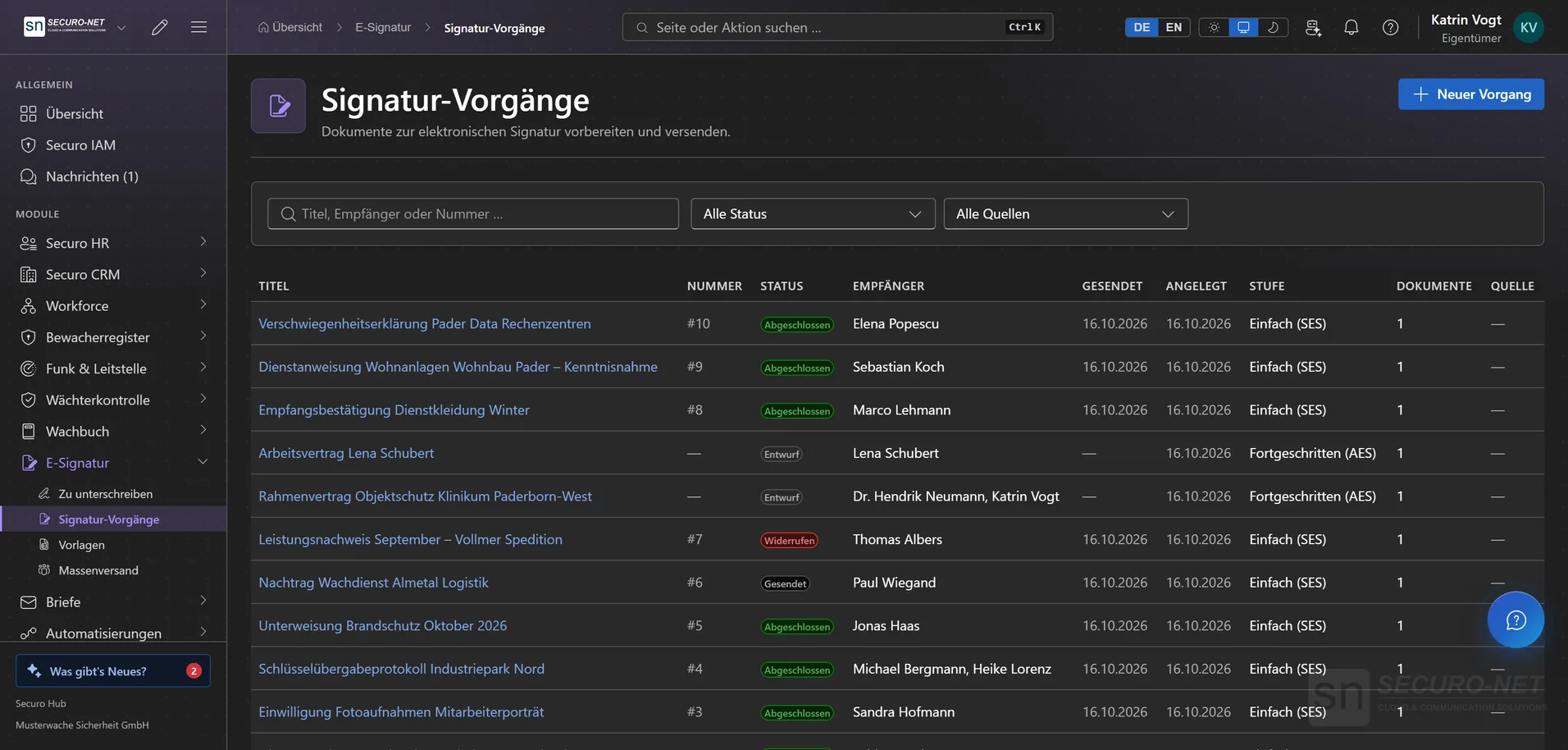
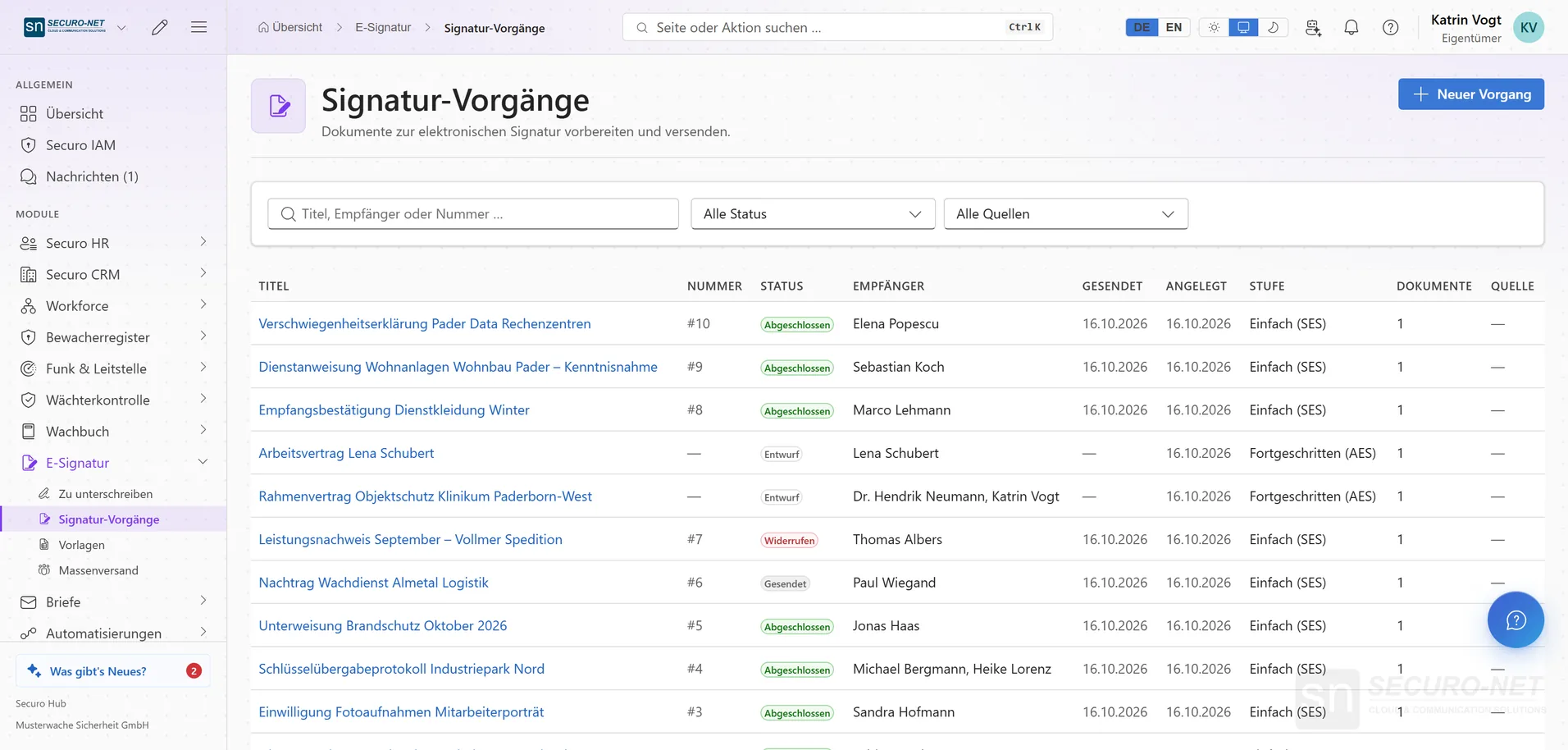
Signature envelopes
Signature envelopes
An envelope bundles the PDFs to be signed. Every envelope in your organisation with its status on one page.
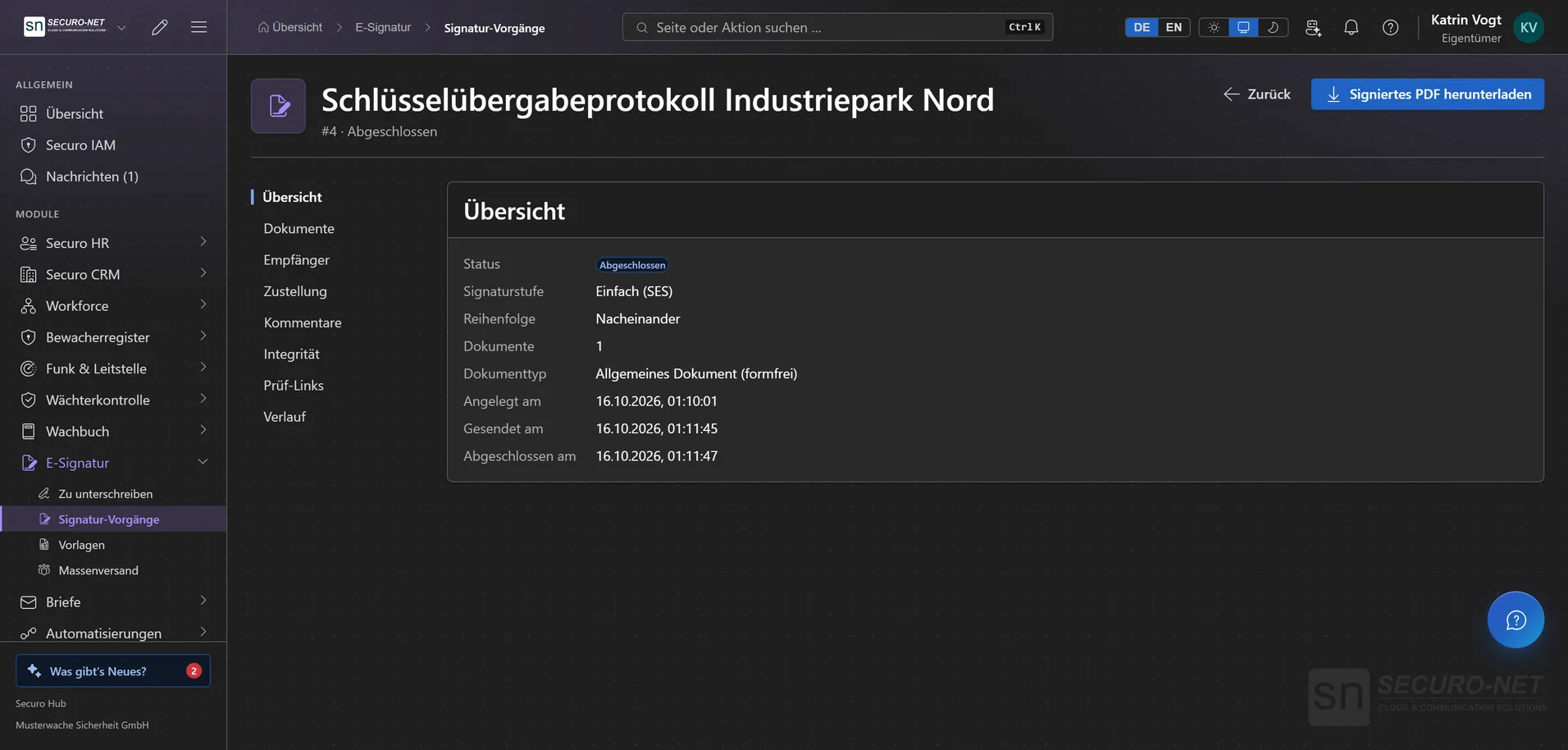
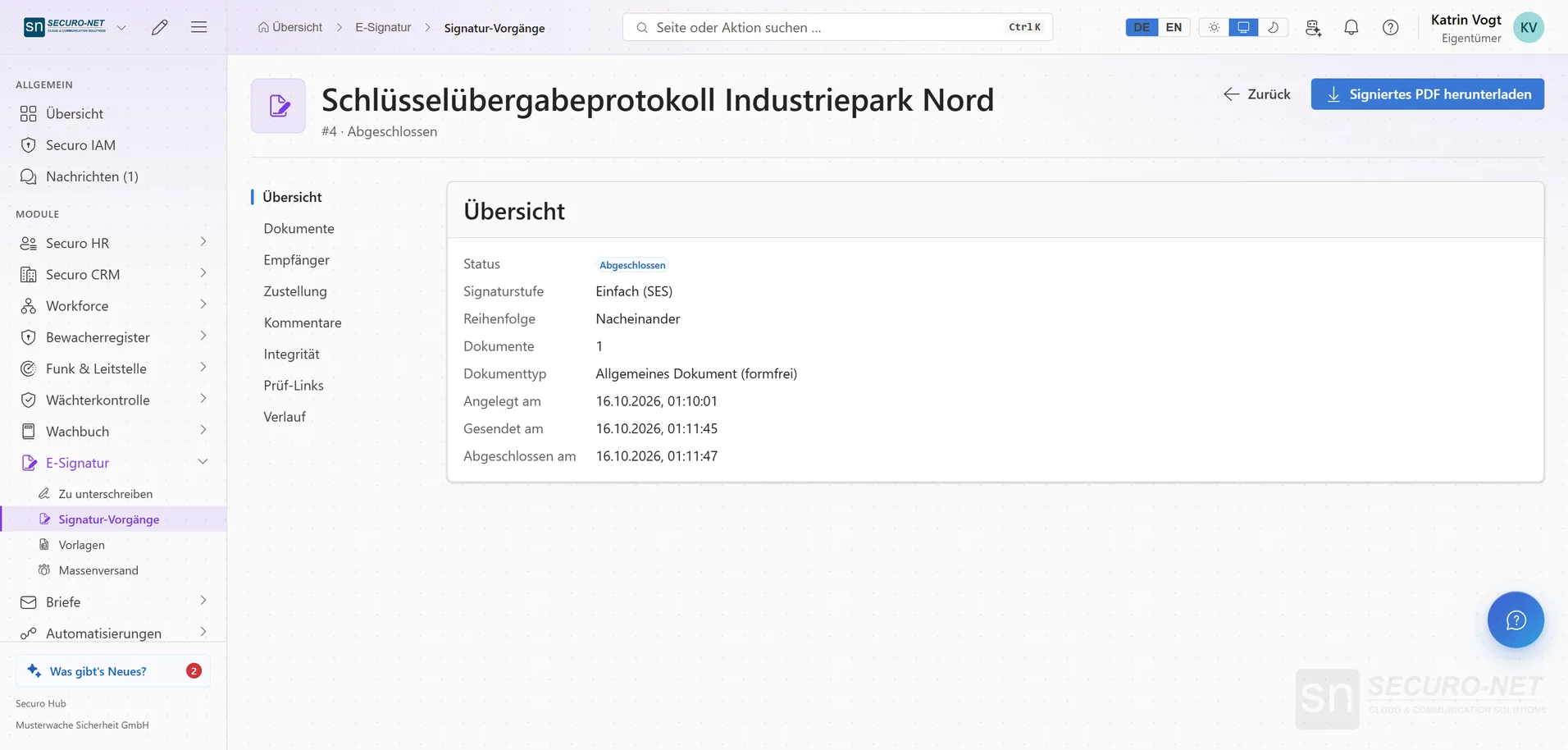
Envelope in detail
Documents, recipients, history and — once sealed — the integrity check. Still traceable months later.
Recipients & order
Who signs, who approves, who gets a copy — with routing stages when A must sign before B.
Place fields
Drag signature fields, date, name, text boxes, checkboxes and drop-downs onto the page — per recipient.
Withdraw an envelope
Sent it to the wrong address? “Withdraw envelope” invalidates open signing links at once and notifies anyone still waiting — signatures already given remain on record.
Signature levels & legal form
Simple signature (SES)
For everything without a formal requirement — fast, with evidence of time, consent and document state.
Advanced signature (AES)
The signature is bound to the person — through identity verification with ID scan, liveness detection and name match, or through an SMS code sent to the stored phone number. With Securo Sign Pro.
Qualified signature (QES) — in preparation
The highest eIDAS level, via a trust service provider, is prepared but not yet selectable. Envelopes that require it can already be created — they are never silently downgraded.
Legal form is enforced
You pick the document type; the system assigns the required form and minimum level and refuses anything weaker. Terminations are blocked; documents requiring written form wait for QES.
Identity & evidence
Recipient authentication
An access code or an SMS code (with Securo Sign Pro) before viewing — so only the right person opens and signs. After five wrong attempts the input is locked for a while.
Sealed and verifiable
On completion the envelope is sealed; document hashes and the history make any later change visible.
Independent verification by link
A court or counterparty uses the QR code in the PDF or a shared verification link to check whether an envelope is validly sealed and at which level — without content or personal data.
Templates & volume
Templates
Set up documents, roles and placed fields once and apply them as a new envelope with one click — for NDAs, employment contracts, forms.
Template editor
Metadata, documents, roles and fields of a template across four tabs — whatever sits here is copied on use.
Bulk send & self-service forms
Send the same template to many recipients in one step — or publish it as a public link people fill in themselves. With Securo Sign Pro.
Branding, sender & legal texts
How your signing page and emails look, which legal texts appear there, and which expiry and reminders new envelopes start with — set organisation-wide.
More views from E-signature
Screens from day-to-day operation — demo data, but no retouching afterwards.
Envelope in detail
Documents, recipients, history and the integrity check — traceable months later.
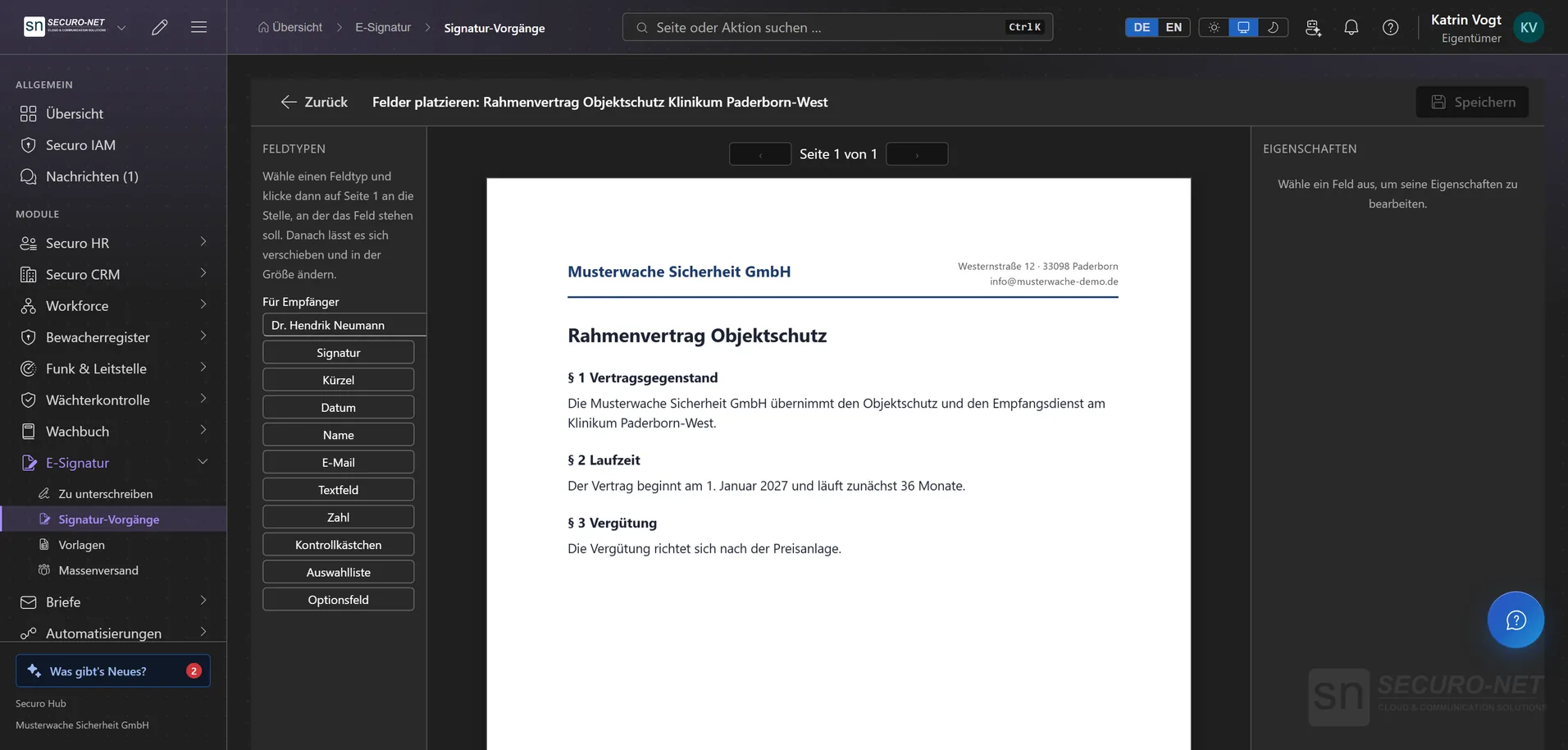
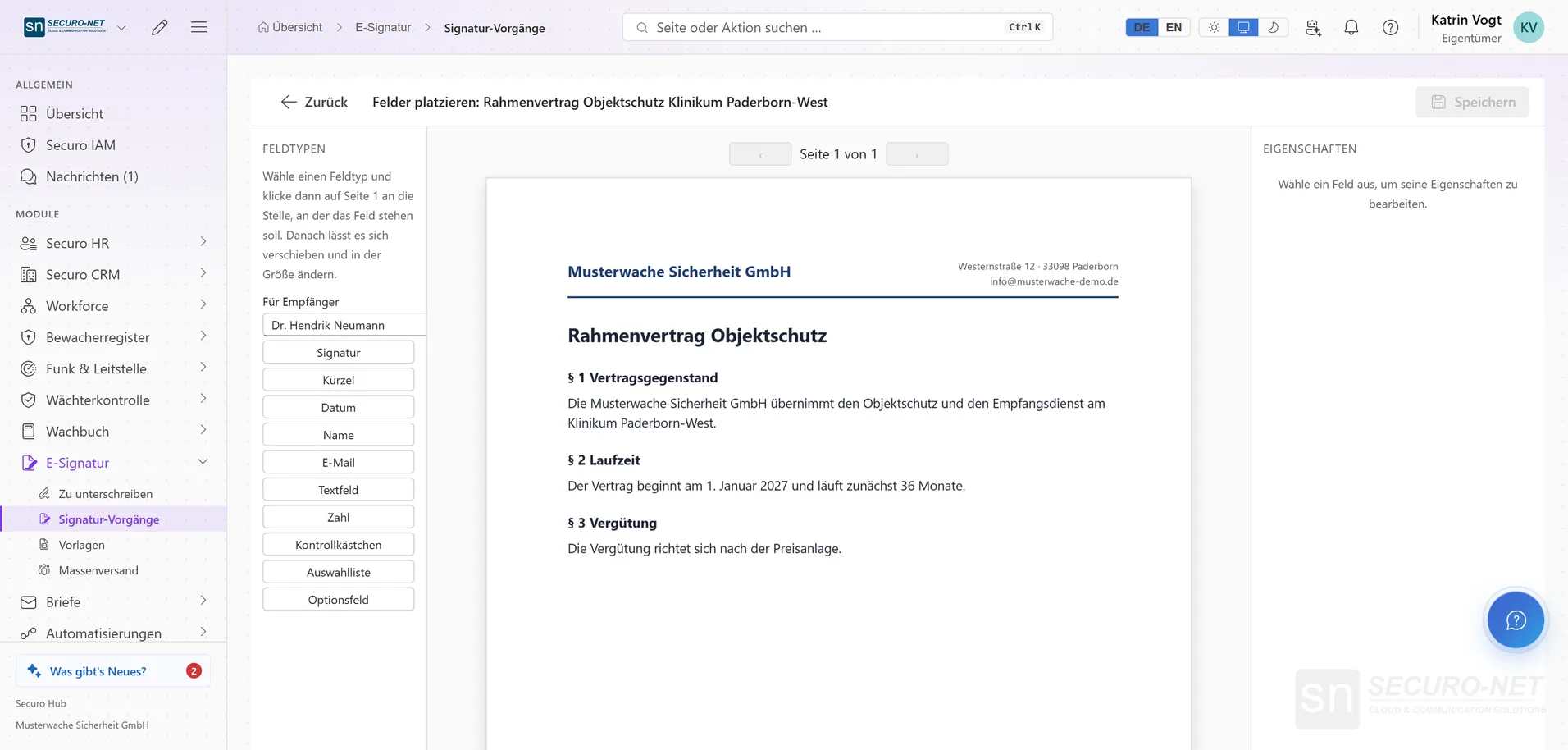
Place fields
Drag signature, date, name and more onto the page — per recipient.
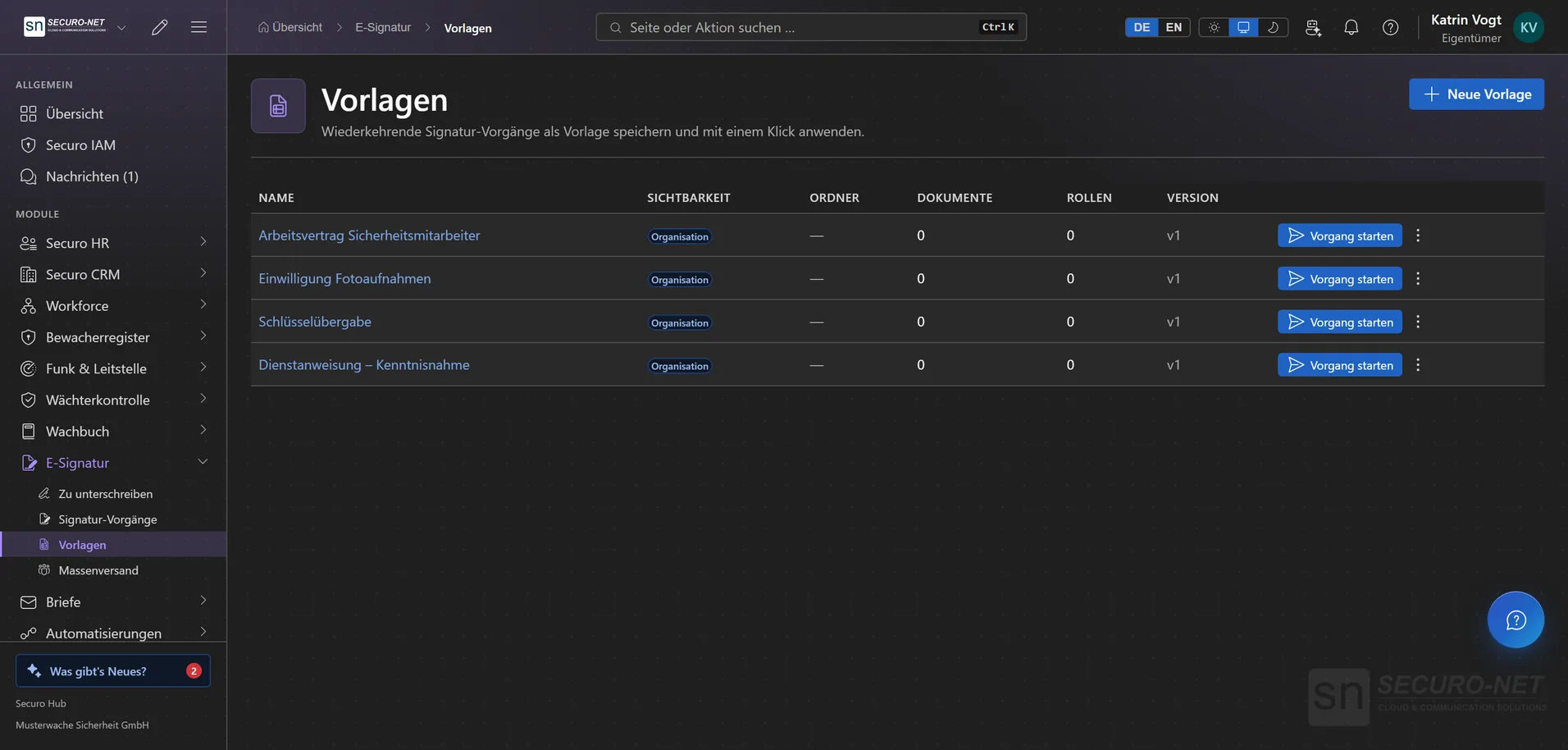
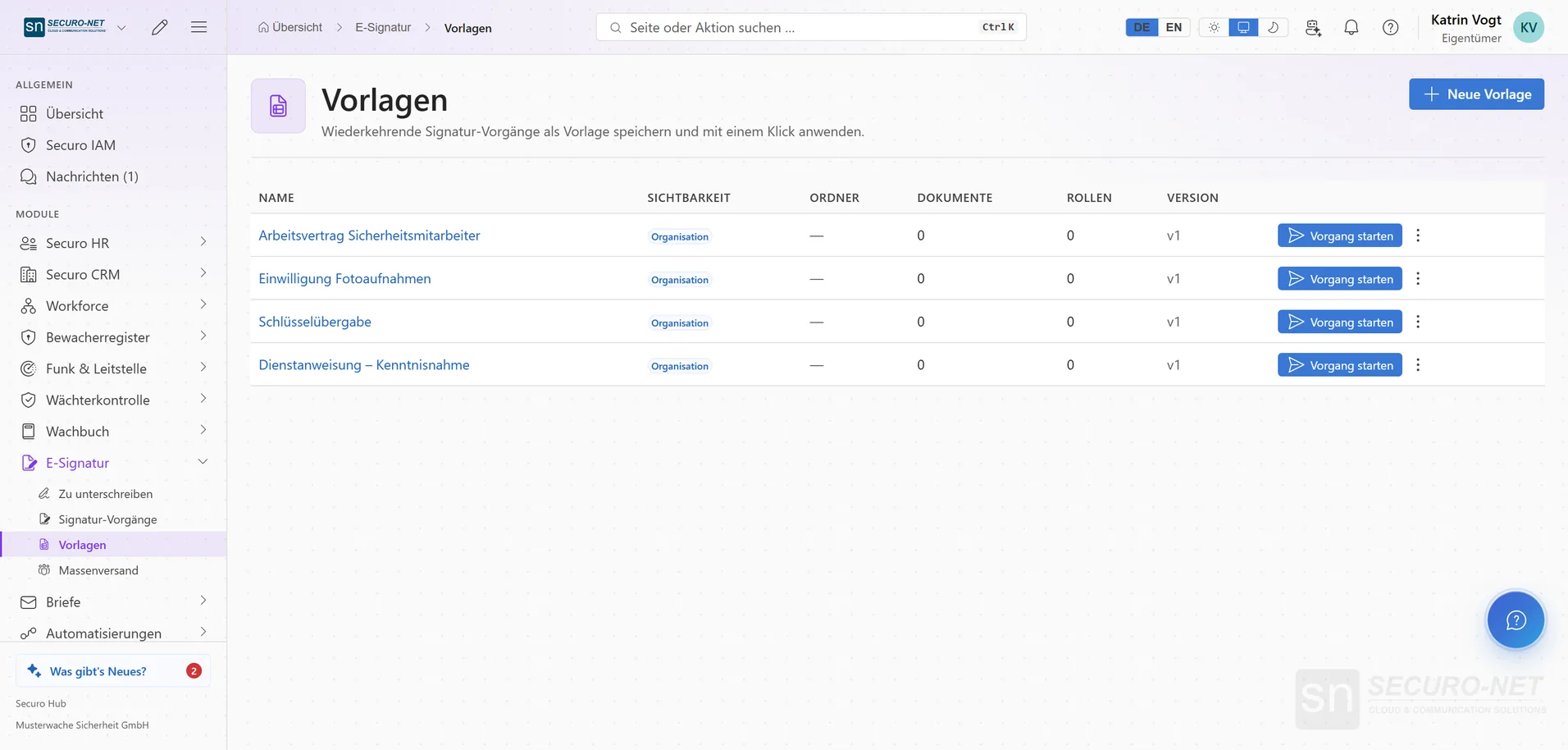
Templates
Set up recurring documents once and apply them as a new envelope with one click.
Works well with
These modules share the same data — together they remove the double data entry.
Letters
DIN 5008 business letters and mail merges — from draft to physical delivery.
HR
Personnel files, absences, qualifications, recruiting, payroll documents and social-insurance filings.
Workforce
Shift planning, shift marketplace, time tracking and time accounts through to the hours statement for your client — with built-in checks under German working-time law.
Part of Securo Hub
This module is part of the Securo Hub platform — one login, shared data, one design. Use it standalone or together with others.