
Notifications
Important things get missed, unimportant ones annoy. Every user decides for each notification whether and where it arrives — and 200 identical notices are read with one click.
Every feature
10 features, grouped by area of work. Every one of them exists in the product.
Reachability
Everything in one place
Shift reminders, approvals, alarms and module notices — in the bell at the top and in a complete list.
Push, in-app and email
Three channels, so urgent things arrive and minor things do not interrupt.
Tap to get there
Tapping the push message opens the matching place in the app — the assigned shift, for instance — and marks the notification as read, even if the app was closed before.
Emergencies always arrive
Emergency messages such as SOS alarms are marked as critical: they can be neither switched off nor made quieter, and they reach you even if you have turned push off.
Working through
Unread by type
200 times “qualification check due”? One tile per type shows how many are unread and marks exactly that type as read — every other notification stays open.
Search, filter, read selectively
The complete list filters by text, type and period. With a filter set, “Mark matches as read” only reads what matches; single rows can be selected with checkboxes.
Settings
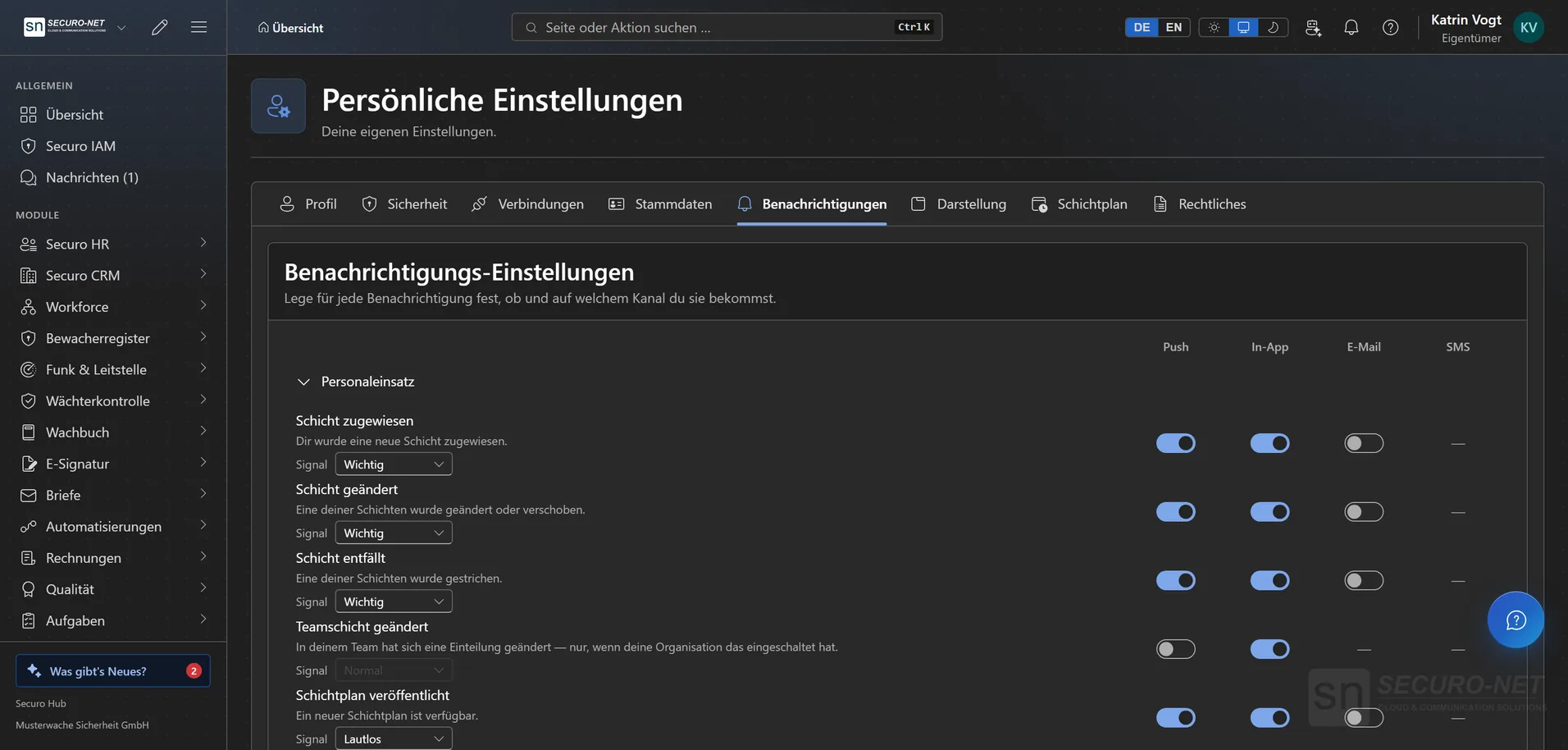
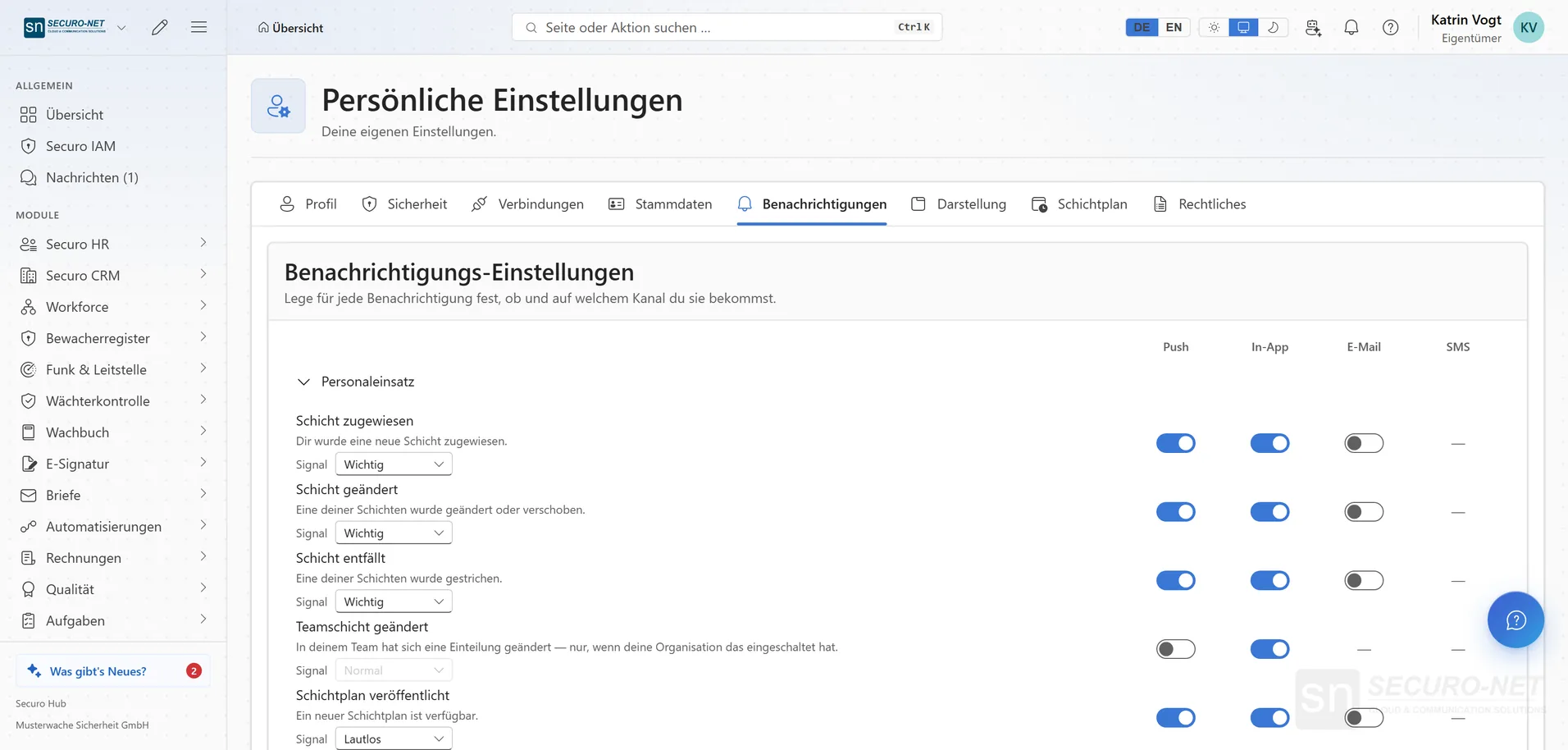
Configurable per notification
Every user decides for each individual notification whether and on which channel they receive it.
Signal per notification
How noticeably a push message announces itself is chosen per notification: “Important” with sound and right away, “Normal” with sound, or “Silent” without sound or vibration.
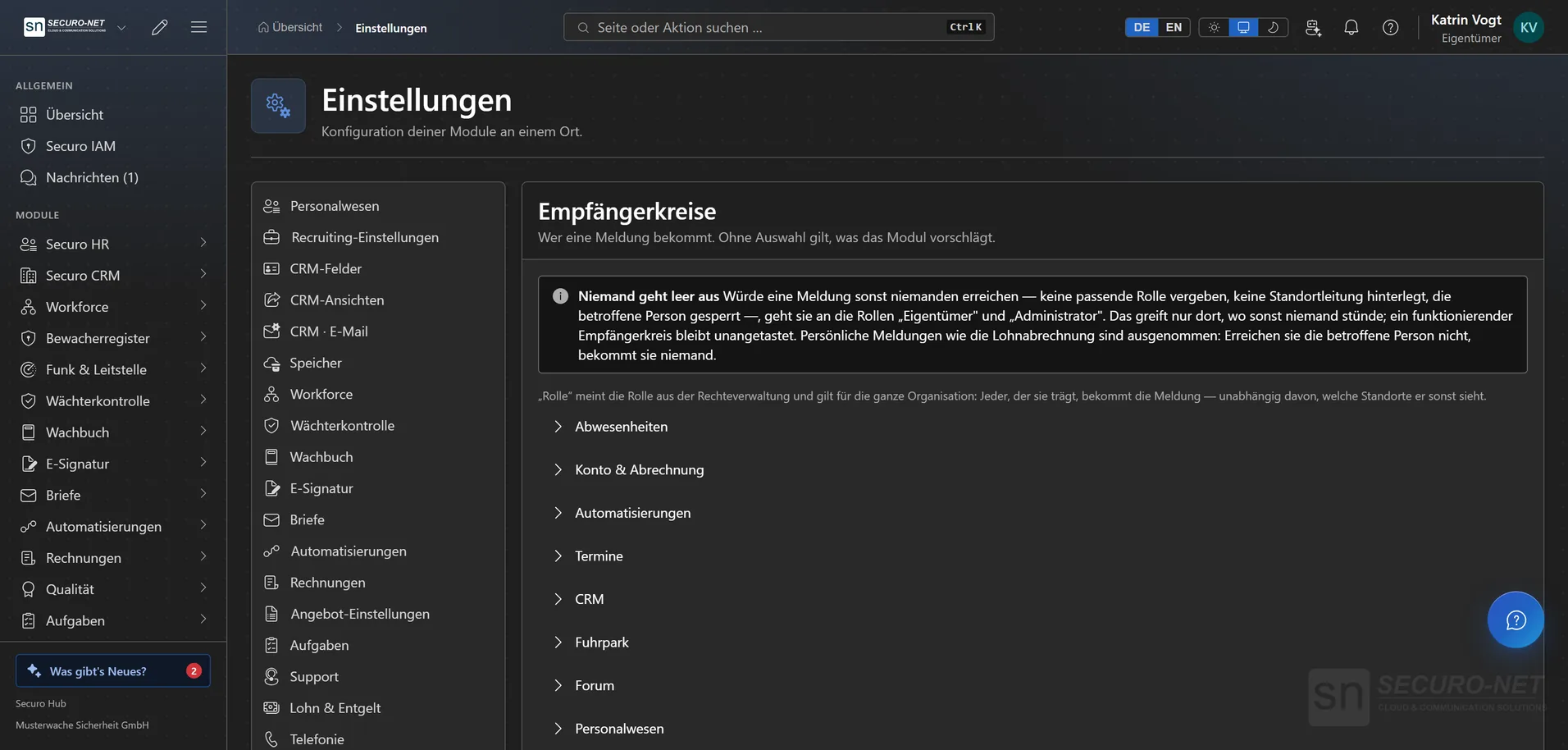
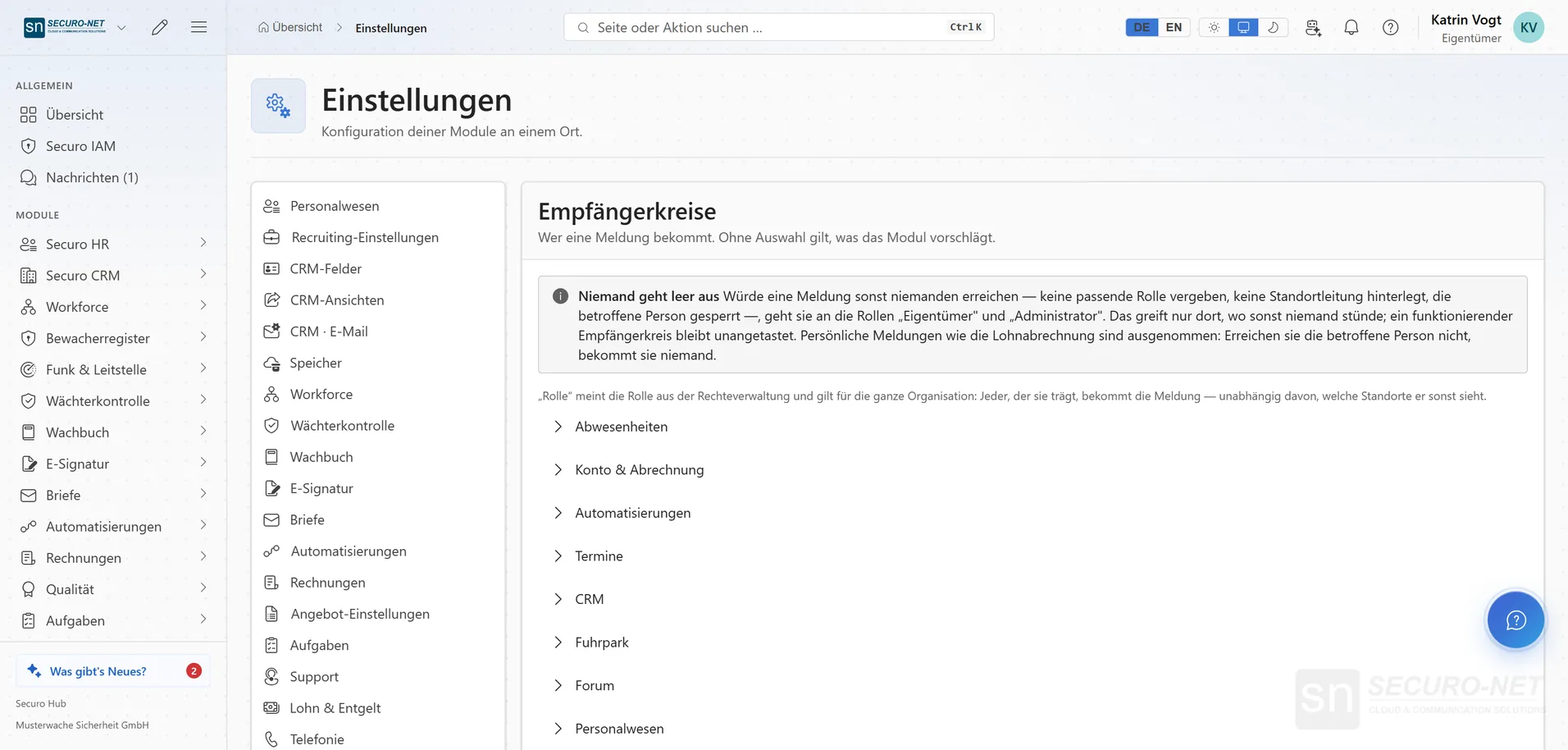
Define who gets notified
Who receives a message is the organisation’s call — by role, to the location management or to named people: invoice alerts to accounting, a deadline at a location to the local management. The channel stays each person’s choice.
No message goes nowhere
If a message would reach nobody — no role assigned, no location management set — it goes to the Owner and Administrator. Personal messages such as a payslip are exempt.
More views from Notifications
Screens from day-to-day operation — demo data, but no retouching afterwards.
Define who gets notified
The organisation decides who receives a message — by role, location management or named people.
Works well with
These modules share the same data — together they remove the double data entry.
Automations
Recurring processes as workflows — triggered by module events, a schedule, a button or from outside.
AI assistant
Answers questions about the hub — and with Securo AI proposes shifts, master data, quotes and invoices that you confirm with one click.
Integrations
Connect external services — Stripe, Microsoft 365 and data migration from the planner.
Part of Securo Hub
This module is part of the Securo Hub platform — one login, shared data, one design. Use it standalone or together with others.