
Radio & dispatch
Radio, tracking and emergency calls usually run in three systems that know nothing of each other. Here dispatch sees talk groups, positions, locations and emergencies in one window — and intervenes directly.
Every feature
19 features, grouped by area of work. Every one of them exists in the product.
Dispatch
Dispatch in the browser
Sign in with a radio account, talk, listen in and intervene — right in the browser, no extra software. Group tree on the left, situation map in the middle, emergencies and calls on the right. With Securo PTT · Pro.
Talk and listen in
Pick one group as the talk group and listen to others; talk with the button, latching mode or the space bar. Next to the button you see who is talking and for how long.
Individual and group calls
Call a radio directly — full duplex like a phone, or announced first with “Ring”. A “Group call” reaches selected radios, or all of a group, that are online at the moment.
Group tree with live status
Every group with every radio, online and offline: who is talking, who is in the group, who is muted or suspended. Drag and drop radios into another group — right now or permanently.
Intervene on the radio
Revoke the floor, mute, pull into a group — even without prior access — or set GPS reporting to 10, 30 or 60 seconds. For one radio, a selection or all of them, always with a confirmation.
Search, shortcuts, own window
Find radios, groups and locations with / or Ctrl+K and jump between map, members and log with shortcuts. “Own window” moves dispatch onto a second screen.
Situation & emergency
Situation map with layers
Radios, open emergencies, locations with a target/actual traffic light (“Fully staffed”, “Below target”, “No-show”), “Guards live” on patrol and patrol alarms — layers switch on and off depending on your modules.
Live positions
Where each radio is right now — on the situation map, with the age of the position. “Follow” keeps the map on one device, so dispatch can send the nearest person.
Emergency with nearest radios
An emergency call arrives in dispatch immediately, with an alarm tone. The map lists the nearest radios by straight-line distance, online first — call any of them directly or pull them into the talk group.
SOS alarms
Every emergency trigger with time, sender, group, position and status. “Record handling” notes who is taking care of it; a red banner shows how many alarms are still open.
Radio traffic
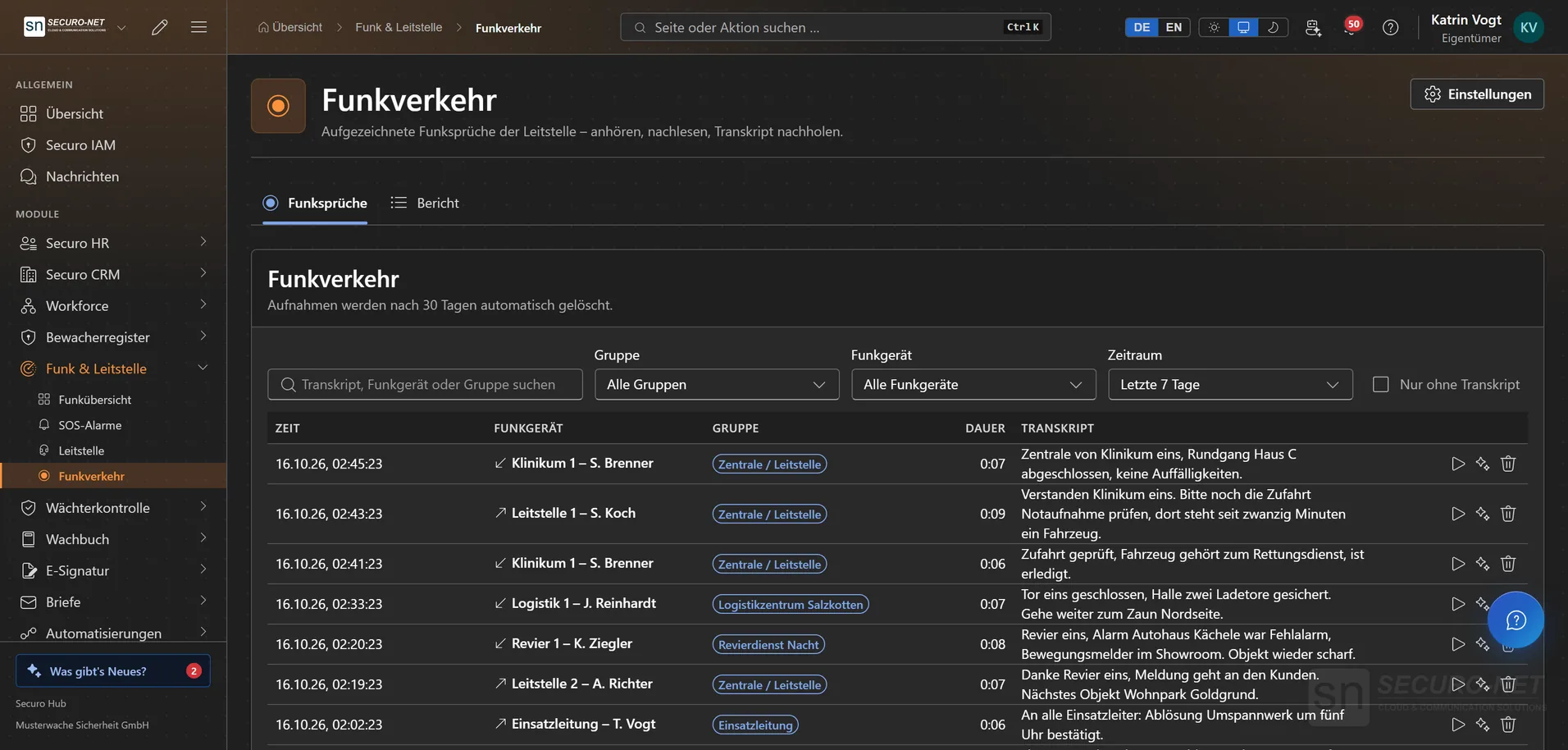
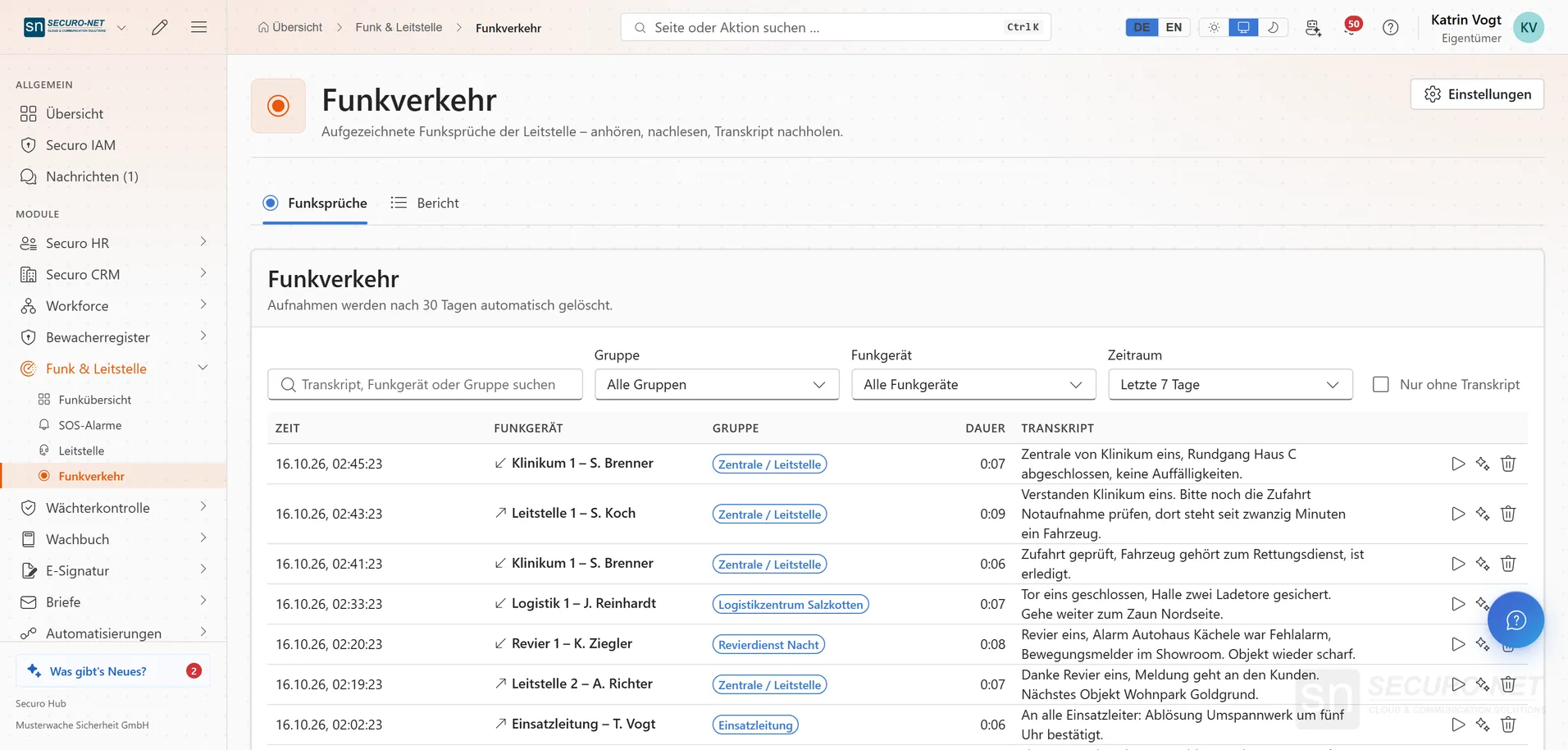
Record radio traffic
With “Record”, dispatch stores the talk group, monitored groups and its own transmissions — plus group changes, calls, emergencies and interventions as events. With Securo PTT · Pro.
AI transcript included
Every stored transmission is transcribed a few seconds later. Listen back, search by word, request missing transcripts or correct them by hand.
Radio traffic report as PDF
Transmissions, emergencies, interventions and your own entries such as “Police informed” in one timeline — as a PDF with key figures and, if you like, a clearly labelled AI summary.
Set your own retention
Choose how long recordings are kept, between 1 and 365 days (default 30); after that Securo deletes them along with the transcript. The AI transcript for new transmissions can be switched off.
Groups & devices
Radio groups
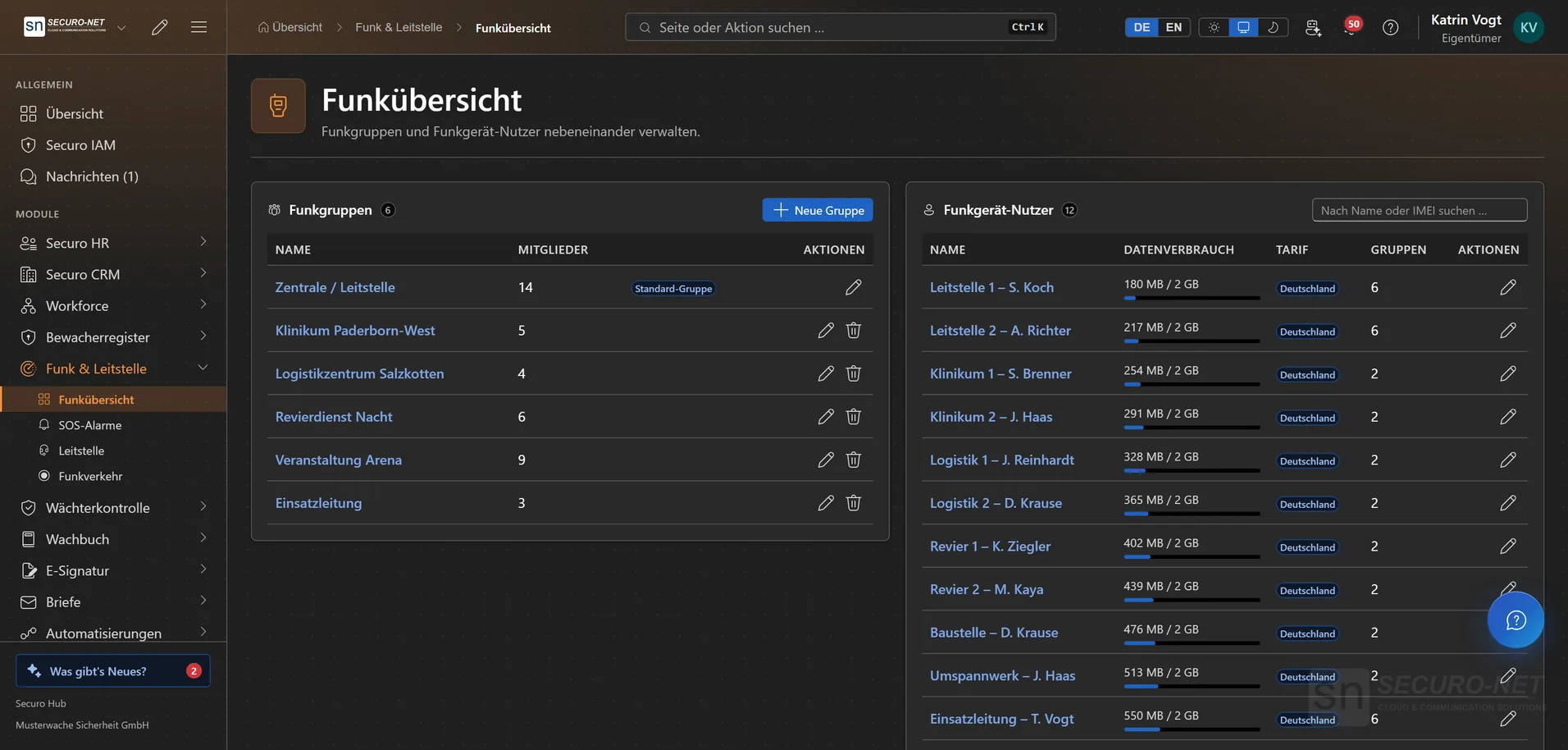
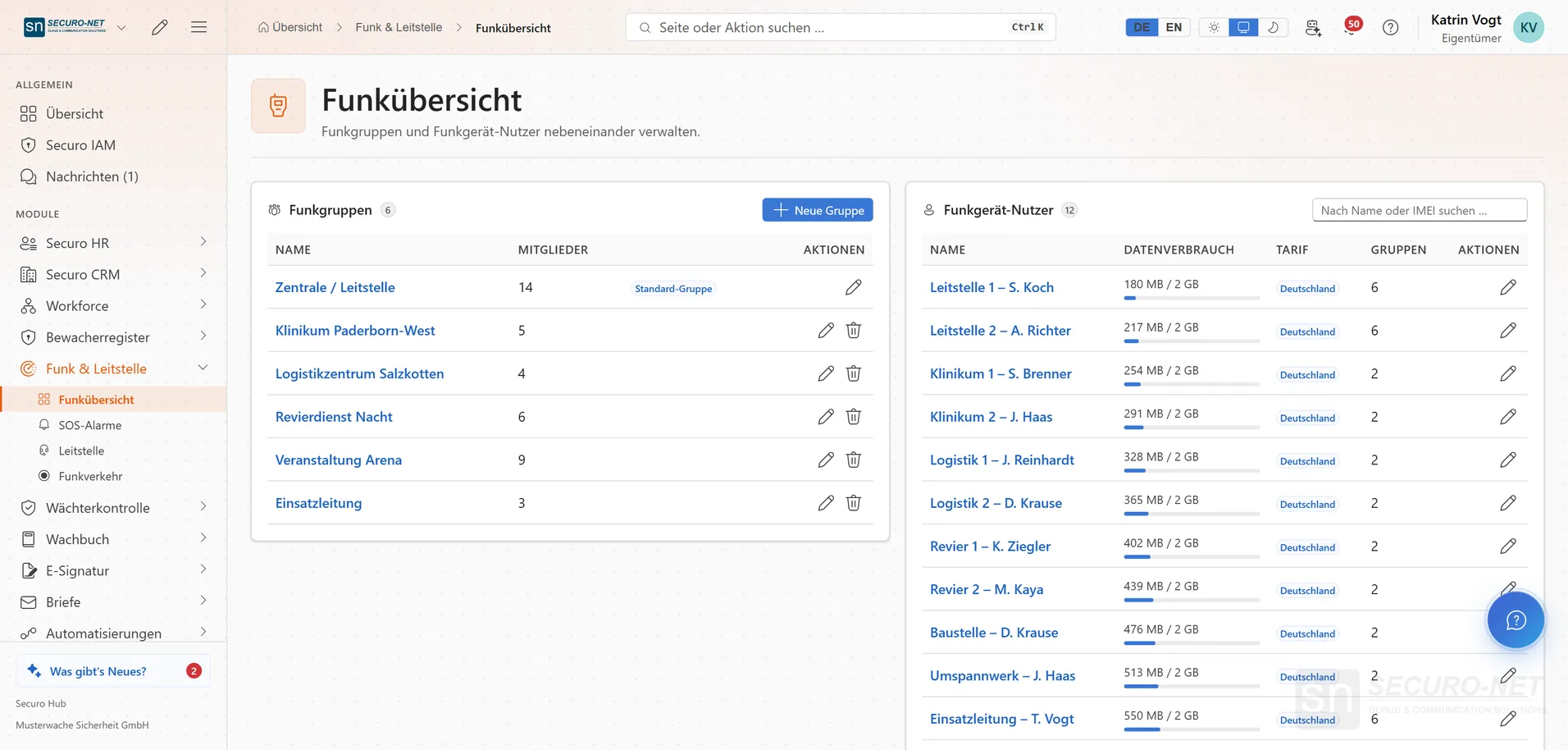
Bundle devices into talk groups: whoever shares a group hears and speaks with the others. Create and rename groups and cap talk time at 30 to 180 seconds.
Manage members
Tick devices to add them to a group or untick to remove them, then save all changes in one go — master data and membership in one place.
Radio devices
Every device in your organisation with display name, IMEI, radio status, GPS status and group count — in the radio overview right next to the radio groups, searchable.
Device in detail
Display name, note and radio account active or suspended. If a device is lost or stolen, “Muted (remote kill)” cuts it off — it can then neither send nor receive.
Several radio networks
If your organisation runs more than one radio tenant, dispatch switches between them — devices, groups and recordings then always match the selected network.
More views from Radio & dispatch
Screens from day-to-day operation — demo data, but no retouching afterwards.
Radio groups and devices
Radio groups with member counts next to every radio with data usage, plan and group count. Shown: sample data.
Works well with
These modules share the same data — together they remove the double data entry.
Guard control
GPS and NFC patrols, lone-worker protection and unbroken proof of service.
Guard logbook
A digital duty log: record occurrences in a tamper-evident log, still verifiable years later.
Guard register
View security staff and company data straight from the German guard register — and check third-party guard IDs.
Part of Securo Hub
This module is part of the Securo Hub platform — one login, shared data, one design. Use it standalone or together with others.