
Guard logbook
A paper logbook convinces only as far as it is believed. Here every entry is chained to its predecessor — later changes show up immediately, and whoever receives a report verifies it themselves.
Every feature
22 features, grouped by area of work. Every one of them exists in the product.
Recording on duty
Entries per property and shift
Every event, observation and special occurrence — recorded and kept in a tamper-evident log. If a shift is running, its site is already filled in; security officers can record for it even without a permission of their own.
Entry templates
Templates define, per site or for the whole organisation, what is asked when recording — severity, for instance. Fields can depend on conditions and mandatory fields cannot be skipped, which keeps the data analysable.
Photos & signatures
Images and signatures belong to the entry and run through the same evidence chain as the text. The server strips location data from photos before storing them.
Record offline
Entries and photos captured without a connection stay on the device and go out automatically once you are back online — visible in their own list.
Shift handover with receipt
Open items, notes and the outgoing officer's signature; the incoming officer acknowledges. Open items from the previous shift are taken over with a tap, and an unacknowledged handover is reported after a period you set.
Linked to Guard control
An entry can be linked to an incident or patrol at the same site — the cross-reference shows on both sides. Part of Logbook Pro.
Proof & verification
Unbroken evidence chain
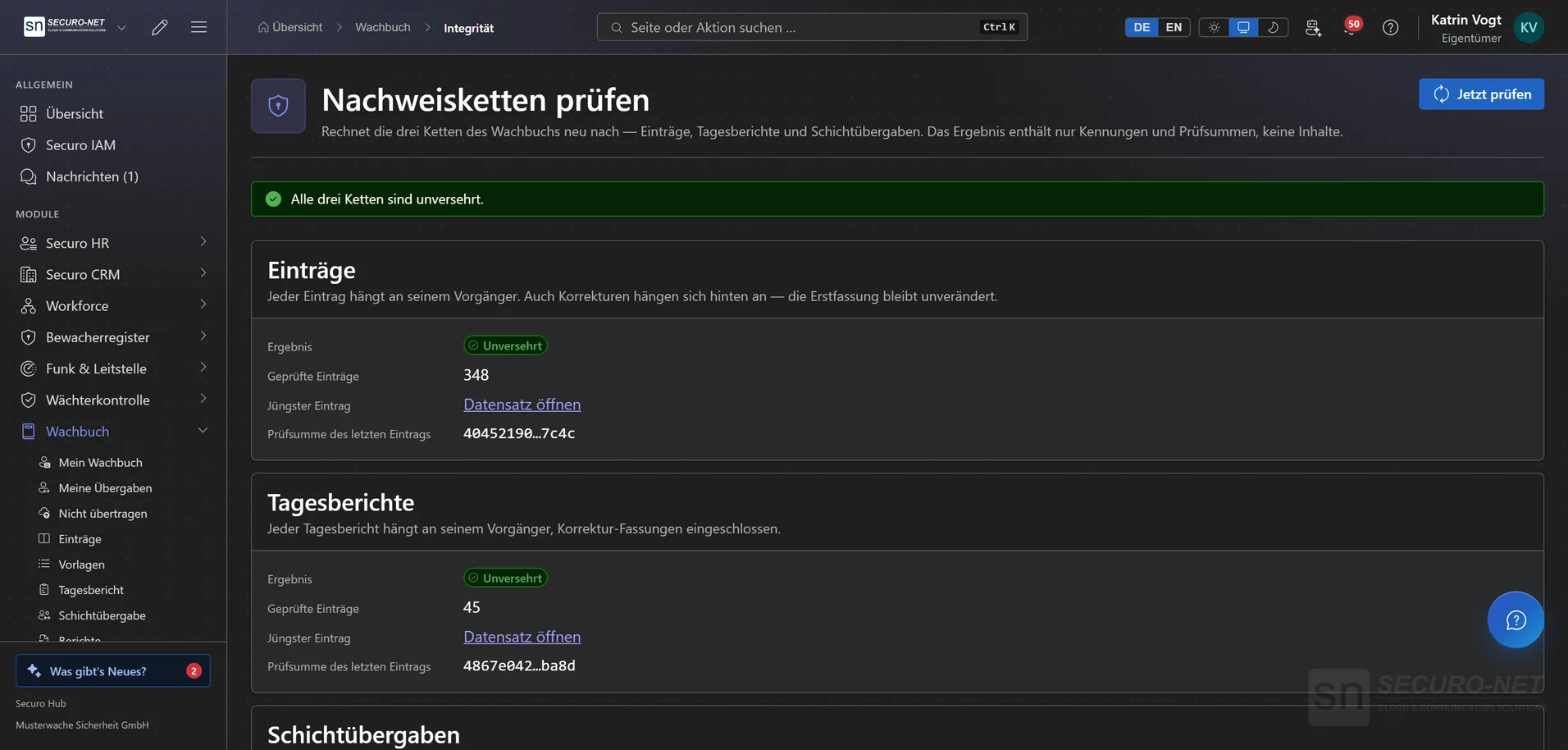
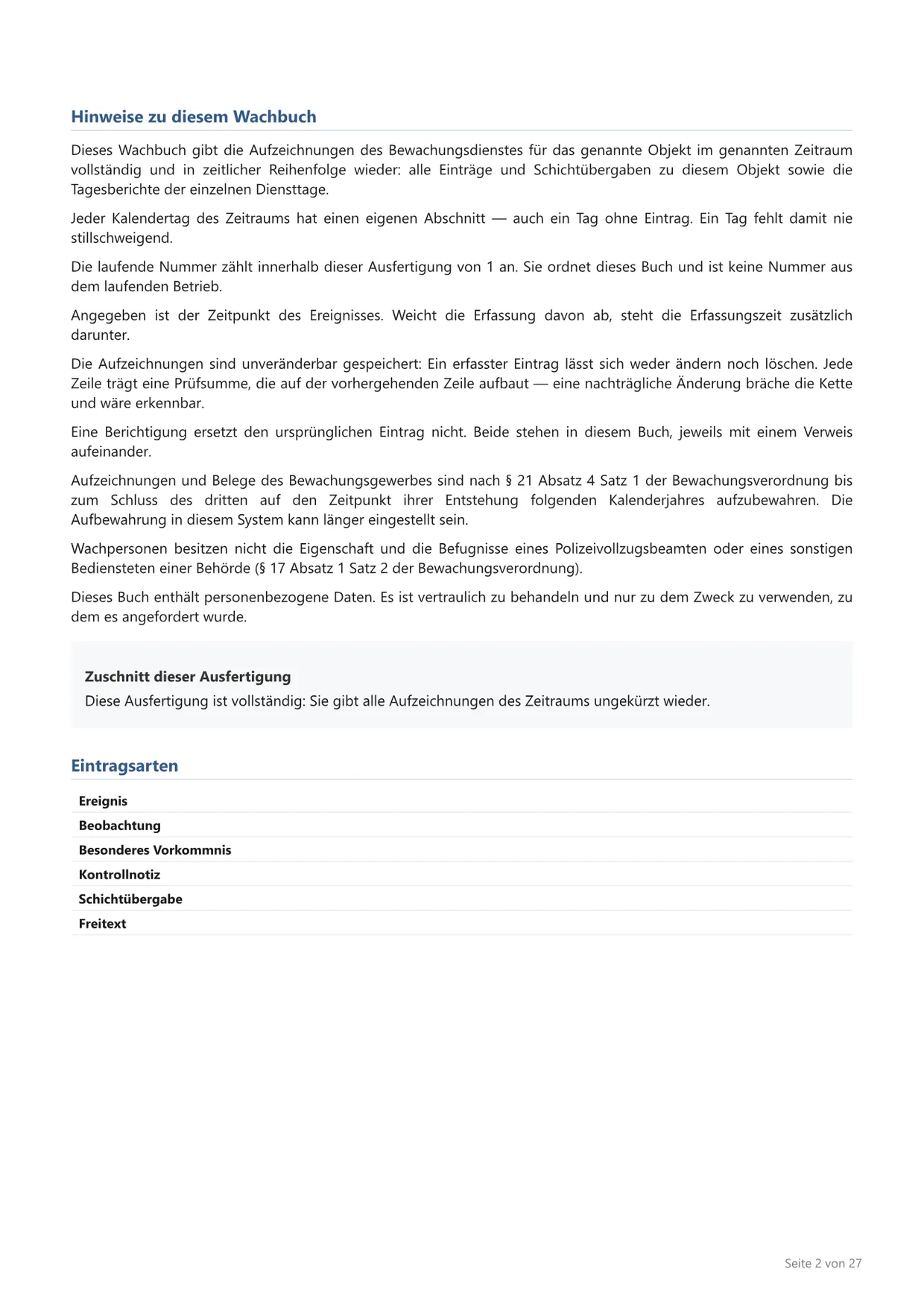
Every entry carries the fingerprint of its predecessor. Change something afterwards and the chain visibly breaks at exactly that point.
Corrections stay visible
An entry is never overwritten. A correction creates a new version and the old one remains readable — the forensic view shows both.
Verify the chains
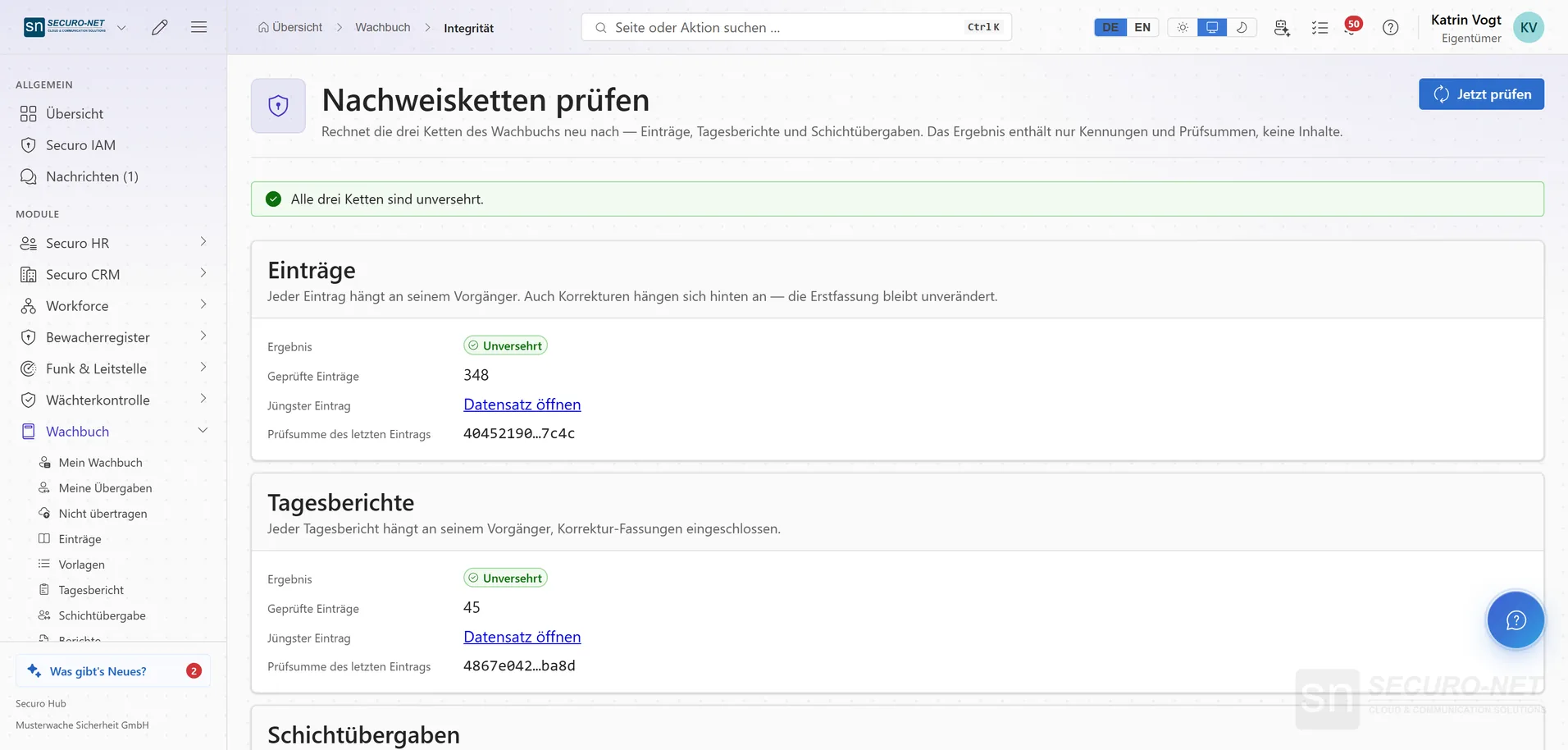
At the press of a button the system recalculates whether the logbook is unchanged since recording — across three separate chains for entries, daily reports and handovers.
Define what counts as unusual
When an entry counts as filed late, from what gap at a site it stands out and how far a device clock may run ahead. None of these thresholds blocks recording — whoever observes something on duty must be able to write it down.
Verification link for third parties
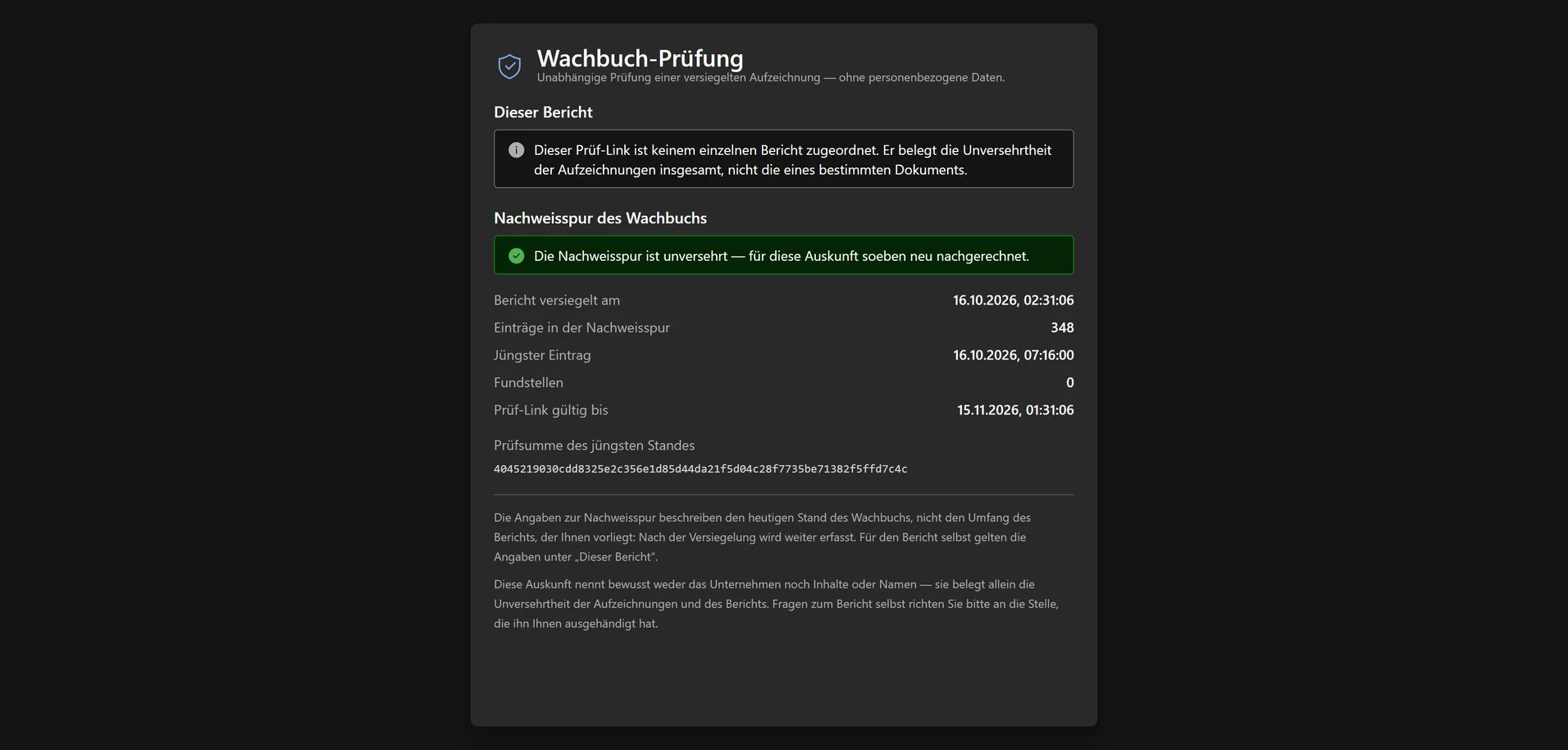
A court, insurer or client verifies the integrity of the evidence chain themselves — via a time-limited, revocable link, without a Securo account and without seeing any content.
Reports for third parties
Daily activity reports
All entries of one day at one property as a single report — with its own summary and its own evidence chain. The day follows your organisation's time zone, so a night shift lands in the right report.
The logbook as a full record
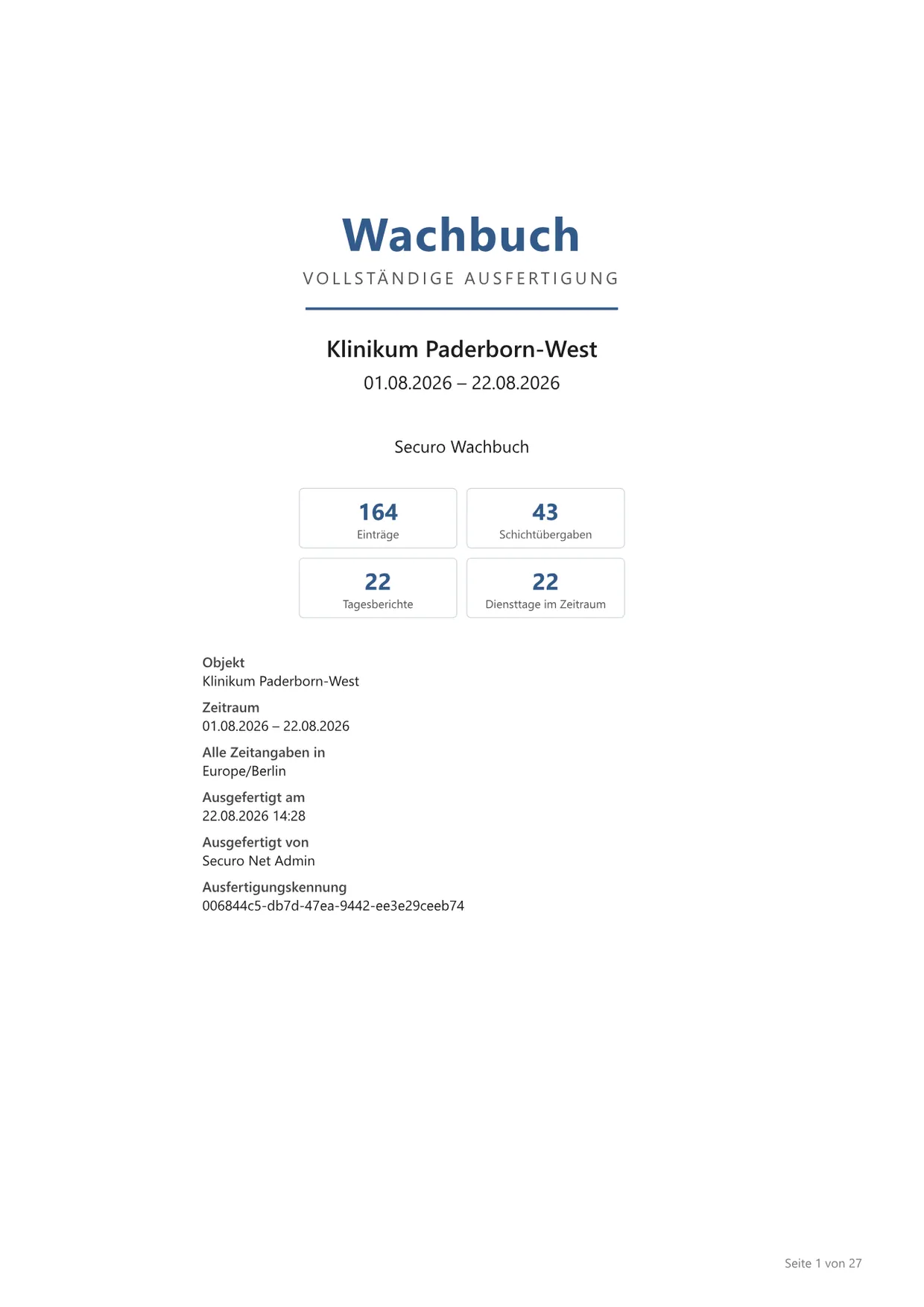
A site's book with cover page and every duty day, plus log, daily report and handover record as PDF, CSV or Excel — in English too. Archived reports remain downloadable. Part of Logbook Pro.
Tailored to the recipient
Anonymise security officers, leave out photos or print only the latest version of corrected entries — the book lists every omission on its notes page, so it is clear what is missing.
Verification page per report
The QR code on the last page leads, without login, to a verification page: it checks that every entry in the report is unchanged and compares the PDF with the original in the browser. Anomalies appear only if you release them.
Entries in the customer portal
Events, patrol notes and special occurrences appear in the client's customer portal straight away — only for their sites and only the types you release. The release shows how many entries arrive there.
Logbook in the site report
In the Workforce site report, a section of its own puts the site's entries on the page — events and special occurrences by default, and only the latest version of corrected entries.
Privacy & retention
Access requests & deletion
An Article 15 request bundles all entries, photos and processes concerning a person into a file you can hand over; deletion follows the same path.
Crypto-shredding
Delete without breaking the chain: instead of overwriting the file, its key is destroyed. The content is gone, the chain stays intact.
Legal holds
During litigation, an insurance claim or an inspection by the employers' liability insurance, a hold keeps the automatic deletion run away from the content — for the whole organisation, one site or one person.
Retention periods
How long media, entries and the evidence trail are kept, whether handovers must be acknowledged and what makes an entry suspicious — set per organisation.
Everyone sees their own sites
Optionally, a security officer reads only the logbooks of sites they worked at — scheduled there or recorded there themselves —, with an adjustable look-back. Useful as soon as you work for several clients.
More views from Guard logbook
Screens from day-to-day operation — demo data, but no retouching afterwards.
Verification link for third parties
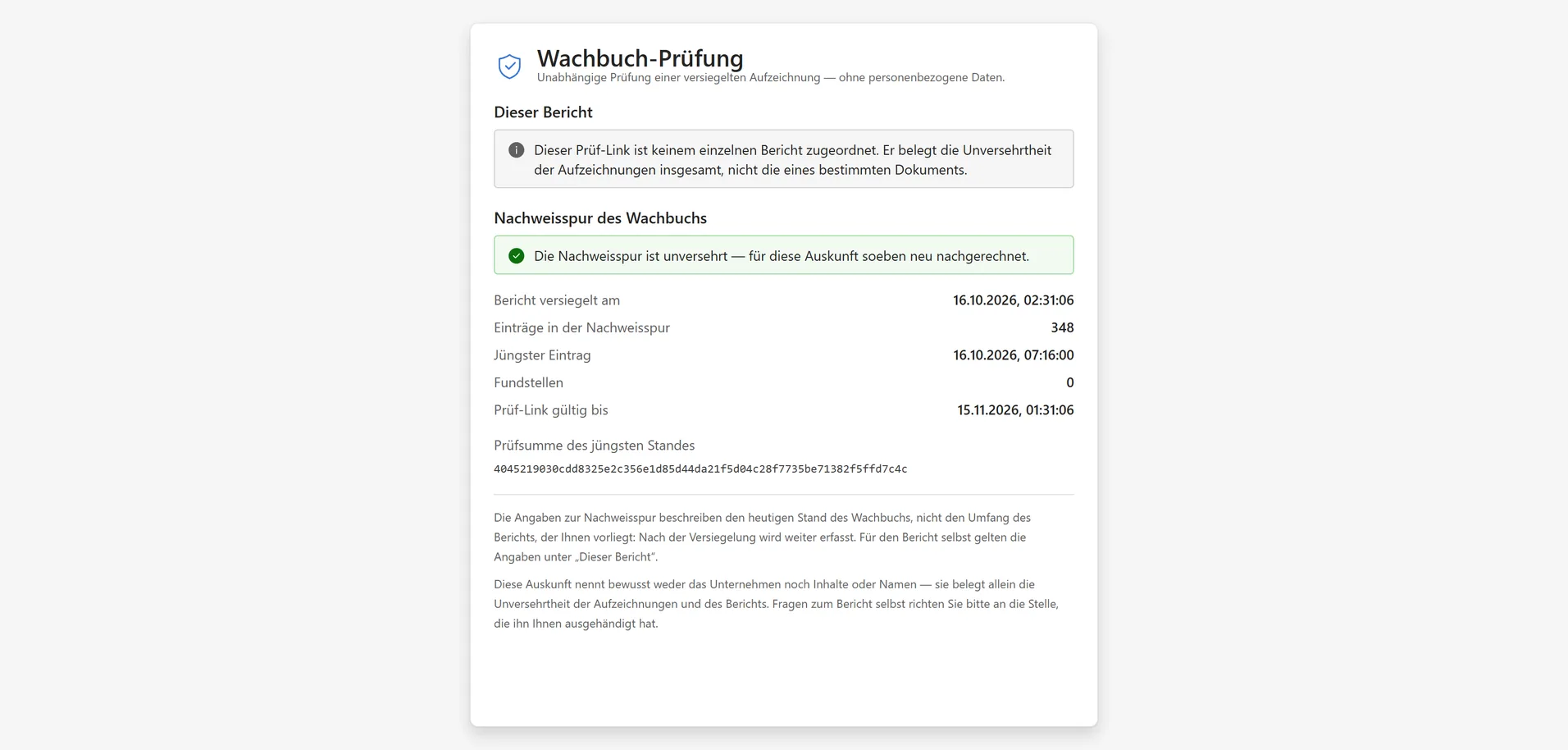
An insurer, court or client verifies the evidence chain themselves — without logging in and without seeing any content.
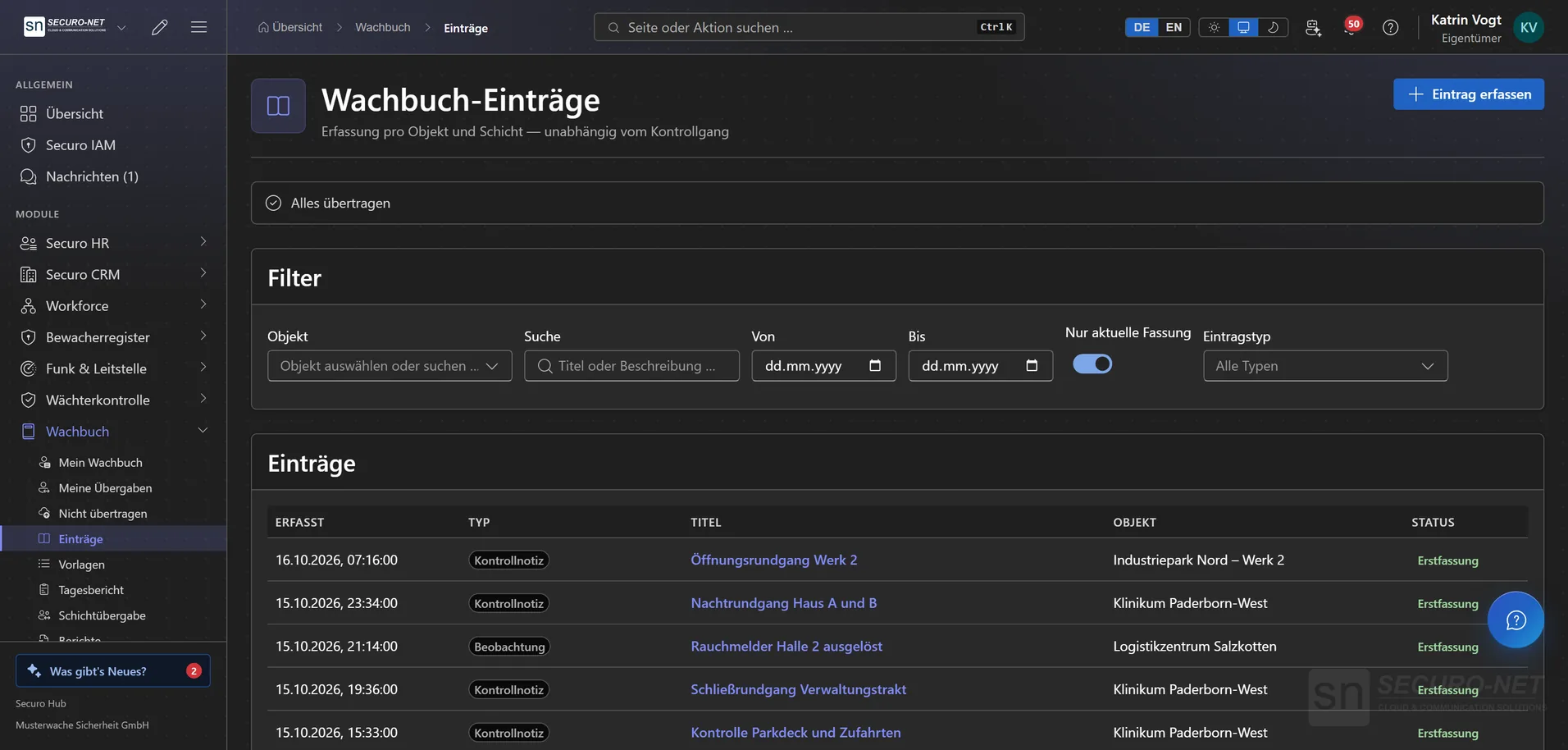
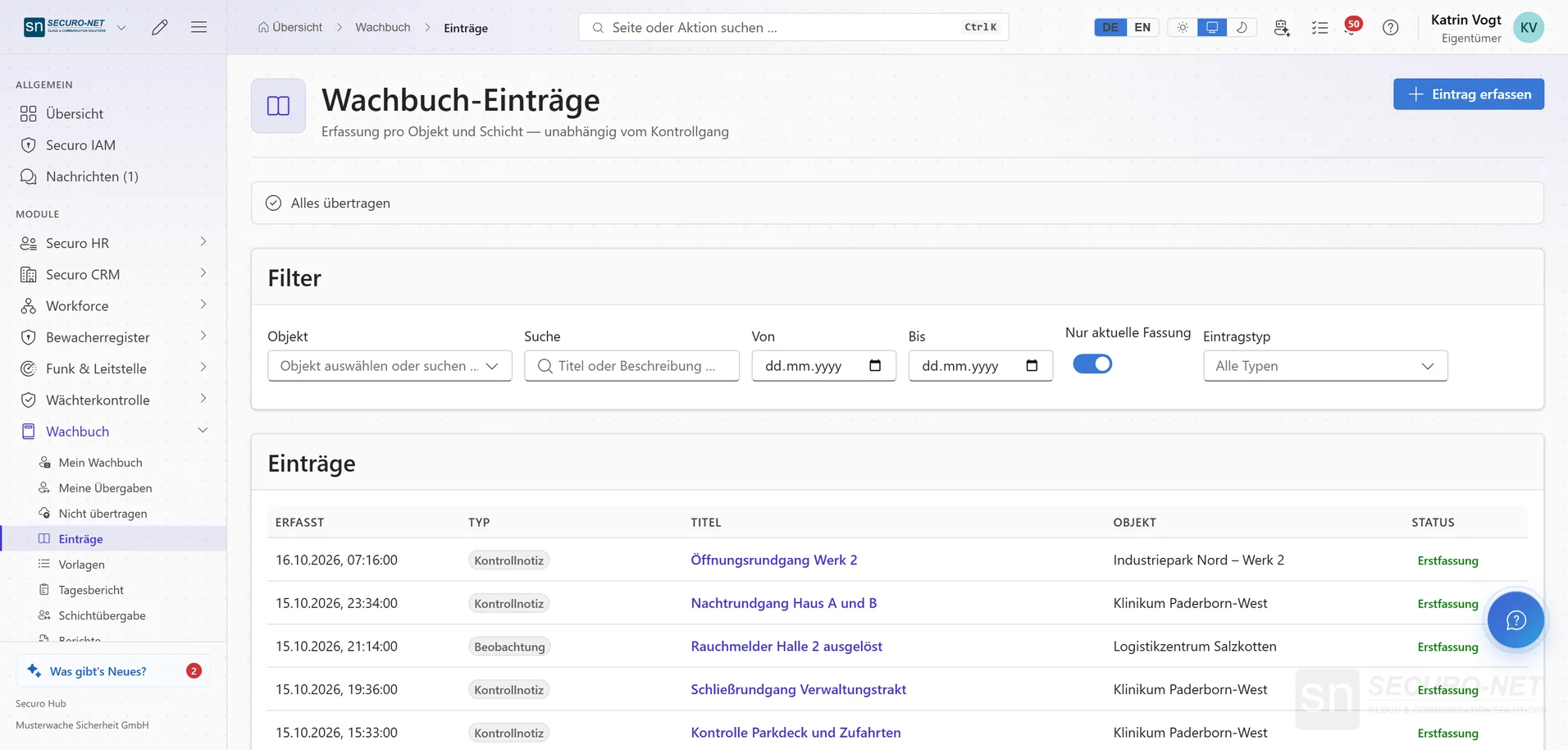
Logbook entries
Checks, observations and special occurrences per site and shift — recorded tamper-evident and filterable by site, period and type.
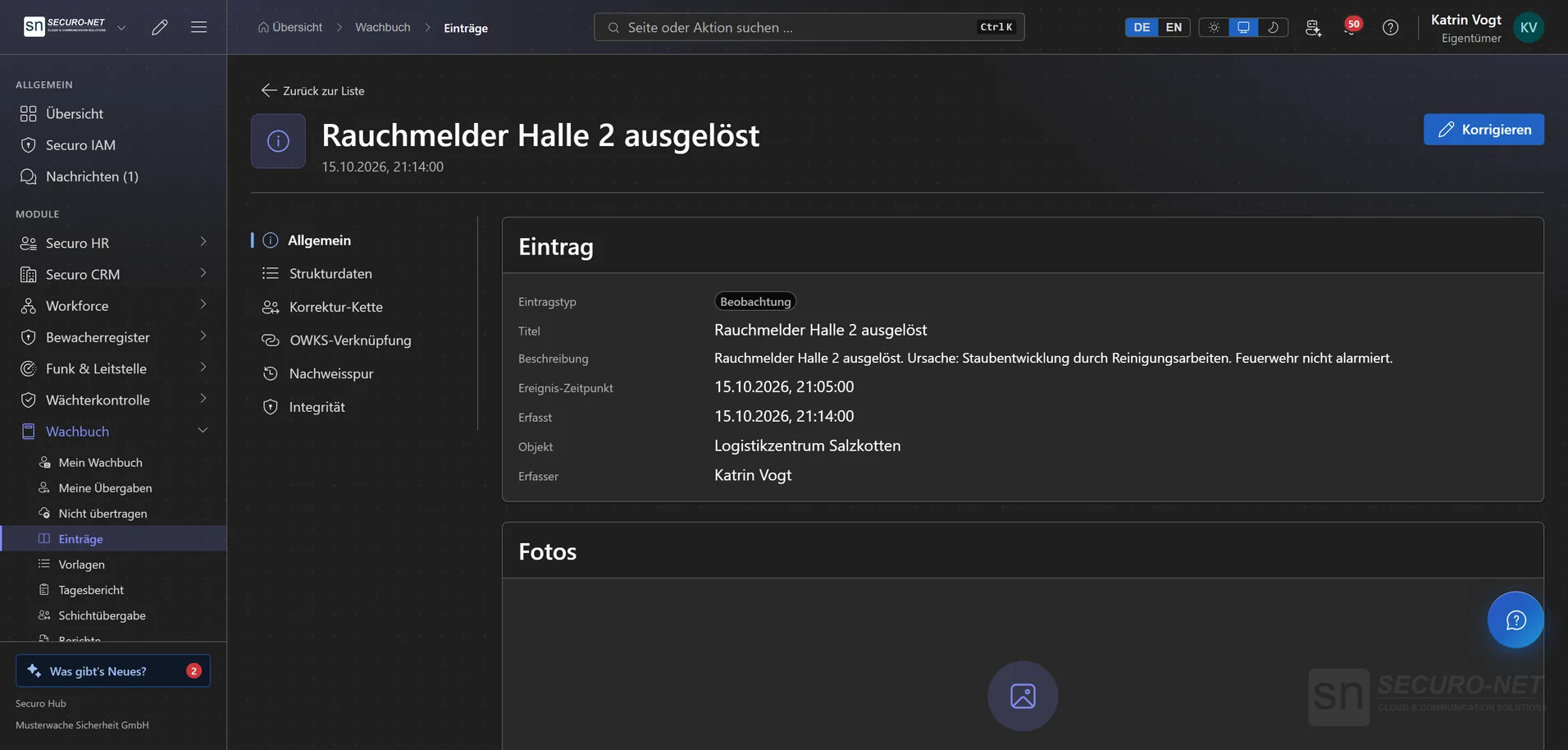
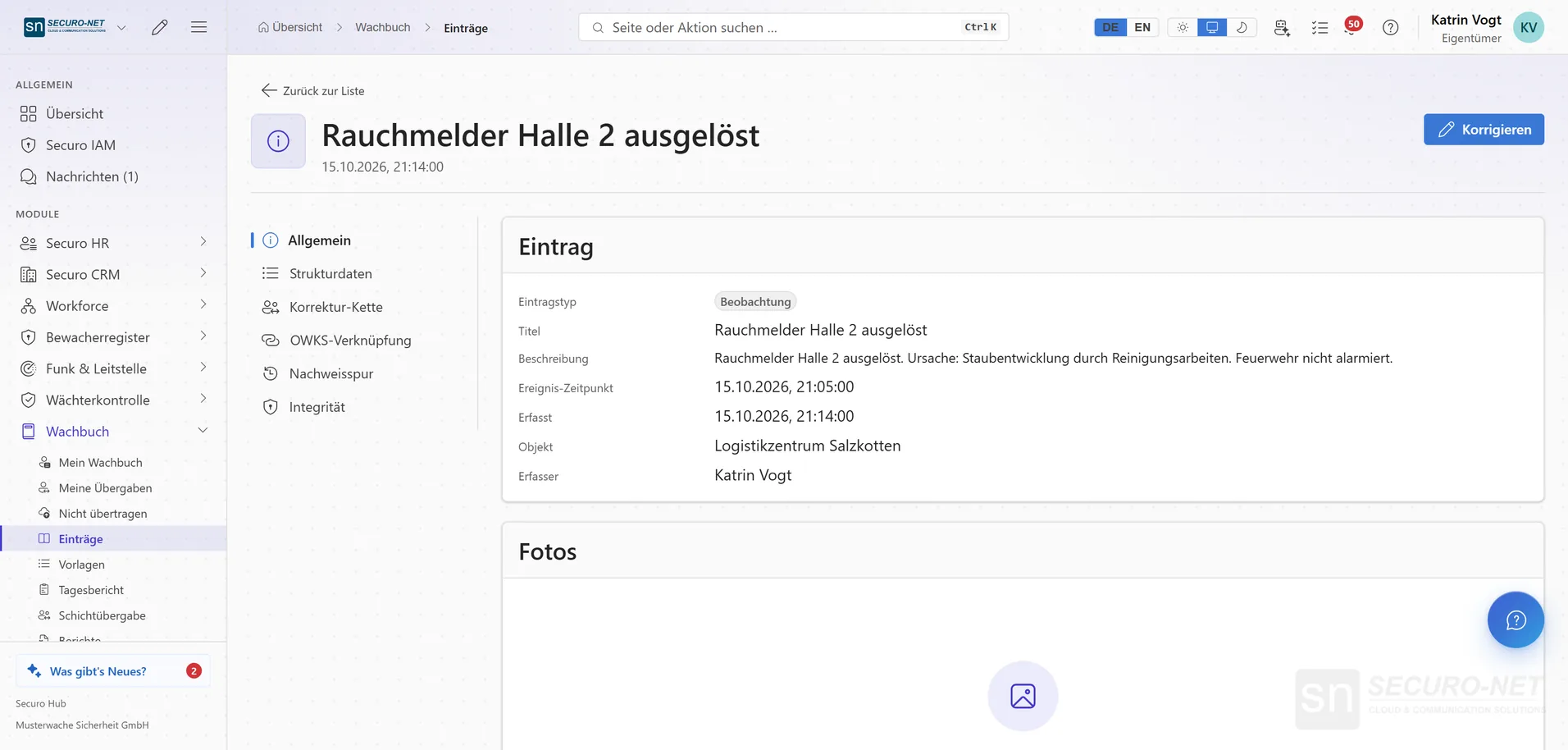
Entry in detail
One entry with text, time, site and author. Corrections create a new version; the old one stays readable.
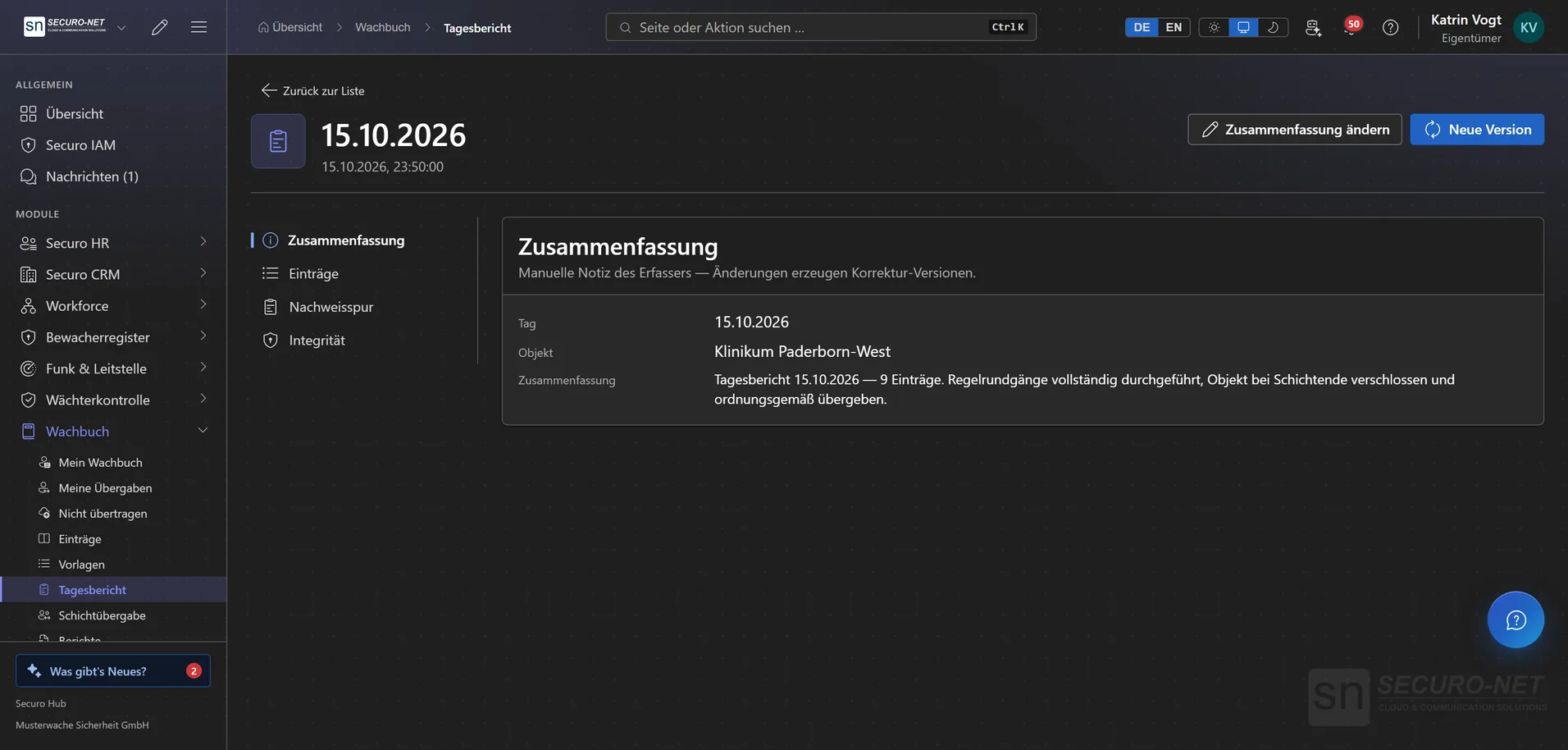
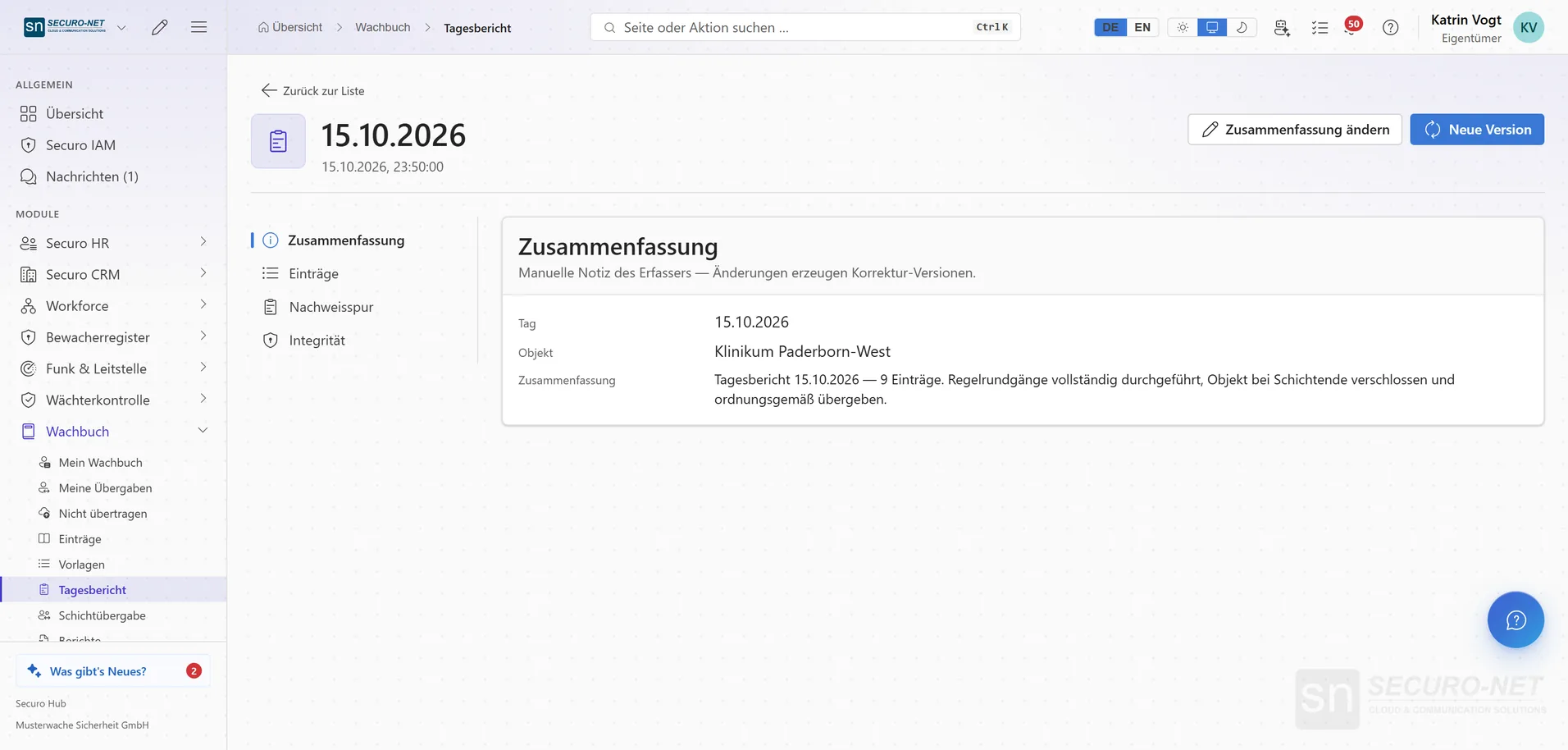
Daily activity report
All entries of one day at one site as a single report — with its own summary and its own evidence chain.
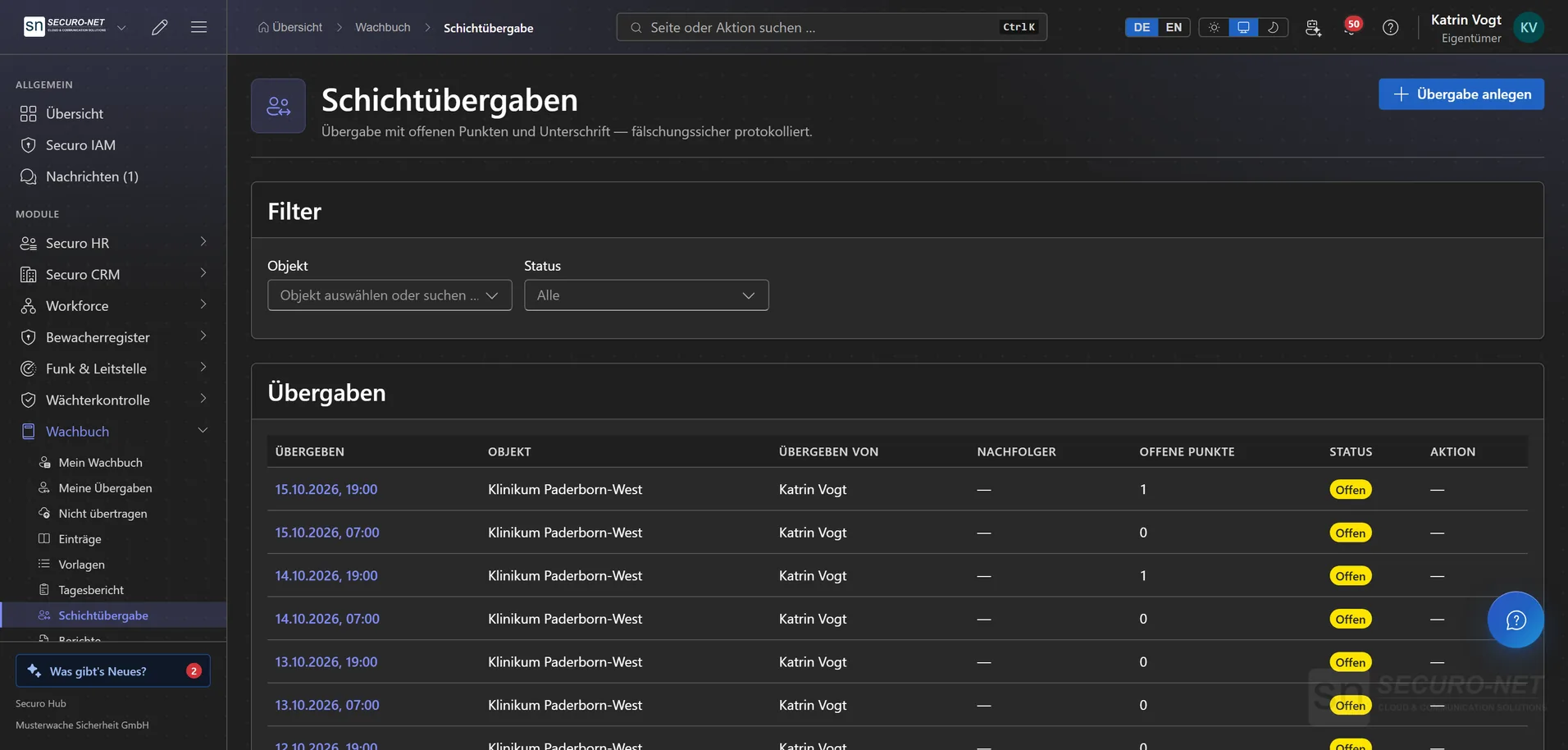
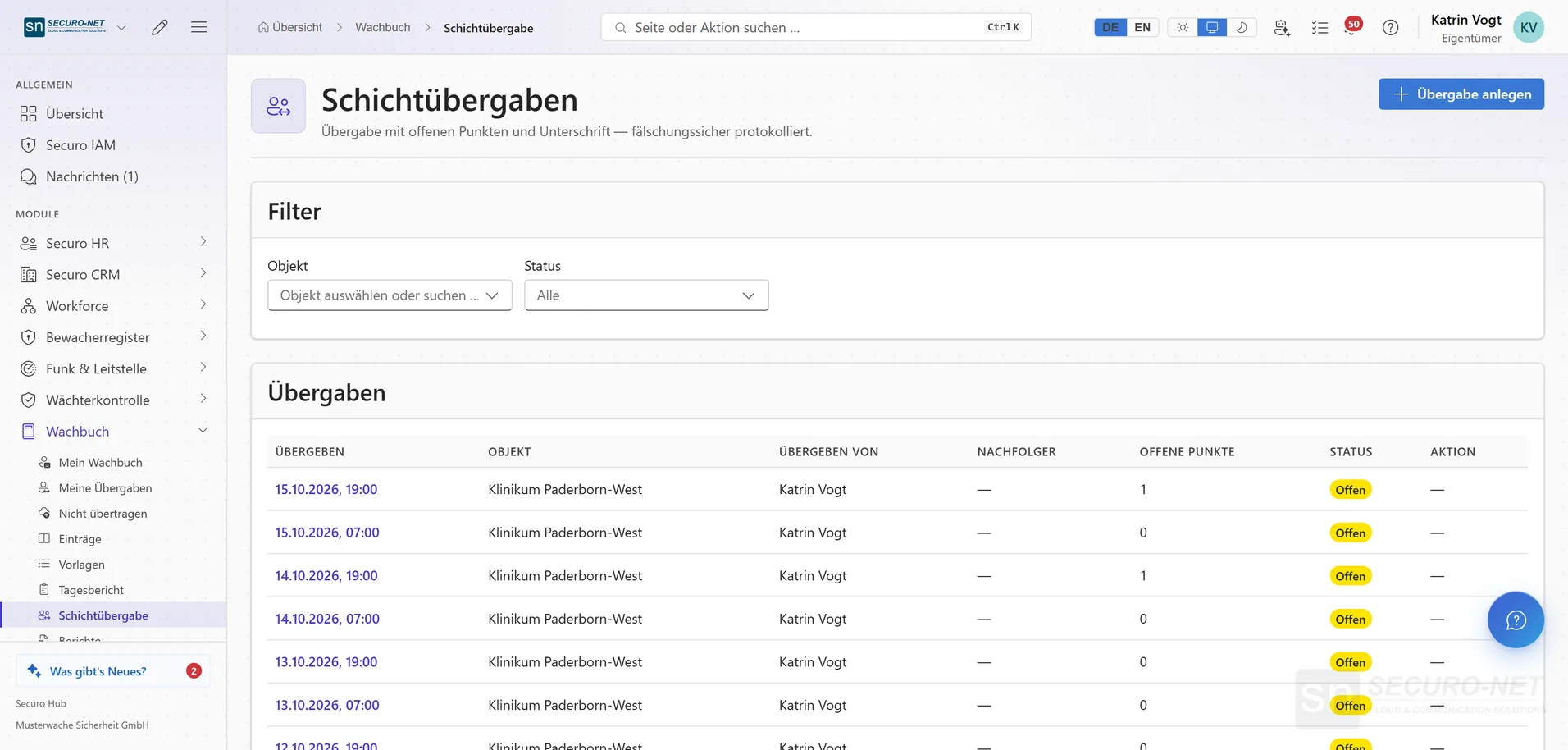
Shift handovers
Every handover with site, open items and status — the incoming officer acknowledges it.
What a guard logbook looks like when the authority asks
27 pages for one object across three weeks: every duty day in its own section, every line with a checksum, an authenticity certificate at the end. Generated in the Hub with one click.
Works well with
These modules share the same data — together they remove the double data entry.
Guard control
GPS and NFC patrols, lone-worker protection and unbroken proof of service.
Radio & dispatch
Push-to-talk over cellular, dispatch in the browser, a situation map, recorded radio traffic with AI transcripts, and SOS.
Guard register
View security staff and company data straight from the German guard register — and check third-party guard IDs.
Part of Securo Hub
This module is part of the Securo Hub platform — one login, shared data, one design. Use it standalone or together with others.