
Support
Customer requests in a shared mailbox mean duplicate replies, lost cases and no numbers. Here every email becomes a ticket with history, ownership and a deadline.
Every feature
19 features, grouped by area of work. Every one of them exists in the product.
Handling requests
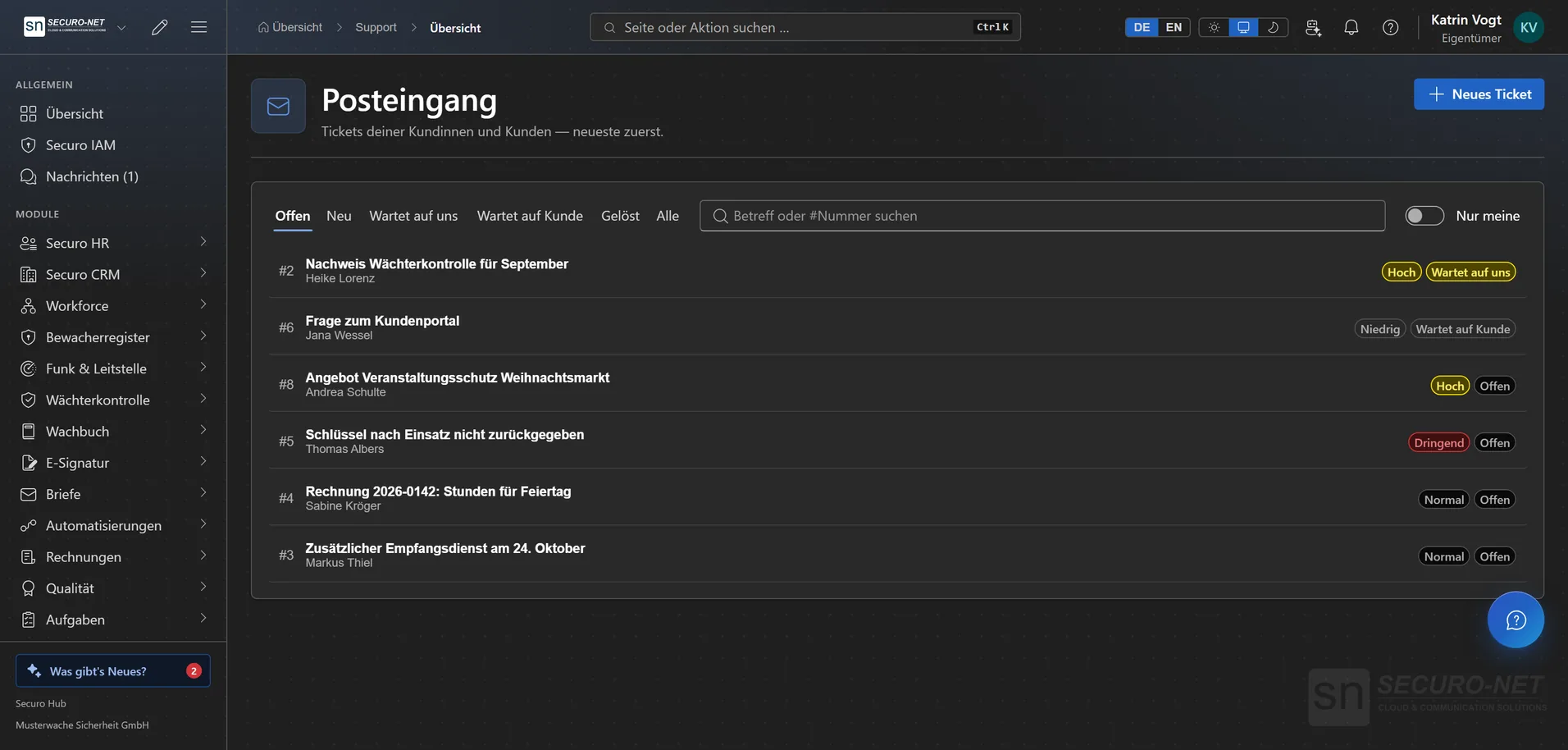
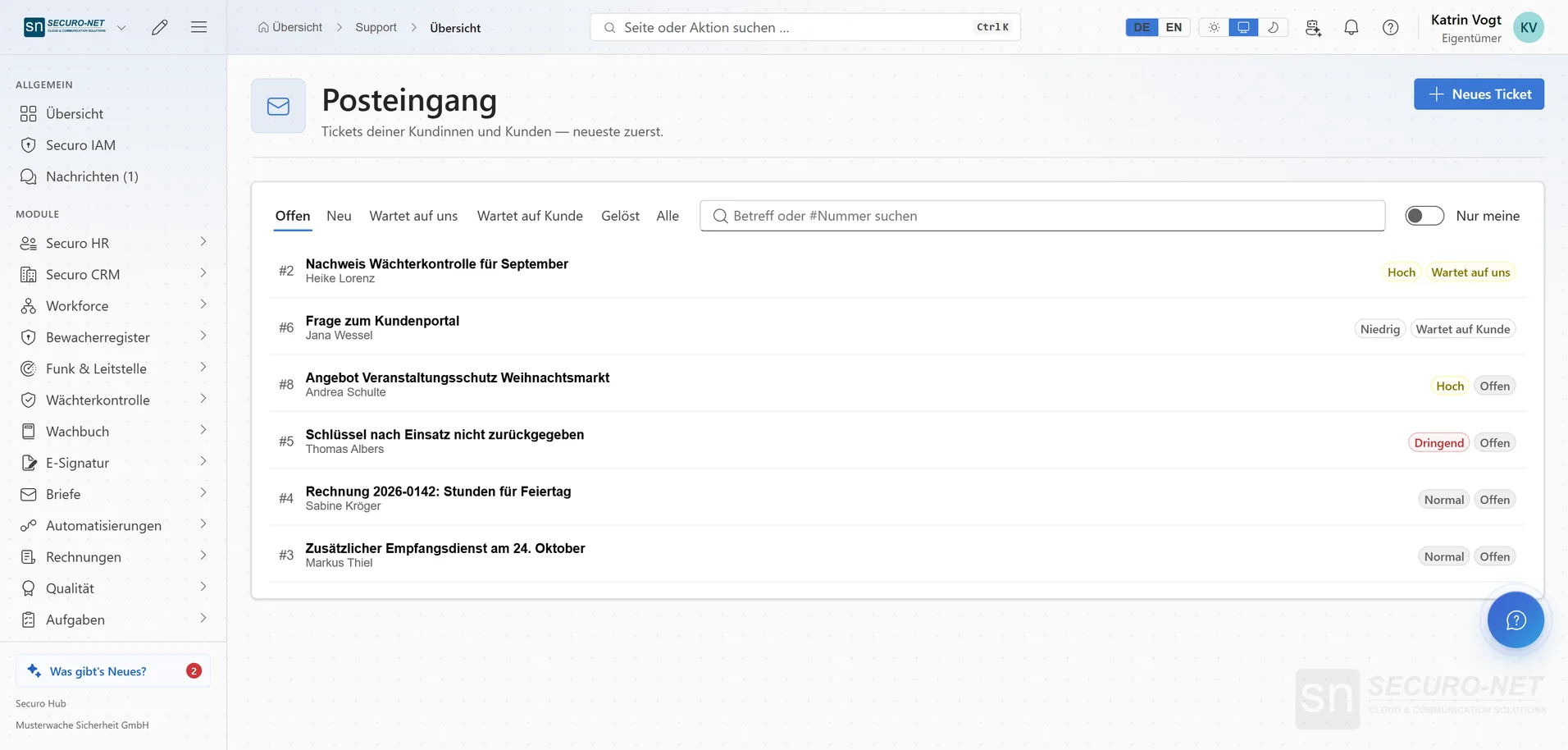
Every email becomes a ticket
Requests to your support mailbox land in the inbox automatically — with subject, sender, priority and status.
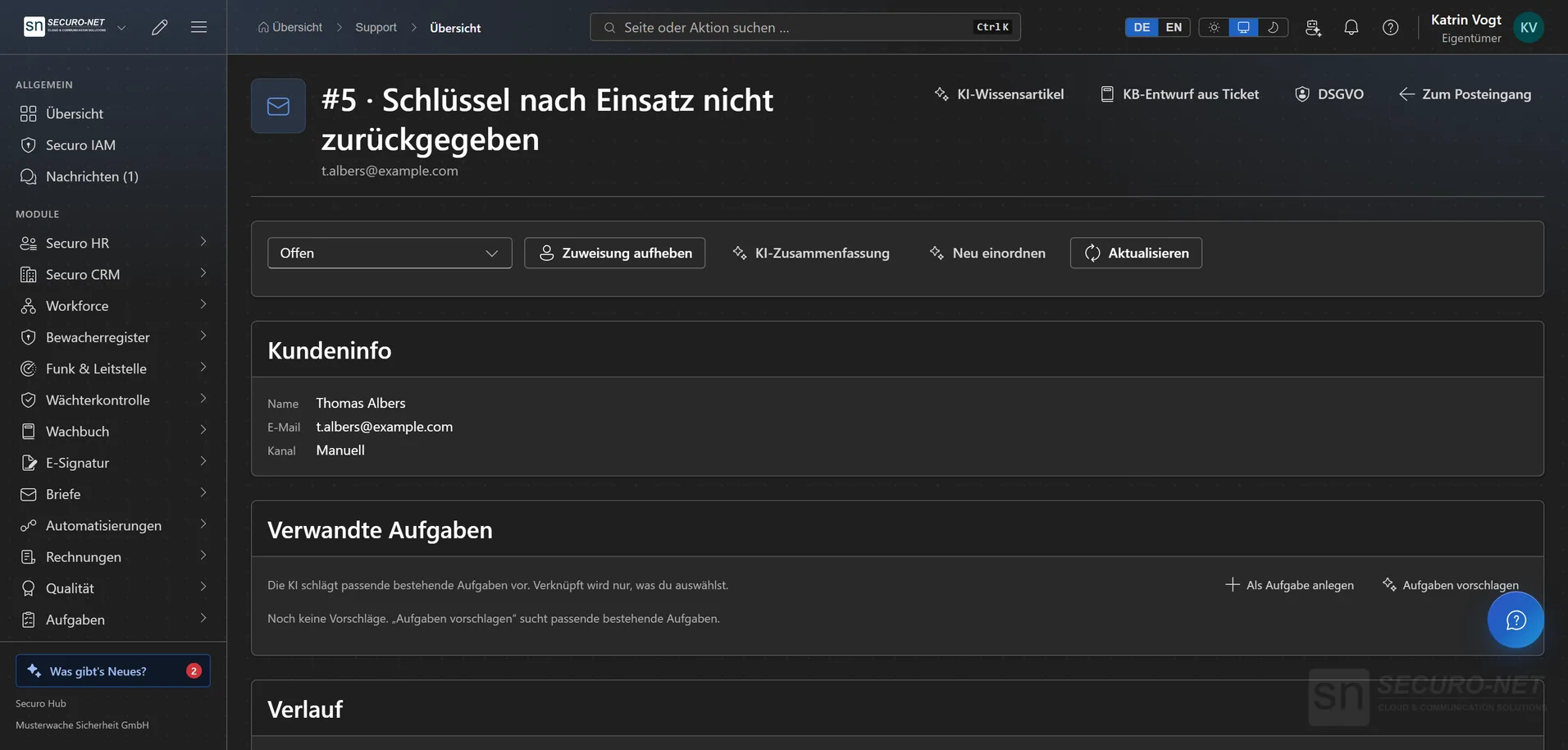
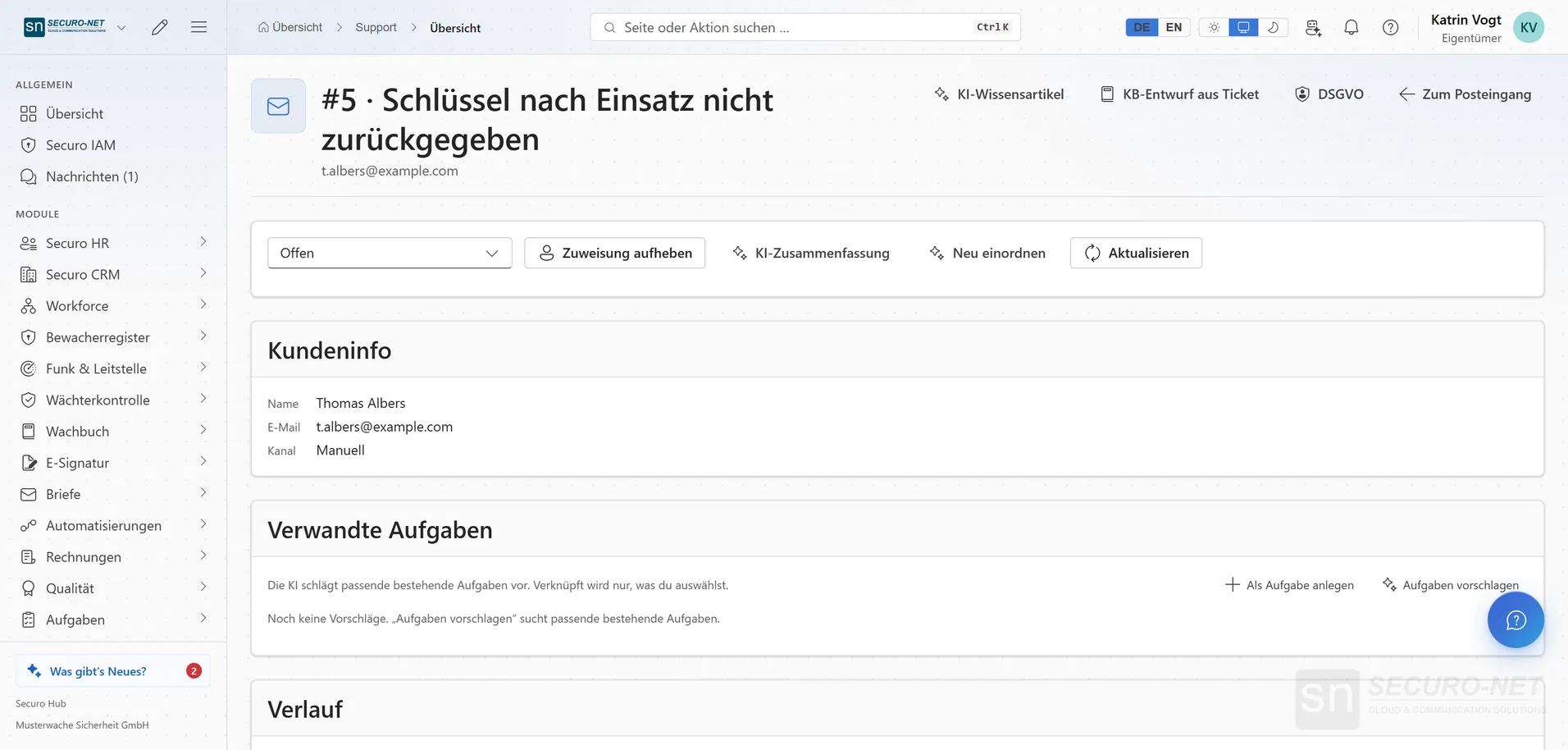
Work a ticket
Read the history, reply by email, leave internal notes for the team, change status, assign — all in one view.
Images and files in the thread
Screenshots and documents sent by the contact sit under the message they came with — images as an instant preview, other files as a line to download.
Macros with placeholders
One click inserts a ready-made reply with first name, ticket number and more, and sets status, priority or “Assign to me” along with it. If a value is missing, the hub says so before sending — or a stored fallback text steps in.
Custom ticket fields
Extra details such as a contract number or system type on every ticket, required if you like. With Securo CRM you pick customer and contact directly by name.
Turn a ticket into a task
“Create task” turns the request into a linked task with title and text pre-filled; with Securo AI, the AI suggests matching open tasks. With Securo Support Pro and Securo Tasks Pro.
Channels & availability
Email, widget & chat
Requests arrive by email, through the widget, via live chat or as a callback request — and still converge in one inbox.
Real-time live chat
For a chat request your reply appears instantly in the visitor's chat window — no email involved. Internal notes stay within the team.
Callback & hotline
In the widget, people leave their phone number and when they can be reached; this becomes a ticket marked “Callback”. Alternatively the widget only shows your hotline number with its availability.
Customer self-service
Knowledge base
Short guides and answers to common questions — maintained in one place, published in several.
Widget for your website
Published articles appear in the widget on your site — many customers help themselves before a ticket exists. You set greeting, accent colour and allowed websites; requests can be followed without a customer account.
AI assistance
AI reply drafts
The AI proposes an answer from your own material. If the answer is not in that material it invents nothing and marks the gap instead. With Securo Support Pro and Securo AI.
AI triage of new requests
The AI suggests topic, priority, sentiment and a suitable team and sums up the request briefly. Nothing is changed automatically — you adopt what fits.
AI summary
A long thread boiled down to a few sentences — for instance when handing over to a colleague who has not seen the case before.
Knowledge article from a ticket
A resolved request becomes the draft of a knowledge base article that you refine and publish. A good answer turns into self-service for everyone.
Quality & steering
Deadlines in business hours
First response and resolution only count during your business hours — per profile with time zone, a window per weekday and holidays. Deadline rules with Securo Support Pro.
Satisfaction survey
Once a ticket is resolved, the contact receives a short survey and rates with one click straight from the email. Reporting shows the average, the distribution and the latest comments.
Reporting & CSV export
New and resolved tickets, time to first reply and to resolution and how often deadlines were met — plus the period's tickets as a CSV file. With Securo Support Pro.
Mailbox, signature & AI switch
Connect the mailbox via IMAP/SMTP or Microsoft 365 and check it with “Test connection”, store a signature, switch the AI on or off. A reply that could not be delivered is marked in the thread.
More views from Support
Screens from day-to-day operation — demo data, but no retouching afterwards.
Work a ticket
Read the history, leave an internal note, change status, assign — in one view.
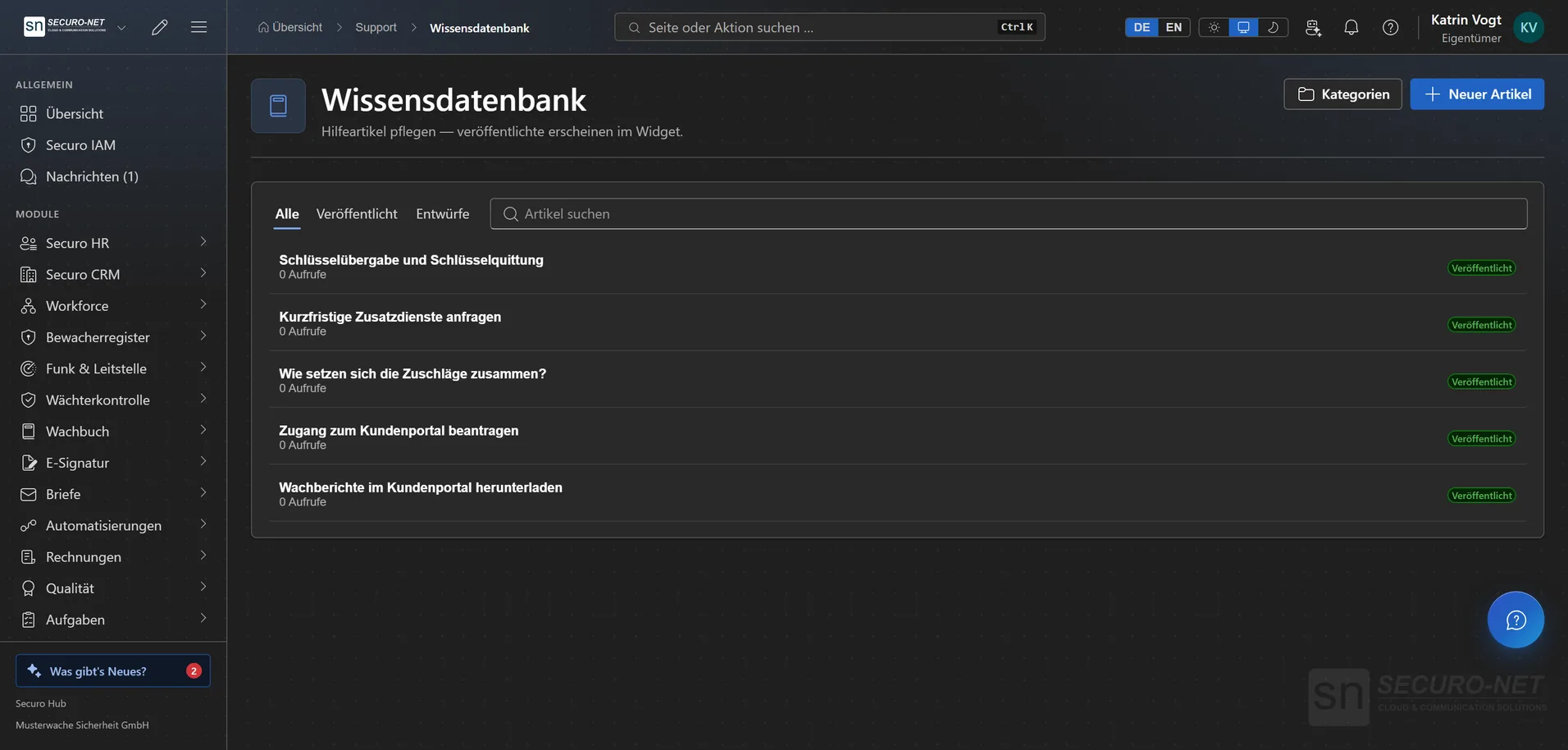
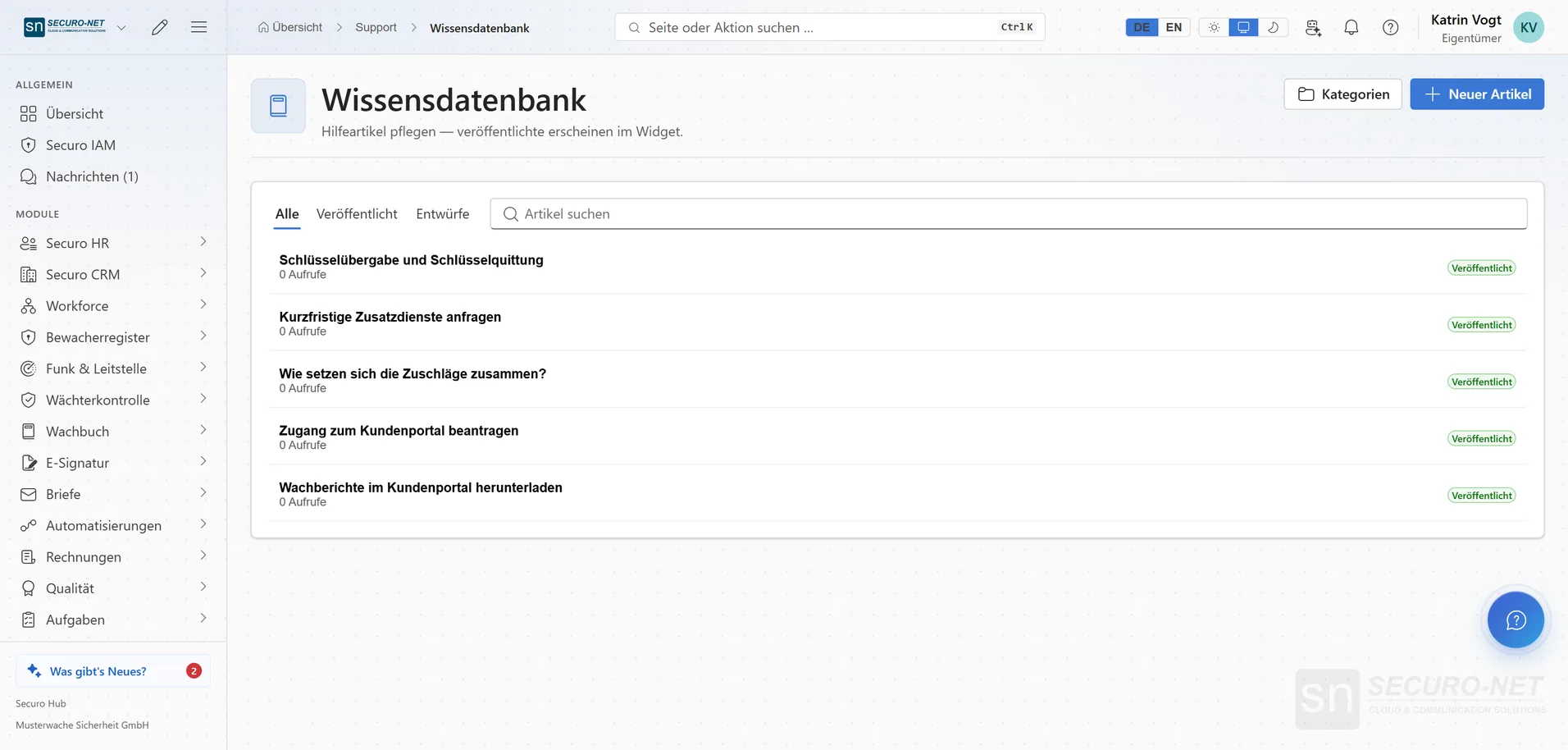
Knowledge base
Short guides and answers to common questions — maintained in one place.
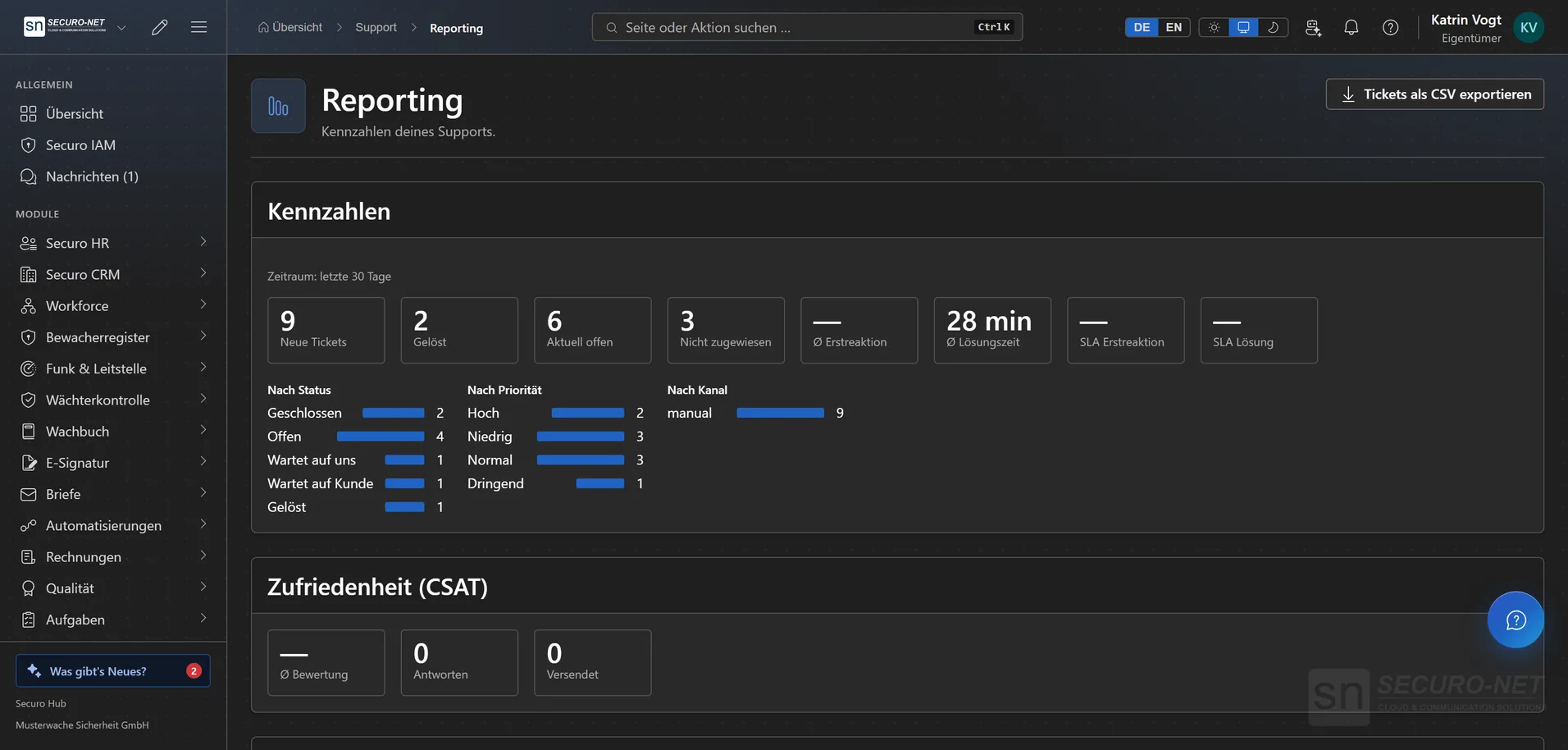
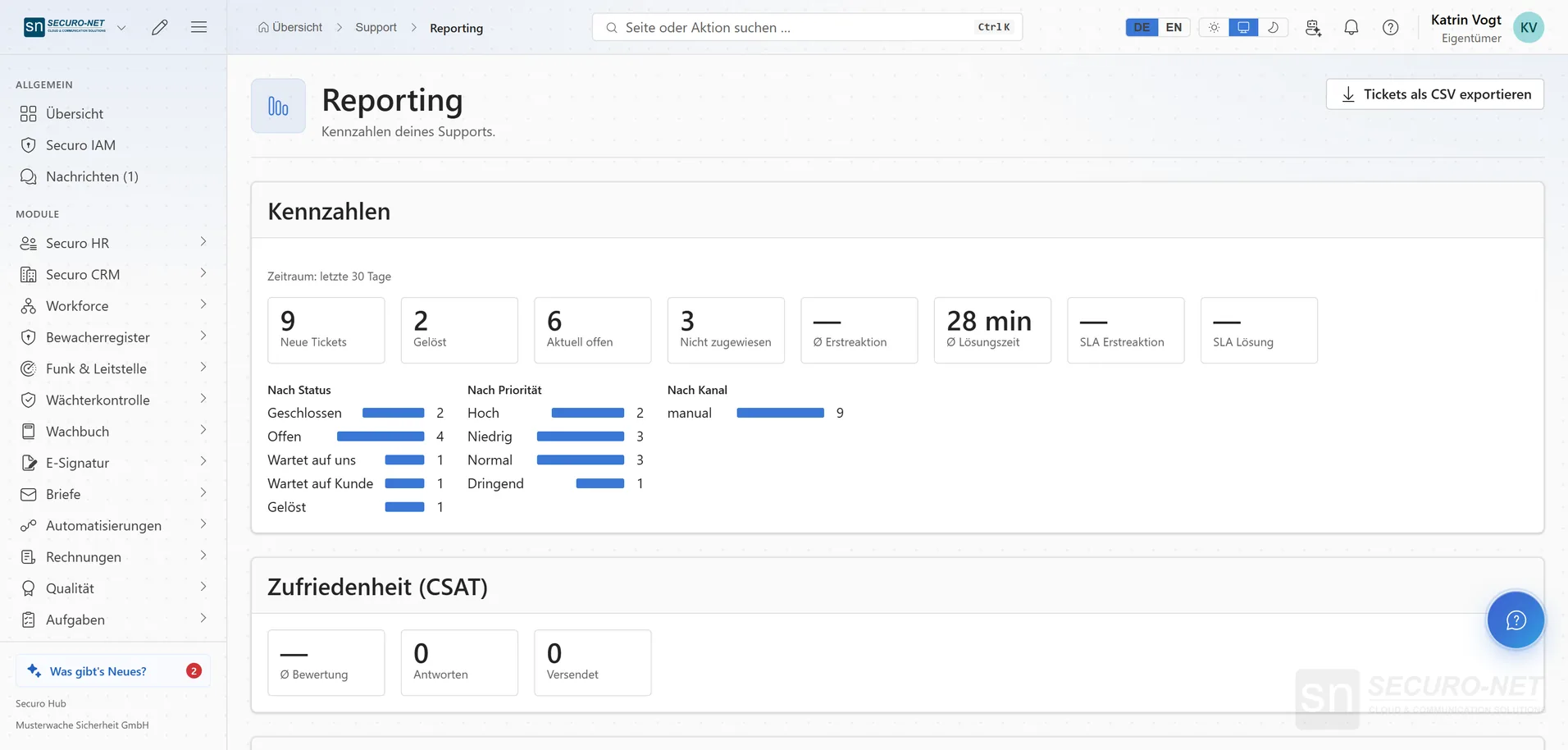
Reporting
New and resolved tickets, response times and key figures for the period.
Works well with
These modules share the same data — together they remove the double data entry.
Part of Securo Hub
This module is part of the Securo Hub platform — one login, shared data, one design. Use it standalone or together with others.