
Integrations
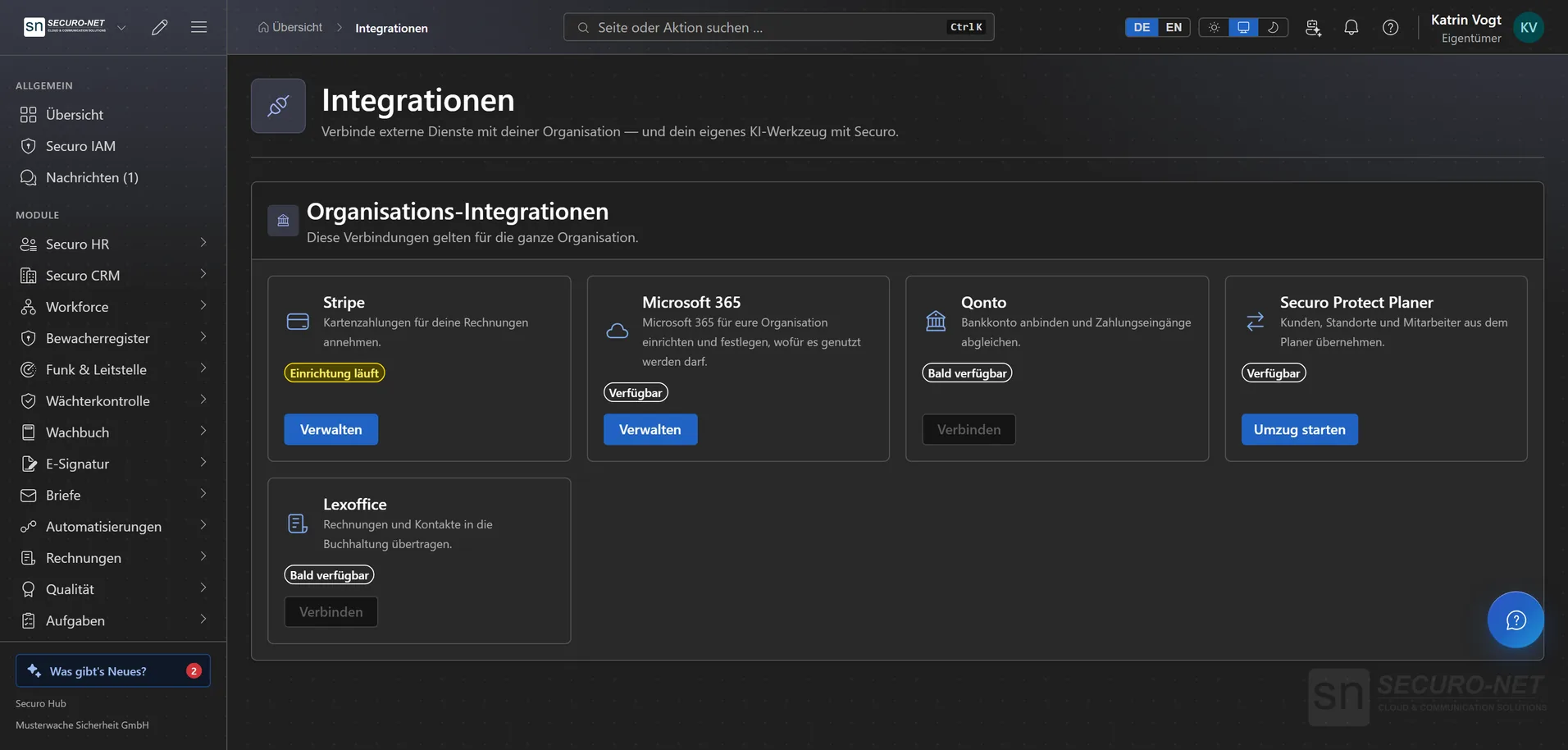
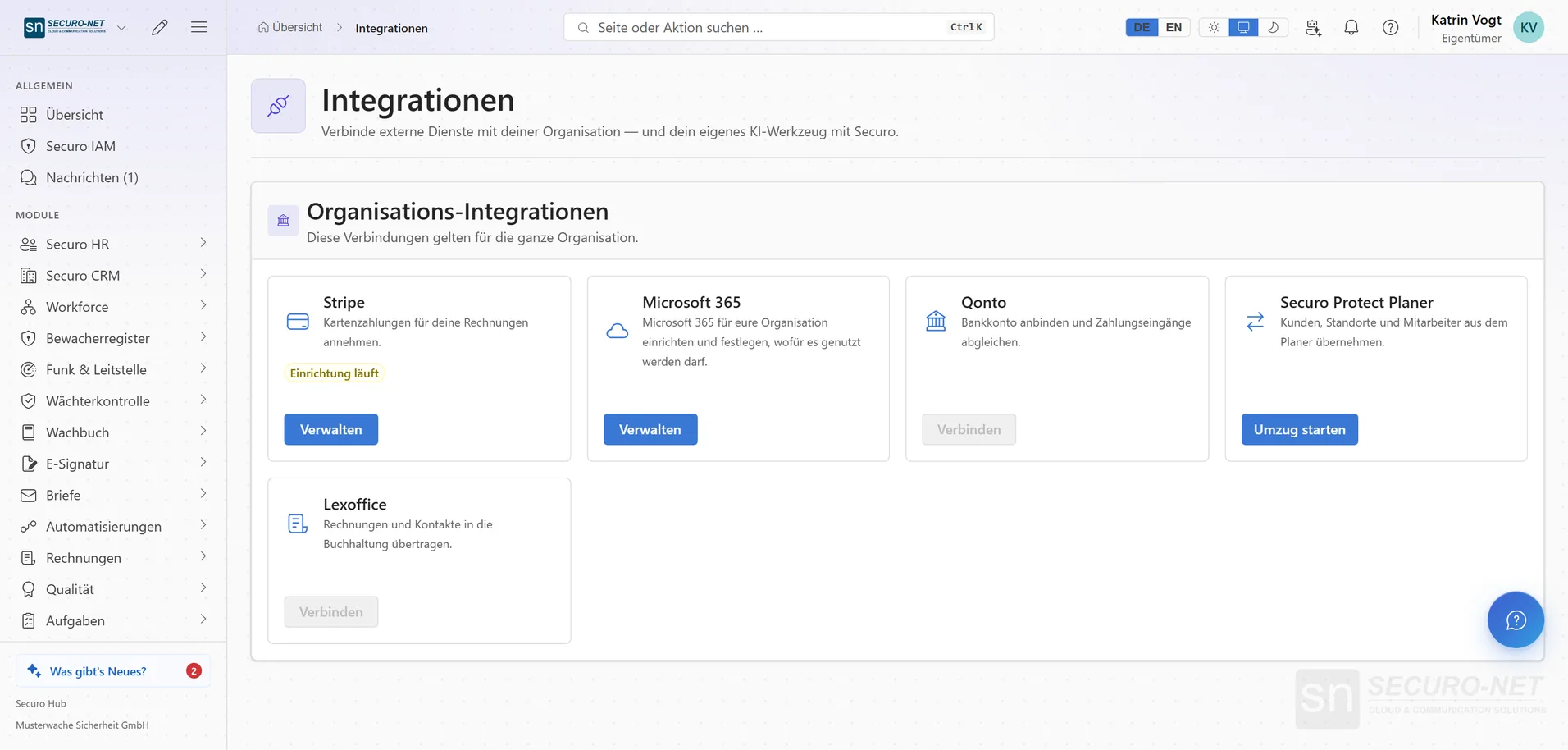
Every integration is otherwise a project. Here it is a tile with a connection status that an administrator sets up themselves — for Microsoft 365, every person then connects their own account.
Every feature
11 features, grouped by area of work. Every one of them exists in the product.
For the organisation
Services as tiles
Every external service with its connection status — you see at a glance what is connected and what is stuck.
Set up Stripe in the hub
Company, bank details and evidence step by step — without a detour to another website and without an existing account. Afterwards you accept card payments for your invoices.
Microsoft 365 for the organisation
An administrator consents once with “Consent at Microsoft” — it takes about a minute, and Securo detects your Microsoft tenant on its own. After that, every person connects their own account.
Allow or block uses
For every use — Outlook calendars, telephony, e-mail in the CRM — you decide whether it is allowed in your organisation. If you withdraw one, Securo removes the calendars it created in Outlook for it.
Connected people at a glance
How many people are connected and how many show “Reconnect needed”, plus the list with person, Microsoft account and status. If an account is attached to the wrong person, release it with “Disconnect”.
For each person
Your own Microsoft 365 account
Every person connects their work account once in their personal settings and switches each use on or off there. Whatever Securo created in Outlook is removed again by “Disconnect”.
Tasks, shifts, absences in Outlook
Tasks with a due date, your own published shifts and absences — without the reason — appear in separate Outlook calendars “Securo – …”. Move a task there and its due date changes in the hub.
Outlook events taken into account
Outlook events show up in the task calendar, and appointment booking does not offer times that are busy in your calendar; booked appointments block the time in Outlook. Securo only reads the events.
Telephony and e-mail in the CRM
The same connection carries telephony and “E-mail in the CRM”: e-mails to customers go out from your own mailbox, and replies appear with the customer in the CRM. Securo does not read other e-mails.
Sign in with Microsoft
Separately from the 365 connection, you link your Microsoft account for signing in to Securo — its own step on its own card. Password and second sign-in step stay active.
Data migration
Data migration from the planner
Bring customers, sites, employees, qualifications and subcontractors over from Securo Protect Planer — with a dry run that shows what will happen. The documents of the personnel files follow afterwards.
More views from Integrations
Screens from day-to-day operation — demo data, but no retouching afterwards.
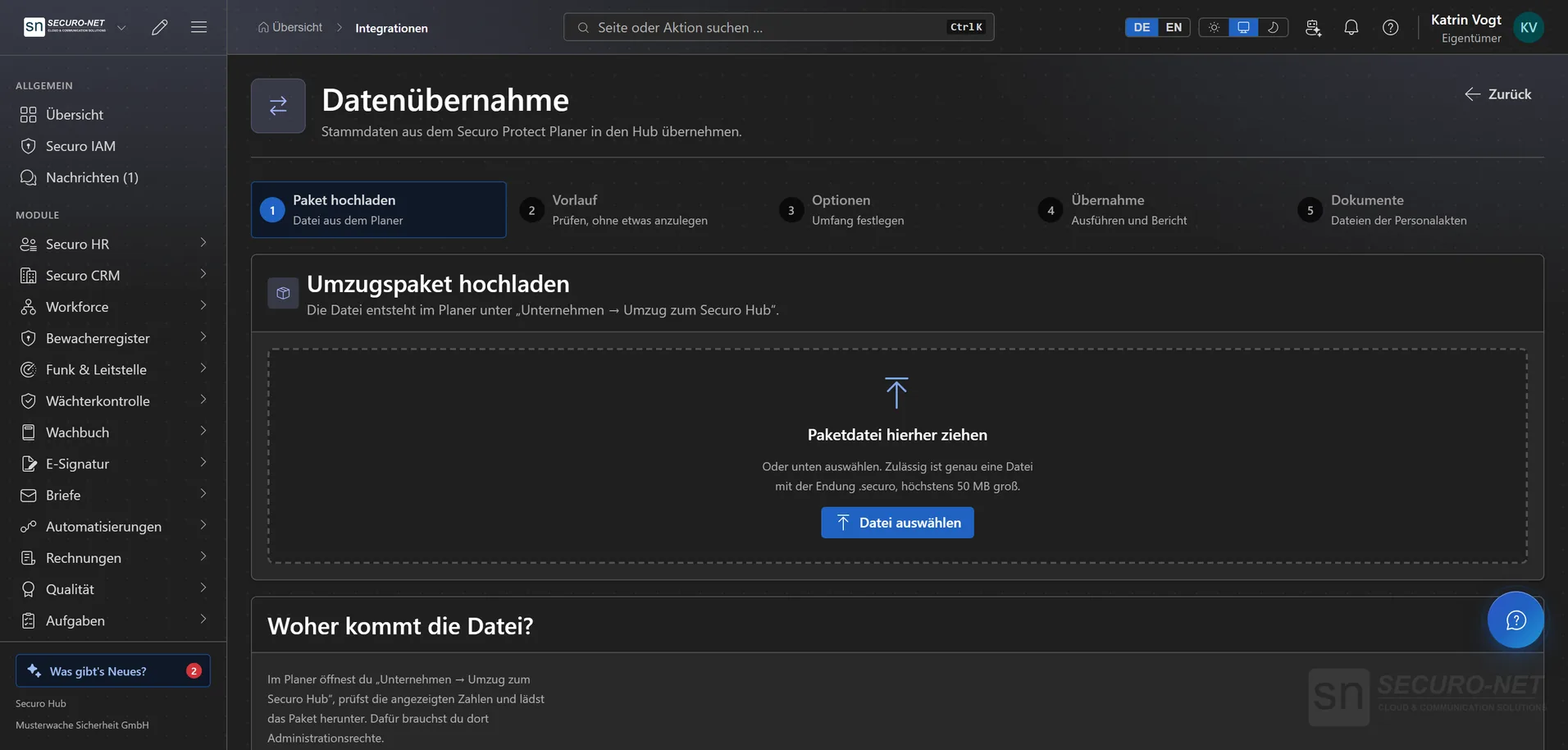
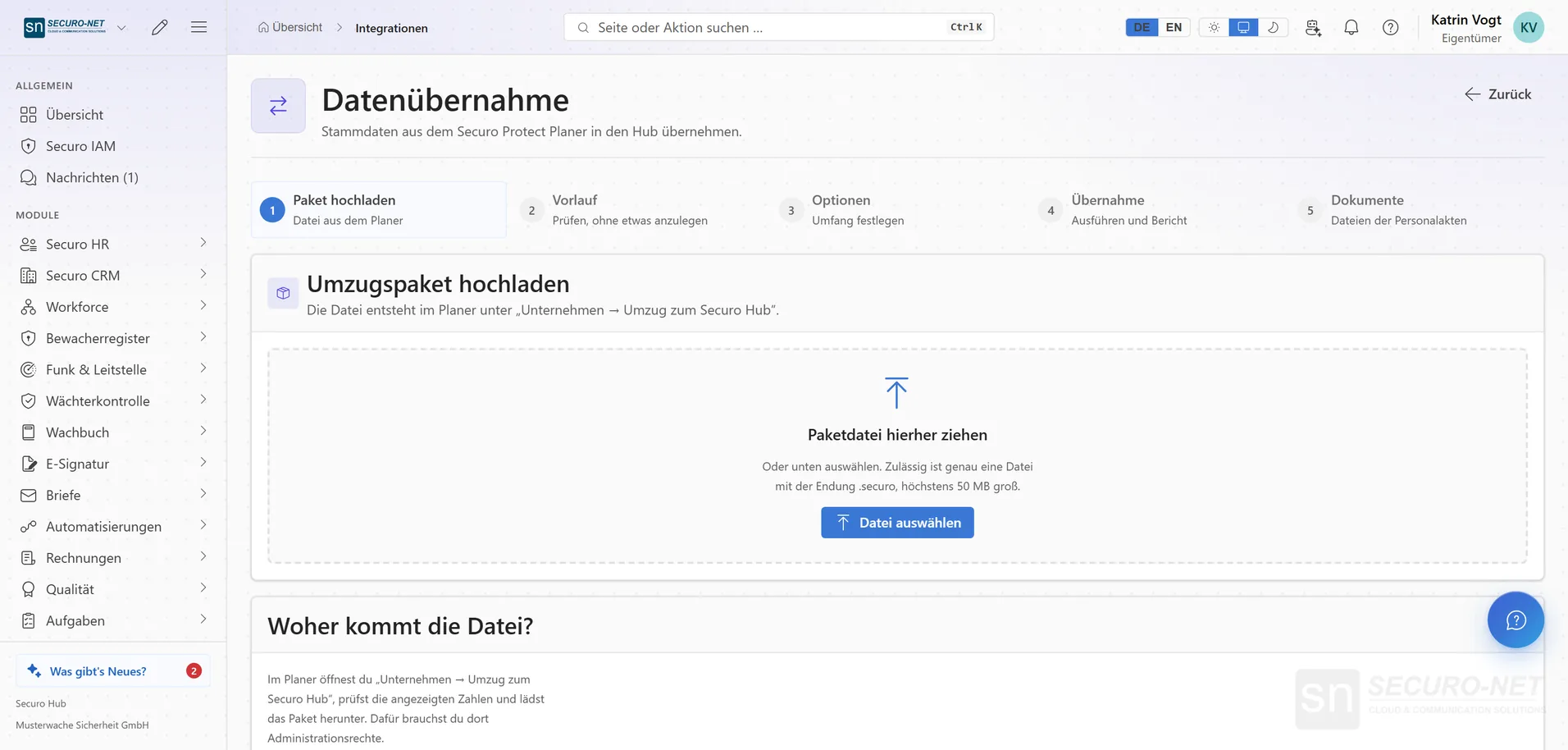
Data migration
Bring over customers, sites, employees and qualifications — with a dry run that shows what will happen.
Works well with
These modules share the same data — together they remove the double data entry.
Automations
Recurring processes as workflows — triggered by module events, a schedule, a button or from outside.
AI assistant
Answers questions about the hub — and with Securo AI proposes shifts, master data, quotes and invoices that you confirm with one click.
Telephony
Microsoft Teams inside the hub: recognise callers, keep a call list — and with Securo Telefonie · Pro, take calls right in the browser.
Part of Securo Hub
This module is part of the Securo Hub platform — one login, shared data, one design. Use it standalone or together with others.