
CRM
Knowing the customer sells better: contacts, contracts, activities, e-mails and open deals sit in one place instead of in mailboxes and spreadsheets.
Every feature
28 features, grouped by area of work. Every one of them exists in the product.
Customers & contacts
Customer directory
Every company and account in one list — search, create, open. The entry point to all sales work.
Customer record
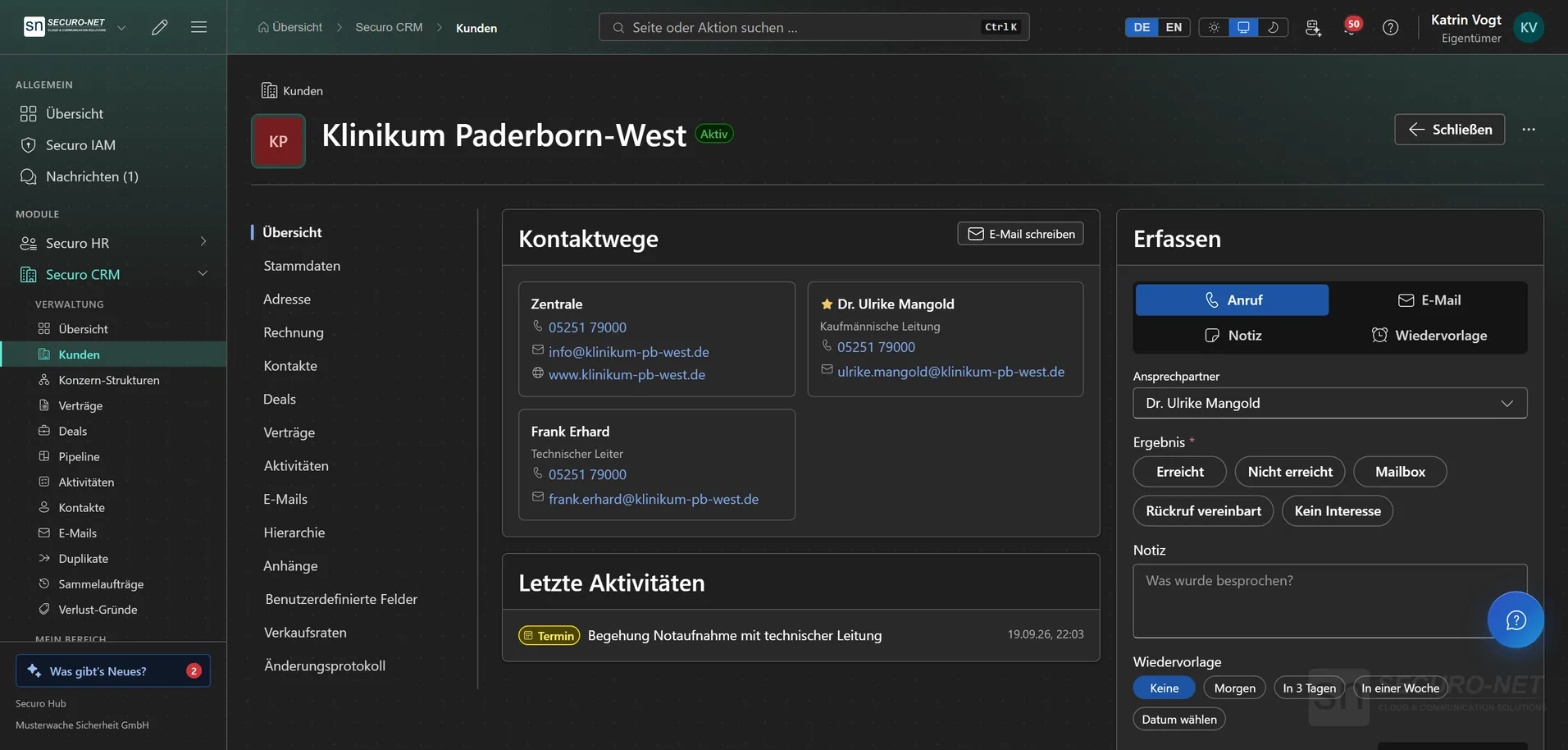
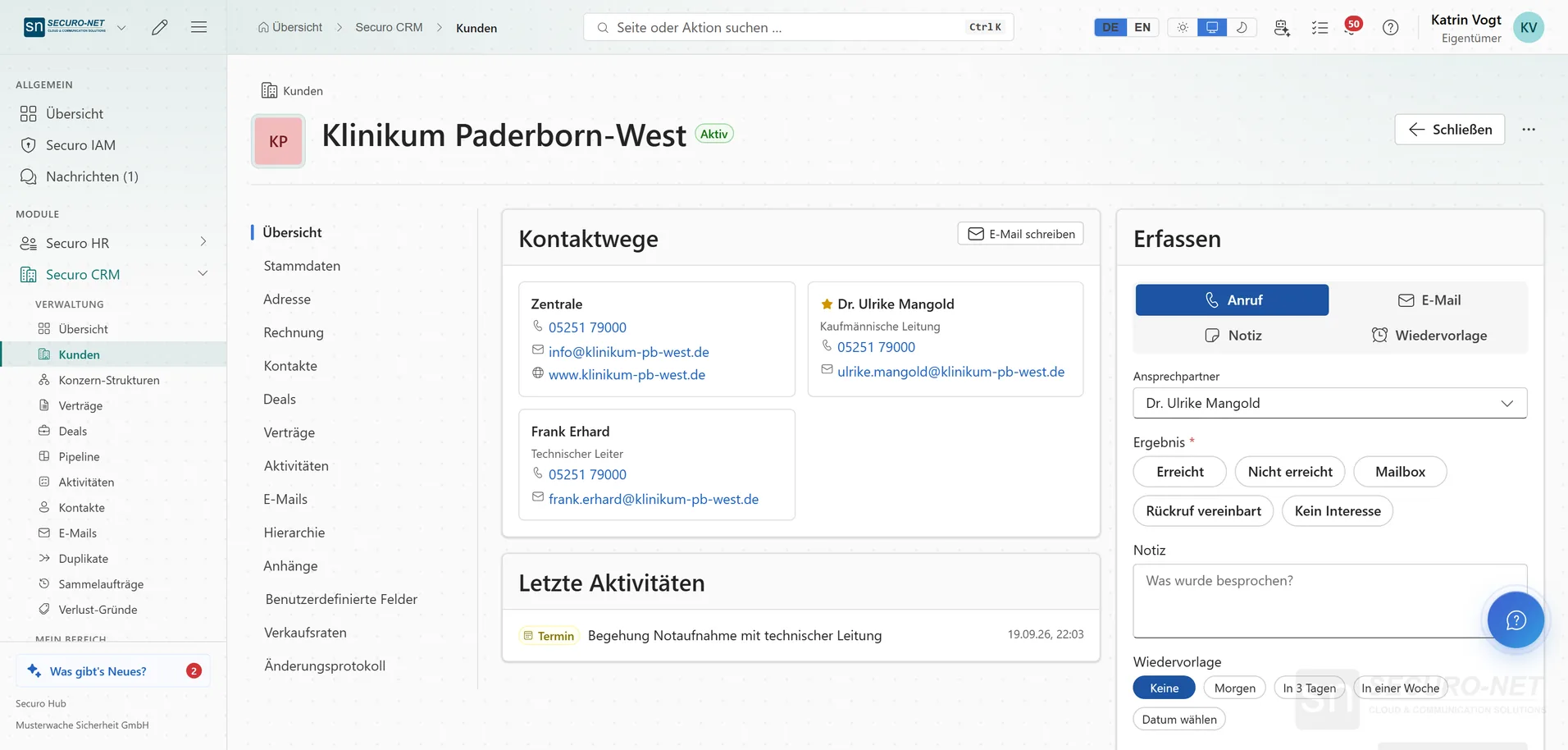
One customer with everything attached: contacts, deals, contracts, activities, e-mails, attachments and history — in tabs instead of dialogs. The overview shows how to reach them and logs a call, note or follow-up right under “Record”.
Documents straight from the record
Under “More actions” you write the customer an e-mail or create a letter, an invoice or a quote — with the customer already filled in. Invoices and quotes require the Invoicing module.
Sales rates in the record
The “Sales rates” tab shows, per location of the customer, whether a sales rate applies today, followed by every rate with surcharges and validity. Where none applies, “Add sales rate” takes you there. With Workforce.
Customer payment methods
Once Stripe is connected, the customer record gains a “Payment methods” tab: store and remove the customer's card or SEPA mandate — for collecting open invoices later.
Cross-customer contact search
Search every contact person in your organisation regardless of which customer they belong to — when only the name is known. One main contact can be flagged per customer.
Group structures
Parent-subsidiary relationships as a tree, plus figures aggregated across the whole group: customers in the group, weighted pipeline value, open deals and active contracts.
Spot duplicates
A nightly scan proposes possible duplicates; you pick the right value per field and merge or dismiss. Contacts, deals and activities move along. Part of CRM Pro.
Sales & contracts
Deals with stages
Deals from first enquiry to close — with value, stage and win probability, from lead to won or lost. Part of CRM Pro.
Own deals and the pool
Sales reps see their own deals plus those not yet assigned to anyone. “Take over” claims a new enquiry, “Back to the pool” releases it; the team is notified of new enquiries. The “Sales” role template includes this.
Line items on a deal
What a deal is made of: one line per service with quantity, unit price and discount. The value follows from the net total; lines marked optional don't count. Part of CRM Pro.
Sales pipeline
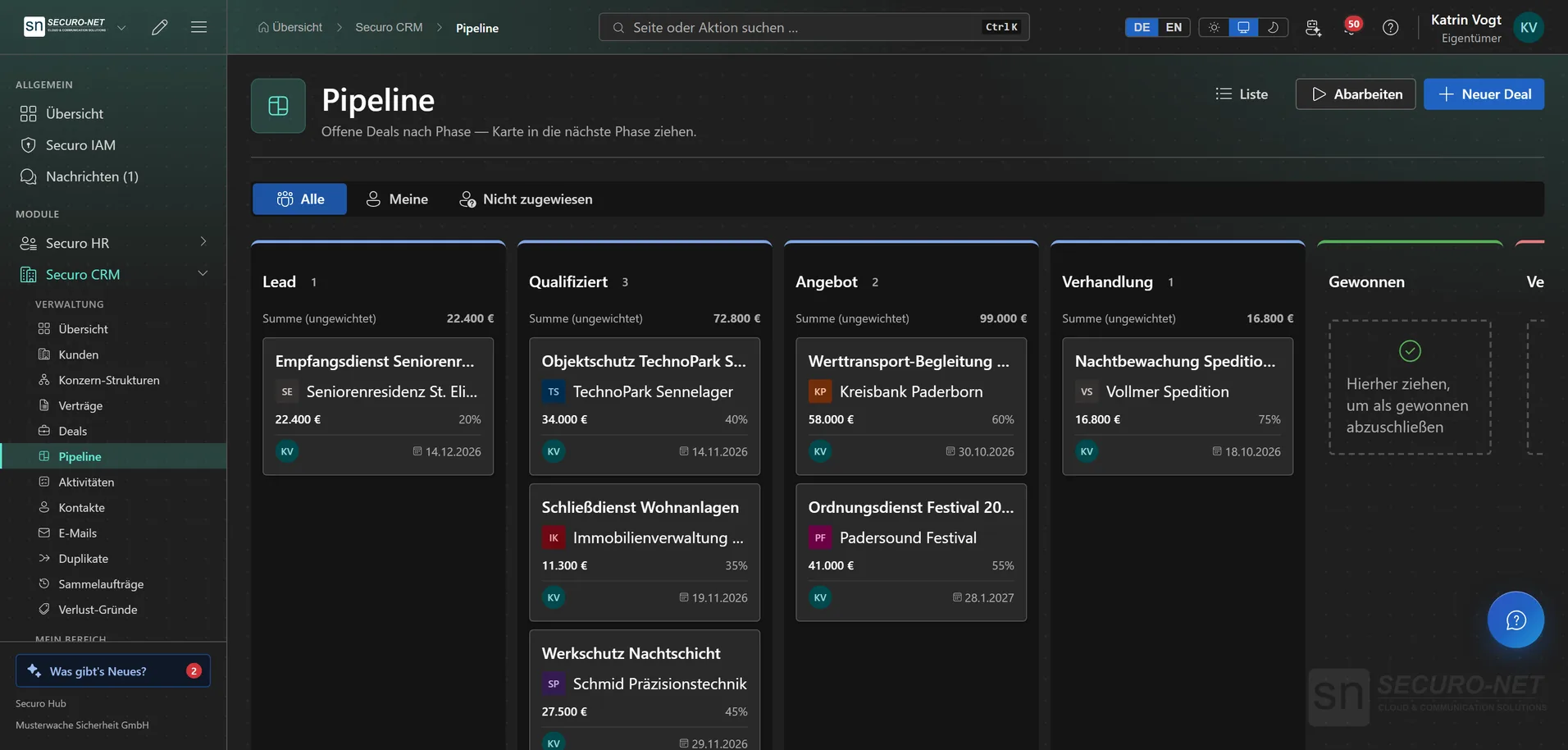
A board where deals move to the next stage by mouse or keyboard — each column with count and total. The state of the quarter at a glance. Part of CRM Pro.
Record lost reasons
Your own list of reasons, one of which must be picked when a deal is lost — so every lost deal carries its reason. Retired reasons stay on older deals.
Contracts in one place
Subscriptions, maintenance, consulting and security services with term, value, billing cycle and status — filterable across customers, with notice period and automatic renewal.
Day-to-day sales
Work through
Get deals or customers matching a filter presented one after another — call or write, log the outcome, a note or a follow-up in one click, on to the next. Made for call rounds and follow-ups.
Activity timeline
Notes, calls, meetings, emails and tasks across all customers in one place — sales history without digging through mailboxes.
Mentions and reminders
Type @ to bring a colleague into an activity — they are notified with the sentence that names them. Tasks with a due date and an assignee remind them on the morning of the day before.
My tasks
Every open task assigned to you across all customers, grouped by due date. On a phone the most urgent sits on top and “Done” is a single tap.
Call from the CRM
Next to every phone number — on contacts, in the customer record and while working through — “Call” starts the call right in the Hub. With the Telephony module; without it a click opens your phone.
E-mail in the CRM
E-mail from your Outlook mailbox
Write to customers straight from the CRM — sent from your own Microsoft 365 mailbox. Customer replies attach themselves to the same thread in the customer record.
Send later and undo
“Send later …” schedules an e-mail up to 30 days ahead; after sending, “Undo” pulls it back for up to 20 seconds, depending on your setting. You decide whether Outlook keeps a copy under “Sent Items”.
Templates, signatures, placeholders
Your own templates and signatures — pasted straight from Outlook if you like. Placeholders such as “Salutation with name” or the organisation logo are filled in on sending; a signature template can be made binding for everyone.
Shared mailboxes
Shared addresses such as sales@ with members and a sending mode of “Send as” or “Send on behalf”. “Check access” shows a traffic light per member telling you whether the Microsoft 365 permissions fit.
Organisation & data
Custom fields per record type
Extra fields for customer, contact, contract, activity and deal — beyond the standard set, without development. Part of CRM Pro.
Shared views
Share saved list views organisation-wide — everyone sees the same selection instead of building their own filters. Part of CRM Pro.
Bulk operations with history
Bulk edits, tags, owner changes, archiving and deletion — traceably logged. Part of CRM Pro.
CRM overview
The sales start page: open deals, weighted pipeline value, open tasks — and a notice as soon as new deals without an owner are waiting, with “Work through” right next to it.
CRM in automations
A new or changed customer, a won deal or a new contract can start a workflow; in turn, workflows create customers, activities and contract drafts. With the Automations module.
More views from CRM
Screens from day-to-day operation — demo data, but no retouching afterwards.
Sales pipeline
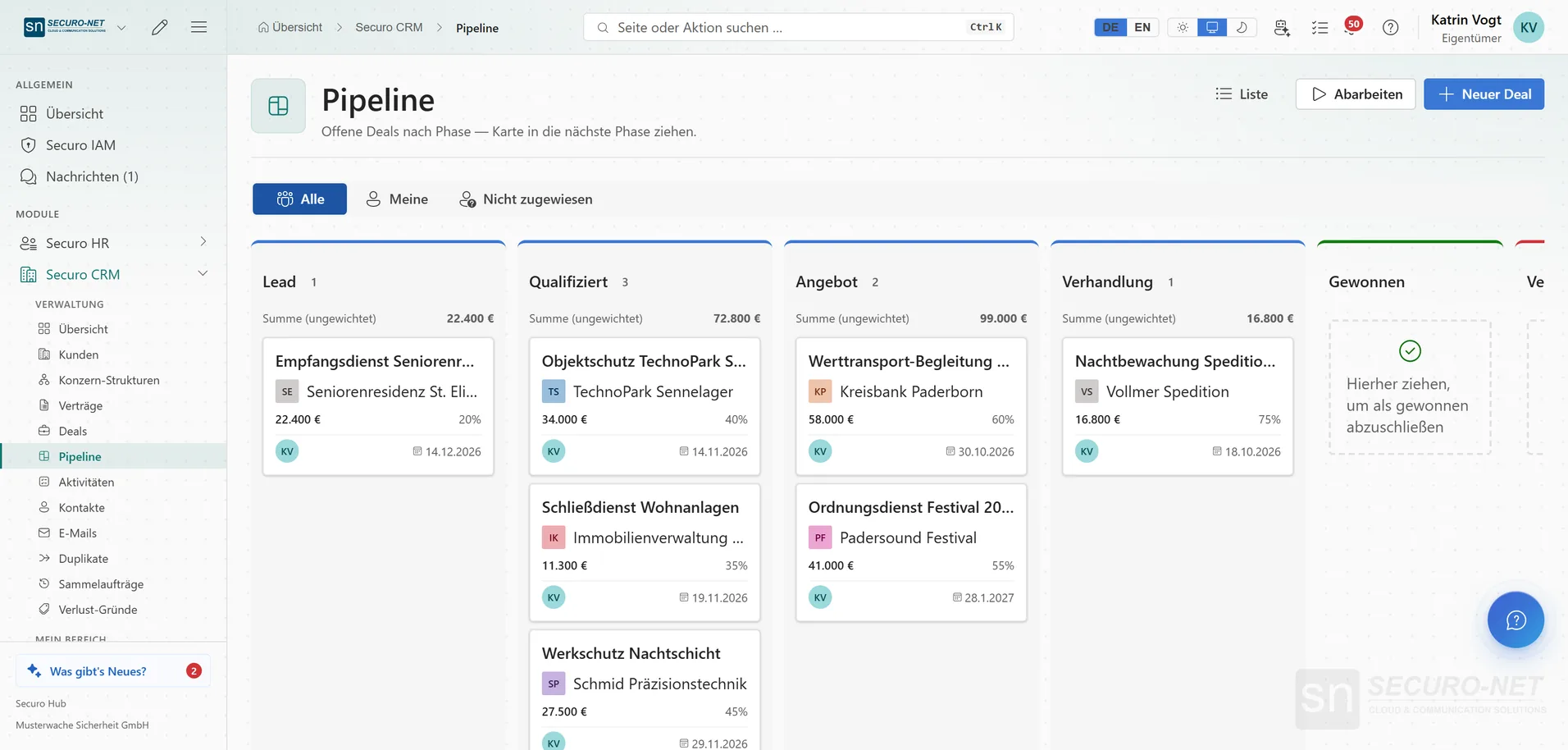
Open deals by stage — from lead to negotiation, with value, probability and close date. Drag cards into the next stage.
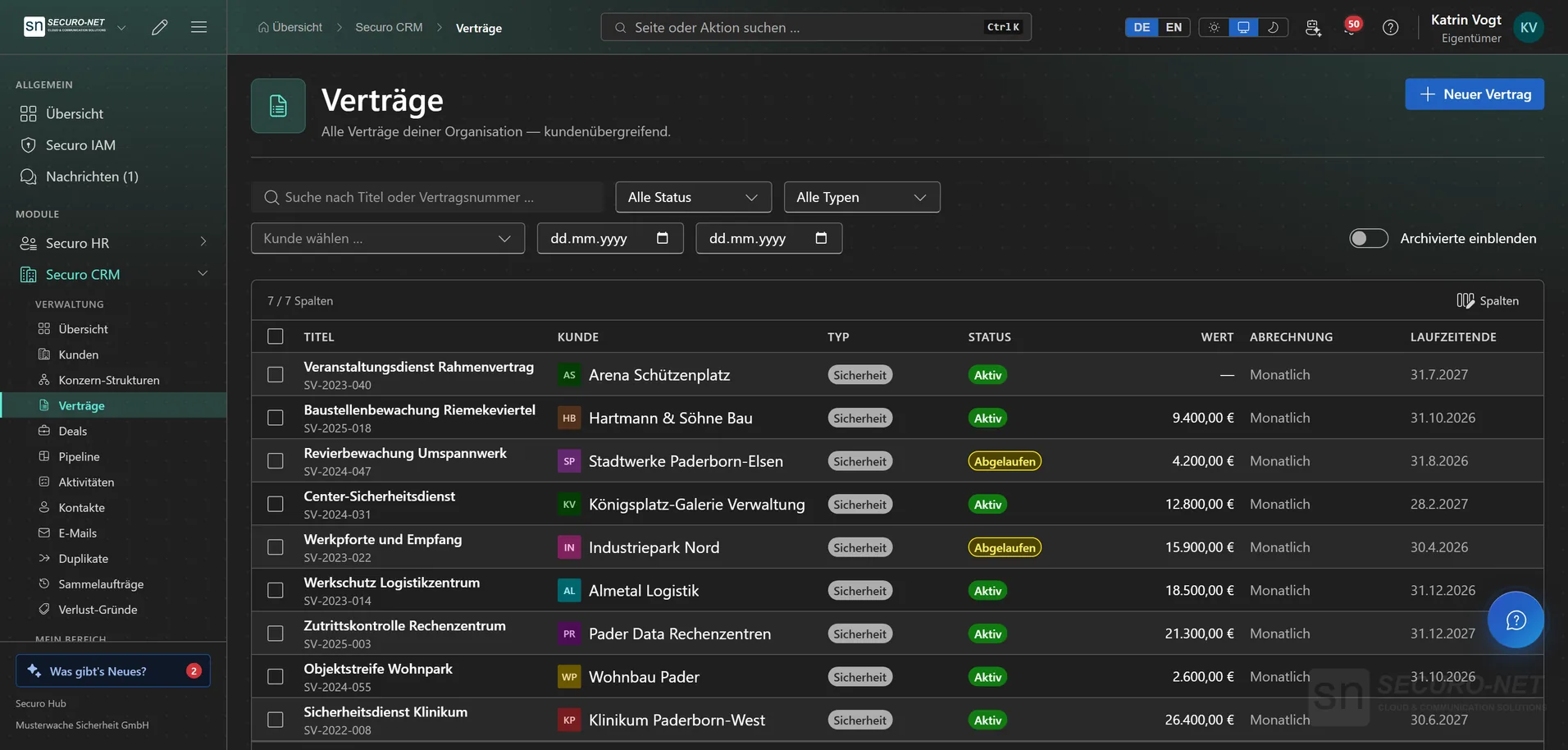
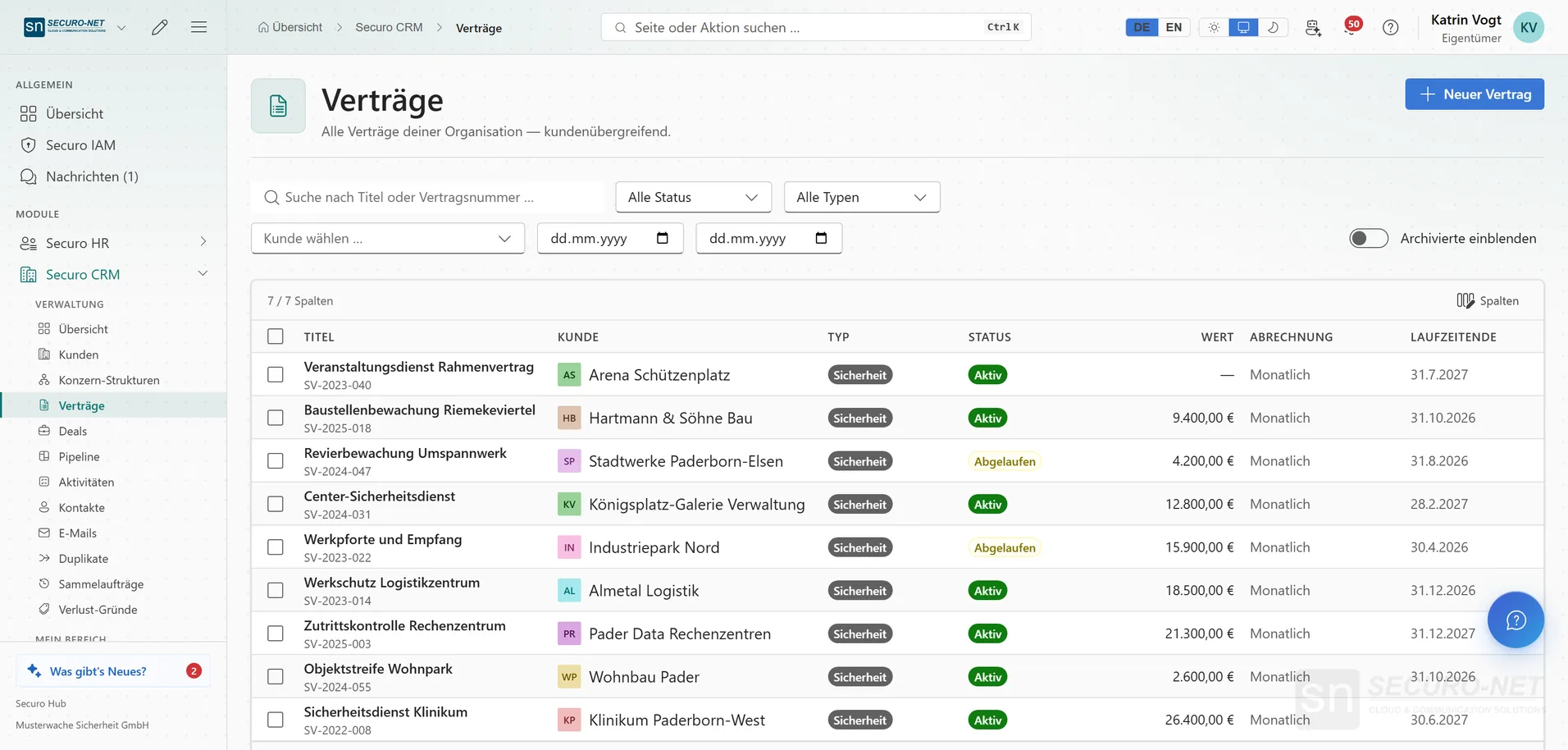
Contracts
Every customer contract with type, status, value, billing and term — the ones running out are visible at a glance.
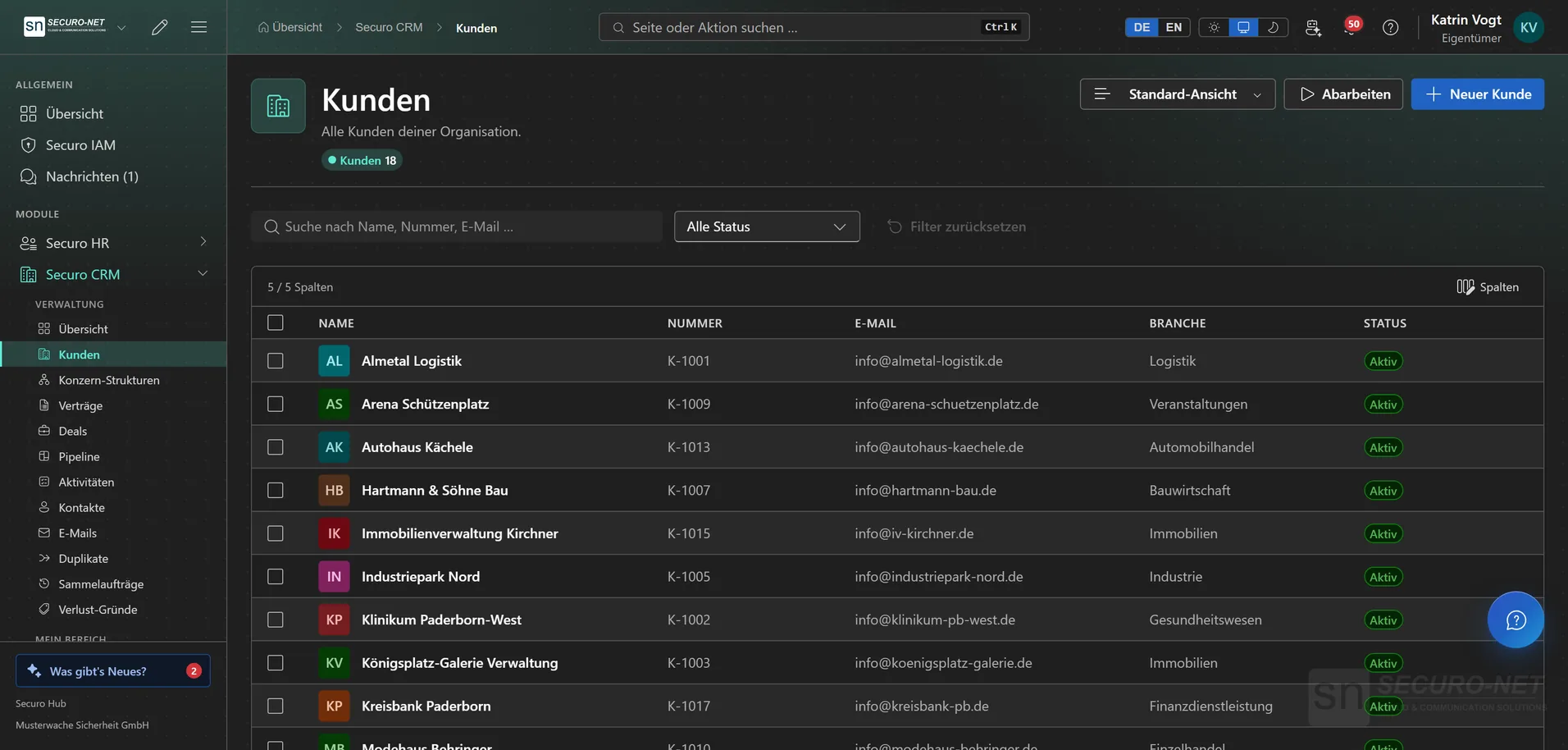
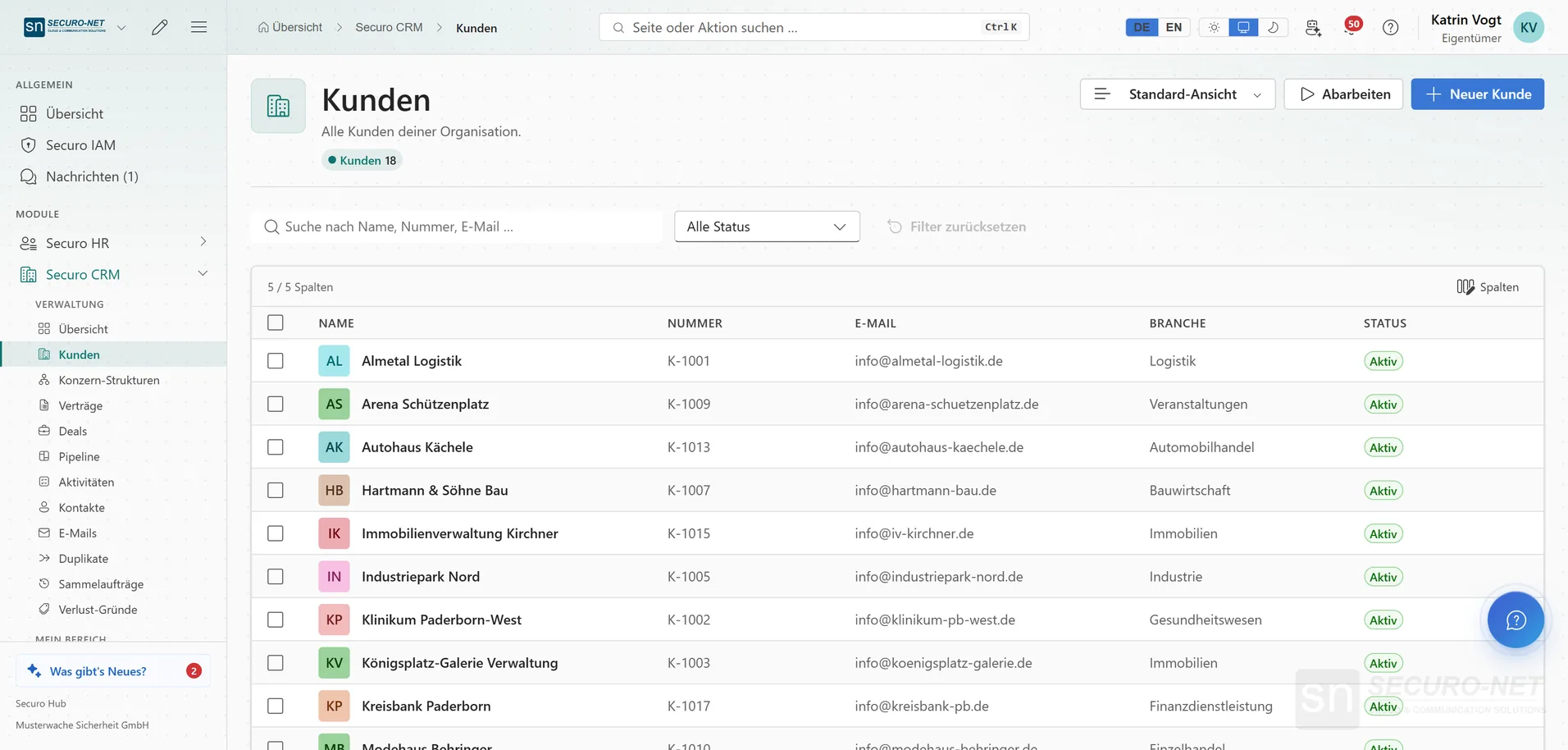
Customer directory
Every customer with number, email, industry and status — search, filter, open.
Works well with
These modules share the same data — together they remove the double data entry.
Invoicing
Quotes, invoices, dunning, e-invoicing and automated billing straight from the schedule.
Appointments
Add-on to the CRM: public appointment booking with Outlook sync and website forms — consultations, site visits, callbacks. In the Hub under “Appointments” in the CRM menu.
HR
Personnel files, absences, qualifications, recruiting, payroll documents and social-insurance filings.
Part of Securo Hub
This module is part of the Securo Hub platform — one login, shared data, one design. Use it standalone or together with others.